
What is Ansible?
Ansible It is a platform free software to configure and manage computers. It combines multi-node installation, ad hoc task executions and configuration management. Additionally, Ansible is categorized as an orchestration tool.1handle nodes through SSH and requires no additional remote software (except Python 2.4 or later2to install it. It has modules that work on JSON and standard output can be written in any language. Natively uses YAML to describe reusable system configurations.3
What is Jenkins?
Jenkins It is a software Continuous integration open source written in Java. It is based on the project hudson and it is, depending on the vision, a fork of the project or simply a name change.
Jenkins provides continuous integration for software development. It is a system running on a server that is a servlet container, such as Apache Tomcat. Supports tools version control as CVS, Subversion, Git, Mercurial, Perforce and Clearcase and can execute projects based on Apache Ant and Apache Maven, as well as shell scripts and Windows batch programs. The lead developer is Kohsuke Kawaguchi. Released under the MIT license, Jenkins is free software.1
Previously we saw how to install Ansible:
First of all we create our recipe
ansible@red-orbita:~/ $ cat linux-update.yaml
—
– hosts: SRV-DEV

sudo: yes

tasks:

# Actualizar Suse

– zypper:

name: ‘*’

state: latest

type: patch

when:

ansible_distribution == ‘Suse’

# Actualizar Red hat y CentOS

– name: Update Red hat

yum: >

update_cache=yes

name=*

state=latest

update_cache=yes

when: >

ansible_distribution == ‘CentOS’

or

ansible_distribution == ‘RedHat’

# Actualizar Debian y ubntu

– name: Update Debian

apt: >

update_cache=yes

cache_valid_time=1200

upgrade=dist

force=yes

when: >

ansible_distribution == ‘Debian’

or

ansible_distribution == ‘Ubuntu’
We have to previously add the servers to the hosts file and copy the public key to make the connection without a password:
[SRV-DEV]

192.168.1.150

192.168.1.151
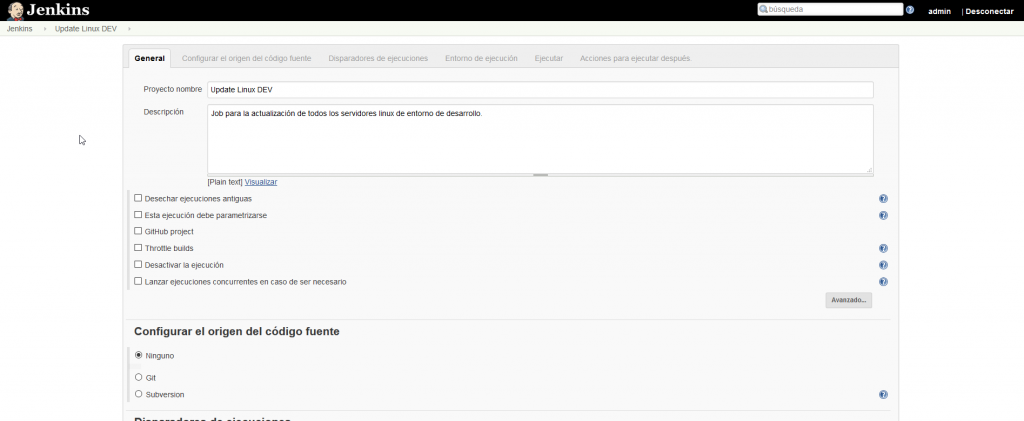
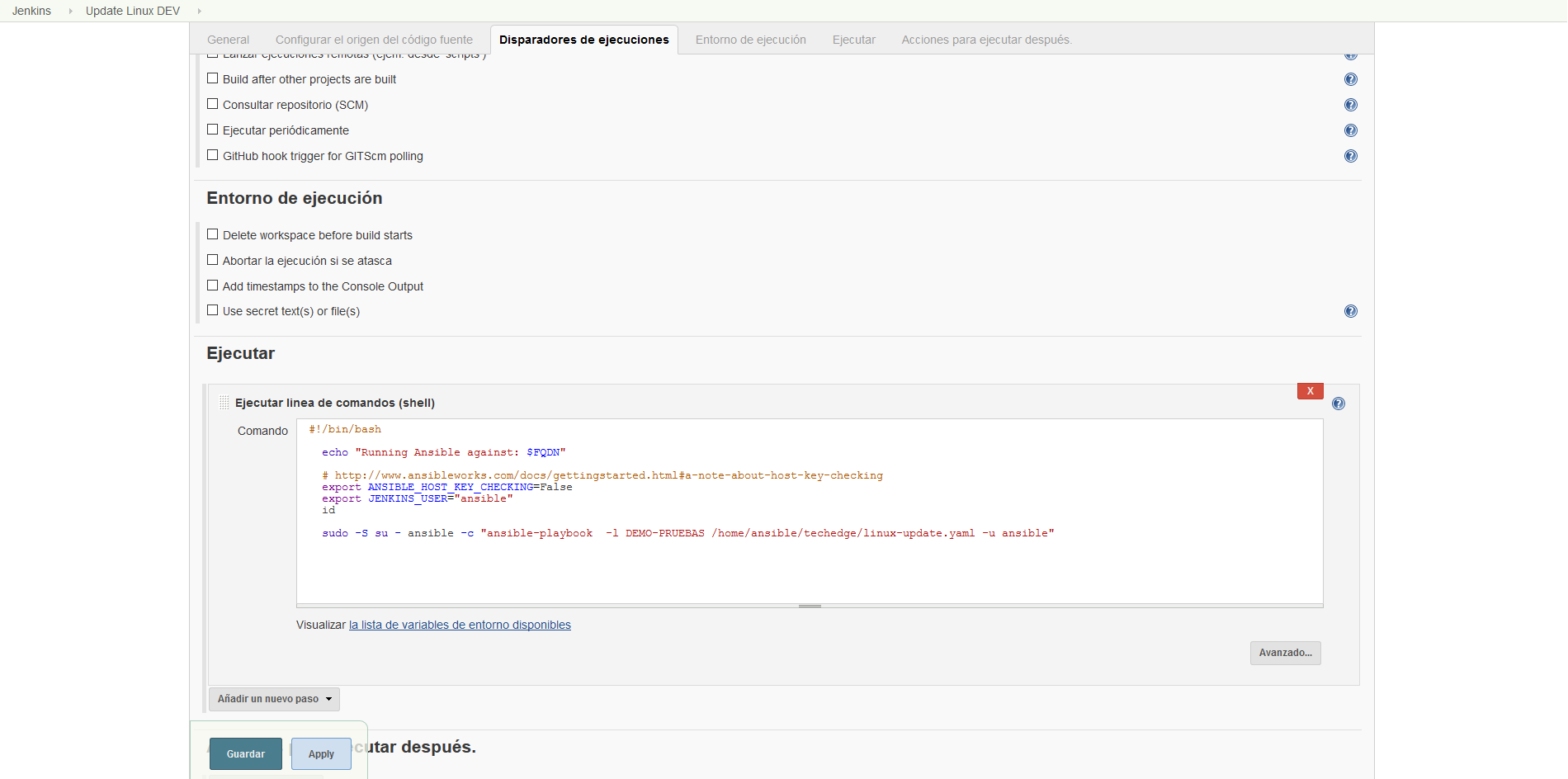
Now we are going to create a task in Jenkins for execution with the following code:
#!/bin/bash
echo «Running Ansible against: $FQDN»

export ANSIBLE_HOST_KEY_CHECKING=False

export JENKINS_USER=»ansible»

sudo -S su – ansible -c «ansible-playbook -l SRV-DEV /etc/ansible/roles/paybook/linux-update.yaml -u ansible»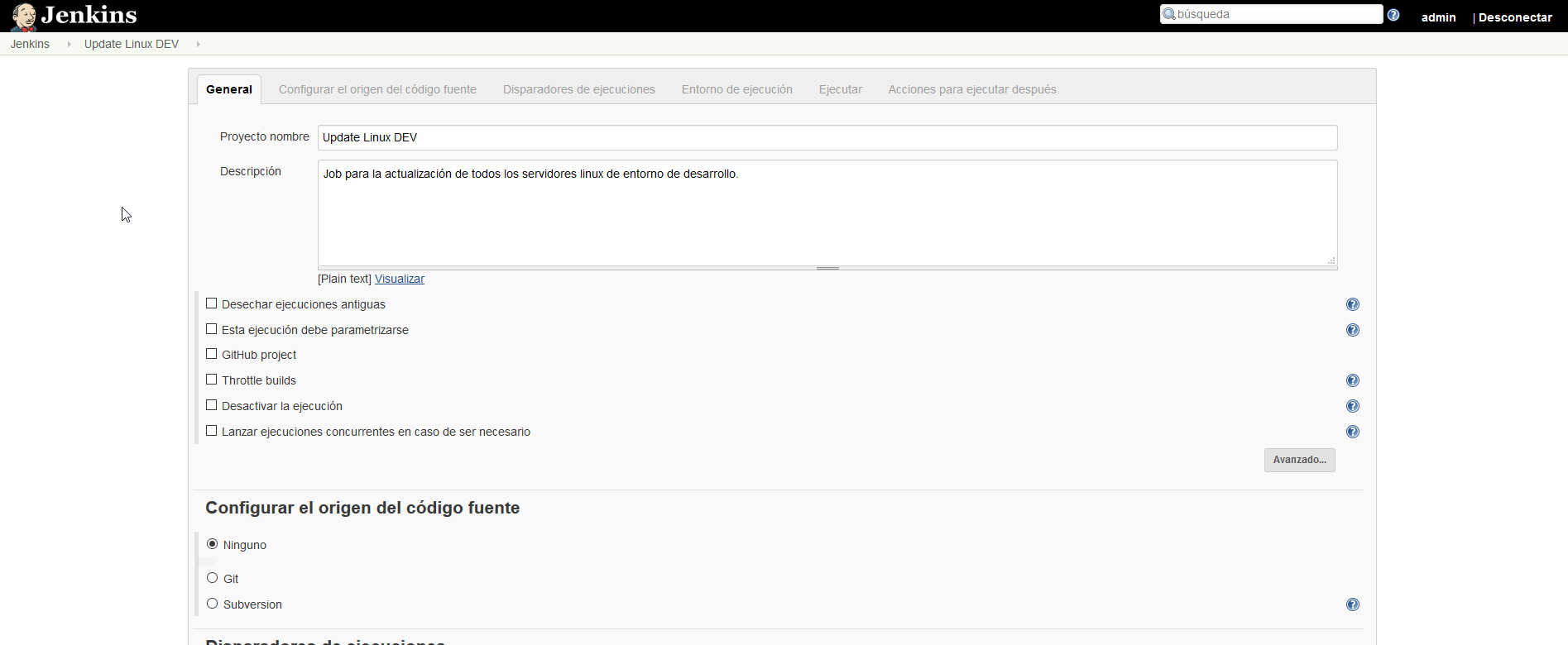
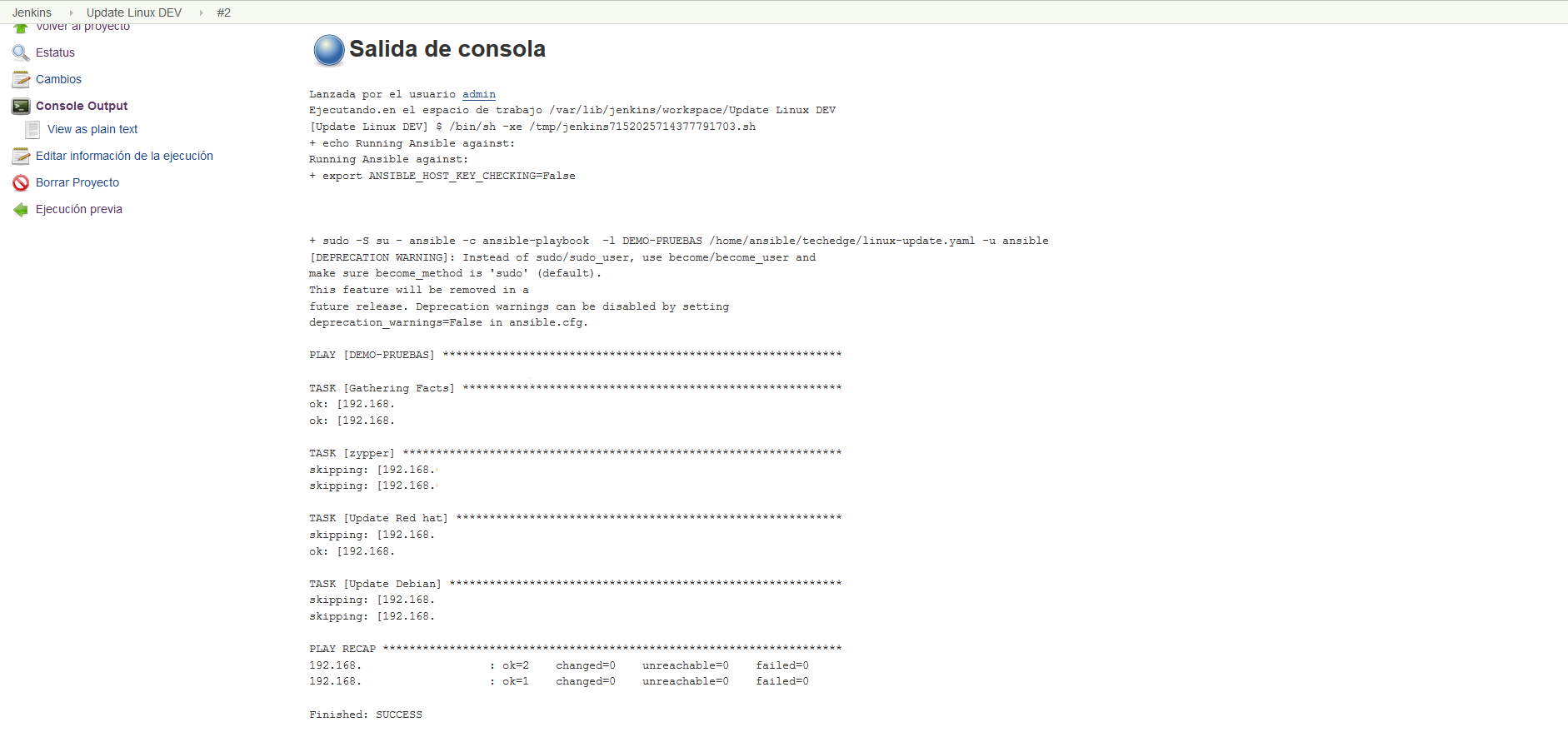
We executed the created job and if everything went well it would show us the log something similar to this:
All the best
:wq!
Comments