
RSyslog allows you not only to configure the logs locally, where we will collect them and with what priority, but also to accept remote connections in order to receive logs from other computers and be able to centralize all these logging operations.
We access the website of RSYSLOG and we download the software:
http://www.rsyslog.com/windows-agent/windows-agent-download/
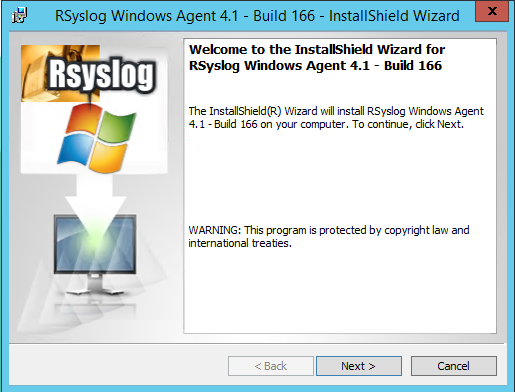
Once executed, the installation wizard opens.
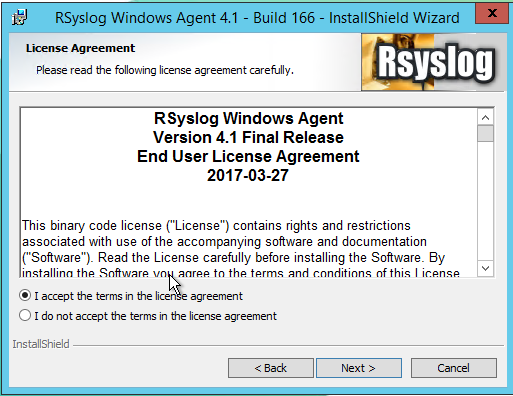
We accept the license.
Following.
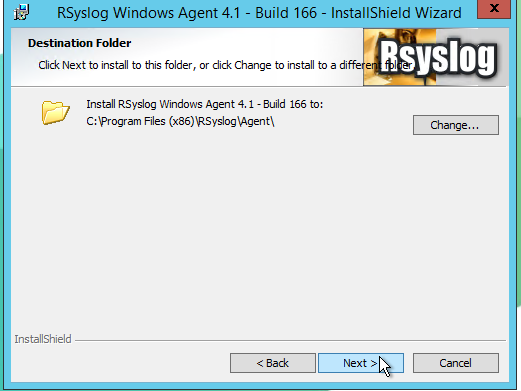
Following,
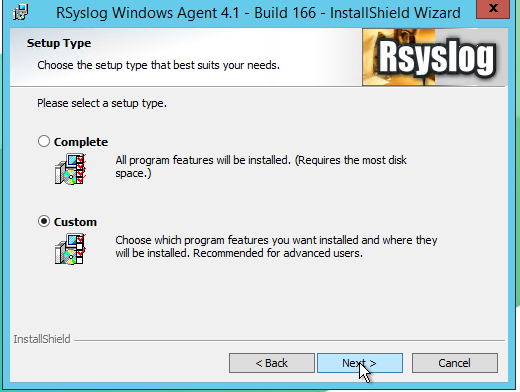
Following.
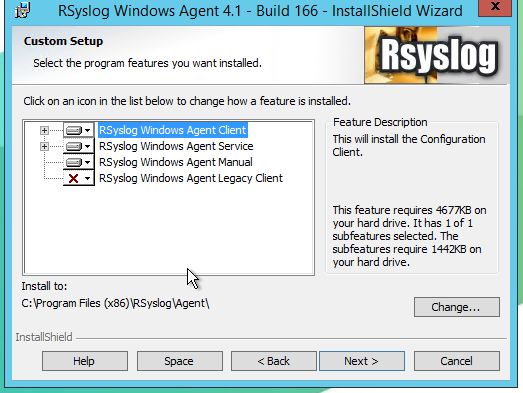
We proceed to install the software.
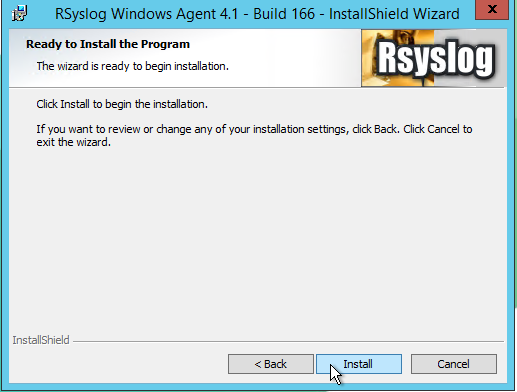
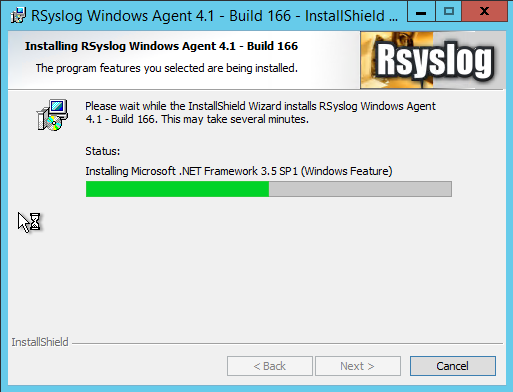
We finish the installation.
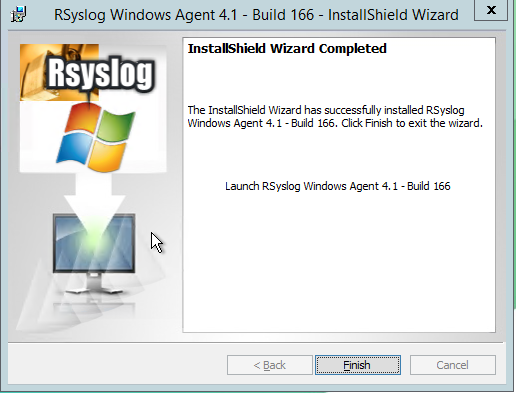
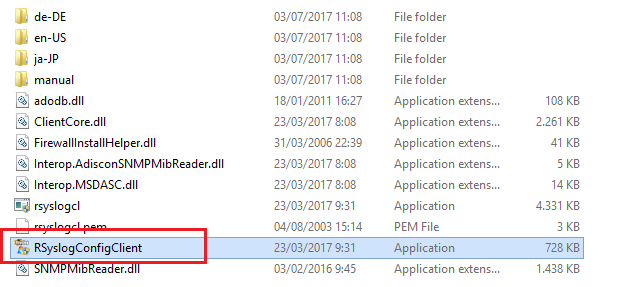
After completing the installation we access the directory C:\Program Files (x86)\RSyslog\Agent and we press on RSyslogConfigClient
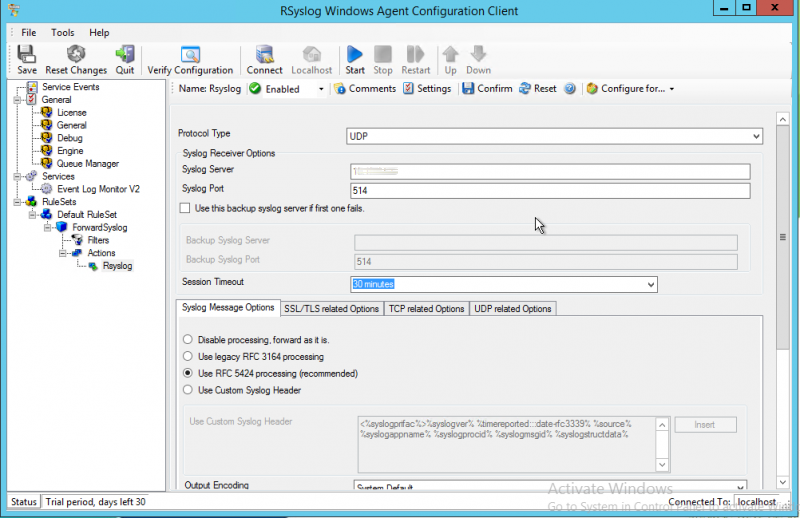
The configuration wizard opens: we go to: Rule Sets > ForwardSyslog > Actions > RSyslog
In our case, we are going to use the RSYSLOG client for a graylog server, which we have configured for port 514 UDP:
Once everything is configured, press the save button and start the service.
All the best
:wq!
Comments