
Subgraph OS is a security-focused GNU/Linux distribution based on Debian that can run in live mode or can be installed on the hard drive
For Mirza Subgraph OS sand unlike Tails and Qube OS by having exploit mitigation for
all applications, low resource consumption, greater control over applications and their
permissions as well as a better user interface. Despite this, these three distributions seek
Collaborate with each other through an email list
characteristics:
- Tor Internet Browser
- Email works through Tor with PGP support
- End-to-end encrypted chat with the OTR and Ricochet protocol
- PDF in offline mode to avoid attacks through PDFs with malicious code
- Encrypted hard drive as the only option when installing
- Applications work in “Sandboxes” separated from each other, which is a security flaw
- in one application it will not affect another.
- Kernel secured with GR security Kernel
- Firewall that requests that it warns and allows traffic to the Internet to be filtered or not
Facility:
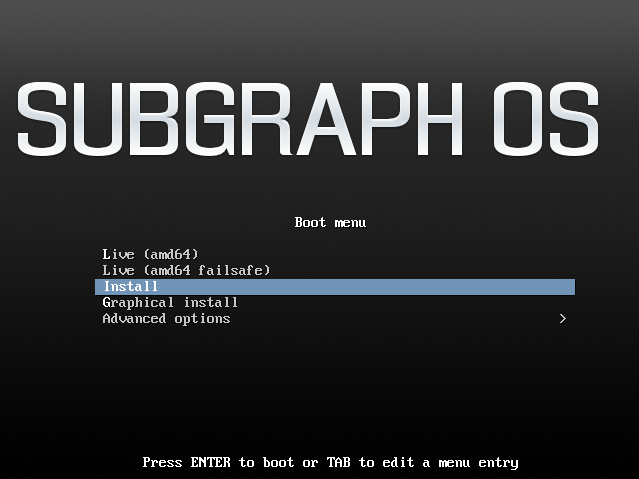
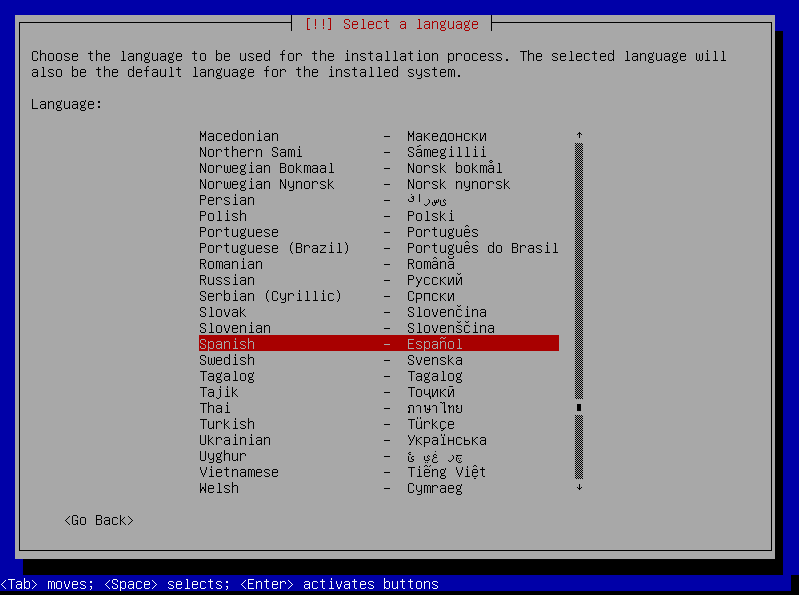
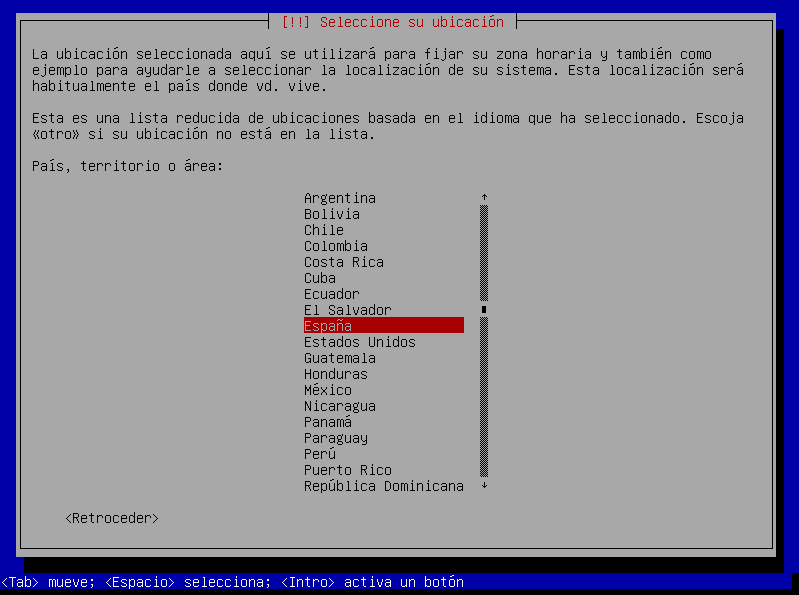
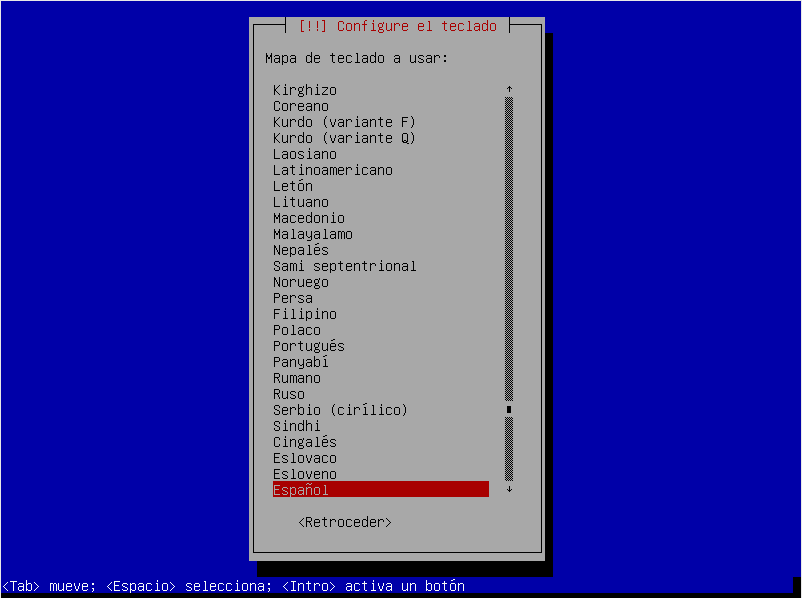
We select the language
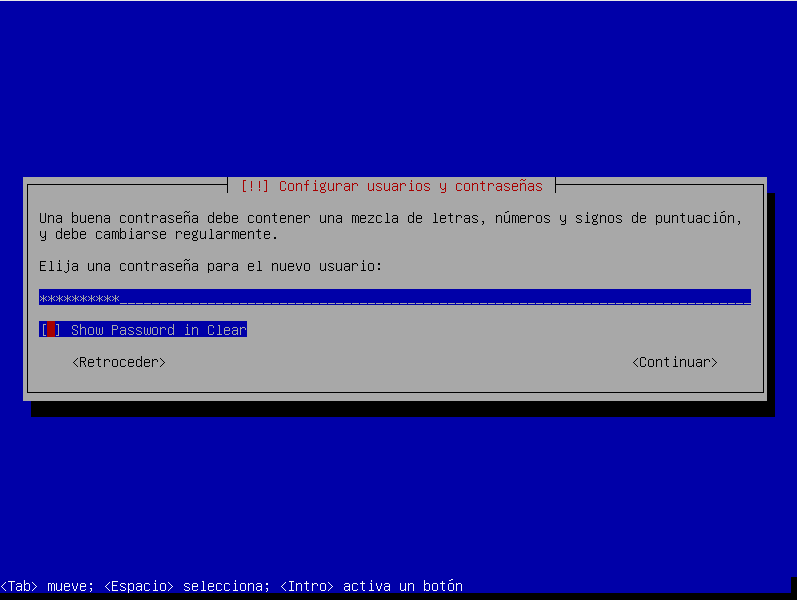
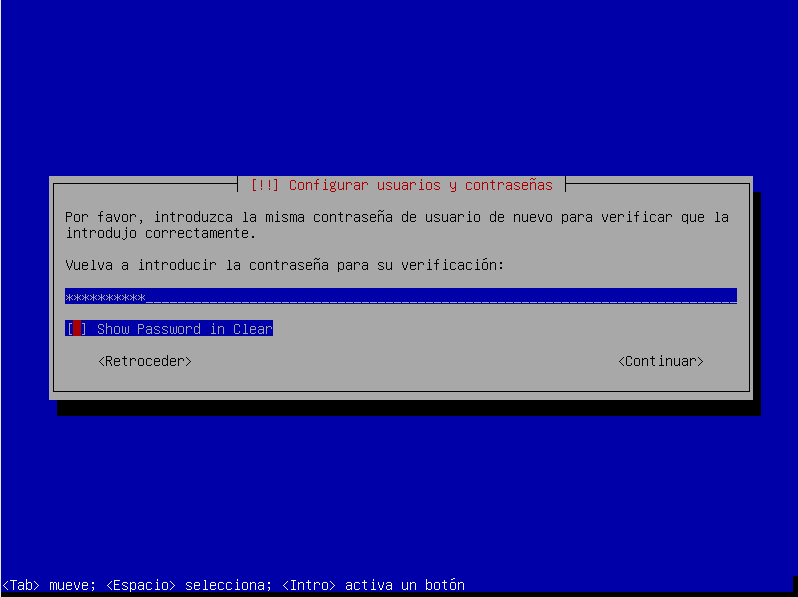
We configure the user's password.
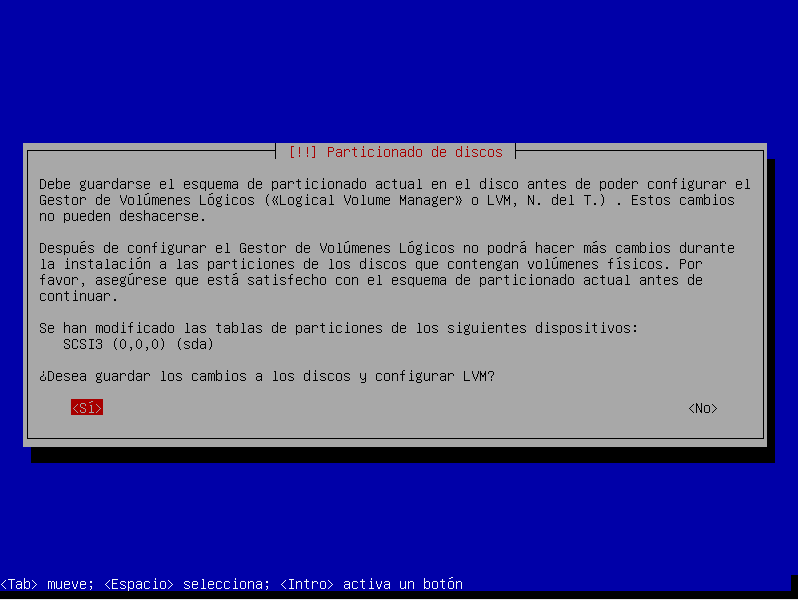
We save the changes
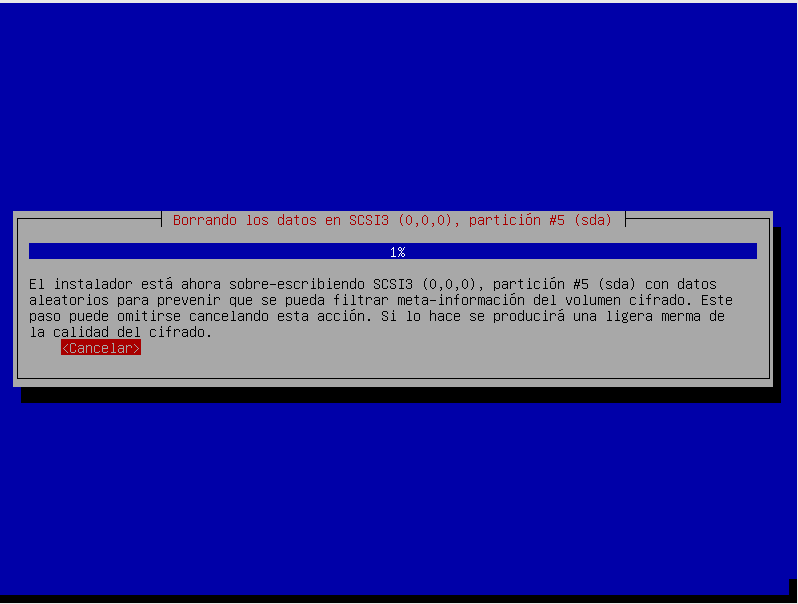
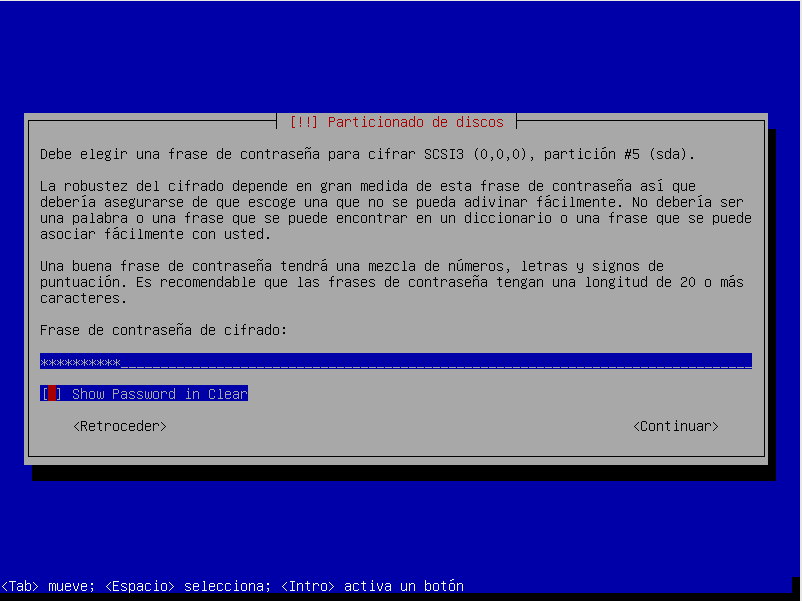
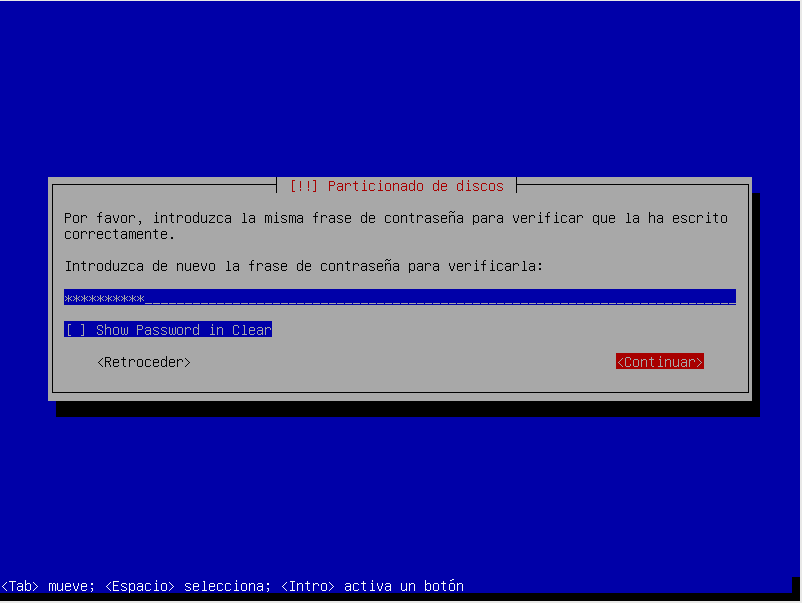
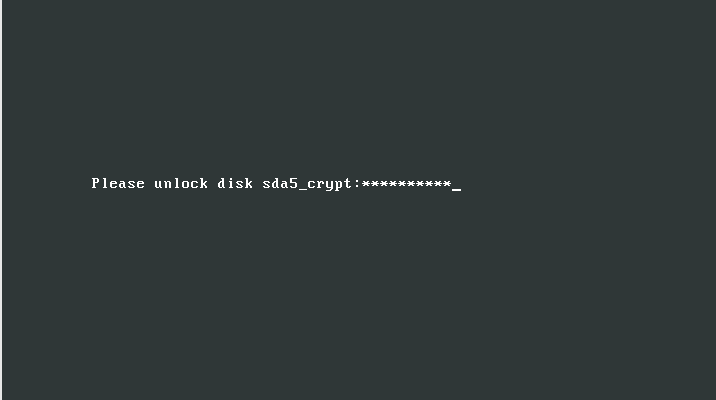
We configure the encryption password for the disks.
In my case, since it is a laboratory I have left the default partitioning, for your desktop system use the partitioning that interests you the most.
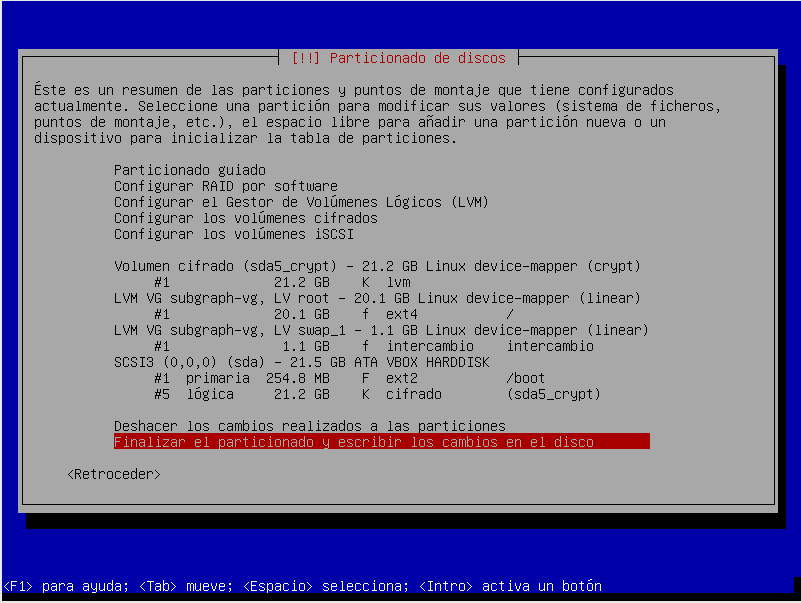
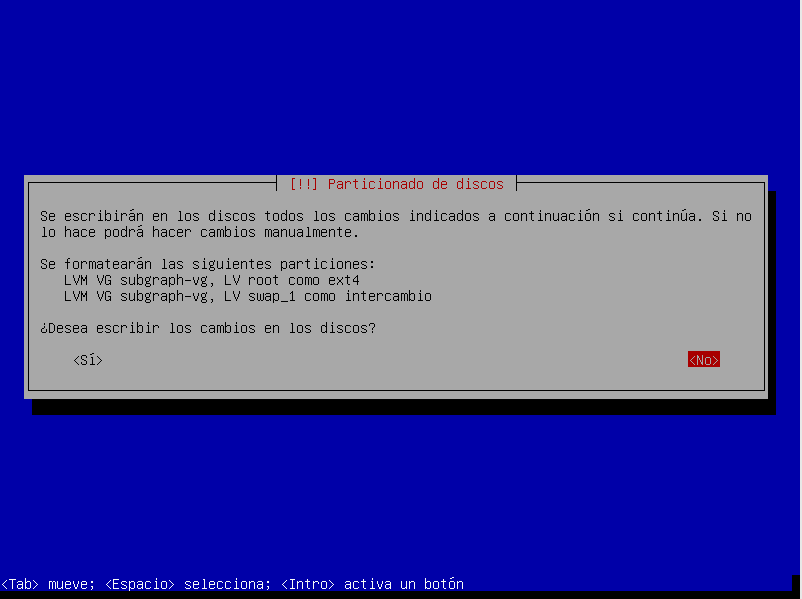
We write the changes to the disks.
System installation begins.
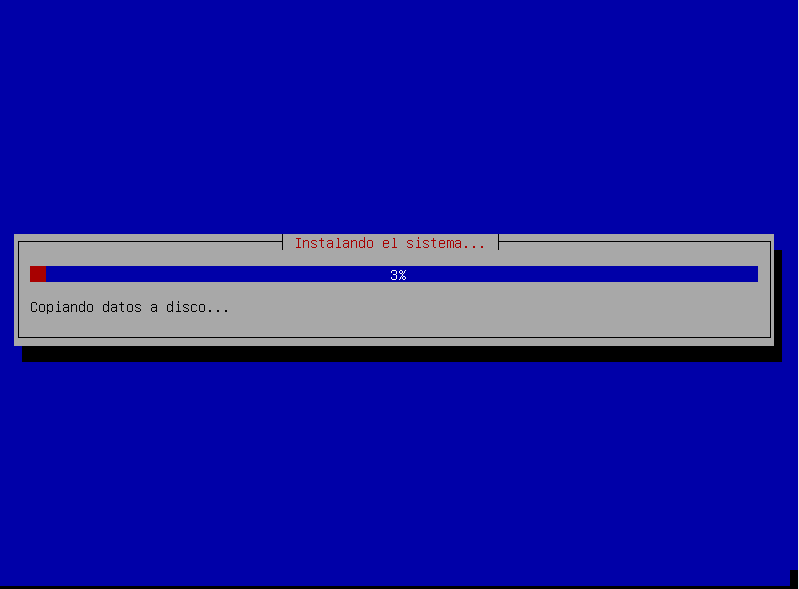
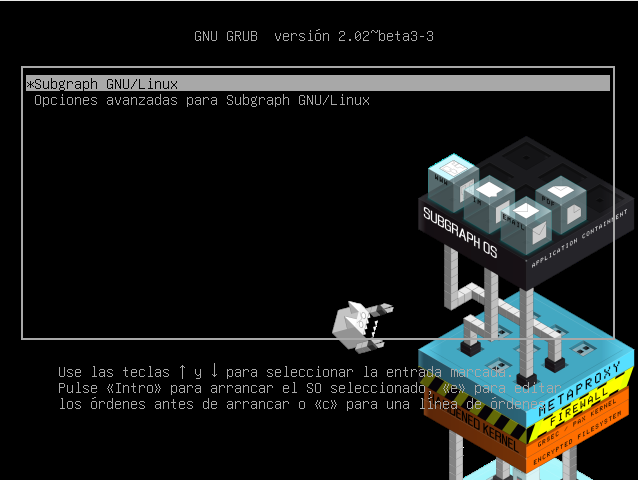
We configure the bootloader.
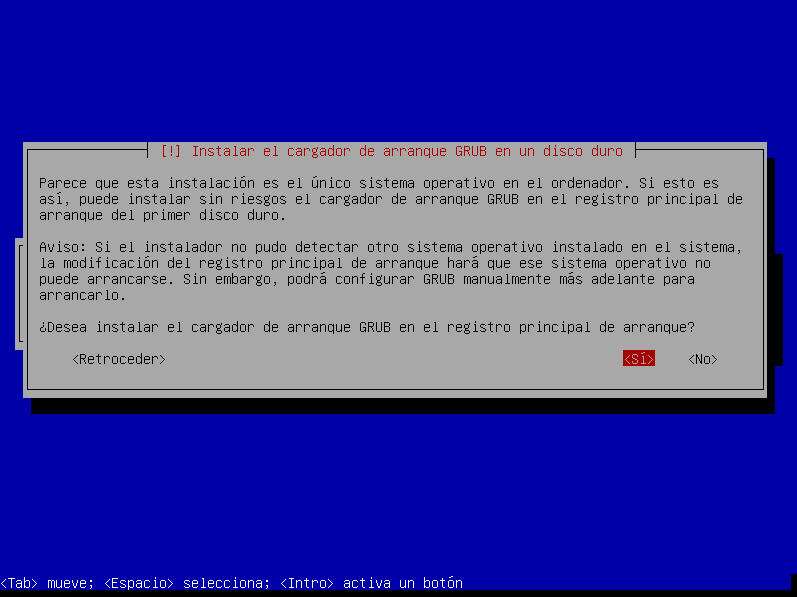
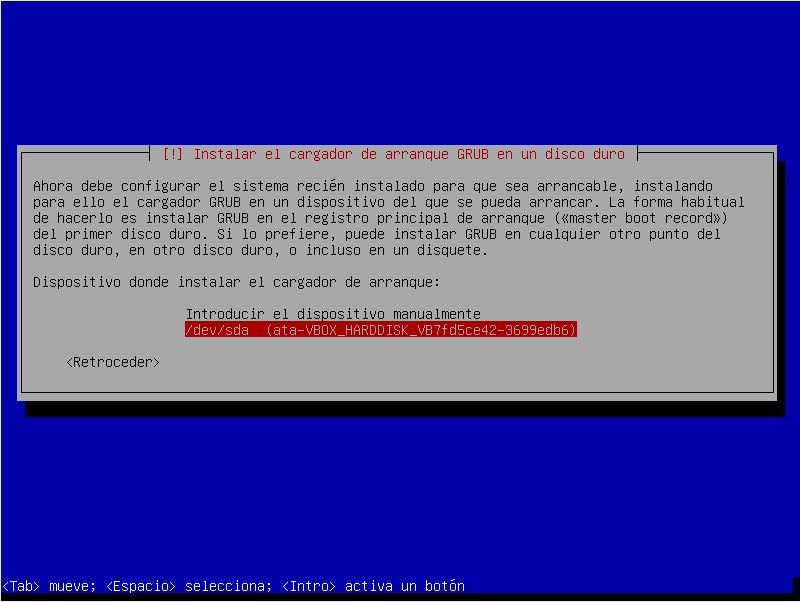
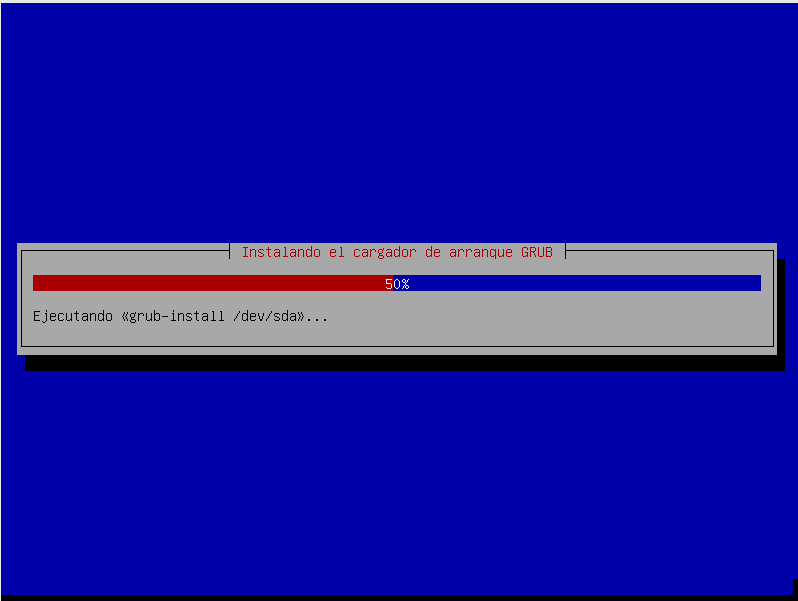
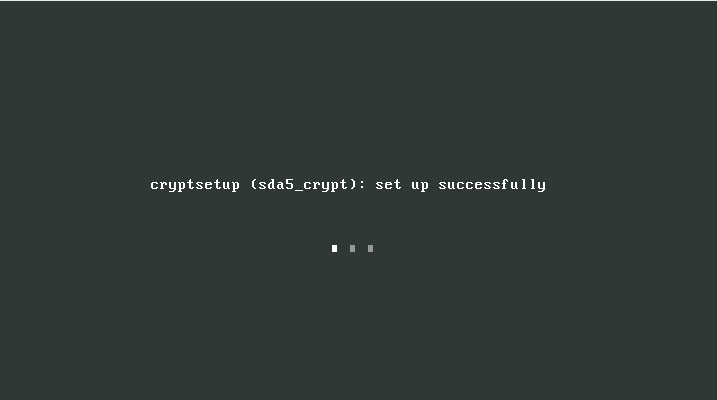
We already have the operating system installed
All the best.
:wq!
Comments