
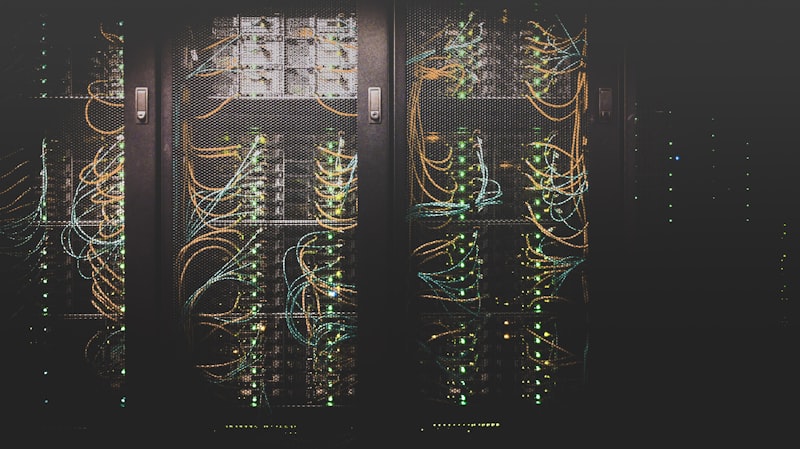
Previously we saw how to install Racktables in GNU/Linux, this time we will see how to integrate Racktables with Active Directory
For more information:
We access with the Admin user. Main page > Configuration > Permissions and we add the following line:
text
allow trueIn case you want to configure a specific user as Administrator, we add the following line:
text
allow {$username_auser}We access through SSH and edit the file secret.php remaining as follows:
powershell
<?php
$pdo_dsn = ‘mysql:host=localhost;dbname=racktables’;

$db_username = ‘DBusername’;

$db_password = ‘DBpassword’;
$user_auth_src = ‘ldap’;

$require_local_account = FALSE;
$LDAP_options = array

(

‘server’ => ‘CDP01.redorbita.es CDP02.redorbita.es’,

‘domain’ => ‘redorbita.es’,

‘search_attr’ => ‘sAMAccountName’,

‘search_dn’ => ‘OU=Users,OU=Internos,DC=redorbita,DC=es’,

‘displayname_attrs’ => ‘givenname sn’,

‘options’ => array (LDAP_OPT_PROTOCOL_VERSION => 3, LDAP_OPT_REFERRALS => 0),

);
?>
All the best
:wq!
Comments