
 What is VPC?
Amazon Virtual Private Cloud (Amazon VPC) allows you to provision a logically isolated section of the Amazon Web Services (AWS) cloud, where you can launch AWS resources into a virtual network that you define. You can control all aspects of the virtual network environment, including selecting your own IP address range, creating subnets, and configuring route tables and network gateways.
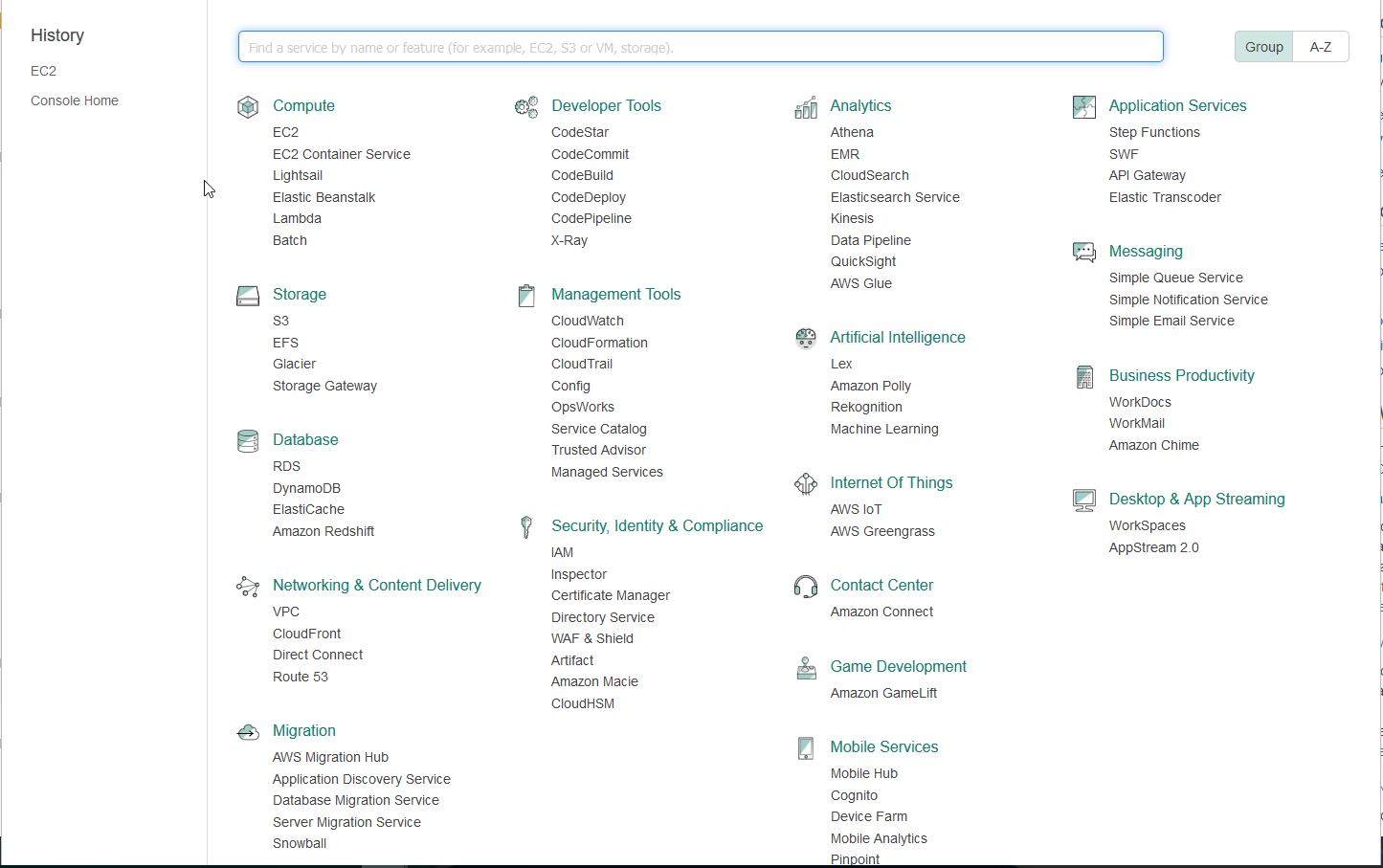
To create the VPC we go Service > Networking & Content Delivery
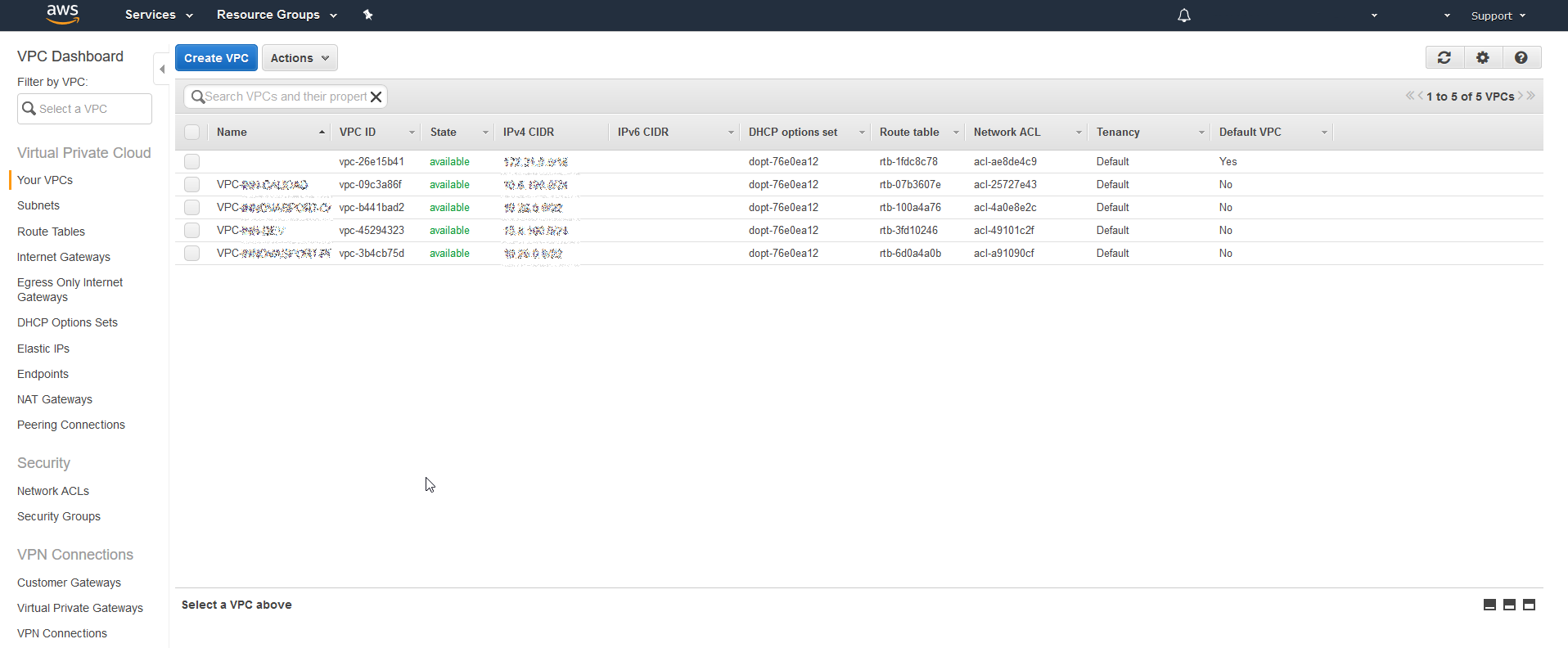
We press on the left wrist on Your VPCs > Create VPC
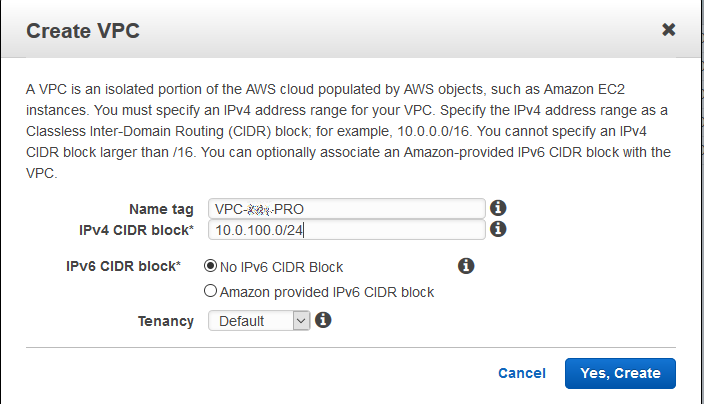
We assign a descriptive name and a network range
Once the VPC is created we have to create Internet Gateways and associate it to the VPC created previously.
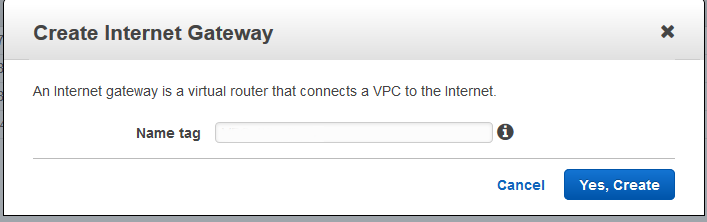
To do this, click in the menu on the left on Internet Gateways > Create Internet Gateway
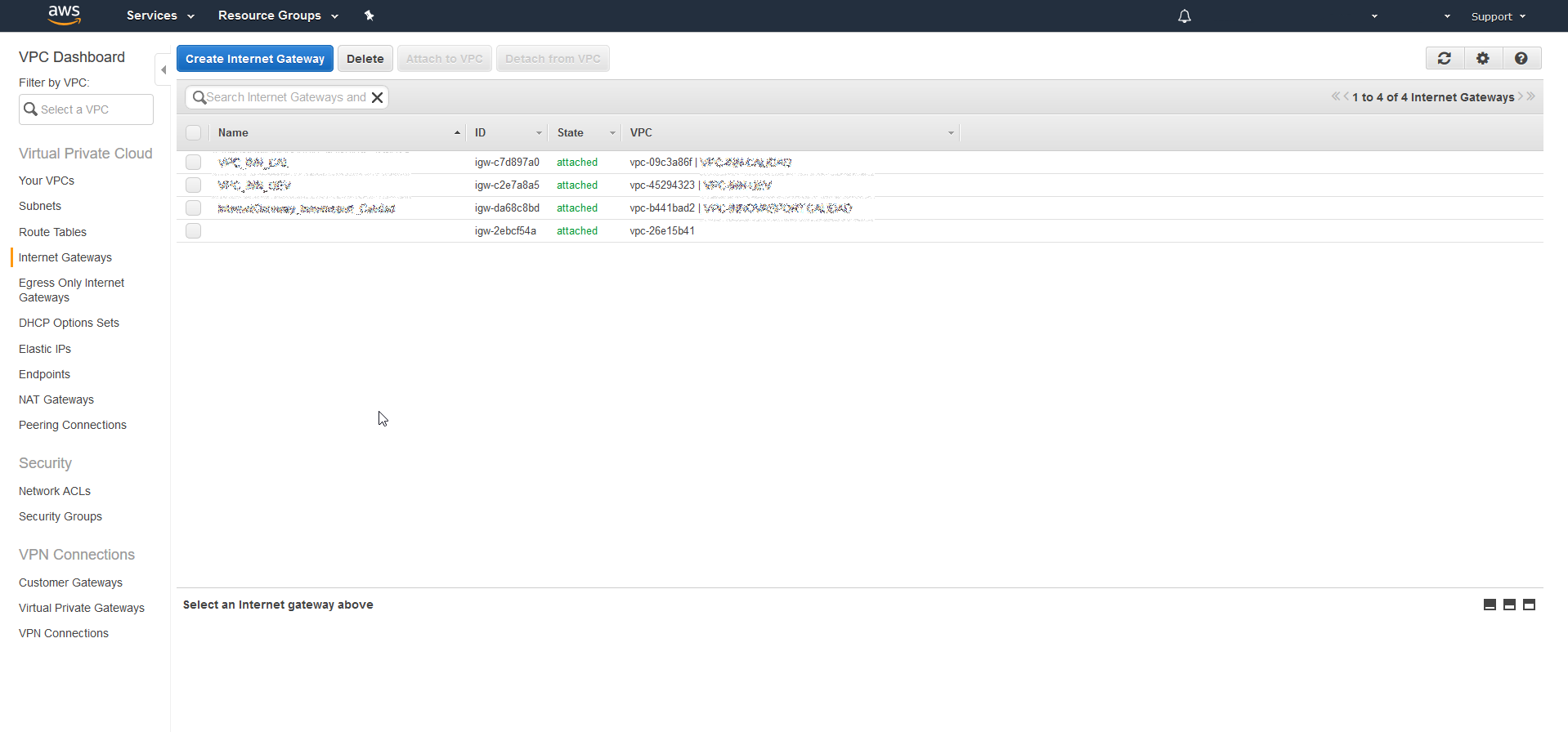
We assign a descriptive name
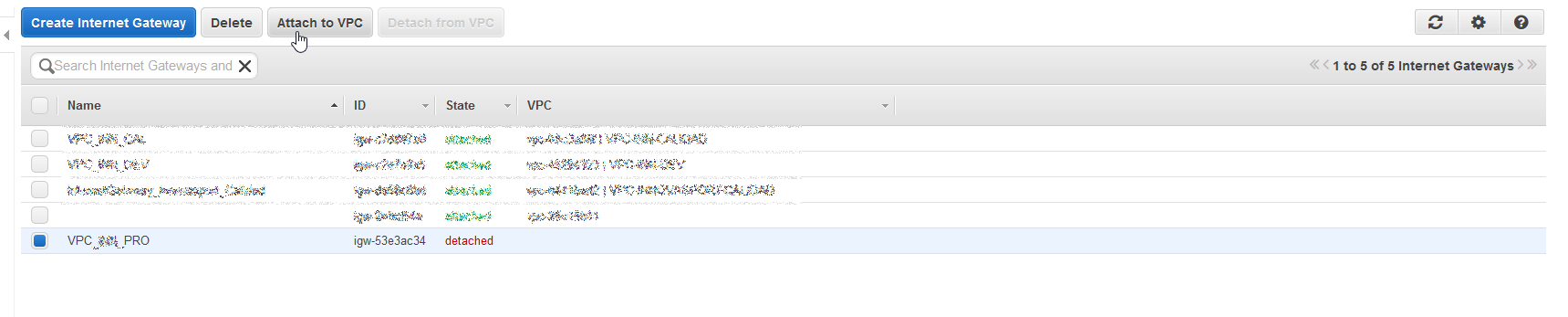
We associate the Internet Gateway with the VPC created previously. To do this, we select the created Inetnet Gateway and click on Attach to VPC
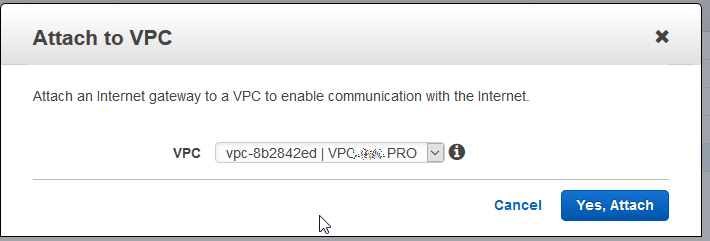
We select the VPC
Then we must create a route and associate it with the VPC, to do this we select in the menu on the left Route Tables
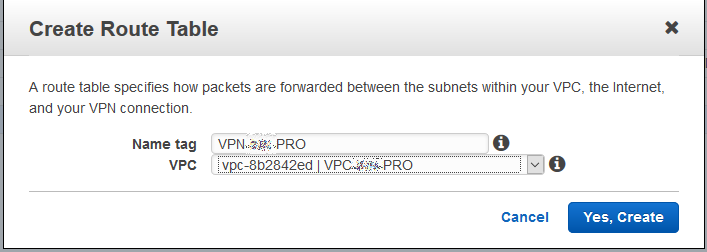
We select the VPC and we give Create Route Table
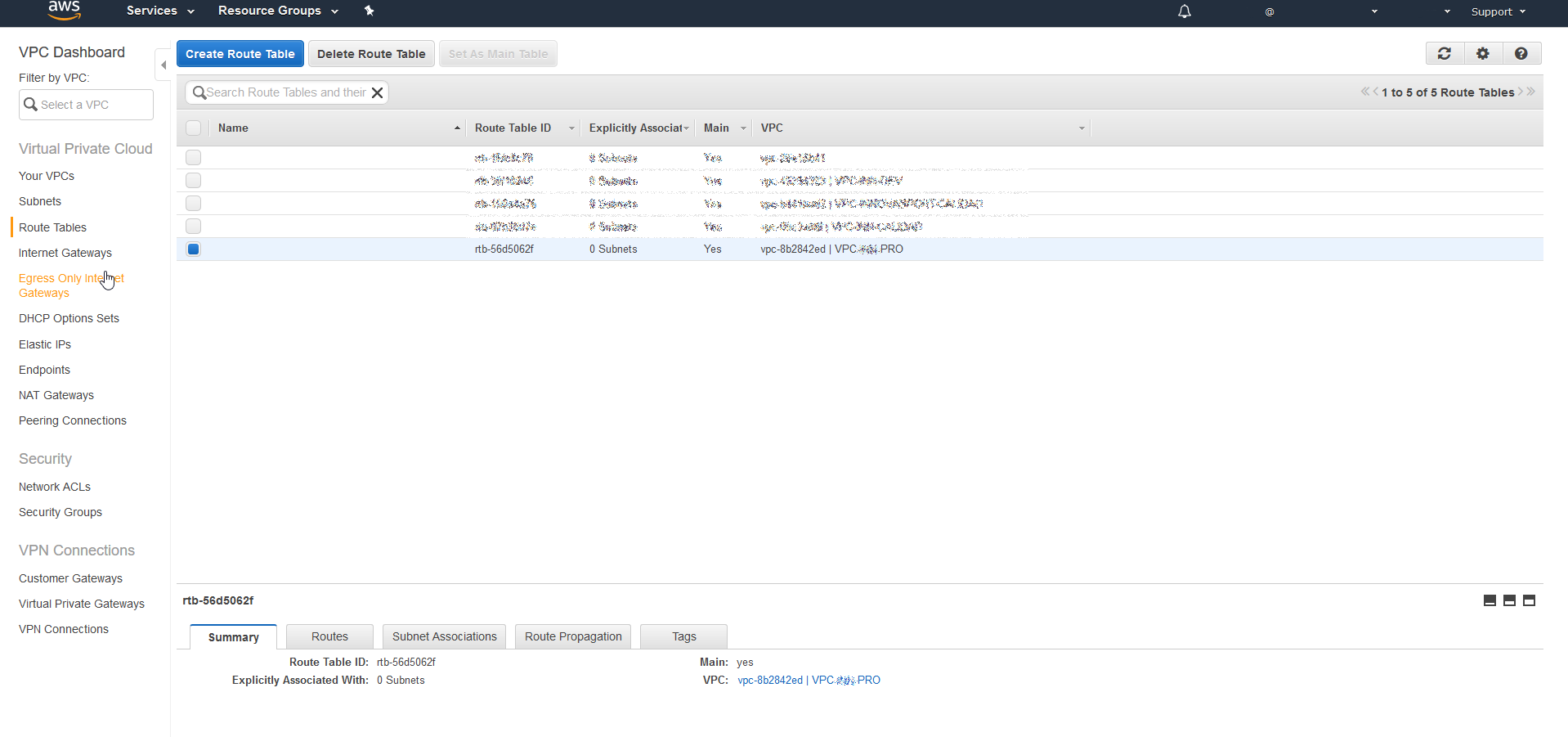
We add a name to Create Route Table and we make sure that the VPC.
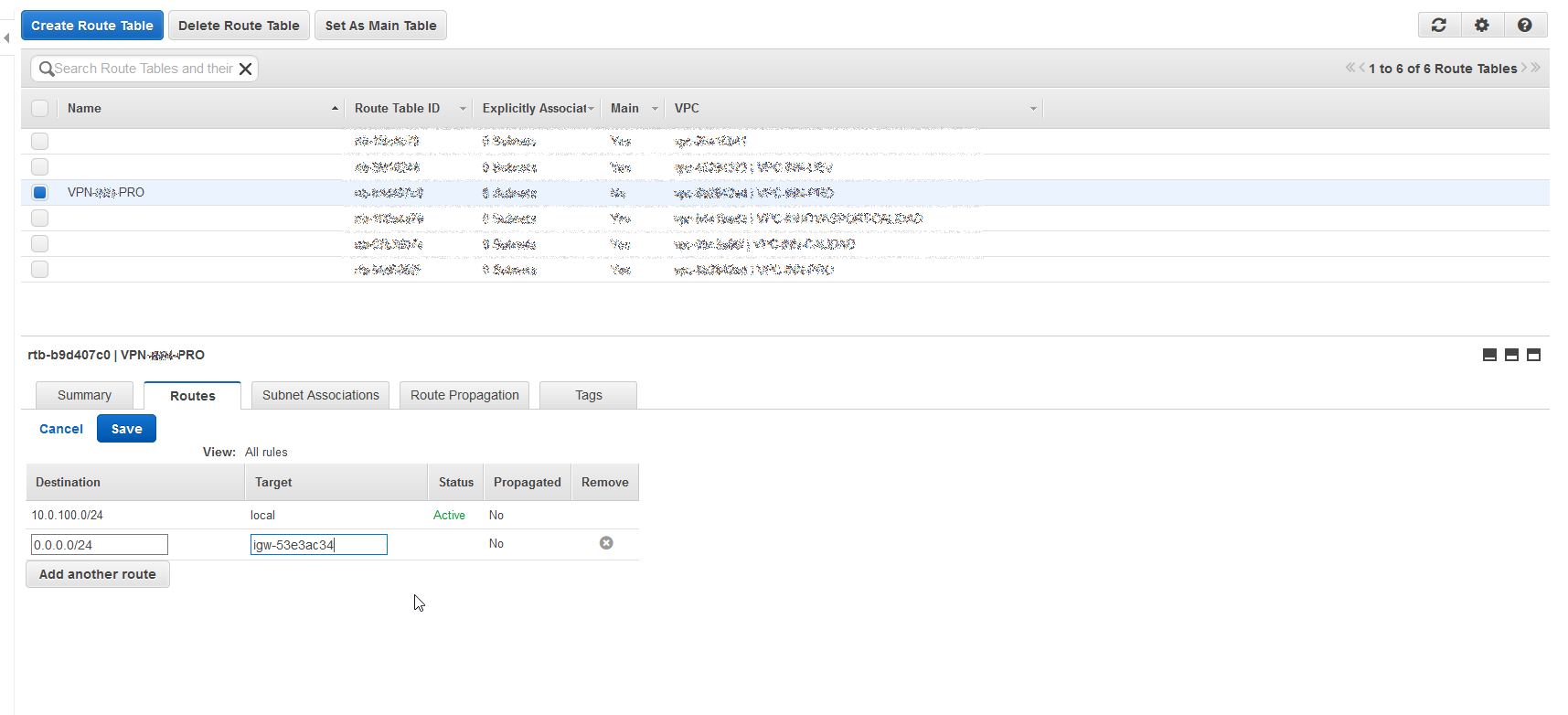
Once created the Route Table We have to add the necessary routes to provide connectivity between the servers or the Internet output if it had to have it.
In the next post we will see how to deploy servers in AWS.
All the best.
:wq!
Comments