
What is a subnet?
The subnets They are a method to maximize the 32-bit IPv4 address space and reduce the size of routing tables on a larger Internet. In any address class, subnets provide a means of allocating part of the host address space to network addresses, allowing you to have more networks. The portion of the host address space assigned to new network addresses is known as subnet number
To add a subnet to your VPC with the console
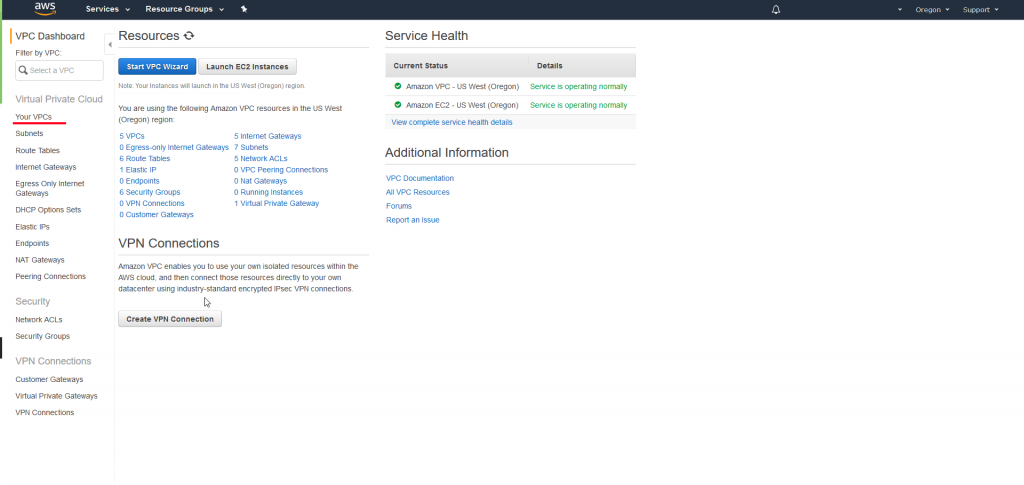
- Open the Amazon VPC console in https://console.aws.amazon.com/vpc/.
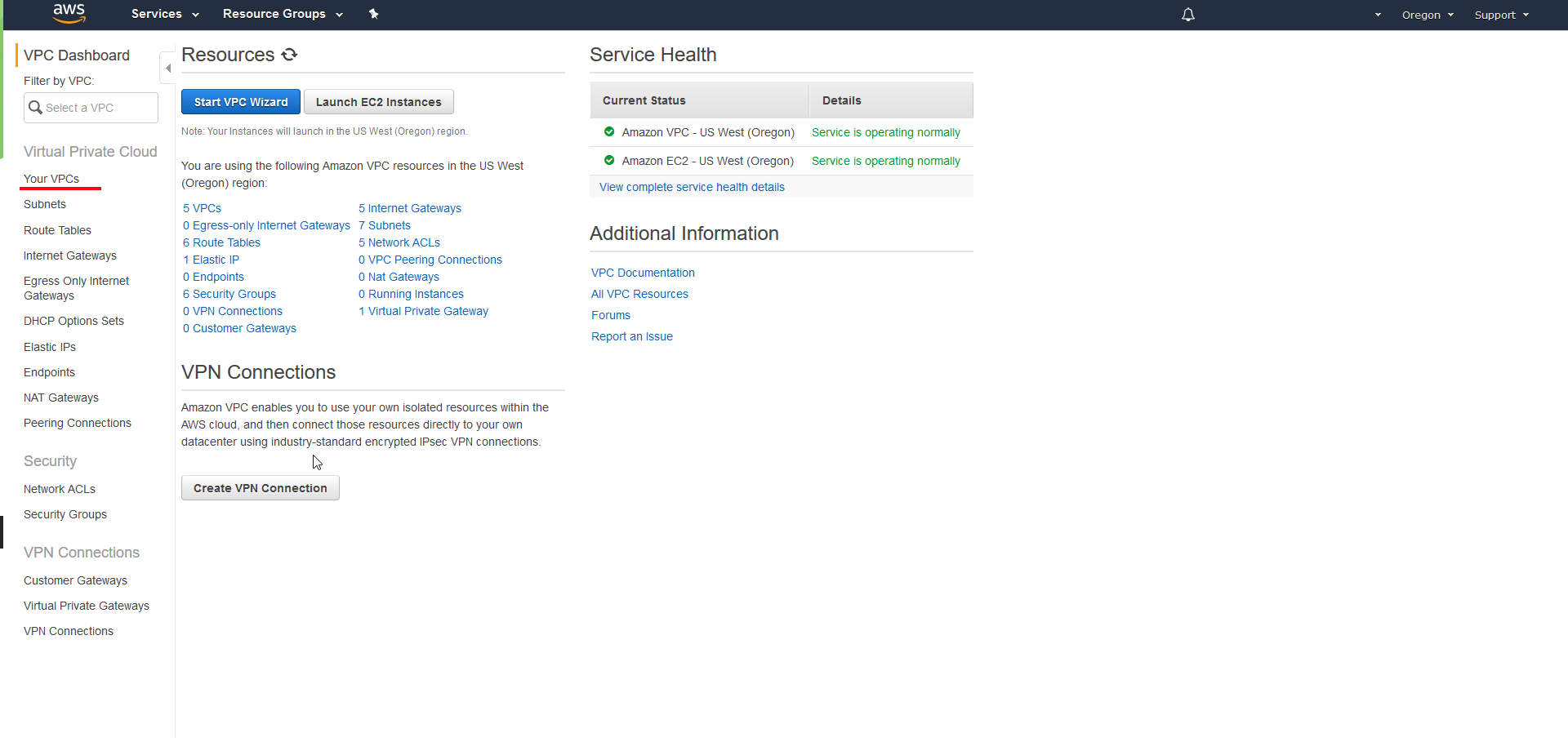
- In the navigation pane, choose Subnets, Create Subnet
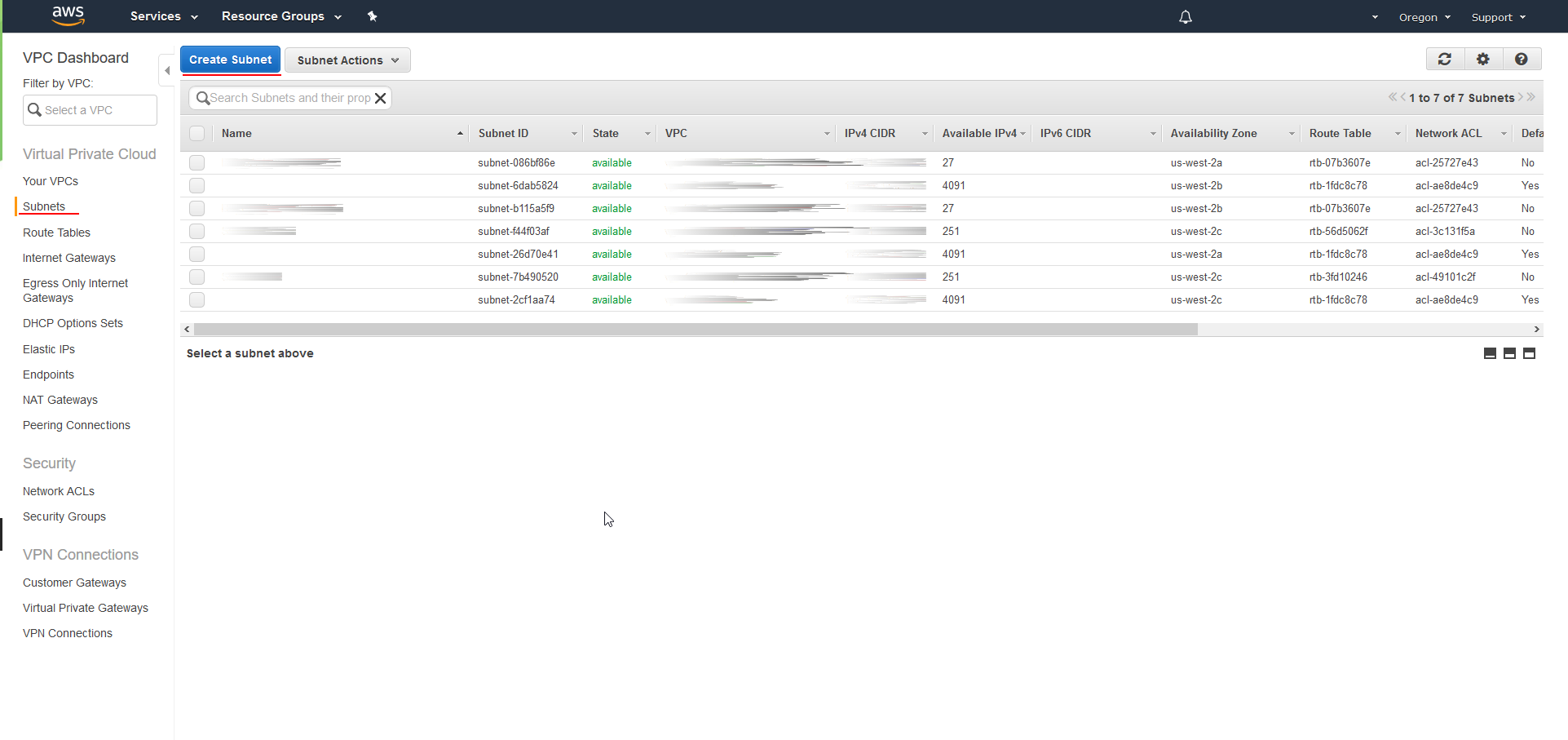
Specify the subnet details as necessary and choose Create Subnet.
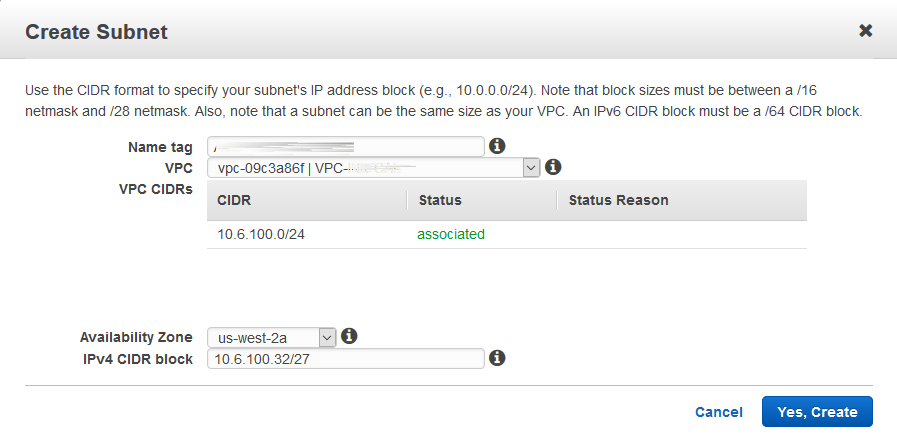
- Name tag: Optionally enter a name for your subnet. This action will create a tag with a key
Nameand the value you specify. - VPC: Choose the VPC for which to create the subnet.
- Availability Zone: Optionally choose the Availability Zone in which your subnet will reside, or leave the default value No Preference to have AWS choose an availability zone for you.
- IPv4 CIDR block: specify an IPv4 CIDR block for your subnet. For example,
10.0.1.0/24. For more information, see Subnet AND VPC size for IPv4 addresses. - IPv6 CIDR block: (Optional) If you have associated an IPv6 CIDR block to your VPC, choose Specify a custom IPv6 CIDR. Specify the hexadecimal value pair for the subnet, or leave the default value.
All the best.
:wq!
Comments