
What is SCCM?
System Center Configuration Manager (SCCM) is a solution that is part of the family of products Microsoft Servers (before Microsoft System Center).
This is a management software solution for large groups of networked computers based on Windows, which allows you to centrally manage the configuration of all physical and virtual systems of an organization or group of organizations.
Why install SCCM on GNU/Linux?
We really don't have any need to install SCCM on GNU/Linux, so the question is... Why do I install it? Many times, for project reasons, the client asks us to implement these types of solutions.
Facility:
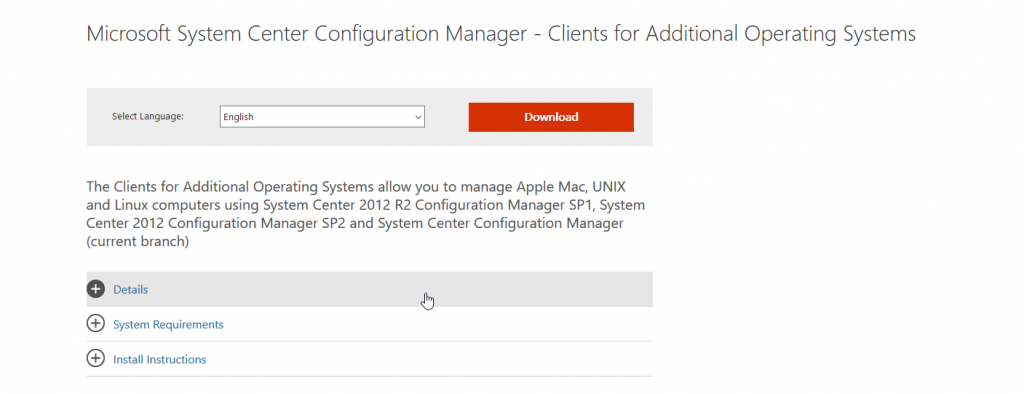
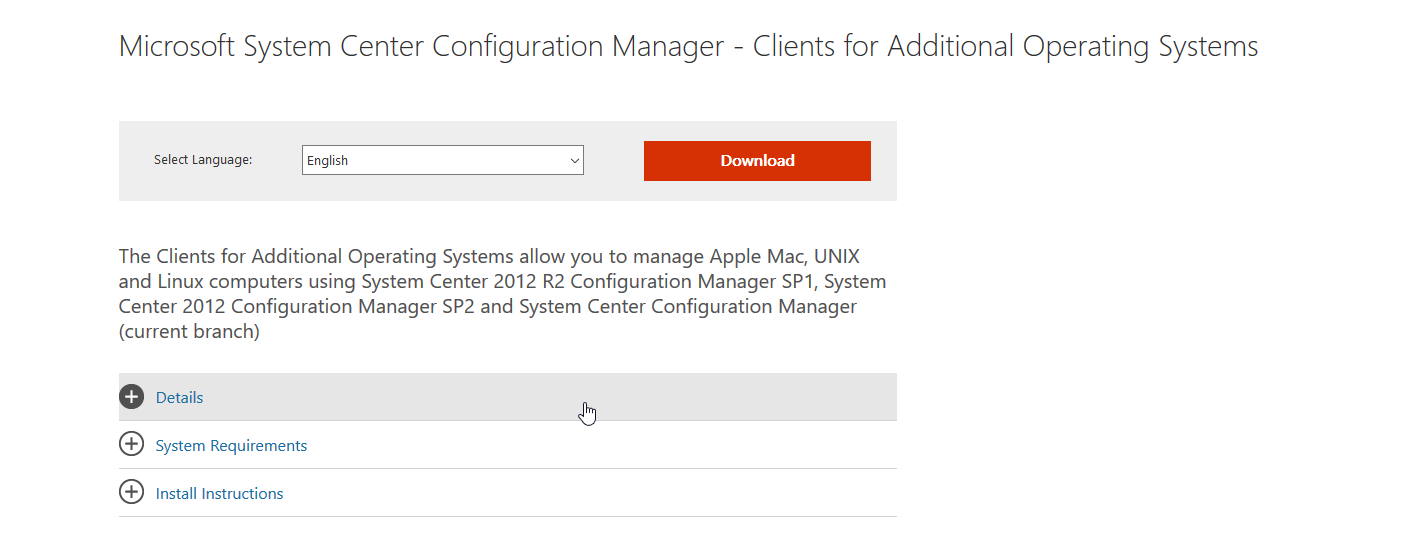
We download from the official website in client
https://www.microsoft.com/en-us/download/details.aspx?id=47719
We unzip the package on our computer:
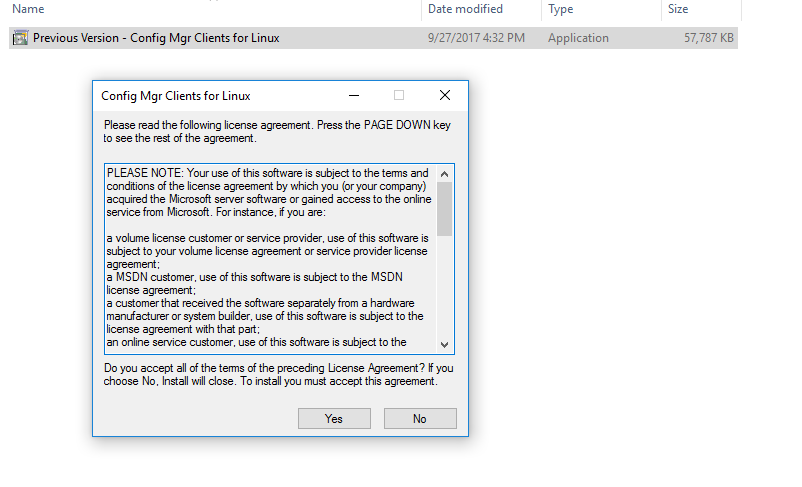
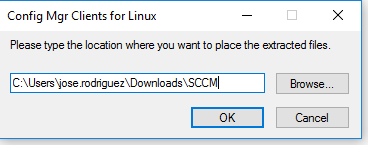
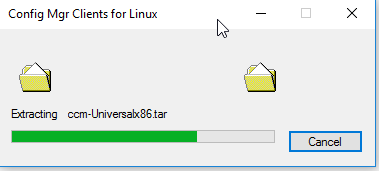
We download the install files and ccm-Universalx64.tar
We give permissions to the installation file
chmod +x /tmp/installWe begin the installation process
Syntax:
/tmp/install /tmp/ccm-Universalx64.tar -mp <SERVIDOR SSCM> -sitecode <SITECODE> -keepdbExample:
/tmp/install /tmp/ccm-Universalx64.tar -mp srvsccm01.redorbita.com -sitecode SRB > -keepdb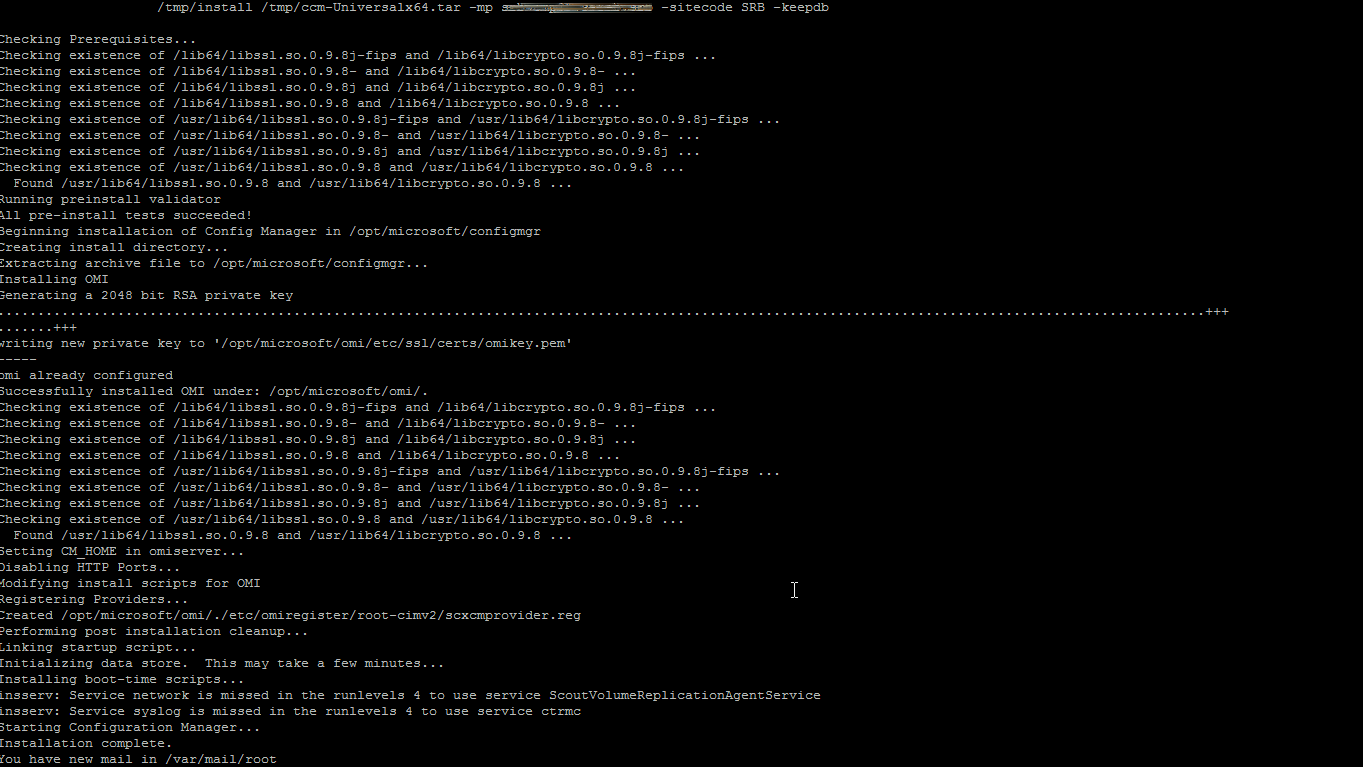
We start the service
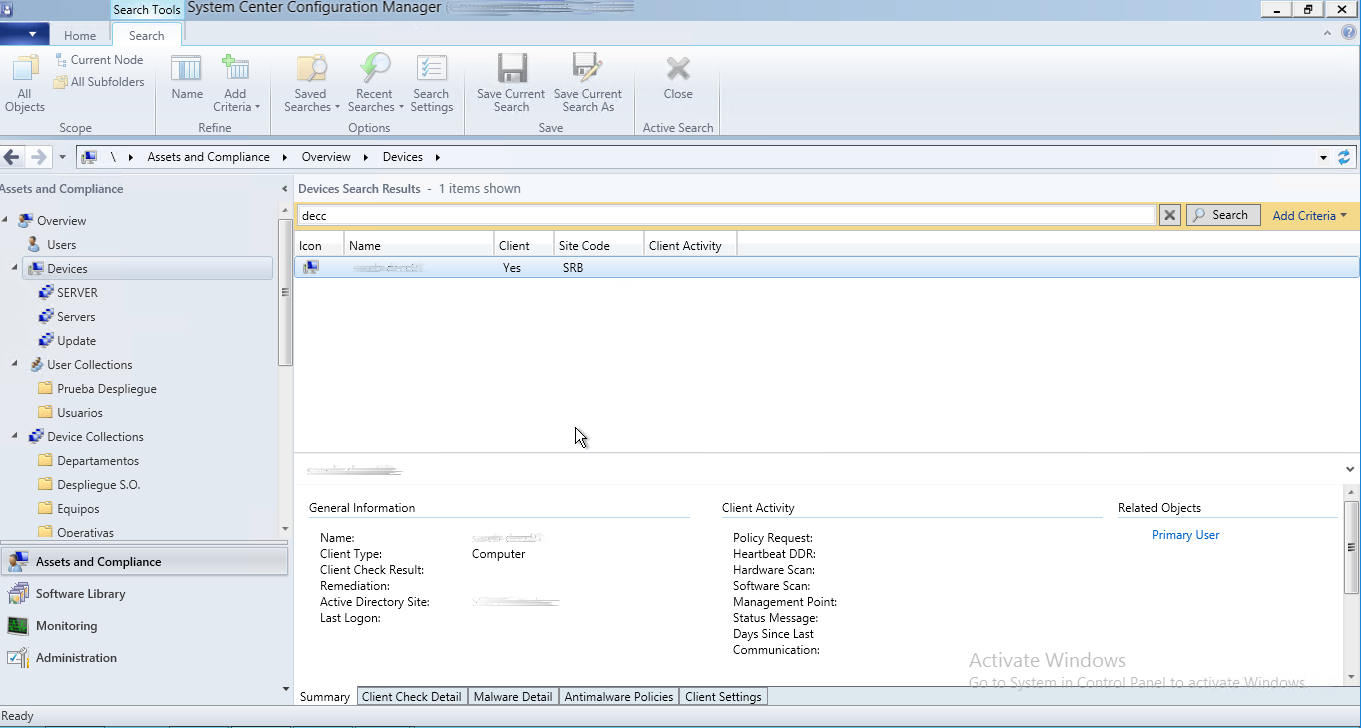
/opt/microsoft/configmgr/bin/restartWe connect to the SCCM server and we go to:
Assets And Compliance > Devices and we look for the server that we have added, we must check that in client puts YES
All the best
:wq!
Comments