
 In previous entries we already saw cHow to create a VPC and how to create a subnet and associate it with the VPC previously created.
This time we will see how to deploy a server in AWS.
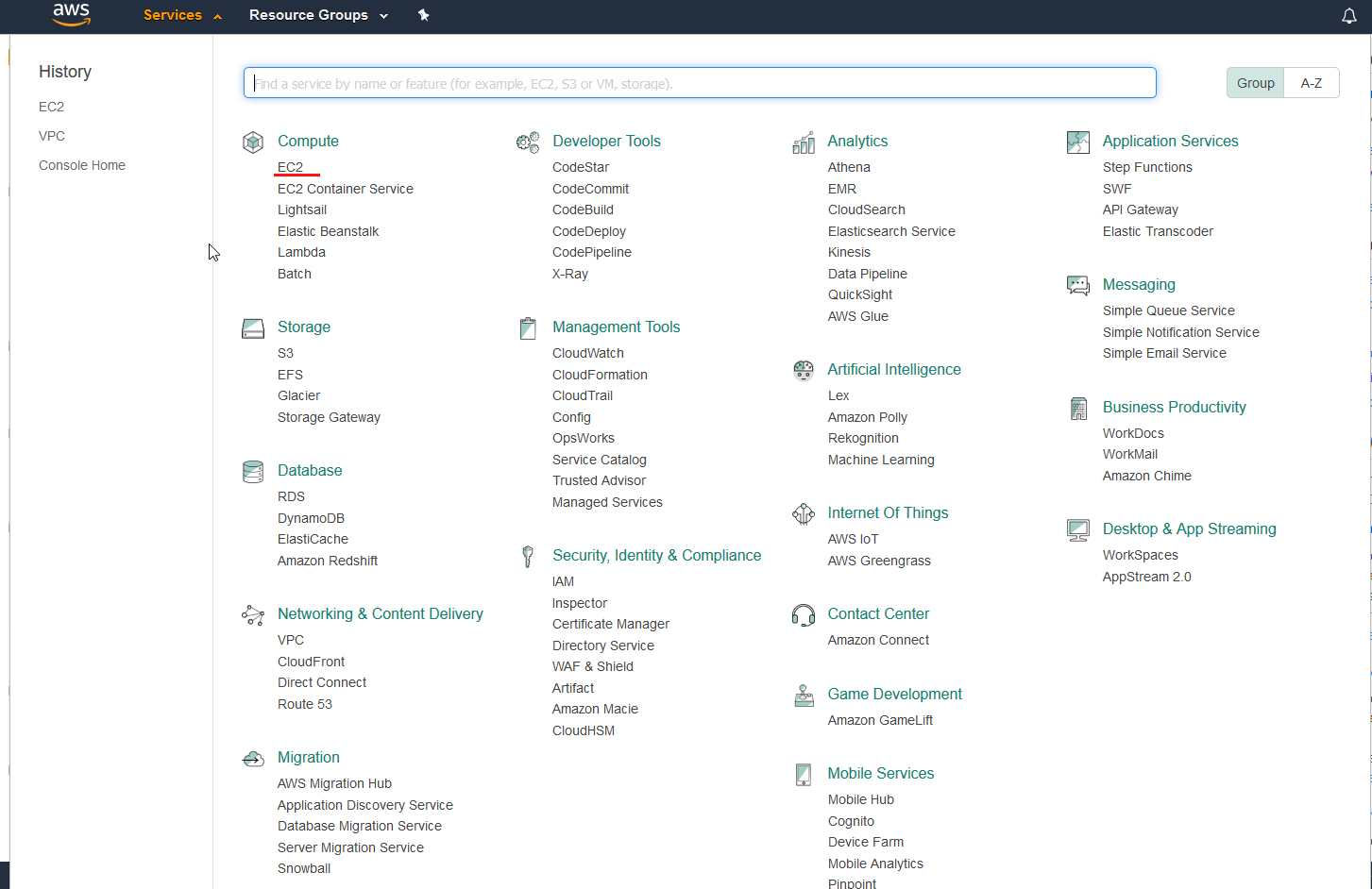
To deploy a new server we have to go to Service > EC2
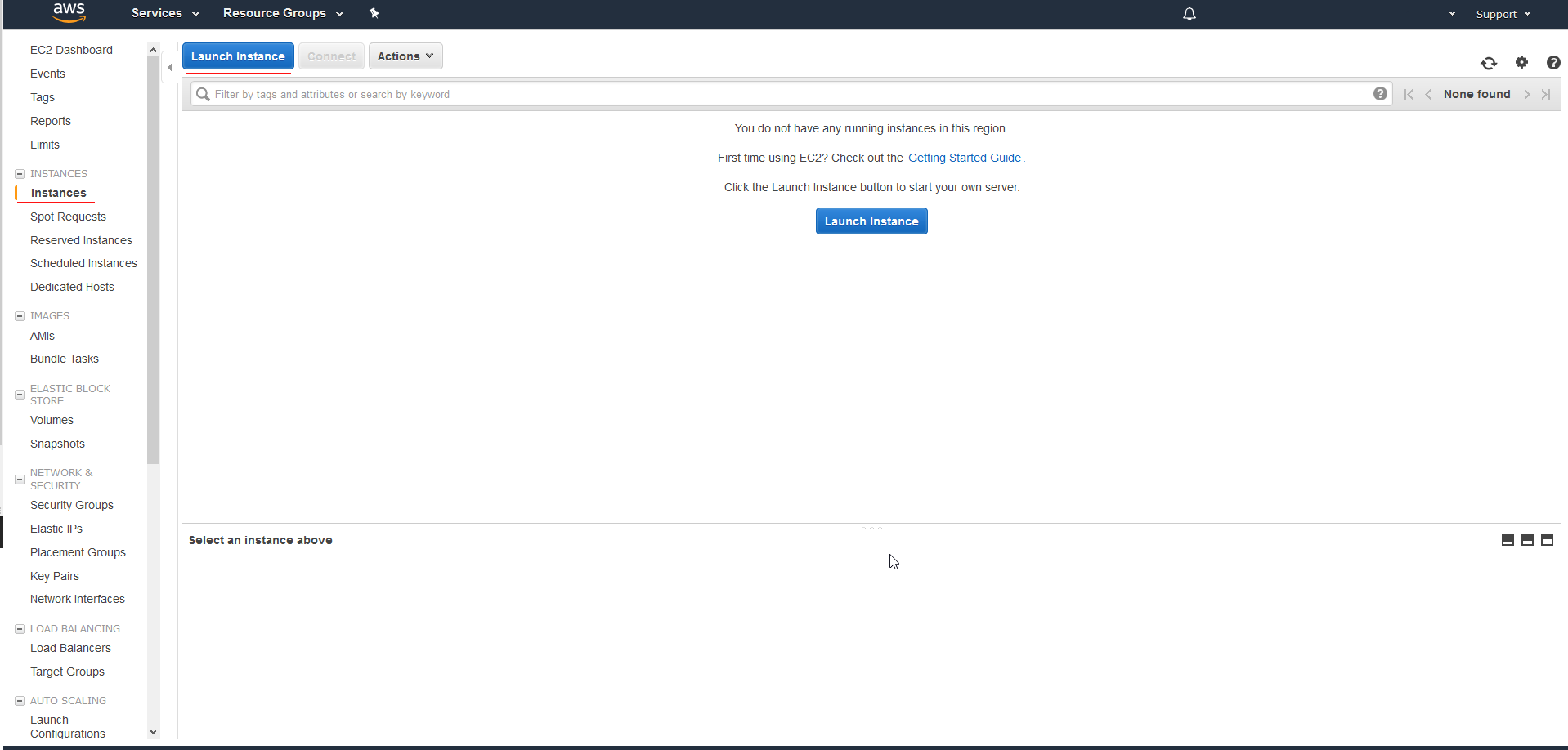
We press on the left wrist on Instance > Lunc Instance
We select the operating system that we want to install. 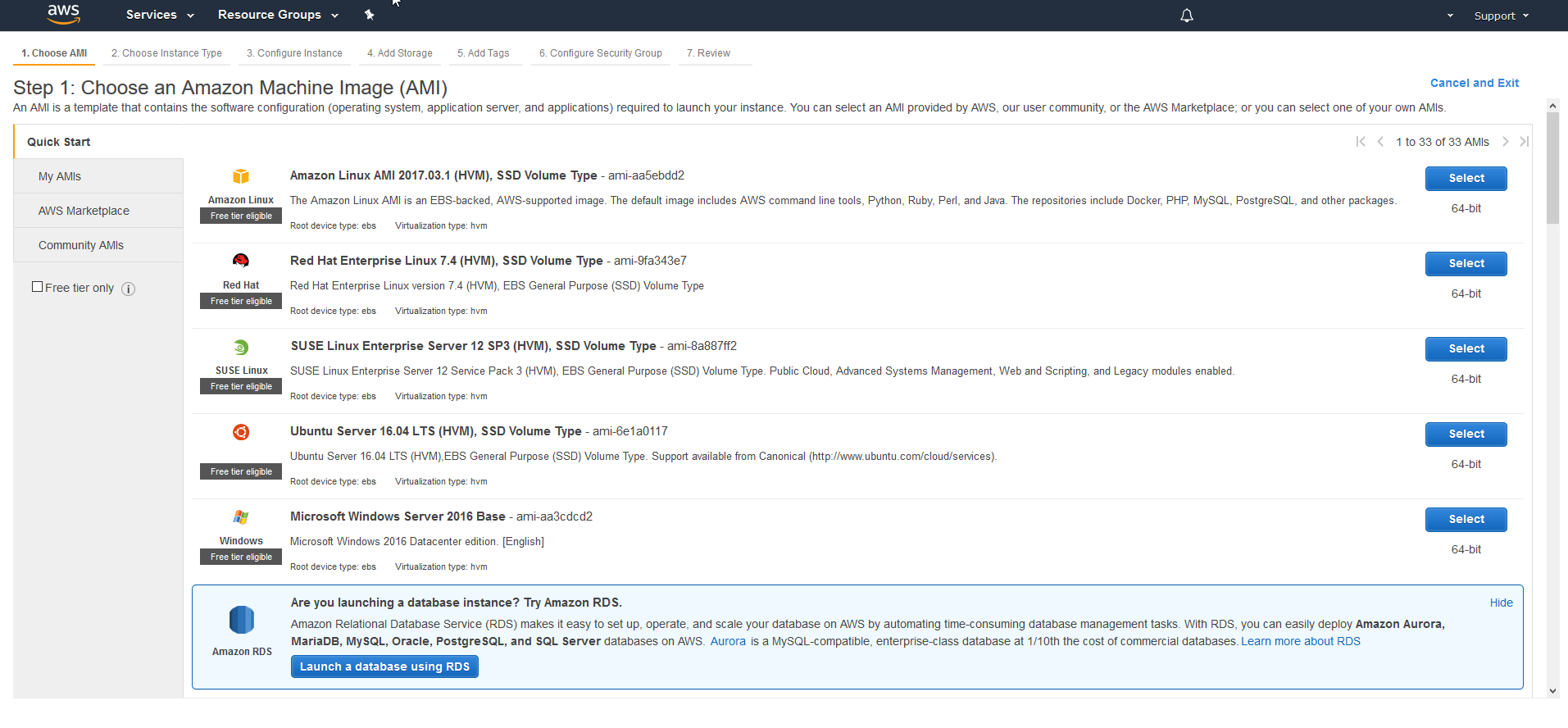
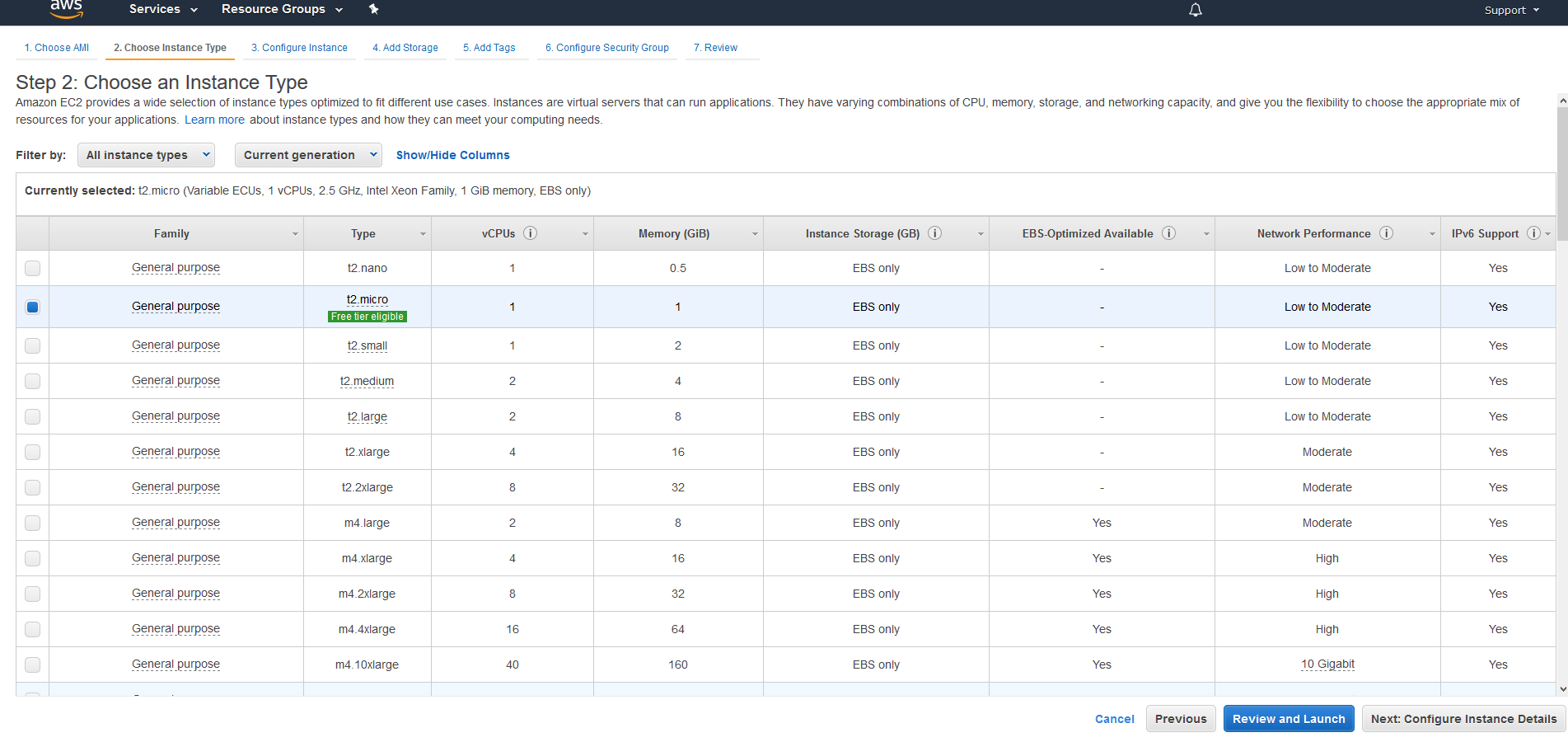
We select the type of server that fits our needs.
We configure the instances for the creation of AWS
- We assign the created VPC.
- The subnet
- We enable the public IP (If we are not going to use it later, it can be deactivated)
- We assign an IAM Role if it is already created or we create one. (In our case we will create one.)
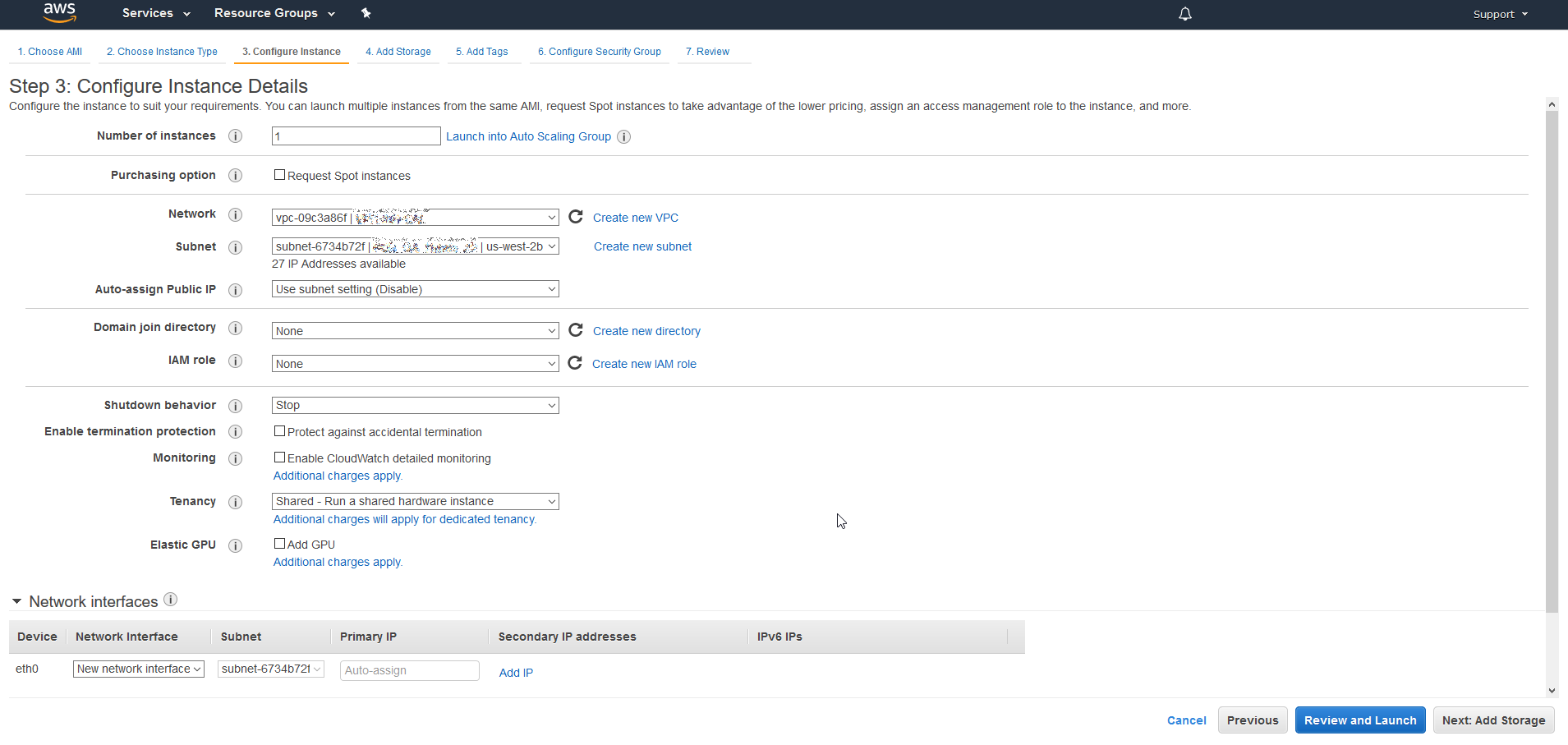
We press on Create new IAM role
What is an IAM role?
A IAM function is similar to a user in that it is an AWS identity permission with policies that determine what the identity can and cannot do in AWS. However, rather than exclusively associated with one person, a role is intended to be assumable by anyone who needs it. Additionally, a role does not have any credentials (password or access keys) associated with it. Instead, if a user is assigned to a role, access keys are created dynamically and provided for the user.
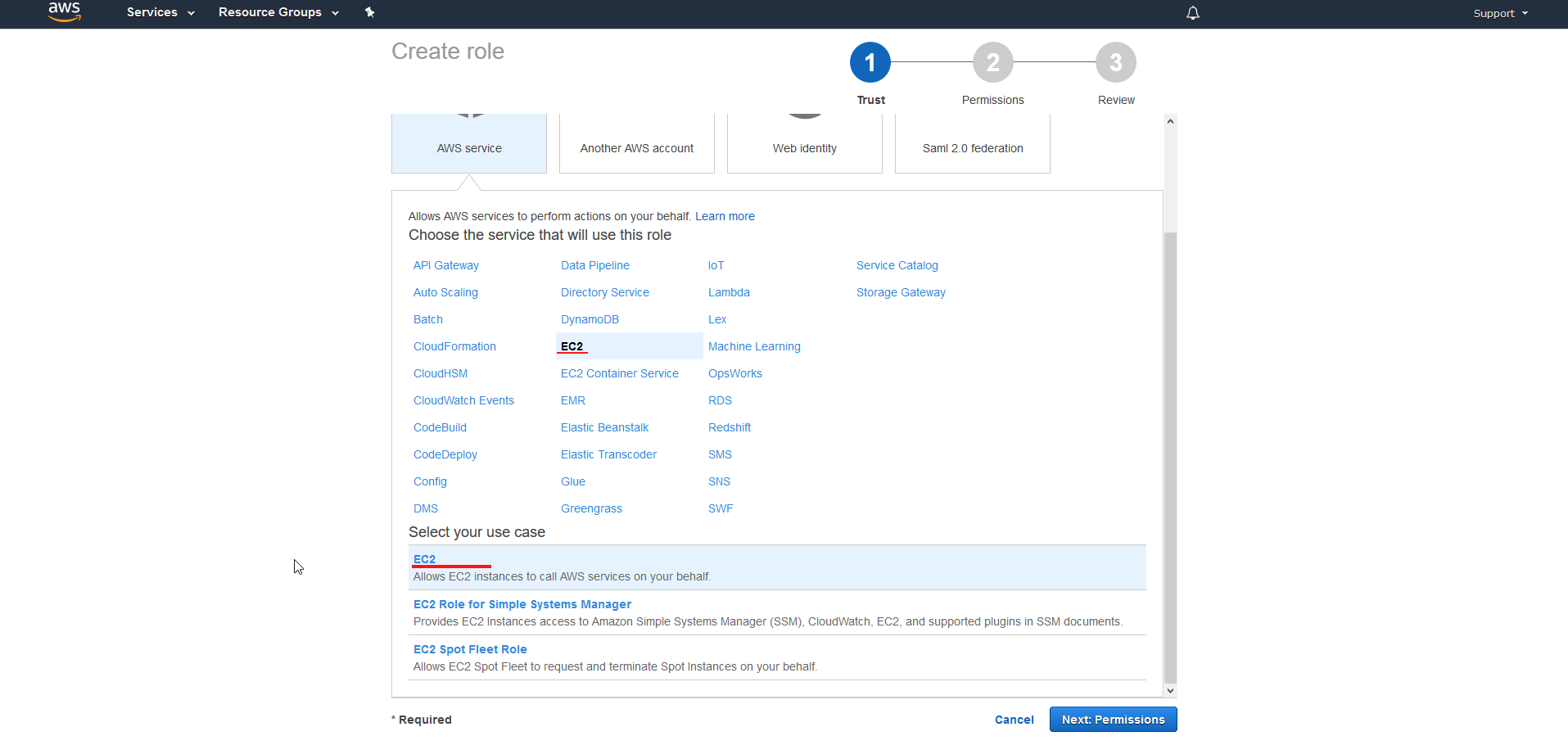
We select EC2
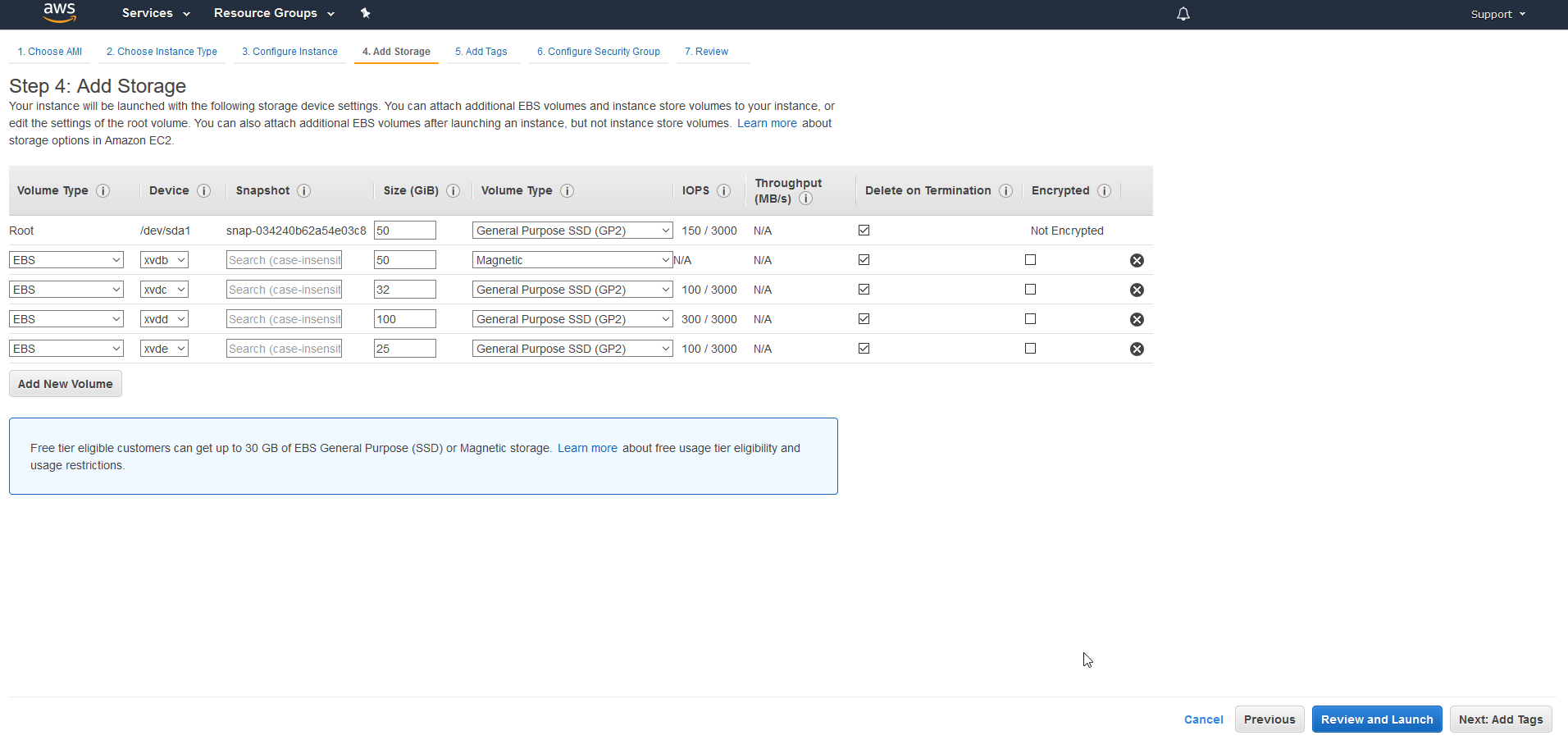
We configure IP addressing 
We press next and go to the storage configuration.
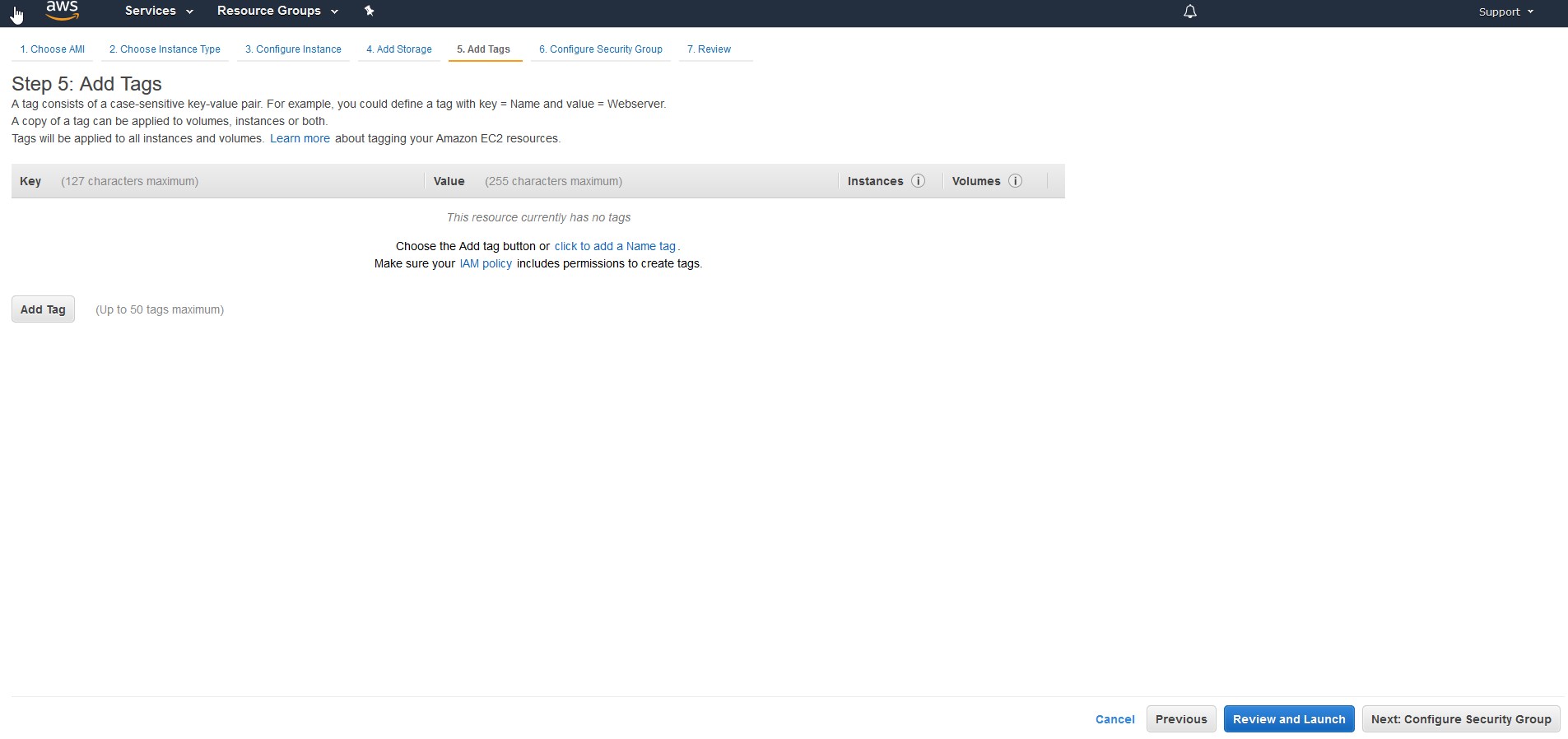
If we want we can add a TAG
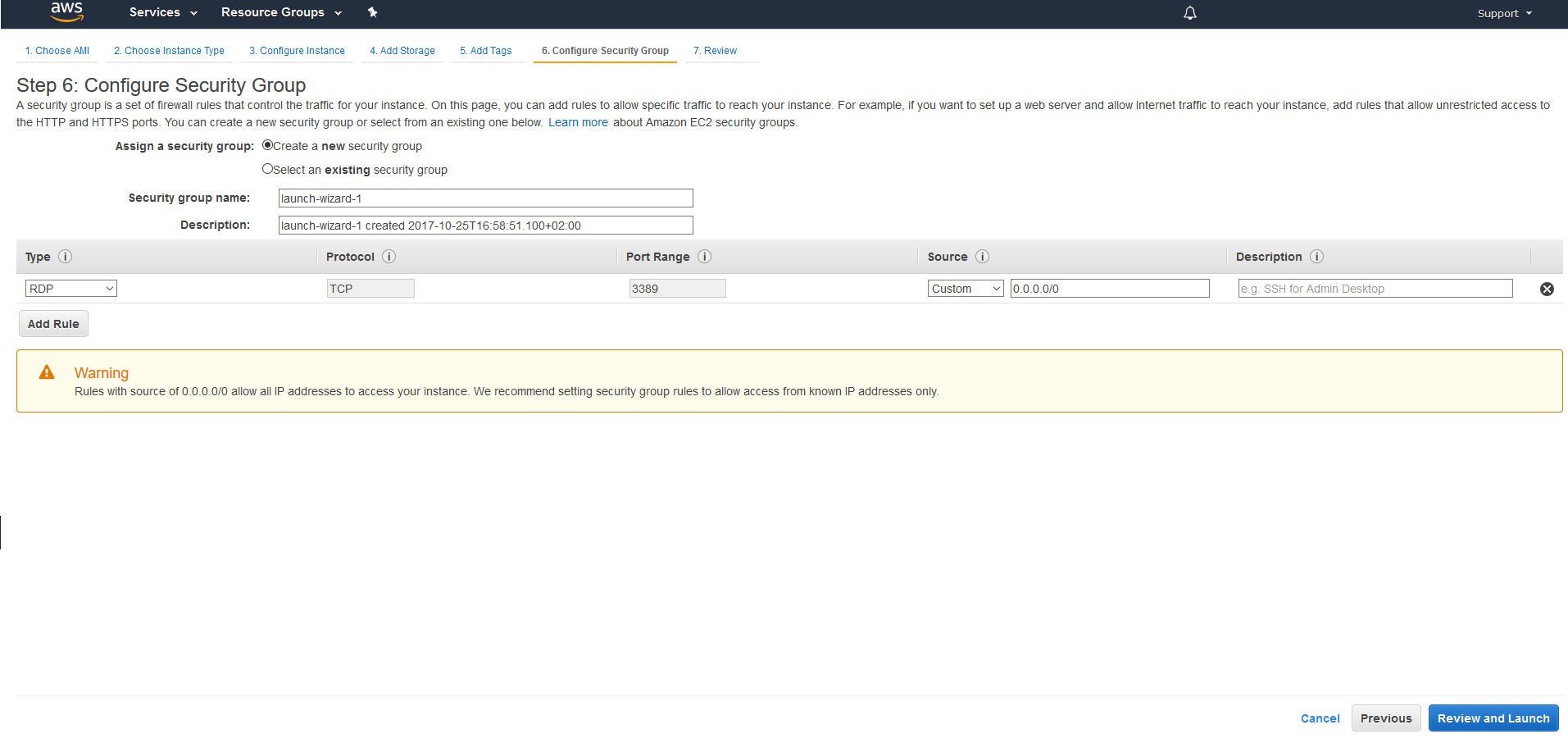
We configure the security group
What is the Security Group?
A security group It works as a virtual firewall of the instance to control incoming and outgoing traffic. When you launch an instance in a VPC, you can assign up to five security groups to the instance. Security groups operate at the instance level, not the subnet level. Therefore, each instance in your VPC subnet can be assigned to different sets of security groups. If you don't specify any groups during launch, the instance will automatically be assigned to the default security group for the VPC.
In this case, since it is only a proof of concept, I have not configured the securitygroup, I have left it by default, in future posts we will see how to perform a correct configuration.
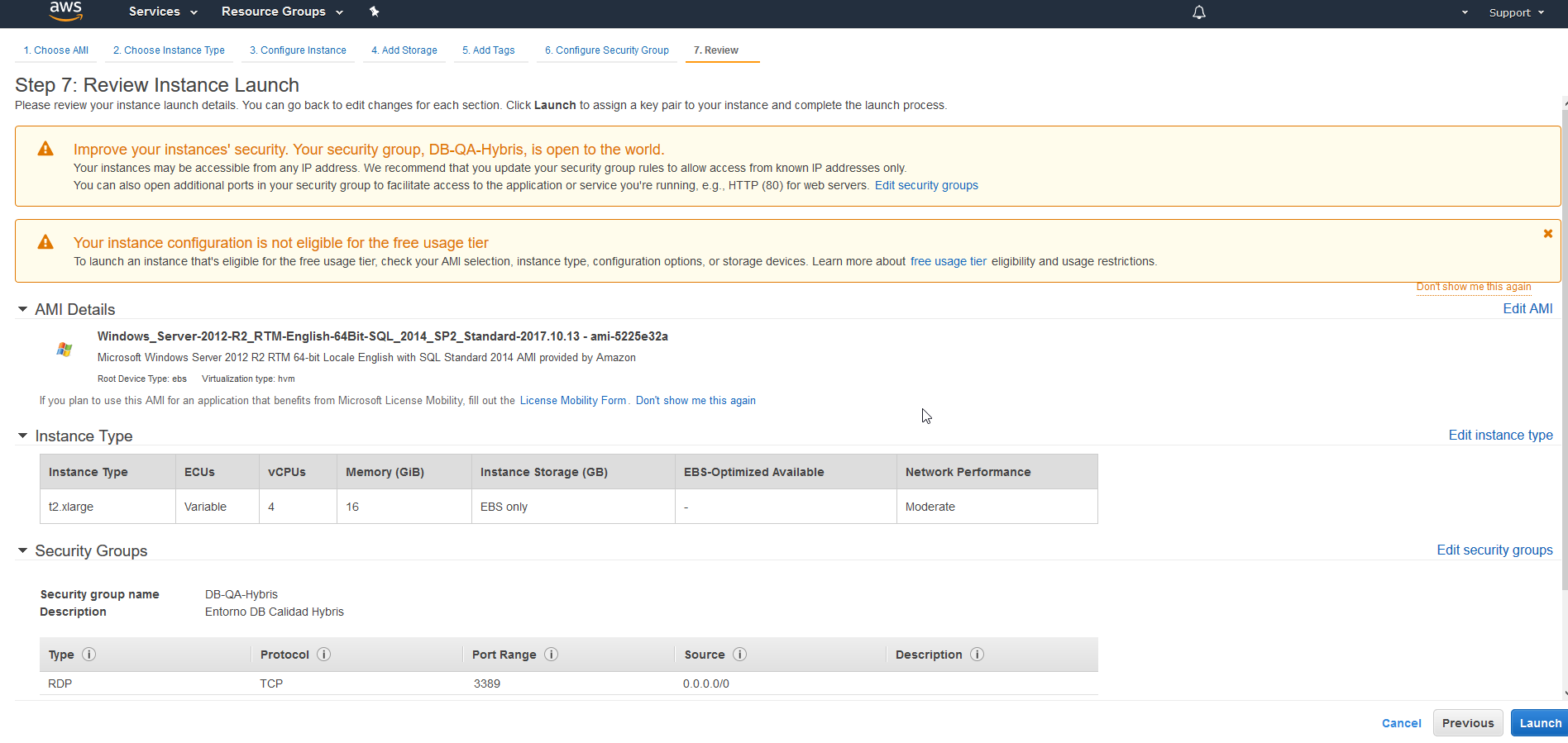
Give us a small summary with all our configuration.
We launch the deployment and it asks us if we want to create a new key or configure an existing one. In order not to make this manual more extensive, I have selected a key which I already had created. 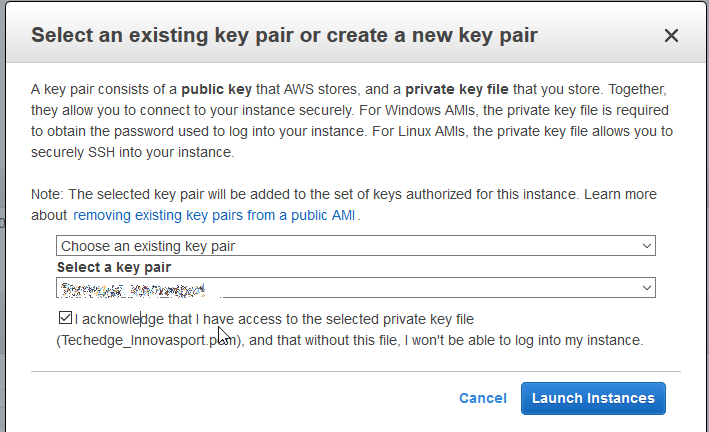
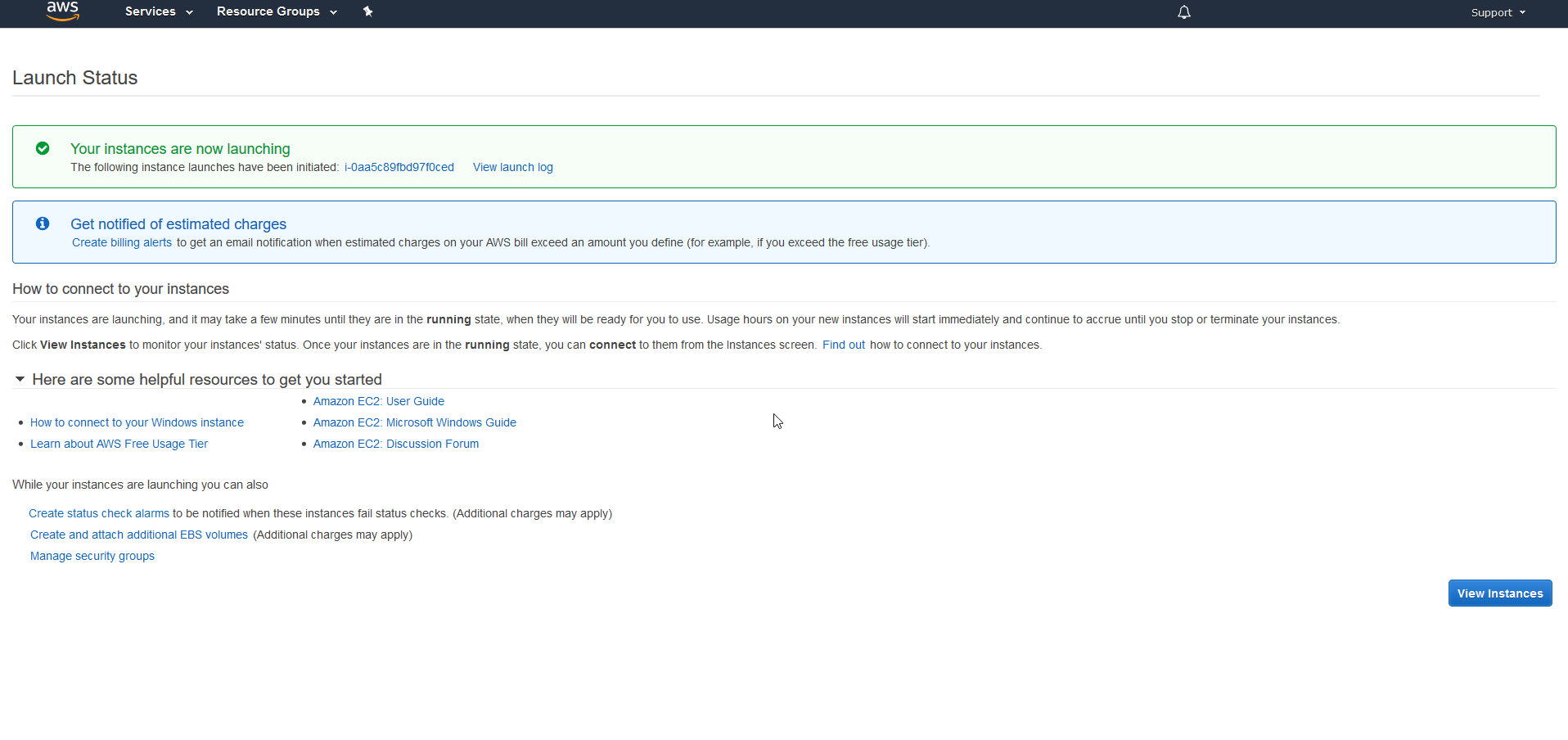
Once everything is configured, the server begins to deploy.
If we go to Services > EC2 > Instance we can see the new instance created.
All the best.
Comments