

This time we will see how to convert an IMG image into VDI format so that we can use it in VirtualBox.
For this we are going to use the VBoxManage command
text
VBoxManage convertdd ce-2017.07.20-stable.img ce-2017.07.20-stable.vdi
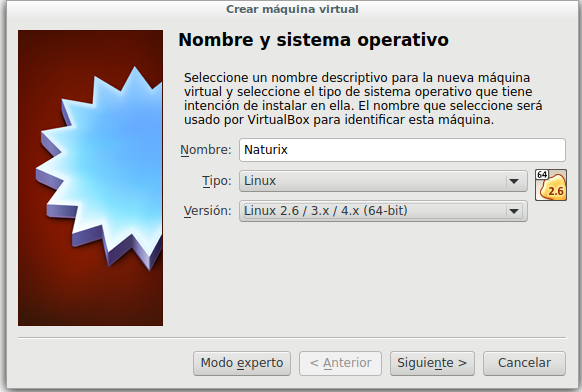
Once converted we create a new virtual machine in VirtualBox:
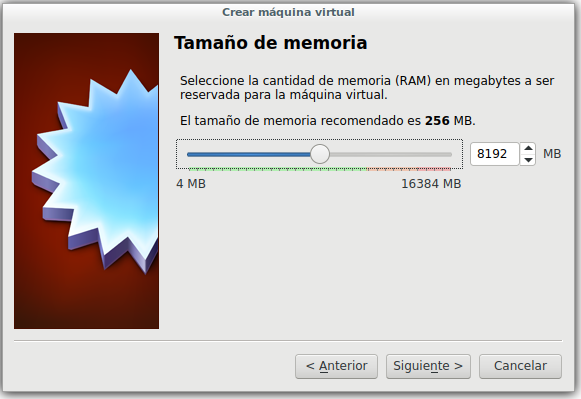
We assign the appropriate memory.
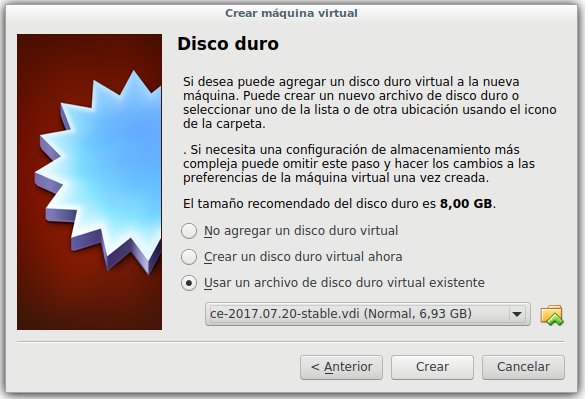
On the disk we click Use an existing virtual hard disk file and select our .vdi file
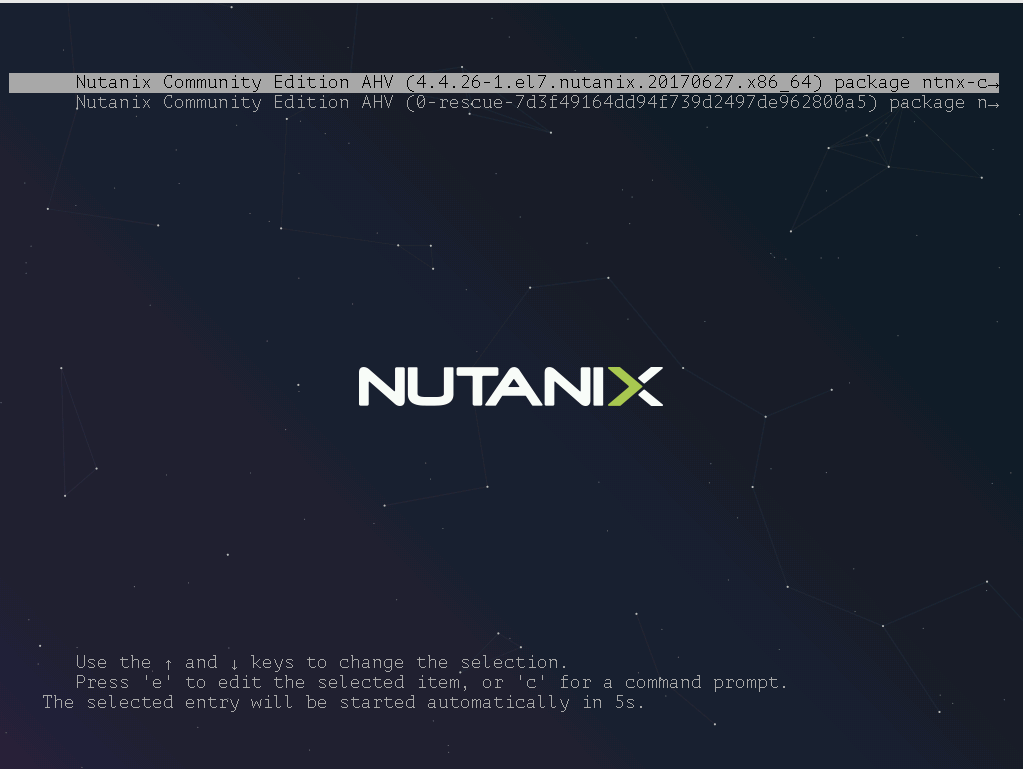
If everything worked correctly, the boot should appear.
all the best
:wq!
Comments