
What is an AMI?
An Amazon Machine Image (AMI) provides the information needed to launch an instance, which is a virtual server in the cloud. You must specify a source AMI when launching an instance. When you need multiple instances with the same configuration, you can launch them from a single AMI. When you need instances with different configurations, you can use different AMIs to launch them.
An AMI includes the following:
- A template for the root volume of the instance (for example, an operating system, an application server, and applications)
- Launch permissions that control which AWS accounts can use the AMI to launch instances
- A block device mapping that specifies the volumes to attach to the instance when it is launched
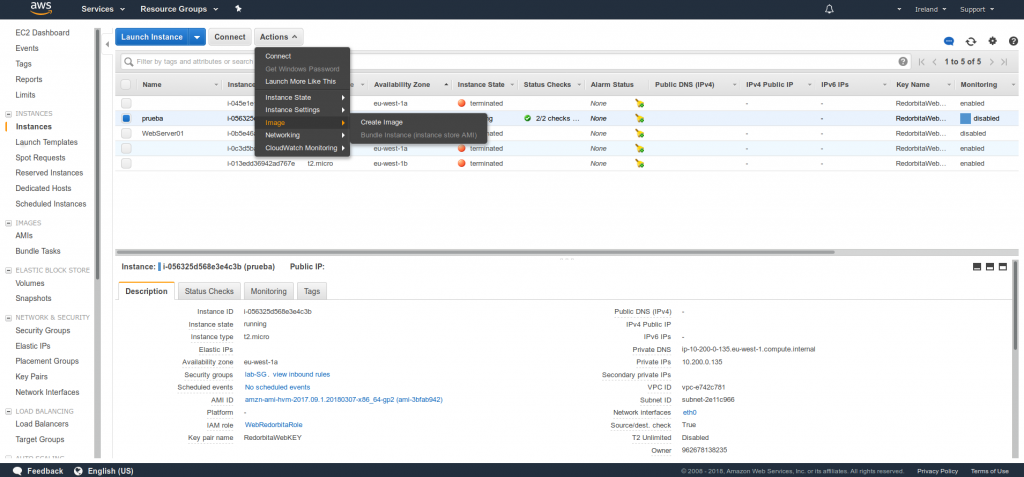
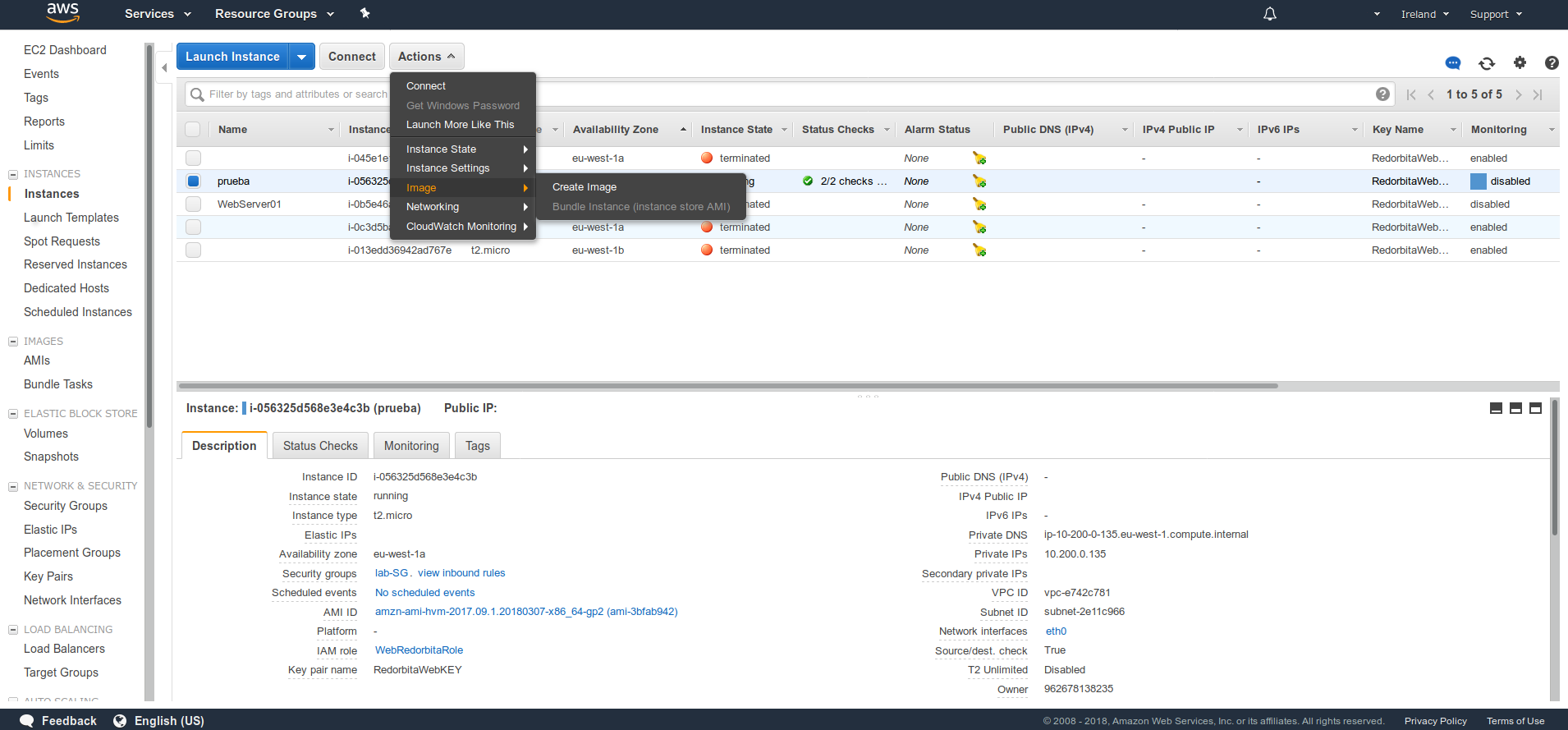
To carry out an AIM it is as simple as going to EC2 > Instances > We select the instance > Actions > Image > Create Image
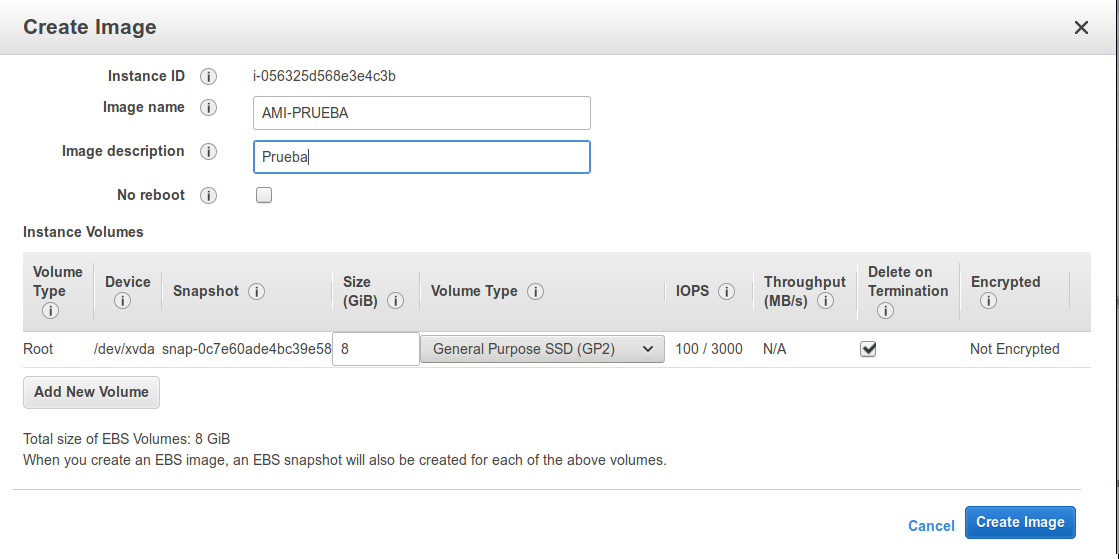
A configuration wizard opens in which we have to add a name, description and allows us to add if we want a disk.
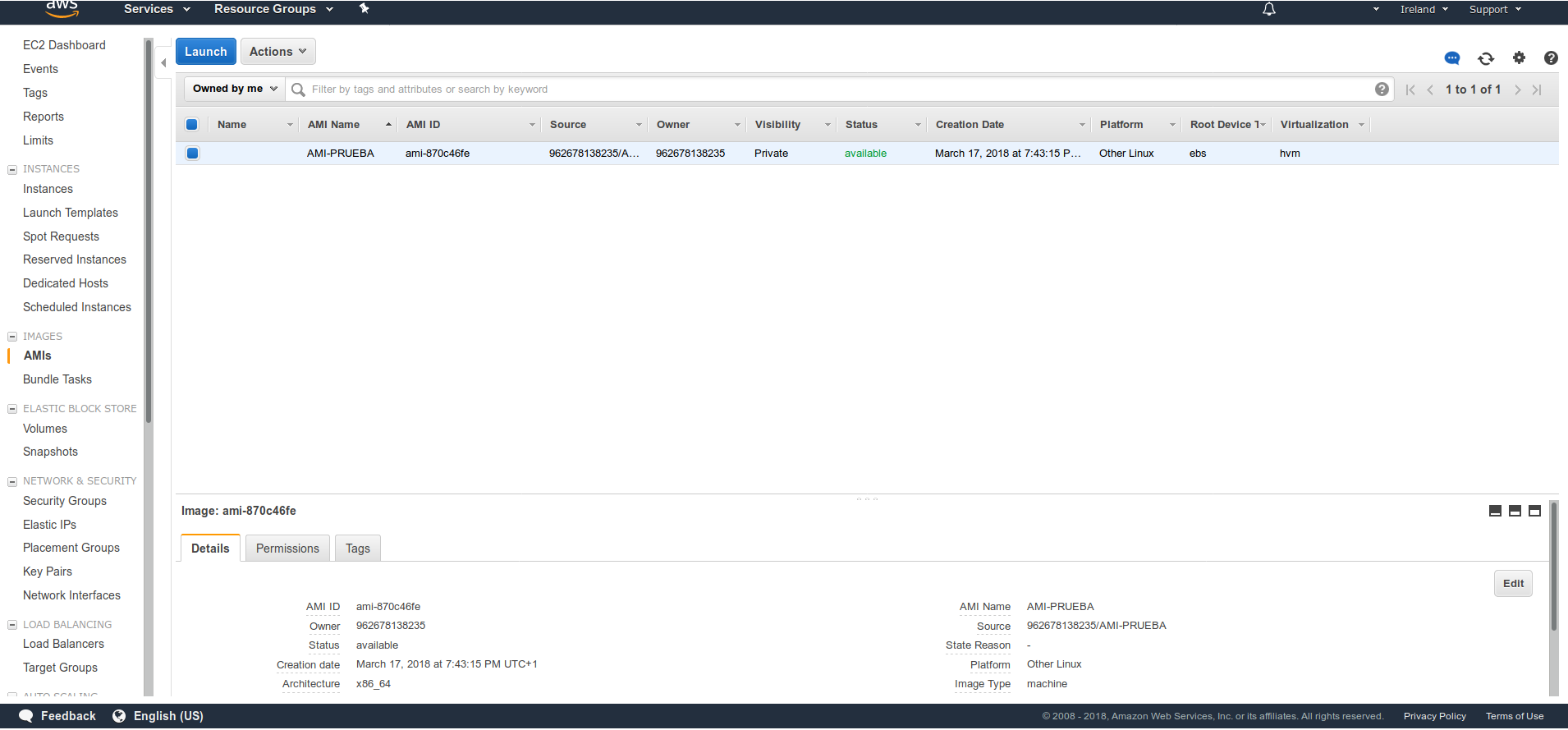
Once finished if we go to: EC2 > AMIs we can observe the AMI created.
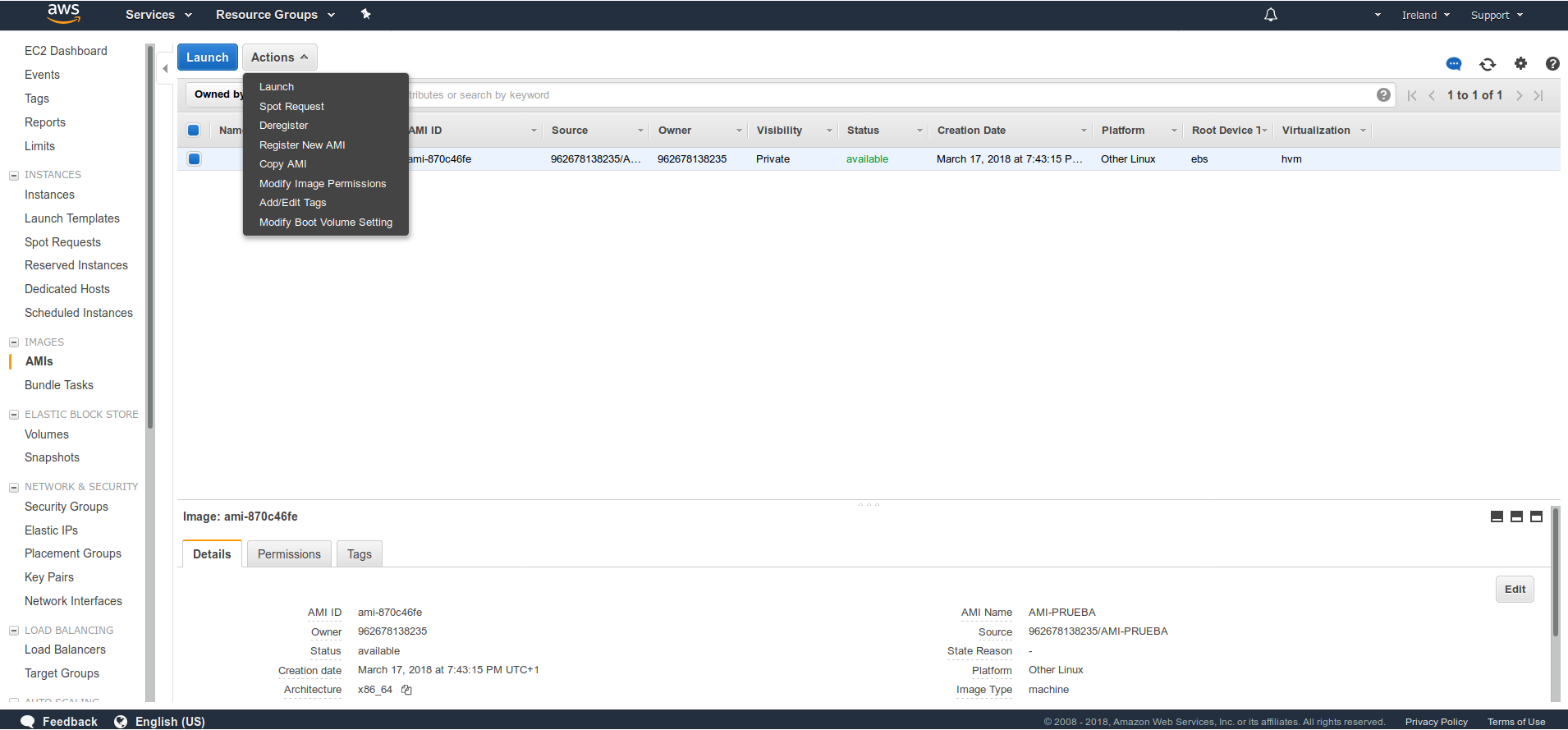
If we want to deploy a new instance using an AMI we have to select the ME > Actions > Launch
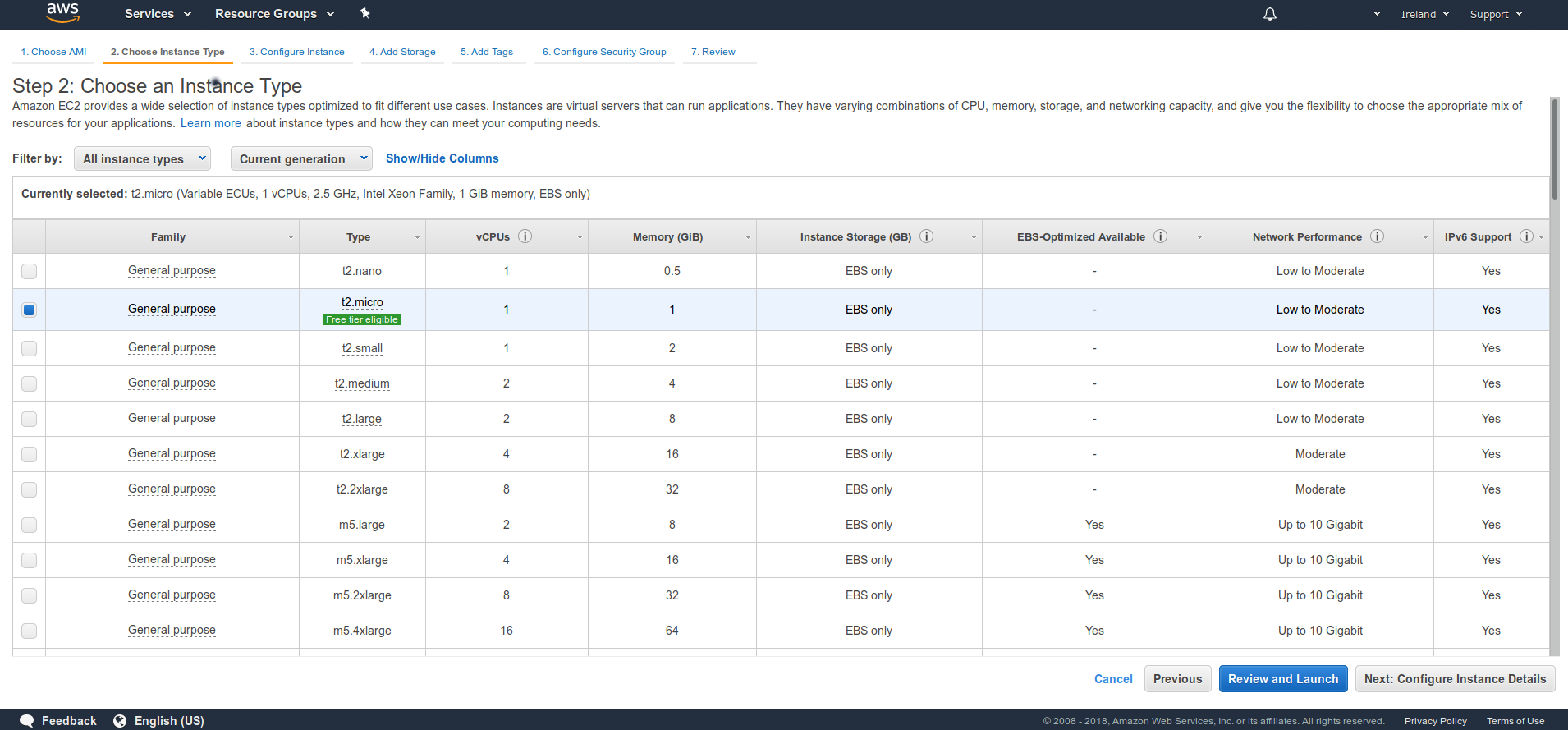
The configuration wizard opens. We select the type of instance we want to deploy.
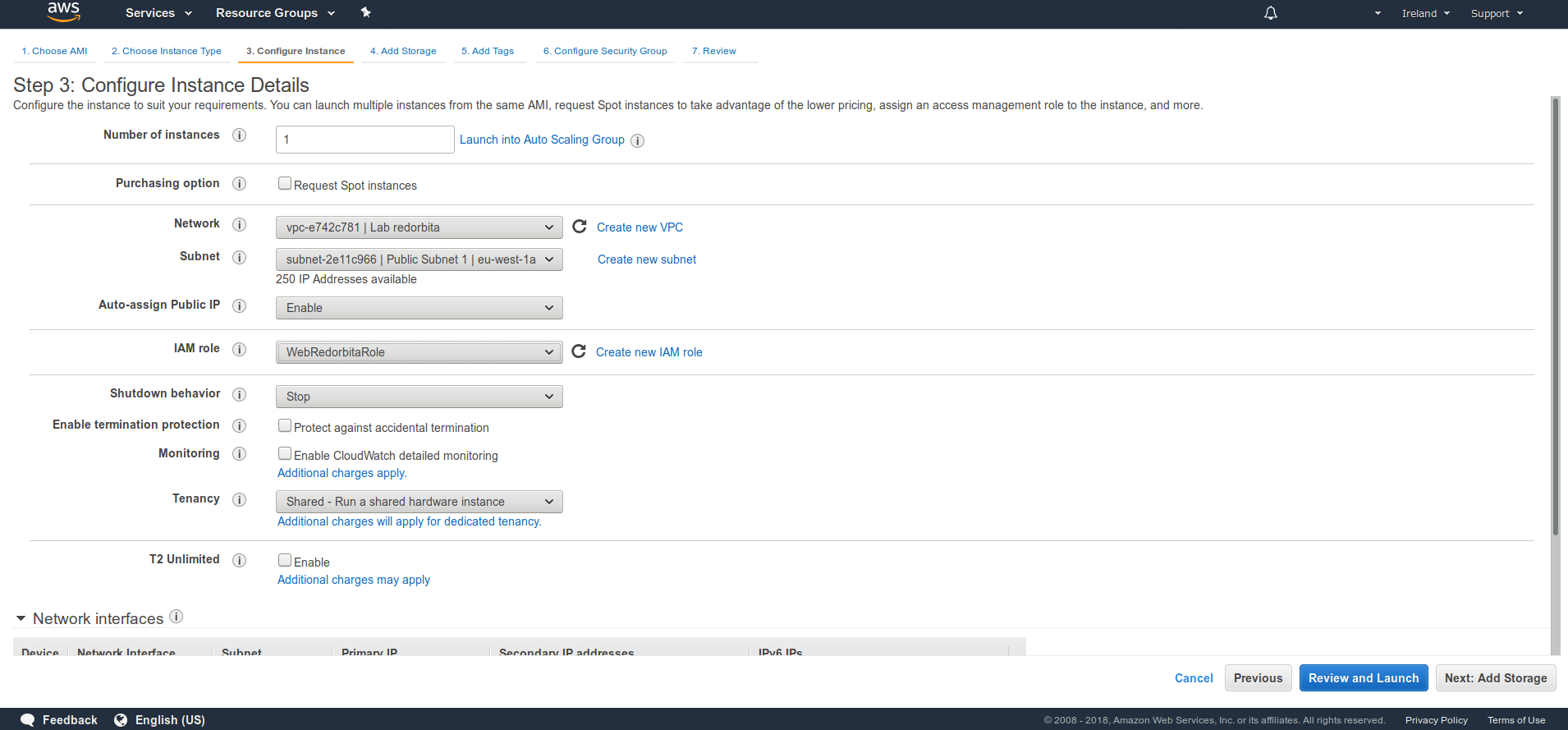
We configure the instance
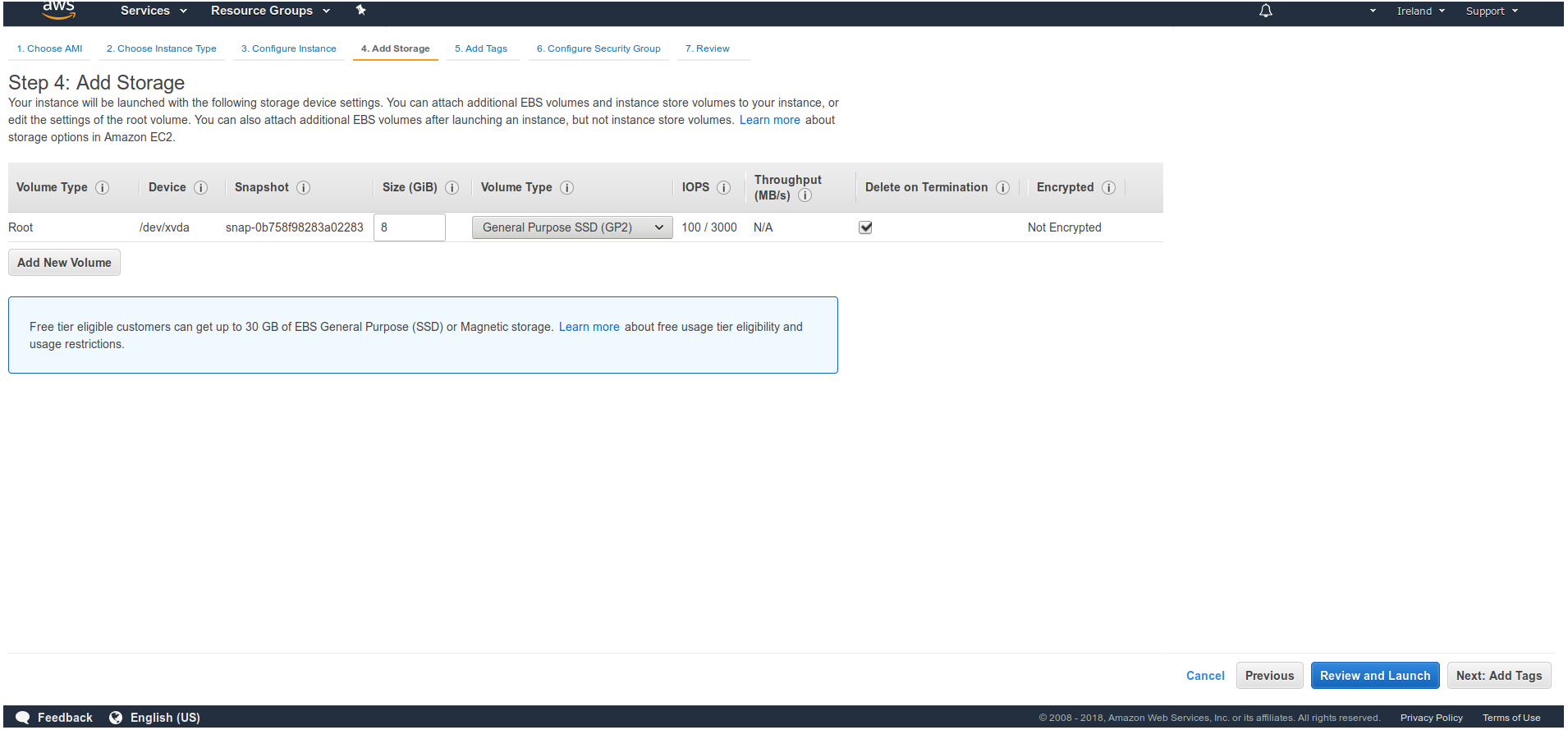
We add a new disk if necessary.
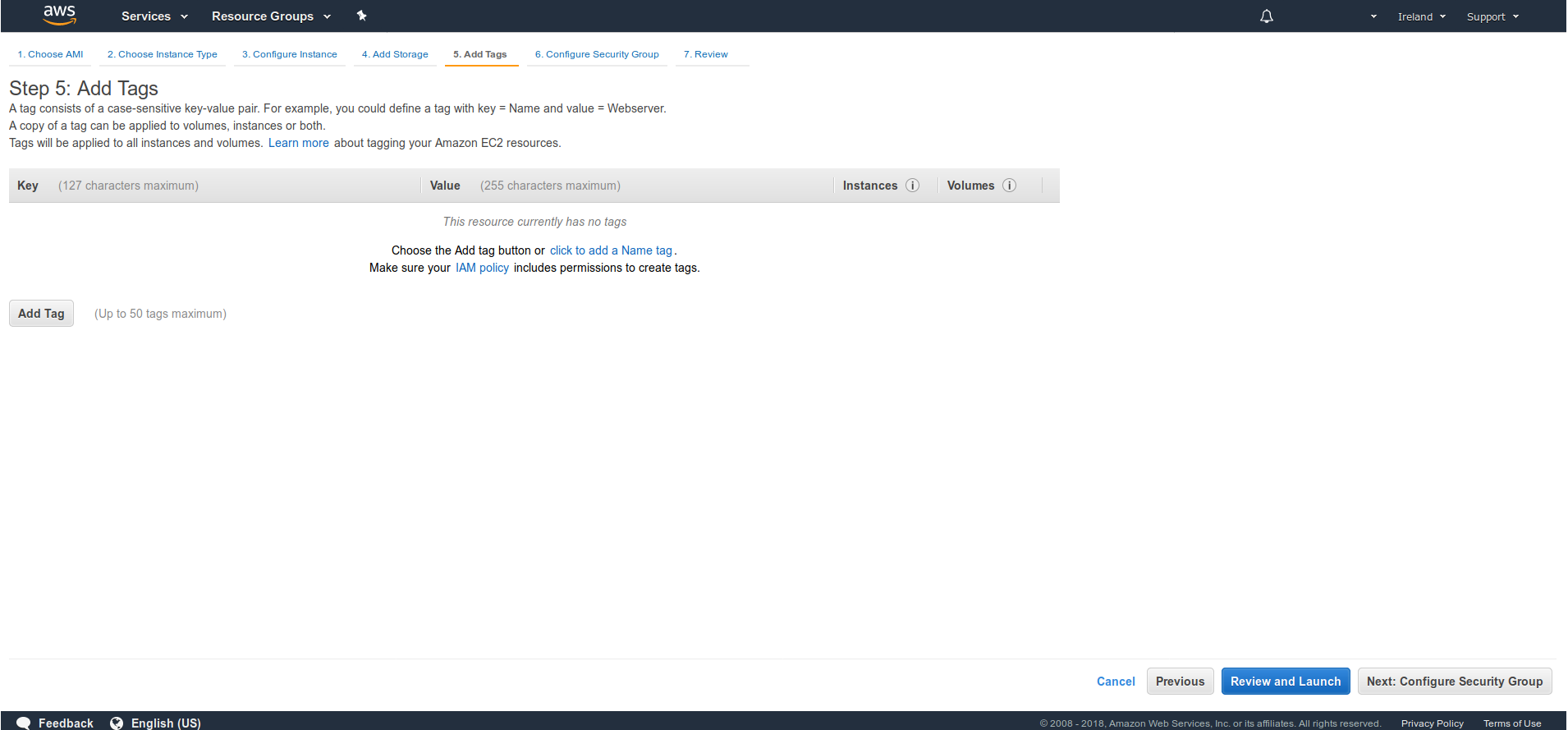
We add a tag
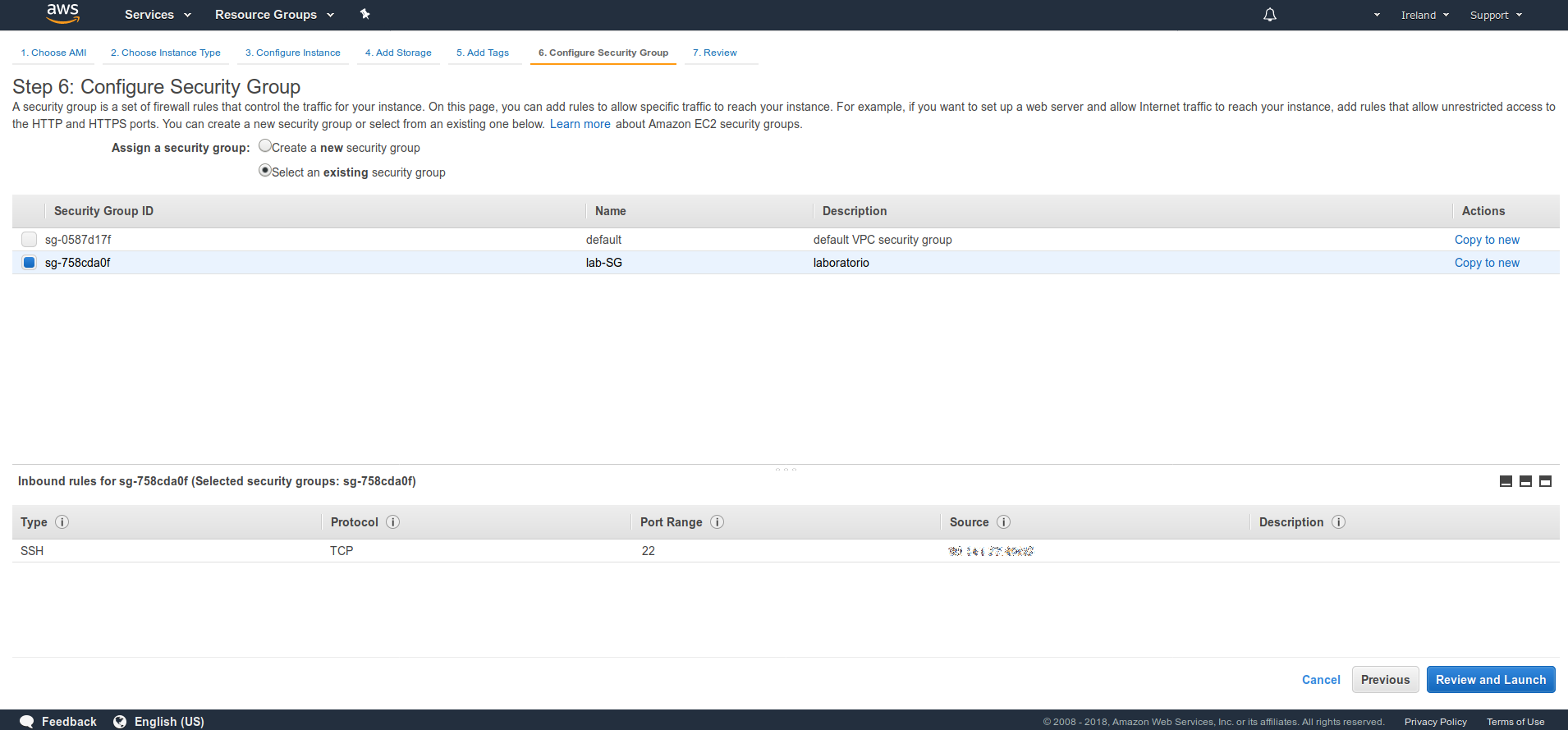
We select the security group.
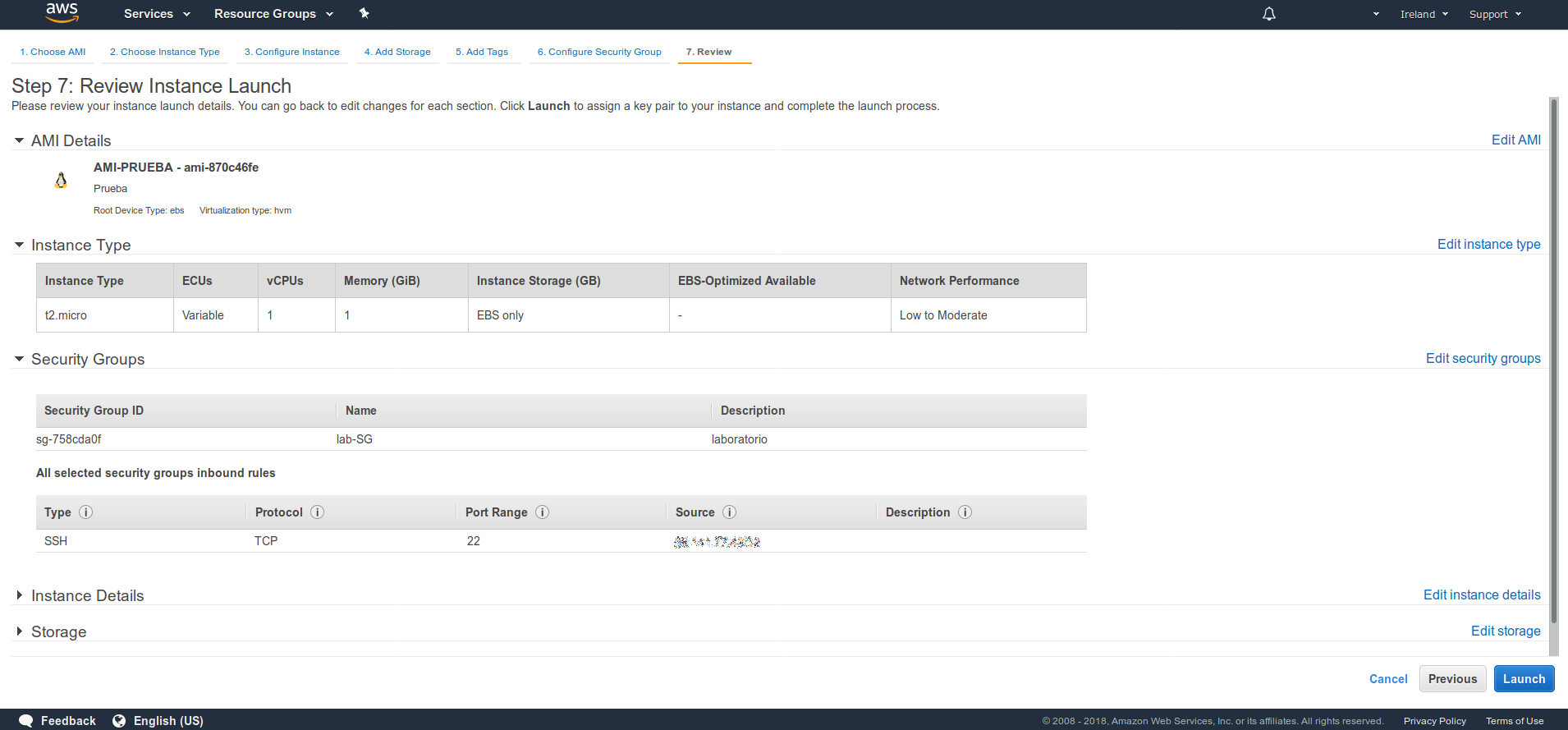
It shows us a small summary.
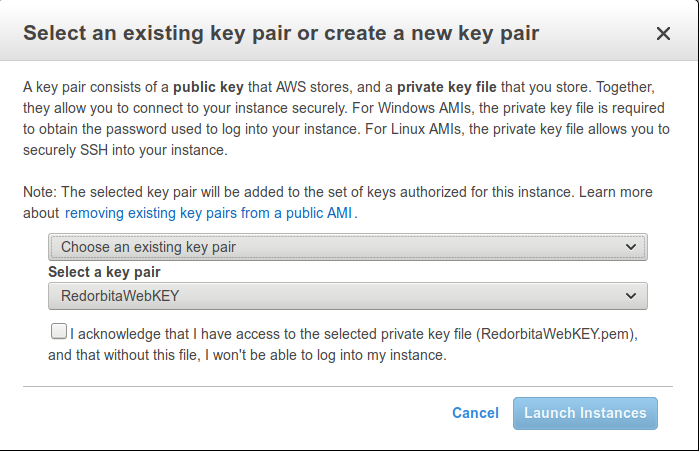
We select or create a key
:wq!
Comments