
Introduction
The radio Quansheng UV-K5 It is a versatile and economical device that has gained popularity among radio enthusiasts for its ability to customize and modify through alternative firmware. However, not all firmwares are compatible with programming tools such as CHIRP, a widely used cross-platform utility for cloning, editing and managing radio configurations.
As of the writing of this manual, CHIRP only offers limited support for the UV-K5, specifically for the following variants:
-
TG-UV2+ -
UV-K5 (+ OSFW, unsupported, egzumer)
This means that in order to perform a complete backup of the UV-K5 configuration from CHIRP in Linux, it is necessary that the device has a compatible modified firmware, such as that of Egzumer (OSFW). Radios with factory firmware are not supported and will generate errors when attempting to communicate with CHIRP.
This manual will guide you step by step to:
-
Correctly detect and configure the USB to serial programming cable in Linux.
-
Adjust serial port permissions to avoid access errors.
-
Install and run CHIRP on your distribution.
-
Correctly select the compatible radio model within the software.
-
Carry out the backup process safely.
⚠️ Note: If your radio does not have one of the compatible firmwares mentioned, CHIRP will not be able to clone or read device settings. It is recommended to check or update the firmware if you want to use this tool.
Prerequisites
Quansheng UV-K5 Radio
USB programming cable (UV-K5 compatible, usually with CH340 or CP210x chip)
CHIRP software: https://chirp.danplanet.com/projects/chirp/wiki/Home
USB cable drivers:
On Linux you may not need to install anything, but sometimes you need to add permissions or install
modusbserialfor CH340 or CP210x.
Install CHIRP
We install dependencies
sudo apt install python3-wxgtk4.0 pipxDownload the file .whl by CHIRP
Download the file chirp-yyyymmdd-py3-none-any.whl located in the folder corresponding to the last date.
For example, for the May 9, 2025 version:
wget https://archive.chirpmyradio.com/chirp_next/next-20250509/chirp-20250509-py3-none-any.whl
We install chirp
pipx install --system-site-packages ./chirp-20250509-py3-none-any.whlNote: The parameter
--system-site-packagesIt allows CHIRP to access the system libraries necessary for its correct functioning.
Connect the cable
-
Connect the programming cable to the USB port.
-
Plug in the radio and turn it on.
-
Check the serial port:
sudo dmesg | grep ttyUSB

[1309605.060675] usb 3-14: ch341-uart converter now attached to ttyUSB0
Example result:
/dev/ttyUSB0
If we look closely at the dmesg logs when connecting the Quansheng devices we will see the following output
[1309605.021670] usb 3-14: New USB device found, idVendor=1a86, idProduct=7523, bcdDevice= 2.64
[1309605.021682] usb 3-14: Product: USB Serial
[1309605.060163] ch341 3-14:1.0: ch341-uart converter detected
[1309605.060675] usb 3-14: ch341-uart converter now attached to ttyUSB0
Give permissions to the serial port
sudo usermod -aG dialout $USER
sudo chmod a+rw /dev/ttyUSB0
Then log in for it to take effect.
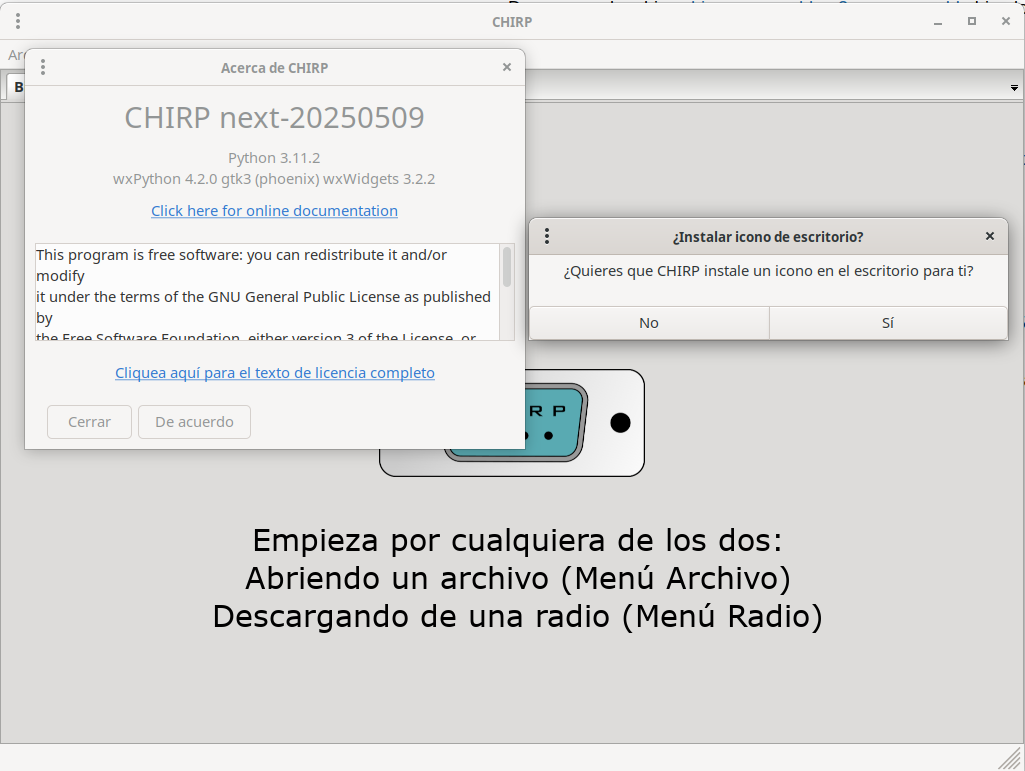
We run Chirp
~/.local/bin/chirpYou can also add that route to your
$PATHto run it directly withchirp.
Read settings
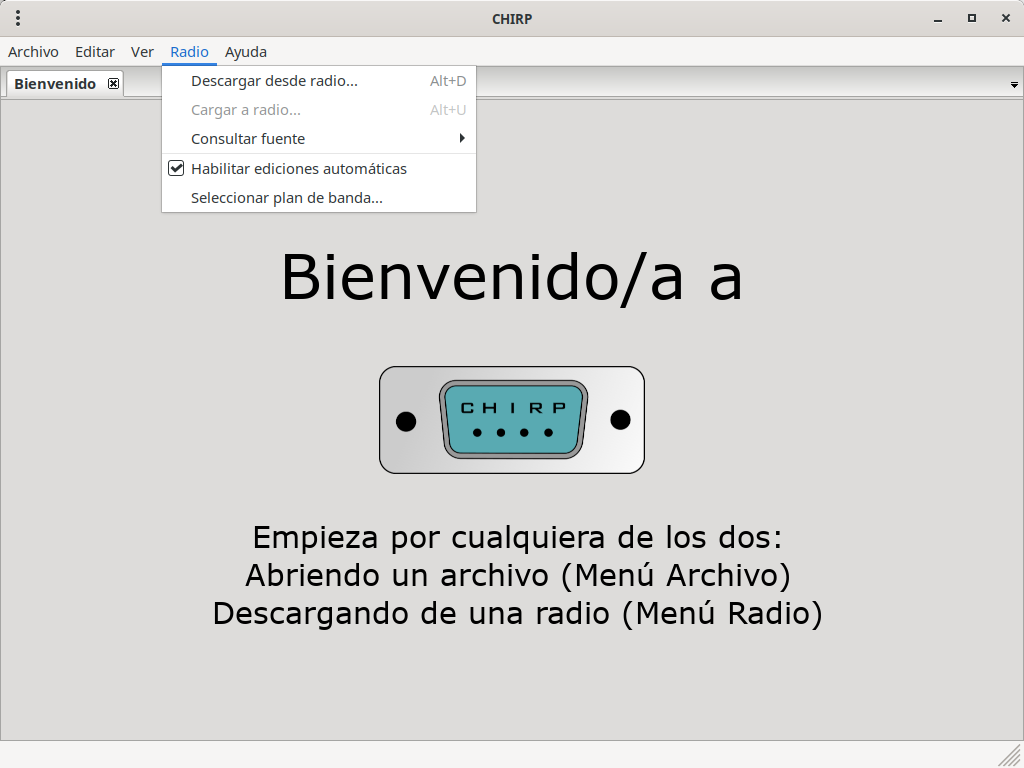
Run CHIRP.
Go to
Radio→Download From Radio.
-
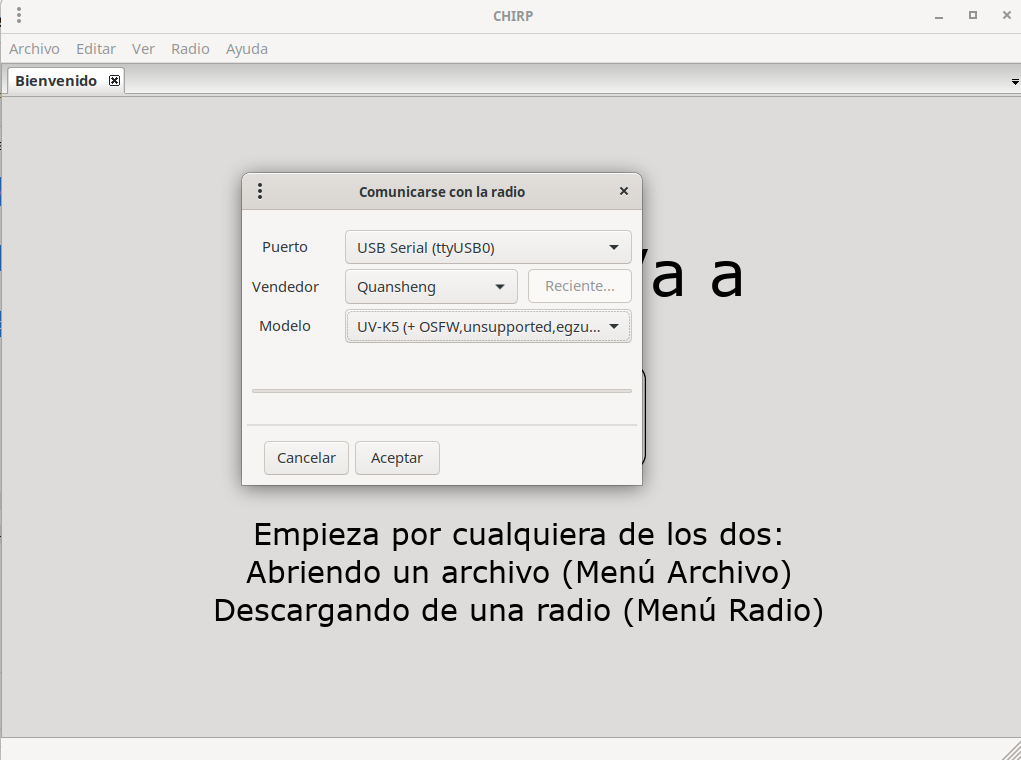
Enter:
-
Port:
/dev/ttyUSB0(or other as detected) -
Vendor:
Qansheng -
model:
UV-K5
-
-
Press OK.
Comments