

Nessus is a vulnerability scanning program for various operating systems. It consists of nessusd, the Nessus daemon, which performs the scan on the target system, and nessus, the client (console or graphic based) that shows the progress and report of the scans. From console nessus can be programmed to do scheduled scans with cron.
We download Nessus
http://www.nessus.org/download/nessus_download.php
We install Nessus
Bash
rokitoh@redorbita:~# dpkg -i Nessus-4.2.2-debian5_amd64.debWe configure Nessus
We create a user
Bash
rokitoh@redorbita:~# /opt/nessus/sbin/nessus-adduser
Login : rokitoh
Login password :
Login password (again) :
Do you want this user to be a Nessus ‘admin’ user ? (can upload plugins, etc…) (y/n) [n]: y
User rules
———-
nessusd has a rules system which allows you to restrict the hosts
that rokitoh has the right to test. For instance, you may want
him to be able to scan his own host only.
Please see the nessus-adduser manual for the rules syntax
Enter the rules for this user, and enter a BLANK LINE once you are done :
(the user can have an empty rules set)
Login             : rokitoh
Password         : ***********
This user will have ‘admin’ privileges within the Nessus server
Rules             :
Is that ok ? (y/n) [y] y
User added
rokitoh@redorbita:~#
lusy:/home/jositoh/Desktop# /opt/nessus/sbin/nessus-adduserLogin : rokitohLogin password : Login password (again) : Do you want this user to be a Nessus ‘admin’ user ? (can upload plugins, etc…) (y/n) [n]: yUser rules———-nessusd has a rules system which allows you to restrict the hoststhat rokitoh has the right to test. For instance, you may wanthim to be able to scan his own host only.

Please see the nessus-adduser manual for the rules syntax

Enter the rules for this user, and enter a BLANK LINE once you are done : (the user can have an empty rules set)
Login             : rokitoh
Password         : ***********
This user will have ‘admin’ privileges within the Nessus serverRules
:Is that ok ? (y/n) [y] y
User addedlusy:
rokitoh@redorbita:~#
We register in Nessus,
we access: http://www.nessus.org/plugins/?view=register-info
Once registered, they will send us an email with the command which we have to enter, in my case:
Bash
rokitoh@redorbita:~# /opt/nessus/bin/nessus-fetch –register 6A32-29B9-0359-E651-7C41We start the daemon
Bash
rokitoh@redorbita:~# /opt/nessus/sbin/nessusdWe start Nessus
Bash
rokitoh@redorbita:~# /etc/init.d/nessusd startWe access it, to do this we open a web browser and enter: https://127.0.0.1:8834/
We make Logon with the user created previously.
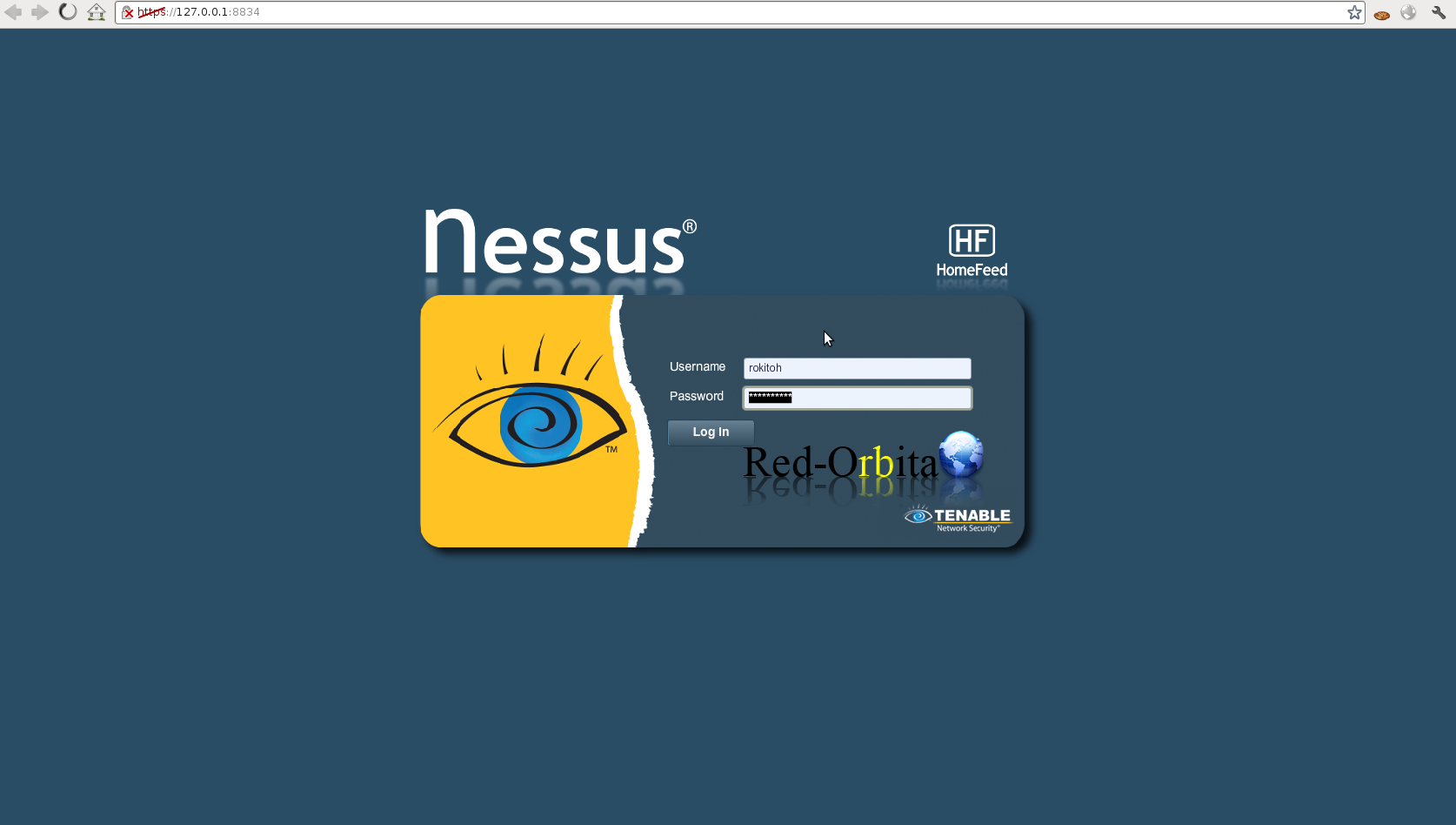
We already have Nessus installed, like you can see…. It's very simple, now... well, it's time to play with it... that you you had fun… ha ha, practice
Regards, rokitoh
Comments