
Well, this time we are going to implement a DFS server in our Active Directory scenario.
DCE Distributed File System either DCE DFS
It is an application level protocol, according to the OSI Model. It is used for DCE distributed file systems in a local area computer network environment. It allows different systems connected to the same network to access remote files as if they were local files, allowing files distributed on different machines to be grouped in a single namespace.
We are going to mount it on a separate server that is not CDP or CDA (But is within the domain) since all users on our network (who have permission) will access this server to work with their files remotely as if they were on their local computer.
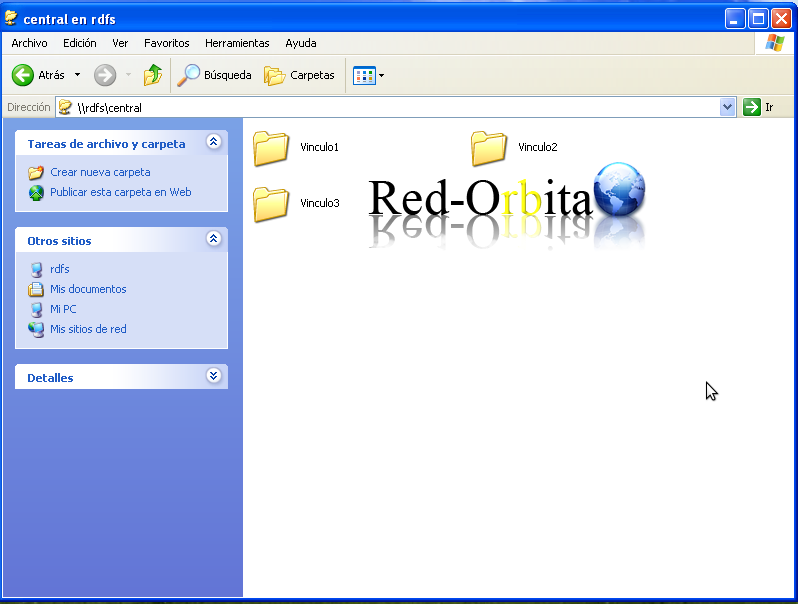
We have to differentiate between dfs root and link. The first will centralize access to the entire distributed file system and the links are each of the shared resources (on different hosts) that are part of the dfs root.
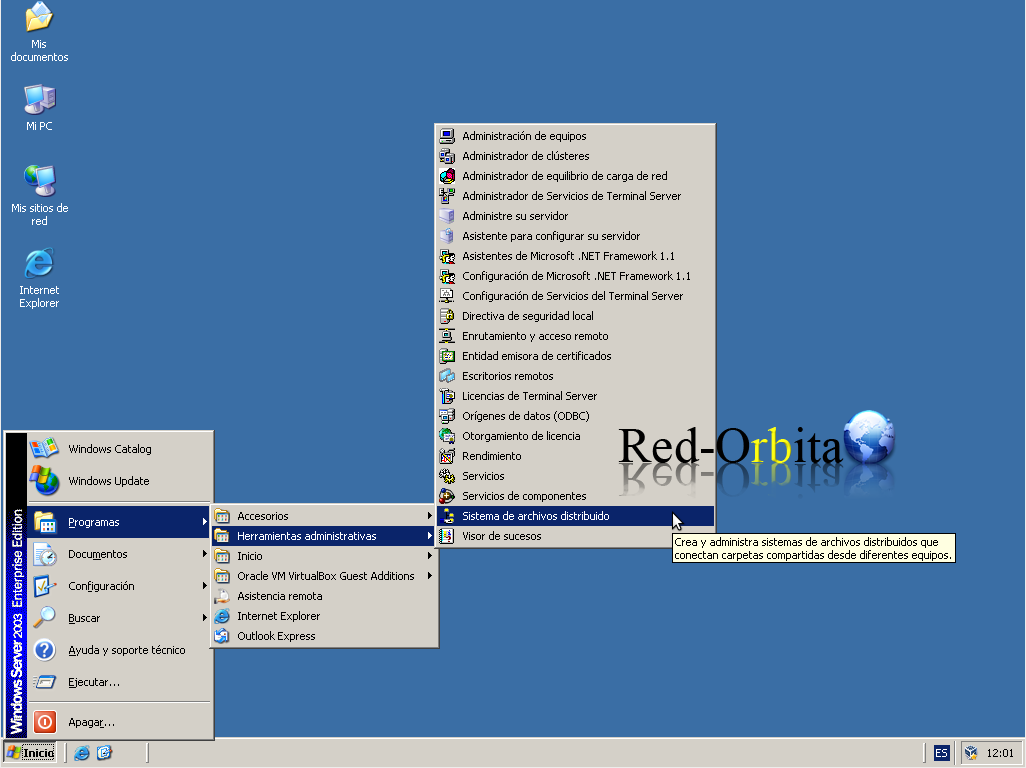
Let's move on to the configuration, Home > Programs > Administrative Tools > Distributed File System
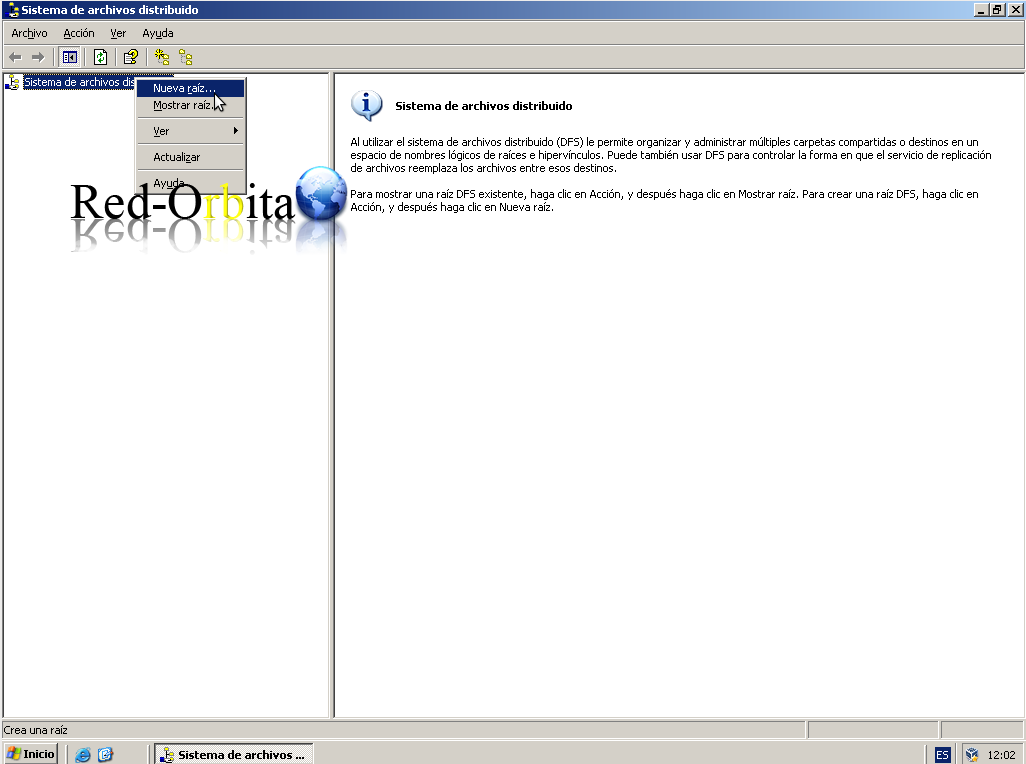
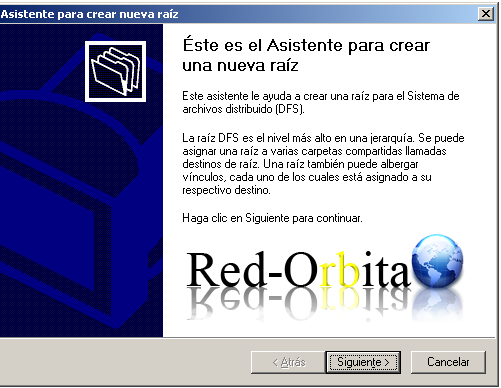
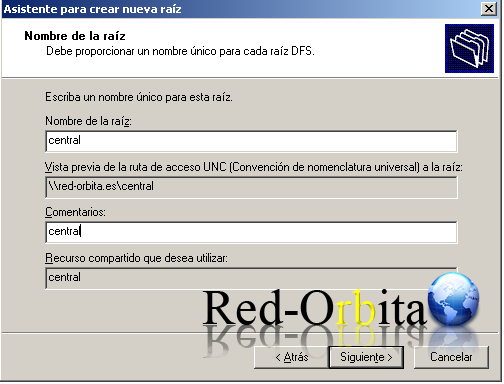
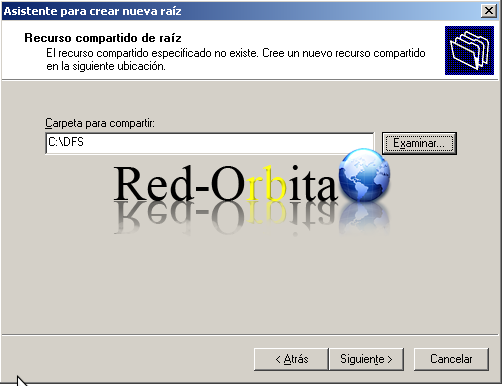
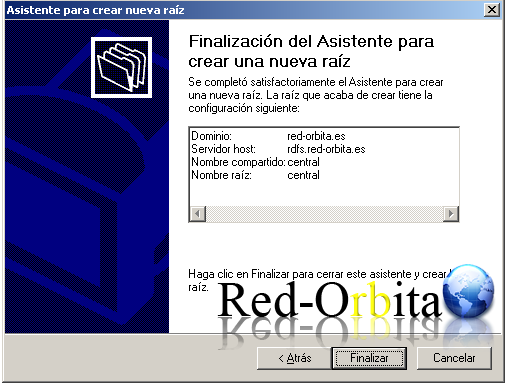
We stand above File System > Right Button > New Root
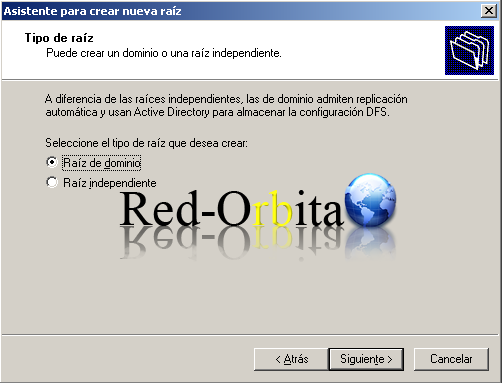
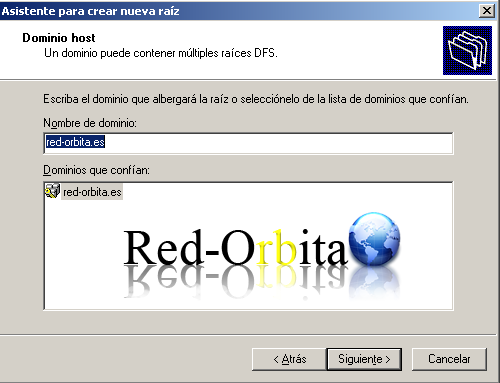
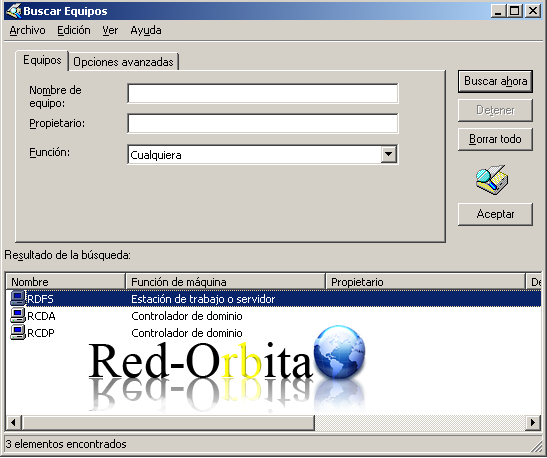
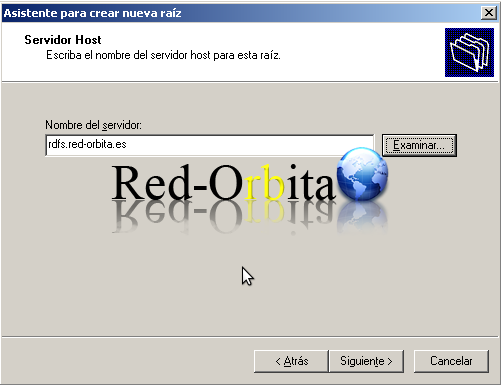
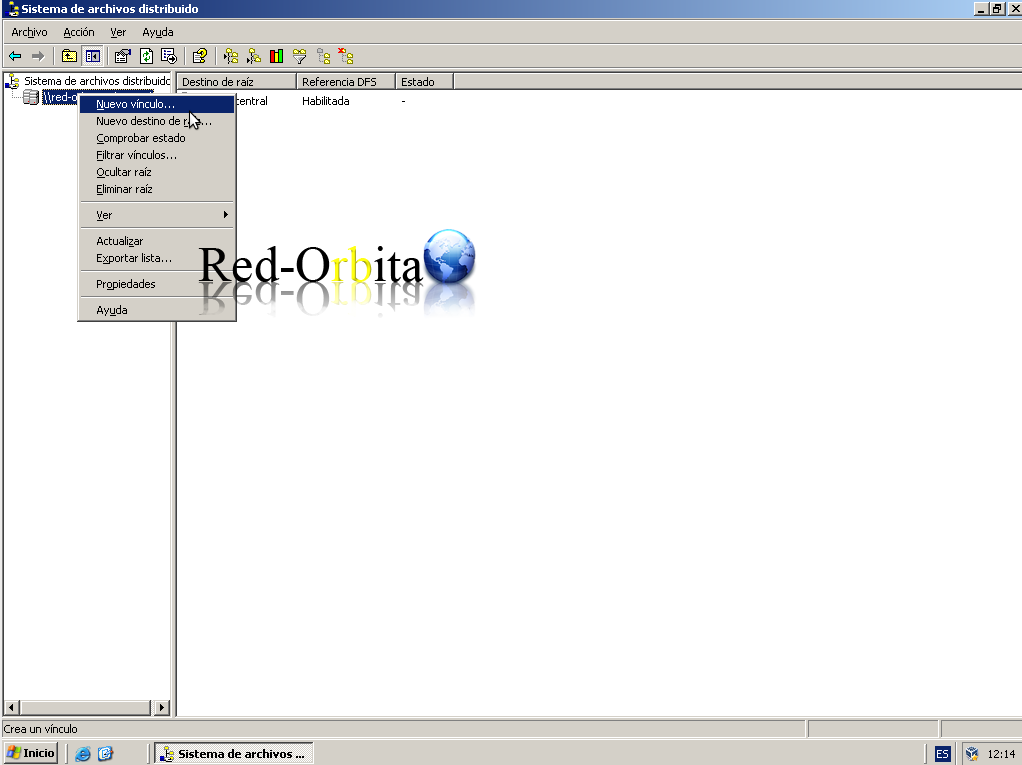
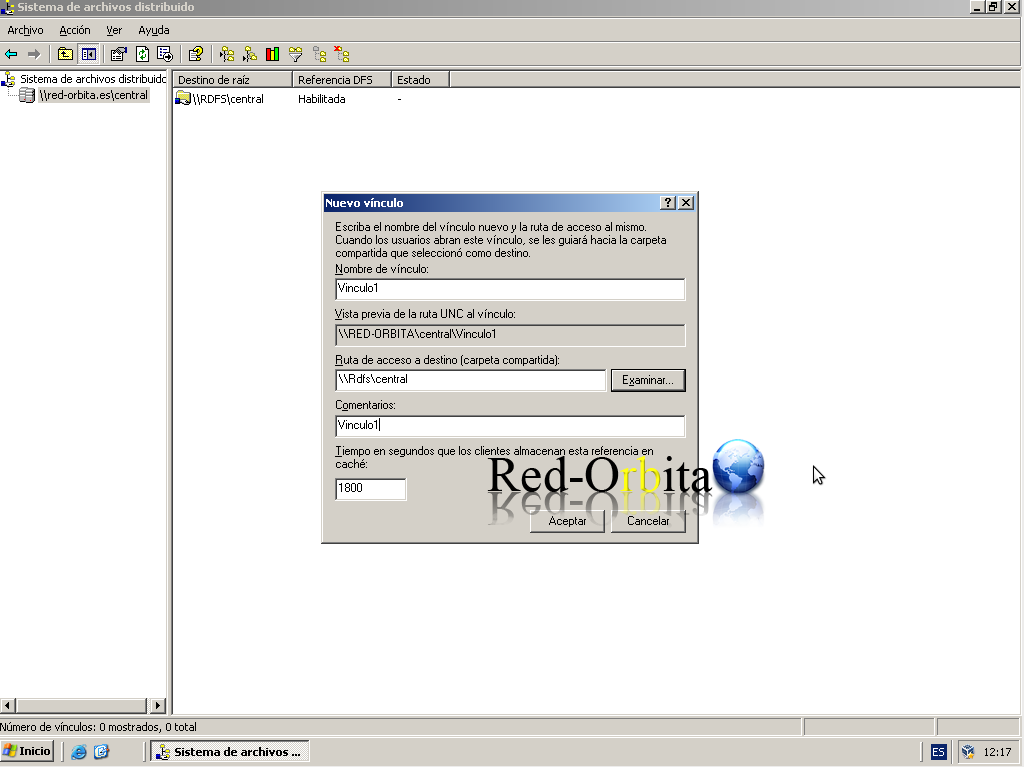
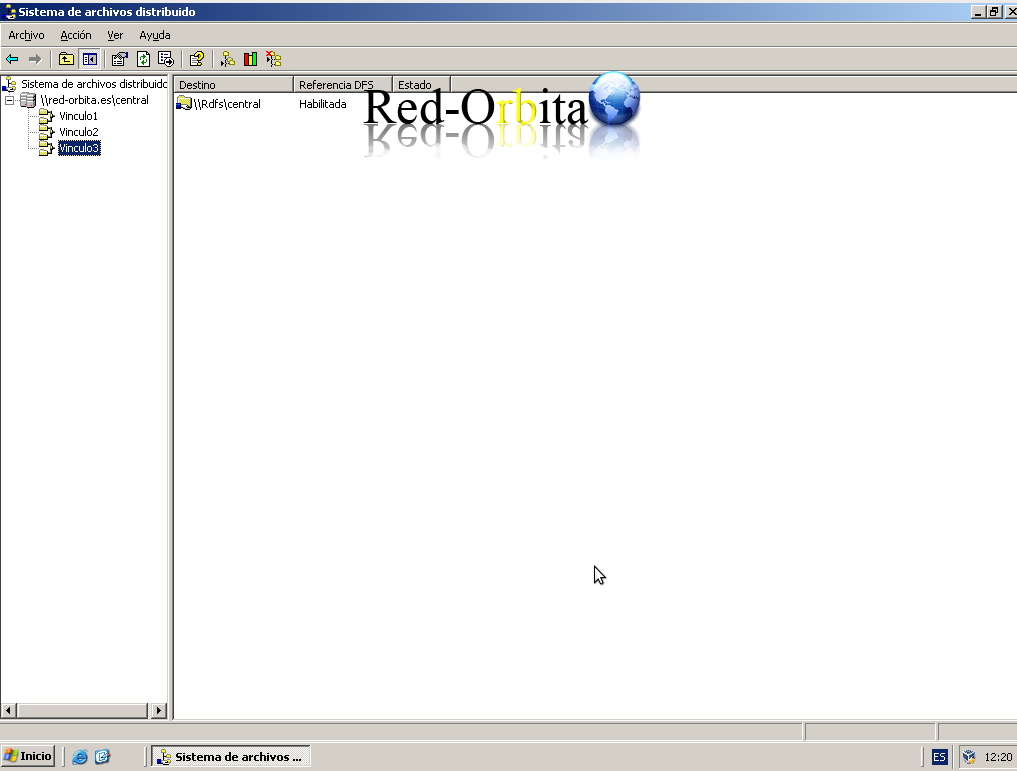
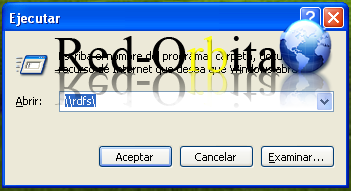
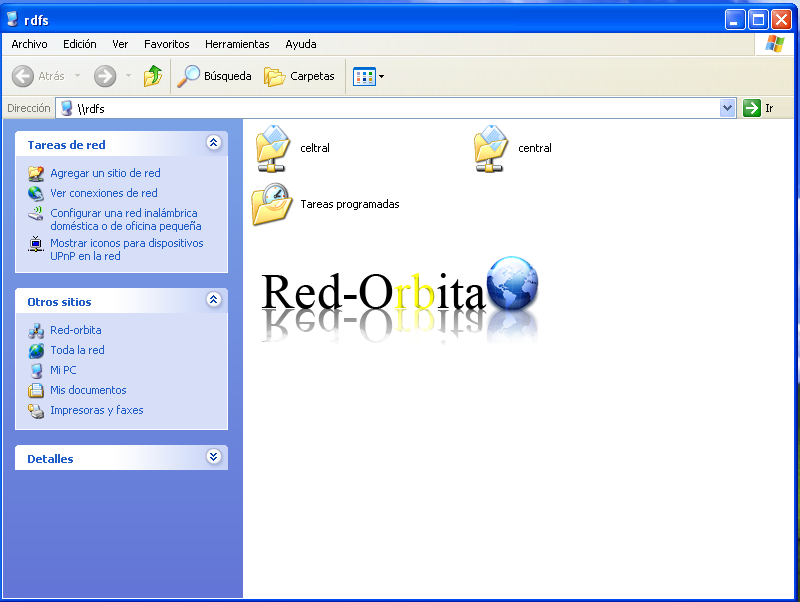
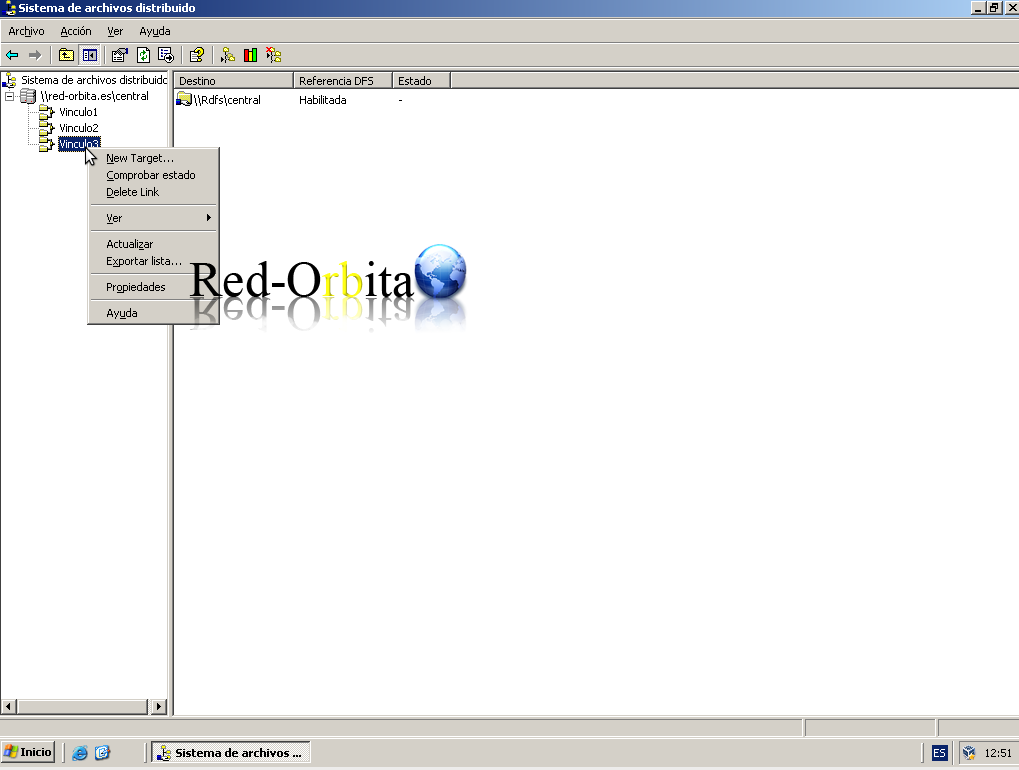
Now we are going to use replication so that everything in the Vinculo3 resource is replicated to another resource that can be anywhere and in our case it is called replication that will be in CDA, with 'new target' (a ring topology will be created, the two nodes will communicate).
We go to CDA and create the share, then we go to the DFS server.
We position ourselves in the link3 > Right button > New target
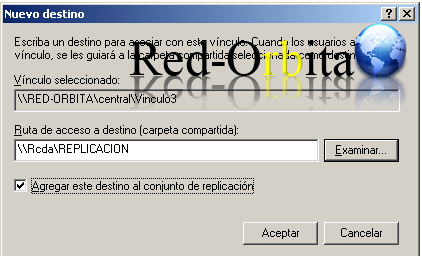
A window appears to configure the destination of the link. Browse and select the share created previously, in my case REPLICATION.
Yeah.
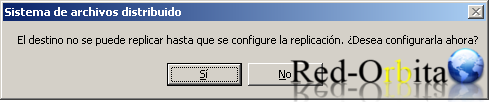
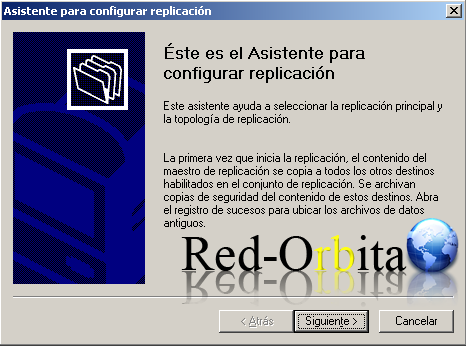
The Replication Configuration Wizard opens.
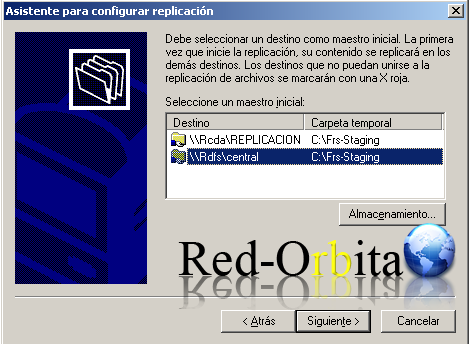
We select select the Central resource.
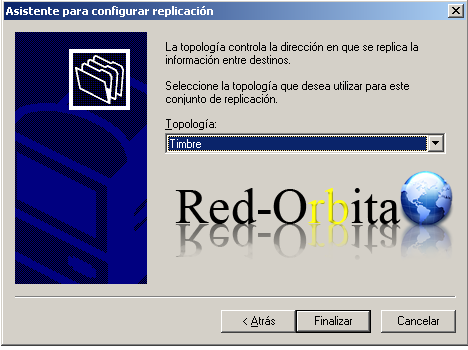
Ringing topology.
For today the manual ends here, we added user permissions which will directly access the DFS server to work.
Regards, rokitoh
Comments