
What is FreeNET?
freenet It is a decentralized and resistant information distribution network. censorship originally designed by Ian Clarke. Freenet aims to provide freedom of expression through the peer networks through strong protection of the anonymity; As part of supporting the freedom of its users, Freenet is a free software. Freenet works through the sharing of bandwidth and the storage space of the computers that make up the network, allowing its users to publish or retrieve different types of information anonymously. Freenet has been under continuous development since 2000, a possible version has not yet been released. version 1.0, but the current versions are fully functional.
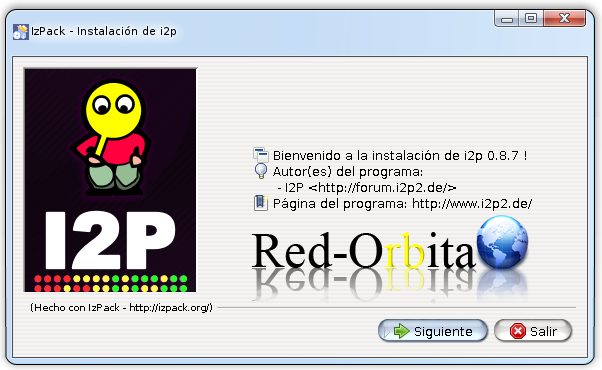
wget http://freenet.googlecode.com/files/new_installer_offline_1404.jar -O new_installer_offline.jarWe execute it.
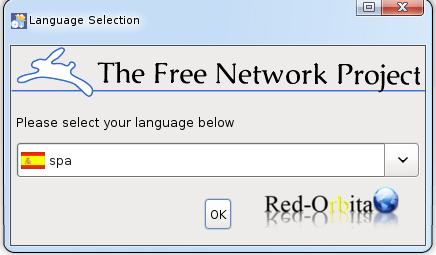
java -jar new_installer_offline.jarSeleccionamos el idioma.
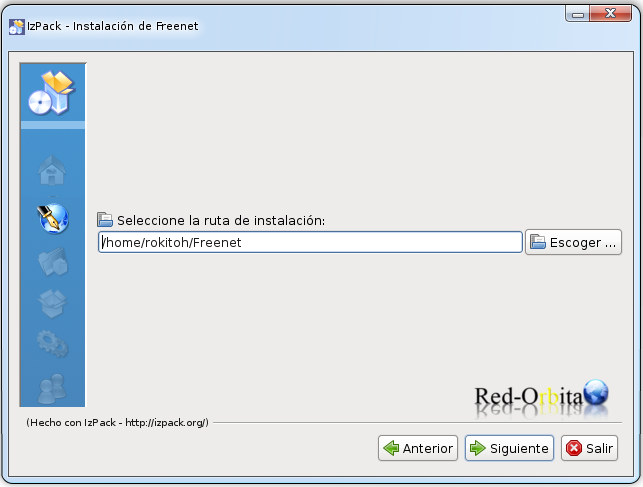
We indicate the path where we want to install it.
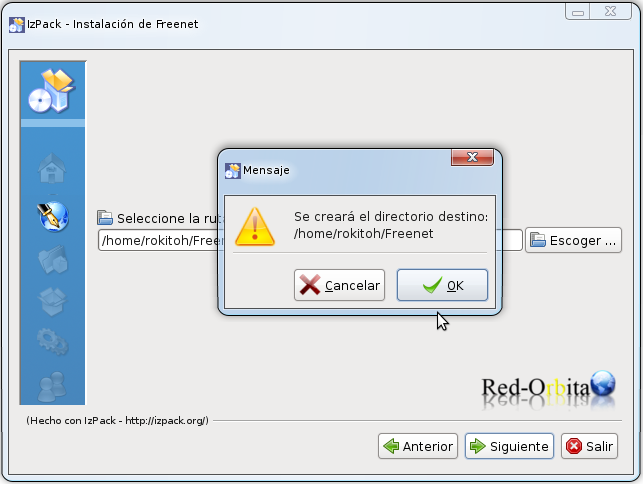
We get a notice that the directory is going to be created
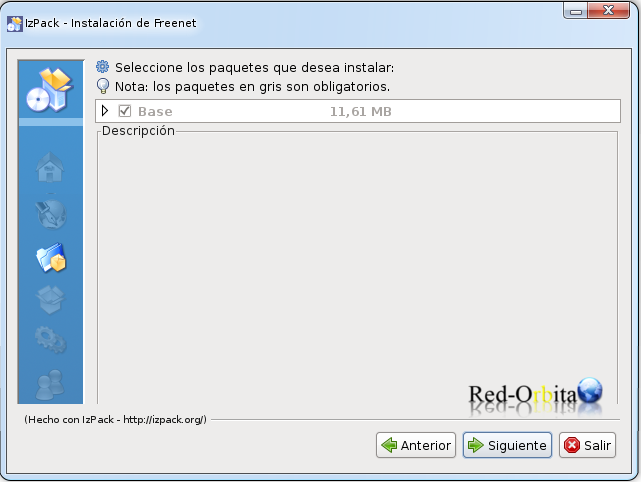
Base system, Next
Start installing the packages
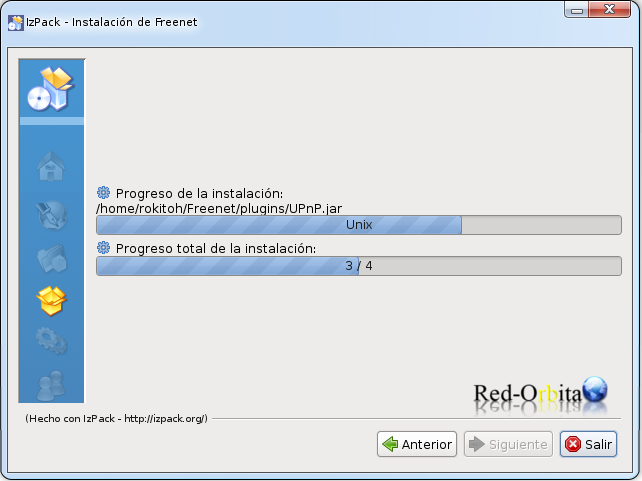
Processing…
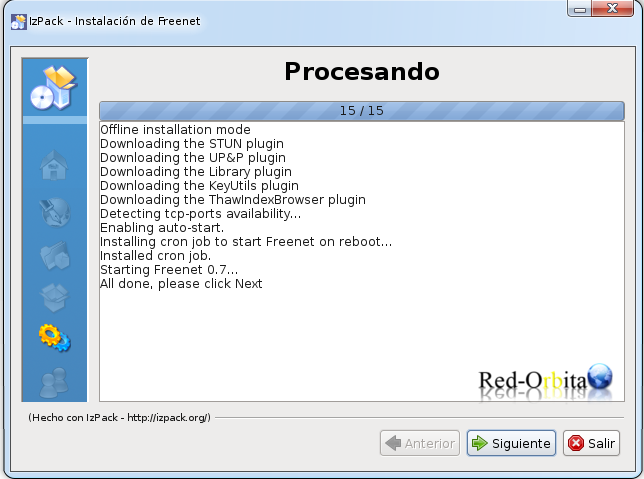
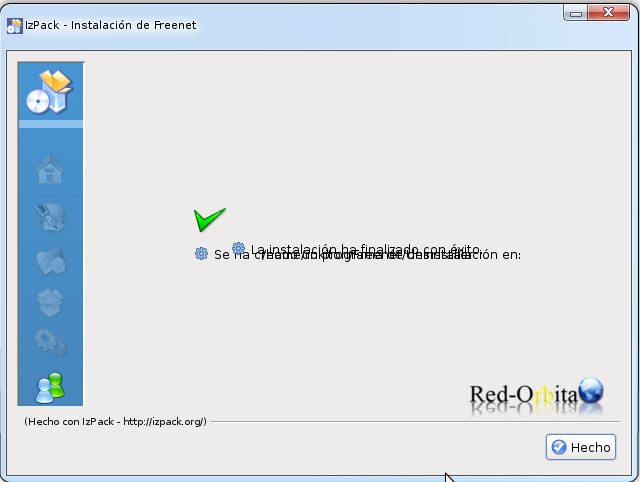
We finish the installation.
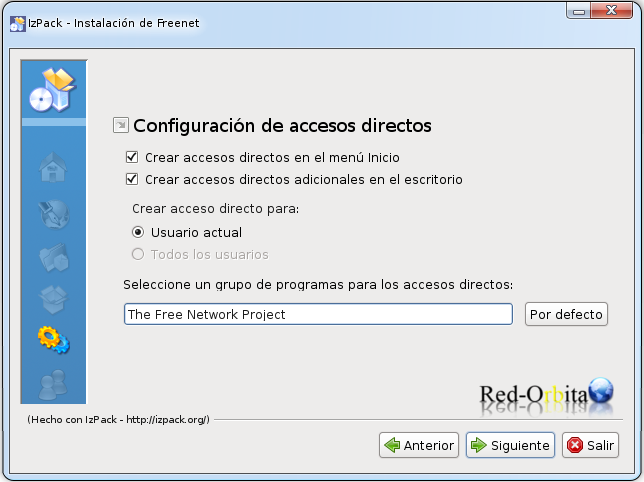
We start FreeNET
During the installation we added a menu in applications where you can start freenet and open the browser.
It can also be run by going to the installation folder and running the script.
cd /home/rokitoh/Freenet/bin/./run.shWe open a browser by entering: http://127.0.0.1:8888/
And it shows us the panel for configuration, I chose custom.
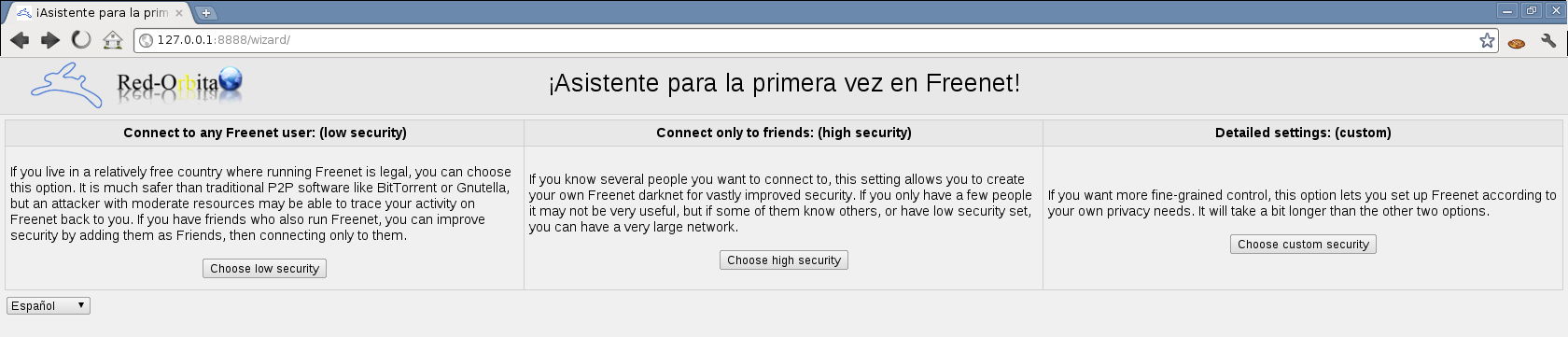
Following.

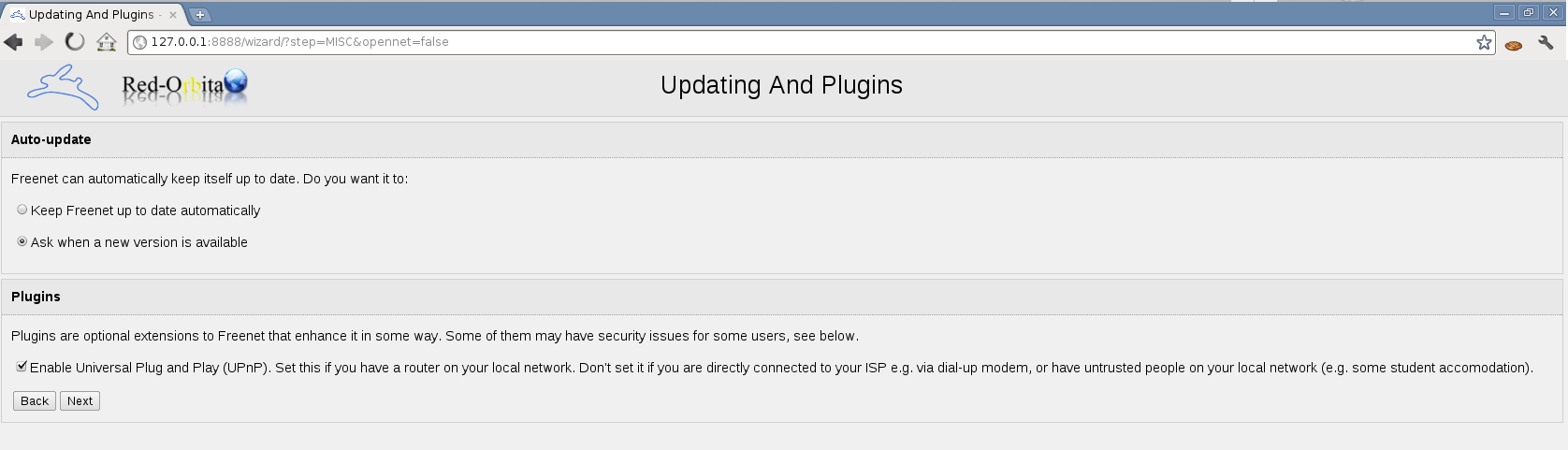
We encourage you to notify us when there is a new version.
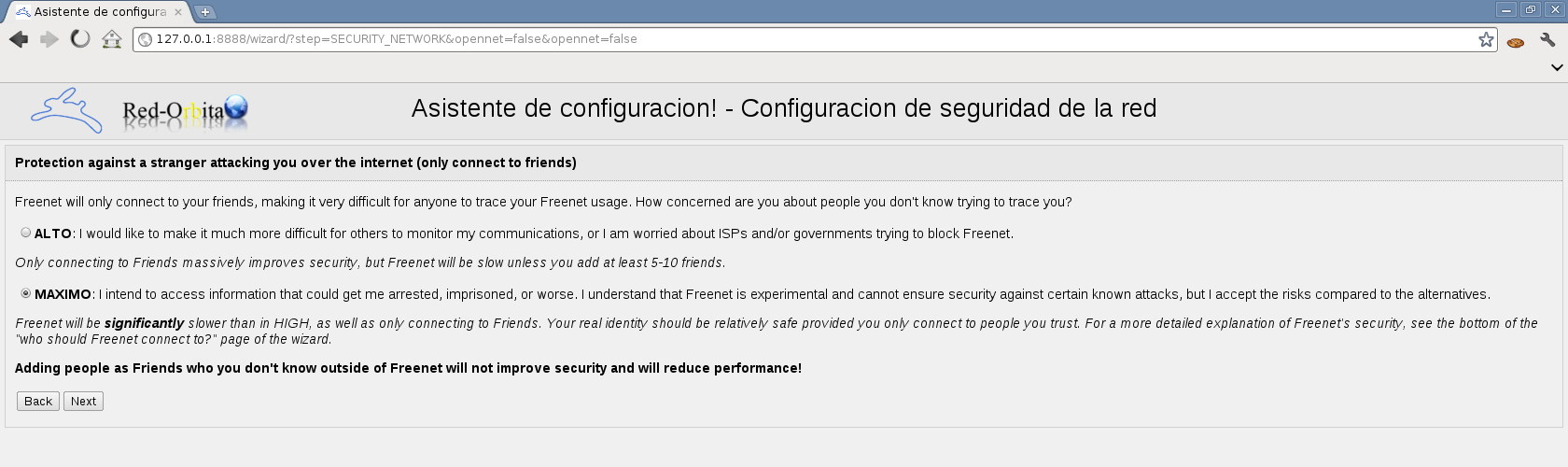
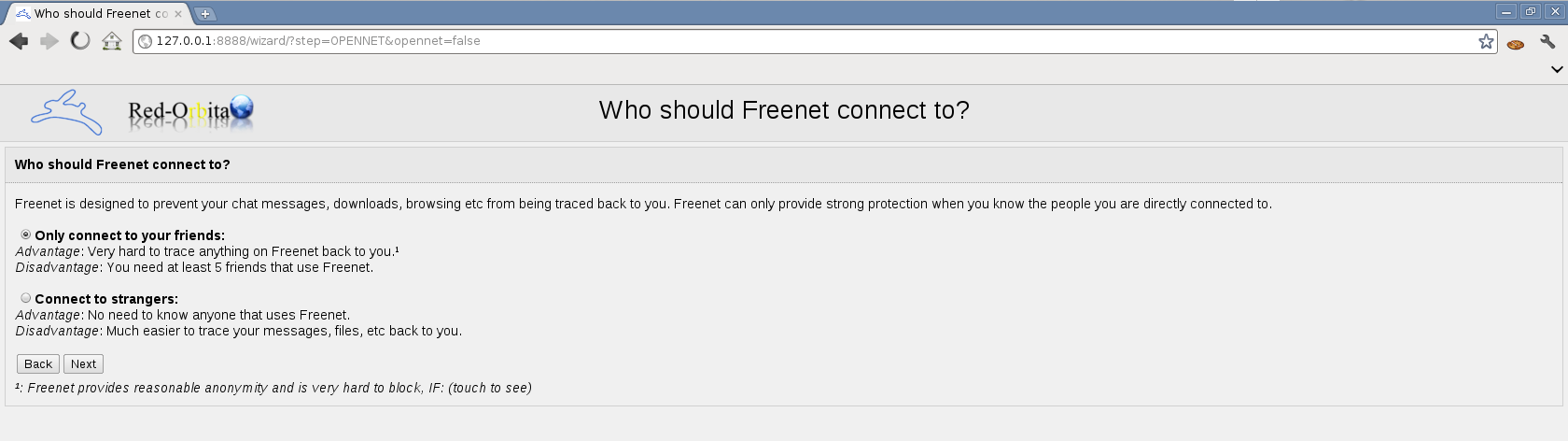
Let only friends connect.
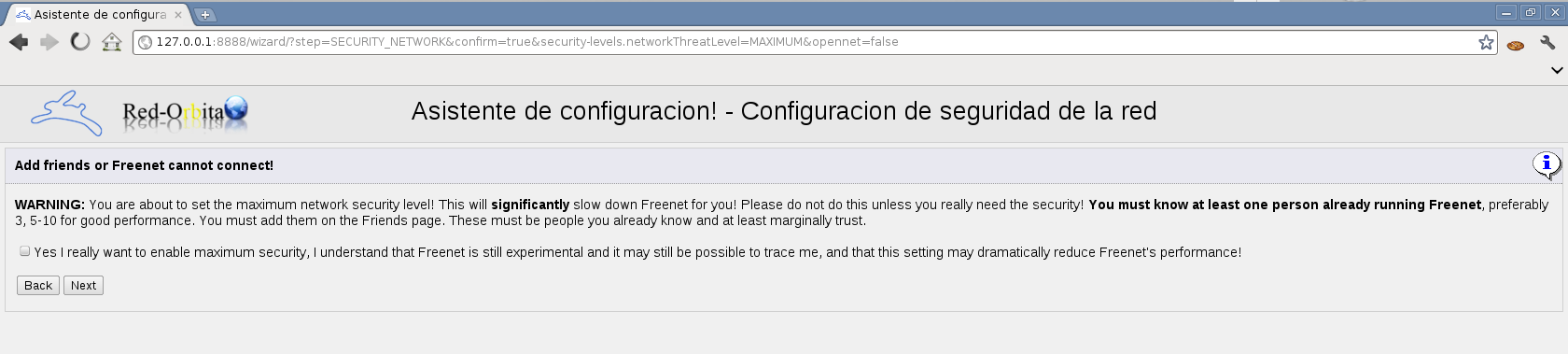
Now the security you give him depends on your degree of paranoia, in my case I gave him MAXIMUM
Yes, next
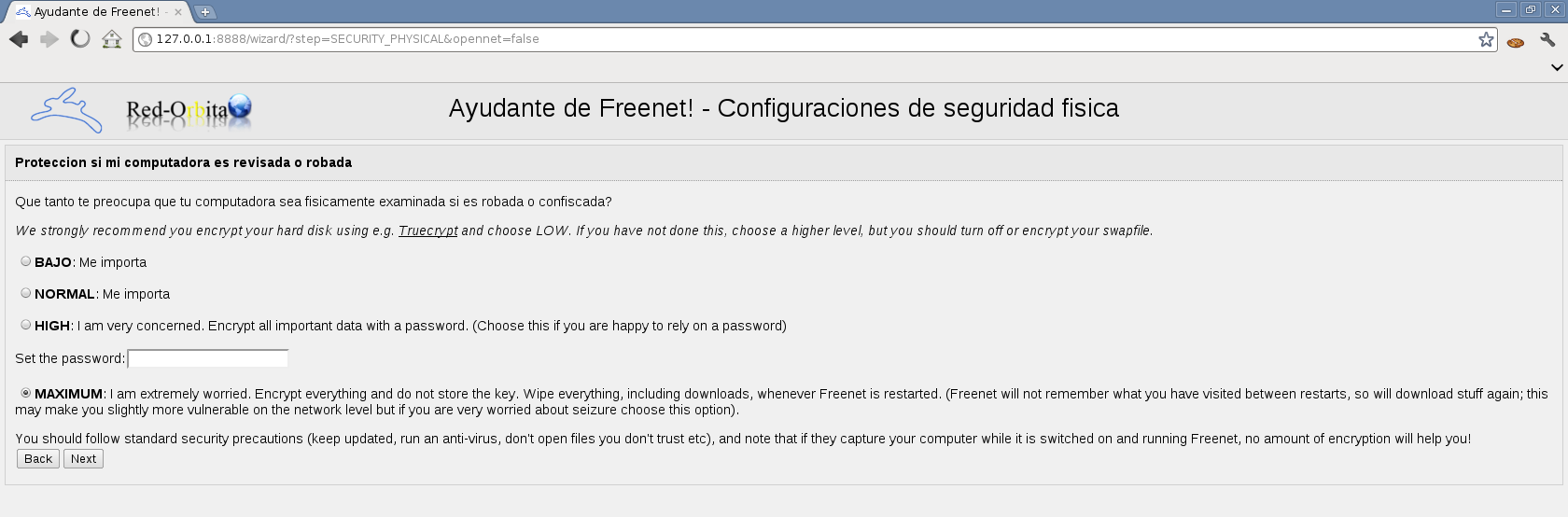
Configuring physical security, here it also depends on your degree of paranoia
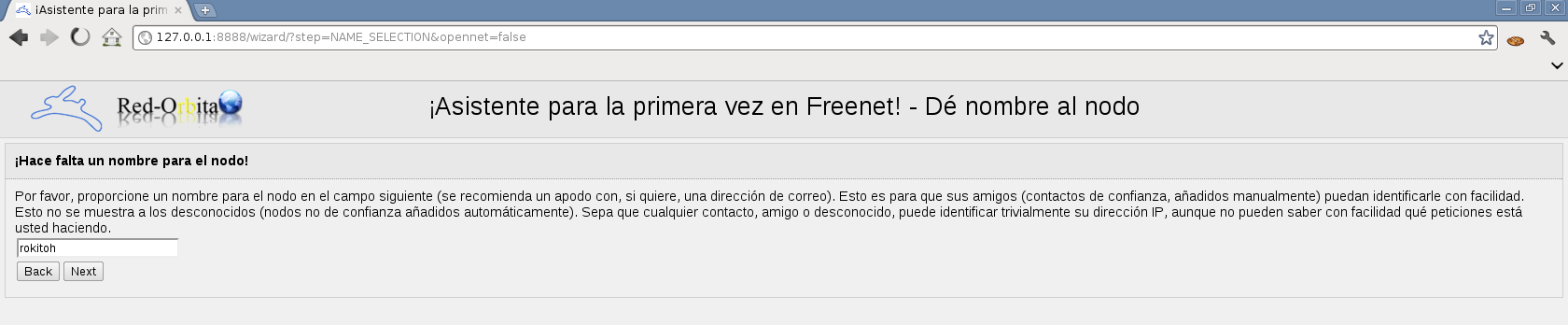
Name
Datastore size.

It asks you if your transfer is limited per month.

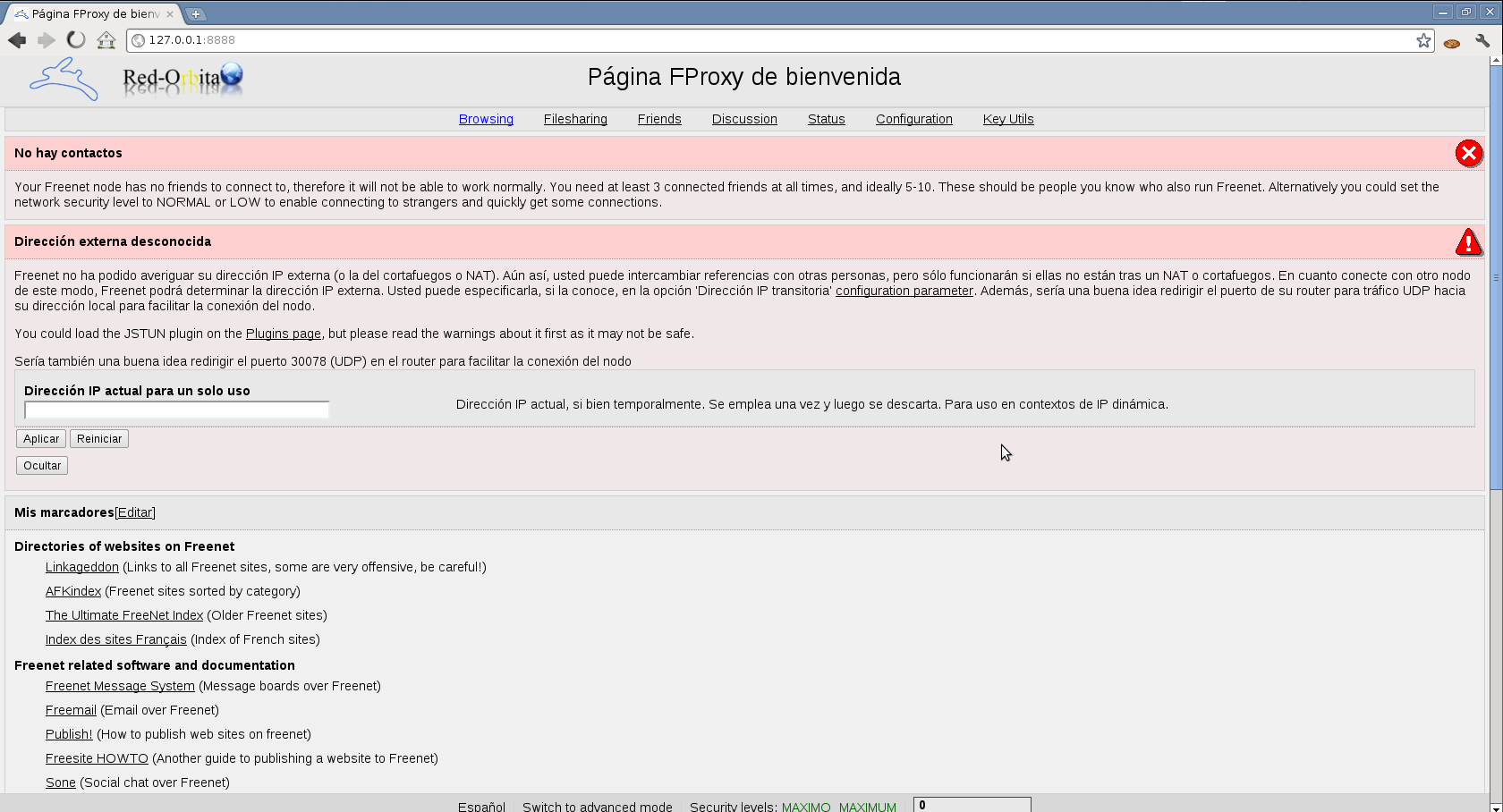
Once the configuration is complete, welcome us!
With this we are done for today.
Greetings, rokitoh!
Comments