
Cacti is a complete solution for generating graphics in grid, designed to take advantage of the storage power and graphics functionality that applications have RRDtool. This tool, developed in PHP, provides an agile pooler, templates advanced graphics, multiple methods for data collection, and user management. has a interface easy-to-use user interface, which is convenient for installations the size of a LAN, as well as for networks complex with hundreds of device
root@red-orbita:~# apt-get install php5 php5-gd php5-mysql php5-gd php5-imap php5-ldap bapache2-mod-perl2 libxml2 apache2 mysql-server rrdtool snmp snmpdroot@red-orbita:~# useradd cactiuserroot@red-orbita:~# mysql -u root -pmysql>
mysql> set password for root@localhost=password(‘redorbita’);
Query OK, 0 rows affected (0.00 sec)
mysql> create database cactidb;
Query OK, 1 row affected (0.00 sec)
mysql> grant all on cactidb.* to root;
Query OK, 0 rows affected (0.00 sec)
mysql> grant all on cactidb.* to root@localhost;
Query OK, 0 rows affected (0.00 sec)
mysql> grant all on cactidb.* to cactiuser;
Query OK, 0 rows affected (0.00 sec)
mysql> grant all on cactidb.* to cactiuser@localhost;
Query OK, 0 rows affected (0.00 sec)
mysql> set password for cactiuser@localhost=password(‘redorbita’);
Query OK, 0 rows affected (0.00 sec)
mysql>root@red-orbita:~# wget http://www.cacti.net/downloads/cacti-0.8.8a.tar.gzroot@red-orbita:~# tar xzvf cacti0.8.7.tar.gz -C /var/wwwroot@red-orbita:~# mv /var/www/cacti-0.8.8a/ /var/www/cactiWe access the folder
root@red-orbita:~# cd /var/www/cacti/We import the cacti.sql file to the database we created earlier
root@red-orbita:/var/www/cacti/# mysql -u root -p
mysql> use cactidb
mysql> mysql -h localhost -u root -p cacti.sql
mysql> exitroot@red-orbita:/var/www/cacti/# chown -R cactiuser /log rra/vi /var/www/cacti/include/config.php$database_type = «mysql»;
$database_default = «cactidb»;
$database_hostname = «localhost»;
$database_username = «cactiuser»;
$database_password = «redorbita»; #Aquí la password que le hayáis puesto
$database_port = «3306»;
$database_ssl = false;We create a scheduled task telling it to run every 5 minutes.
root@red-orbita:/var/www/cacti/# vi /etc/cron.d/cacti*/5 * * * * cactiuser /usr/bin/php /var/www/cacti/poller.php > /dev/null 2>&1
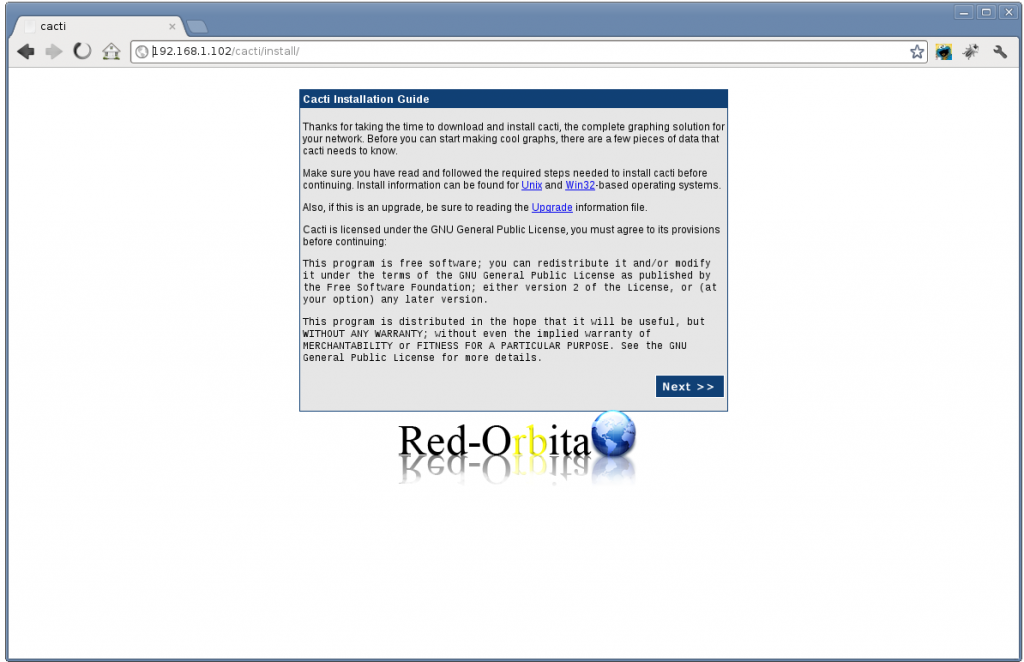
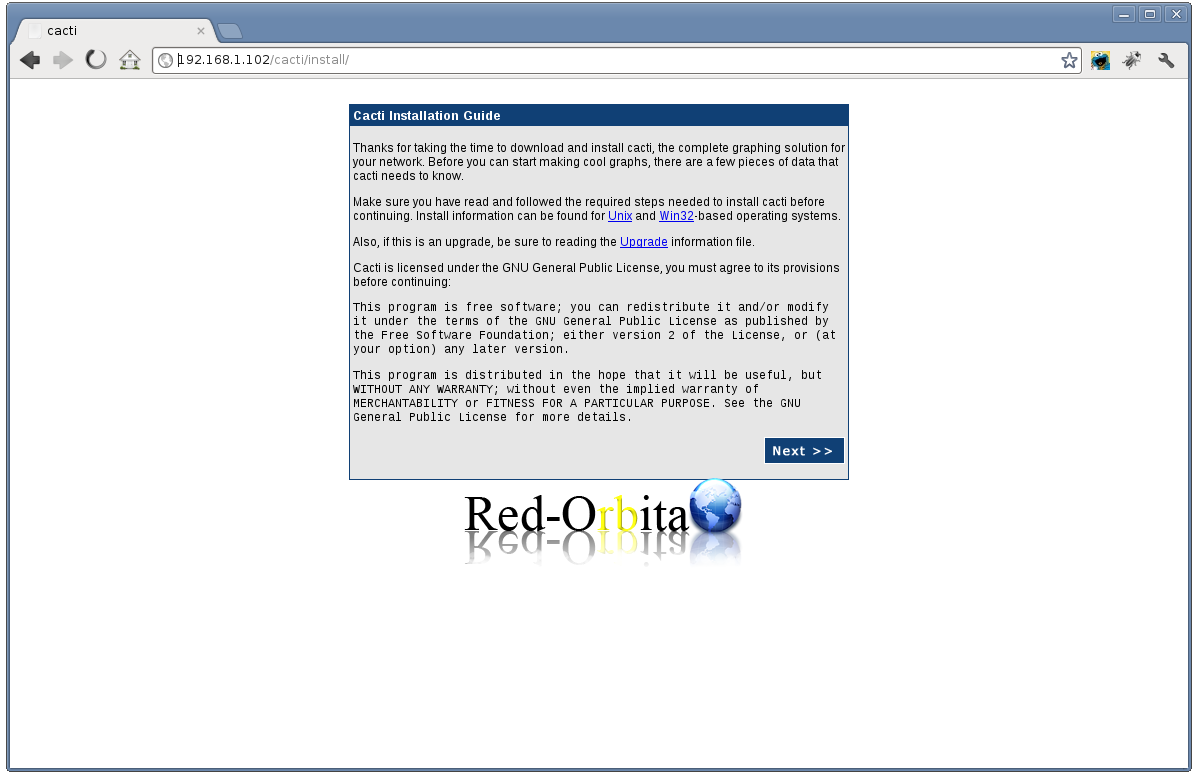
We access cacti with our browser.
And it shows us the installation wizard. Following
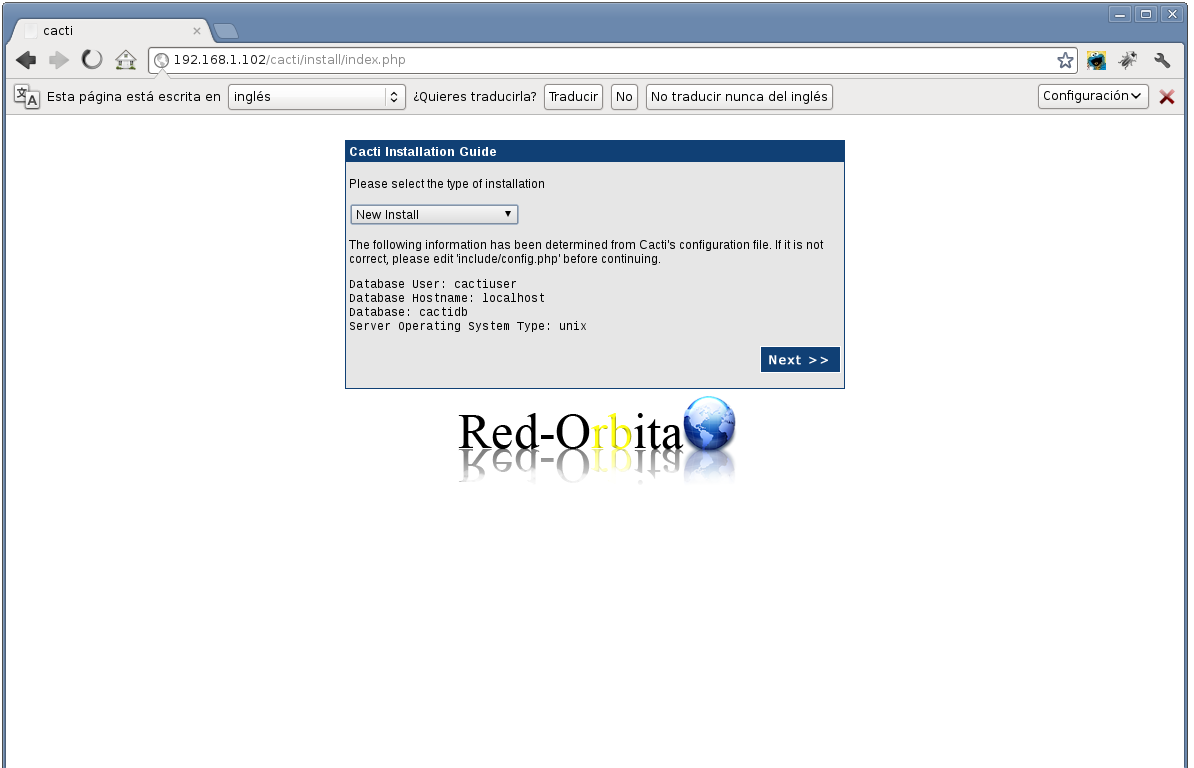
We tell you that we want a new installation.
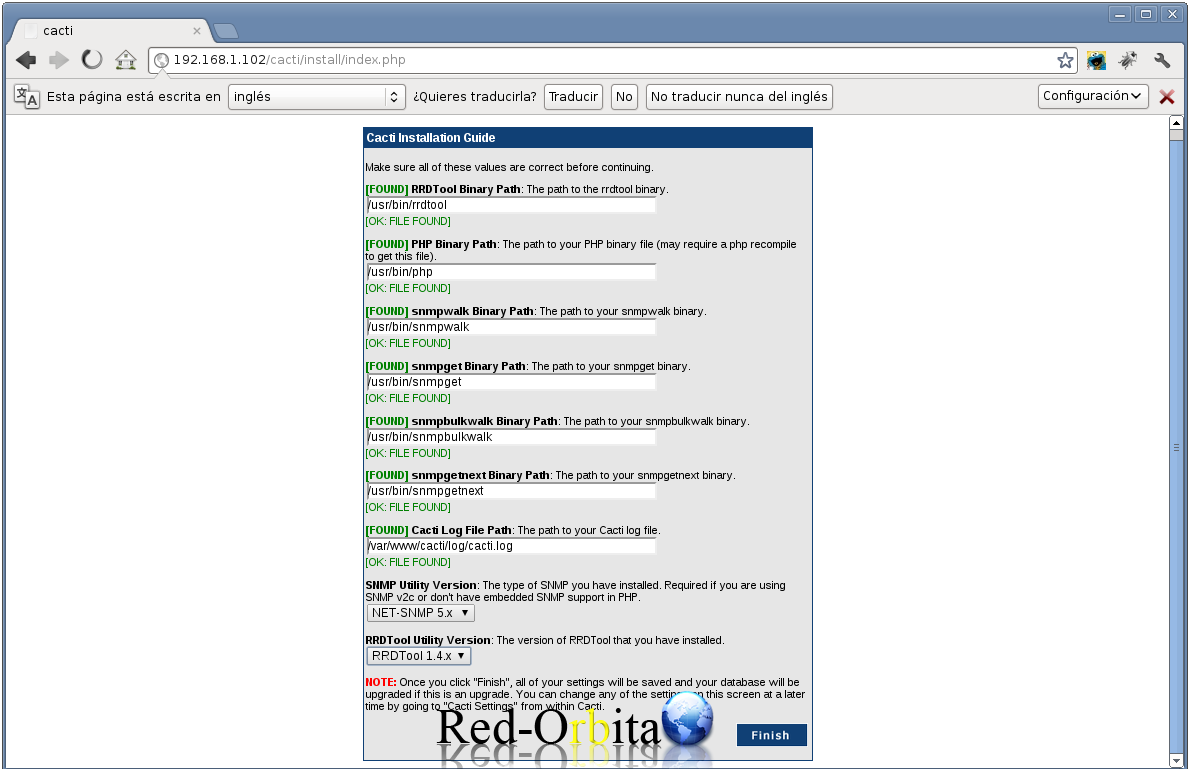
We check that the configuration is correct and we finish.
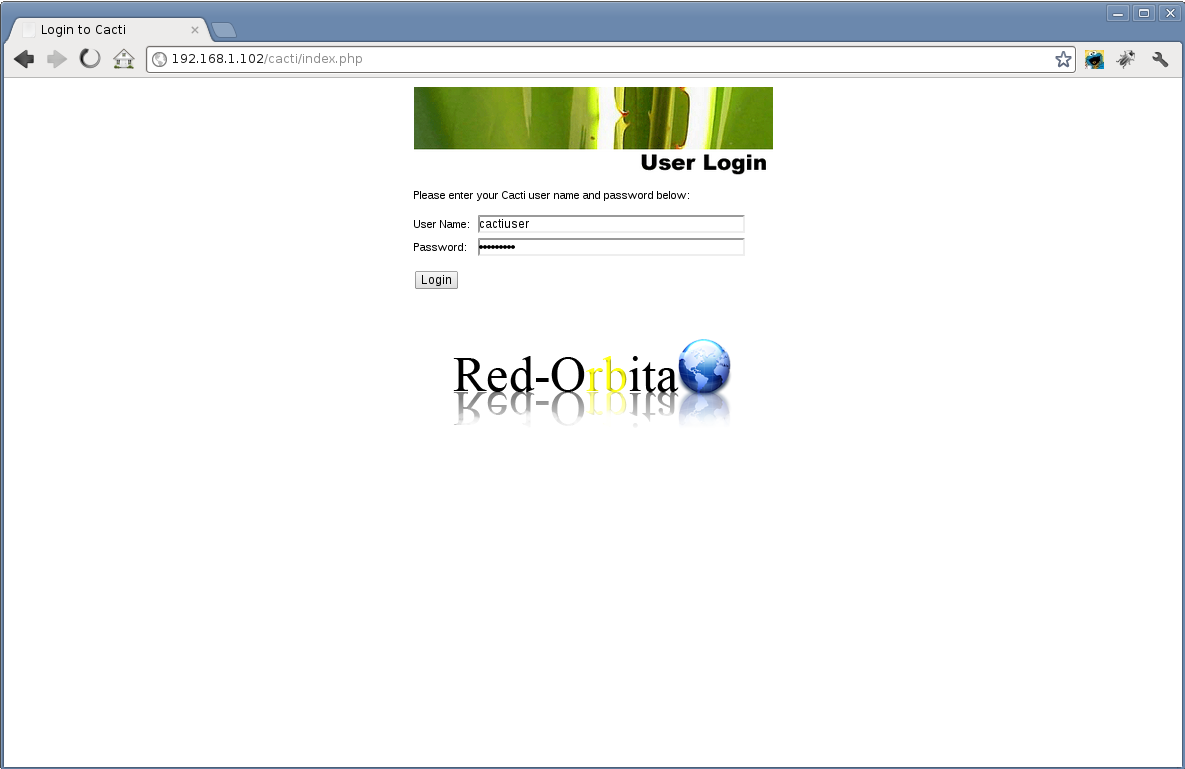
It shows us the login… by default it is: user: admin password: admin
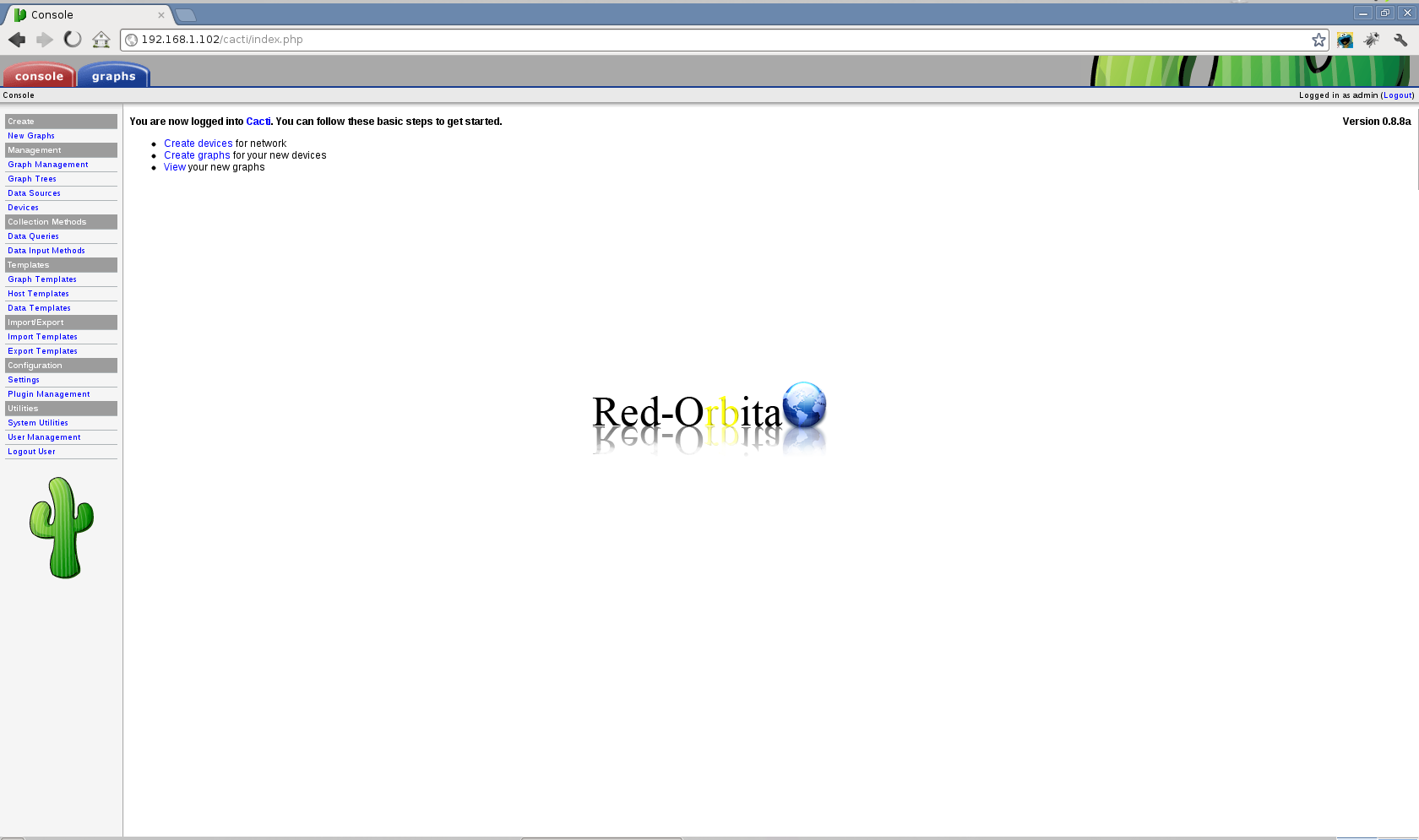
We already have our Cacti installed. I will upload more manuals about cacti.
Comments