
Creating virtual machines in XenCenter, as well as maintaining and managing them, is the ultimate goal of implementing any virtualization environment. In this post we are going to create a virtual machine from XenCenter
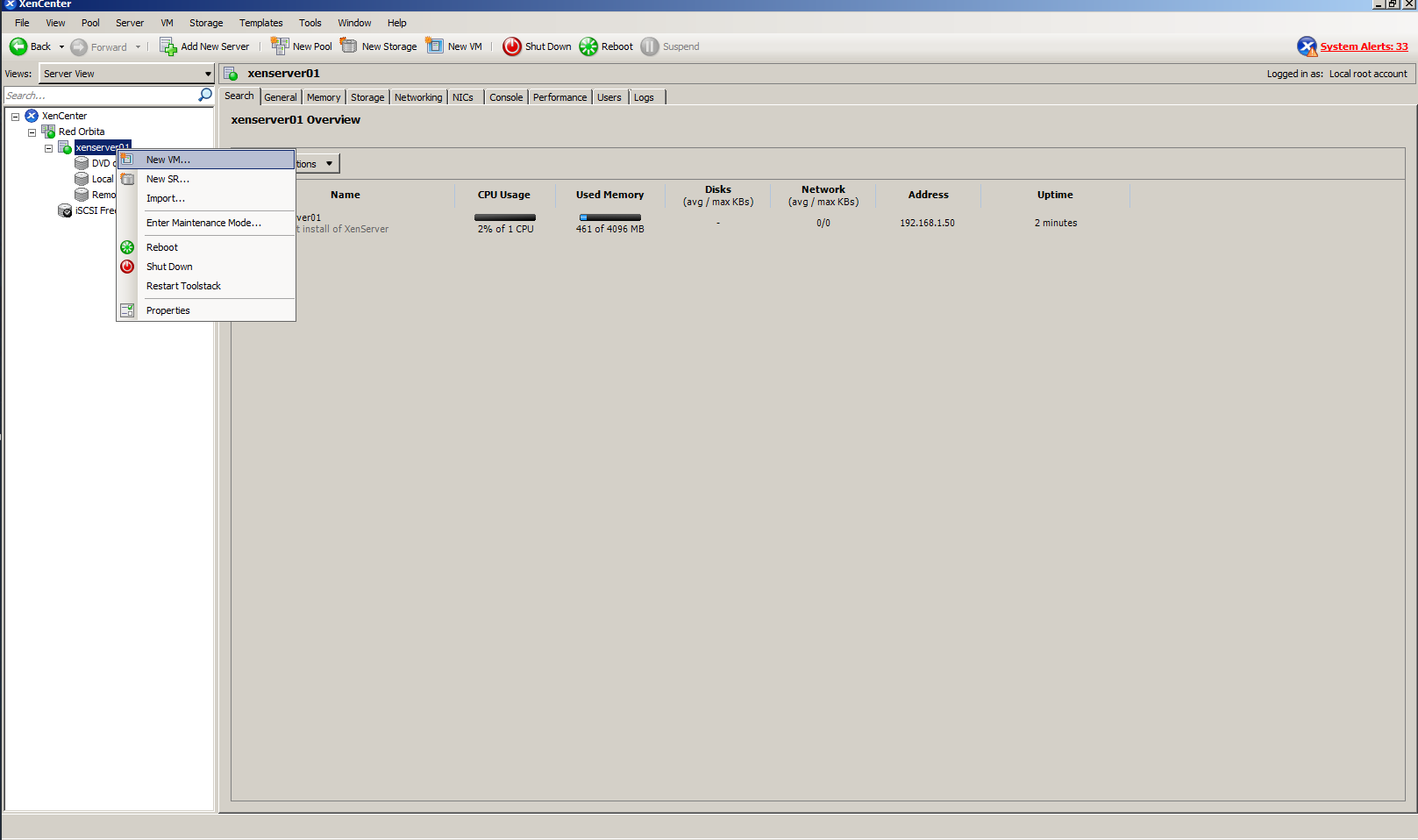
Nos posicionamos en la parent machine > right click > New VM
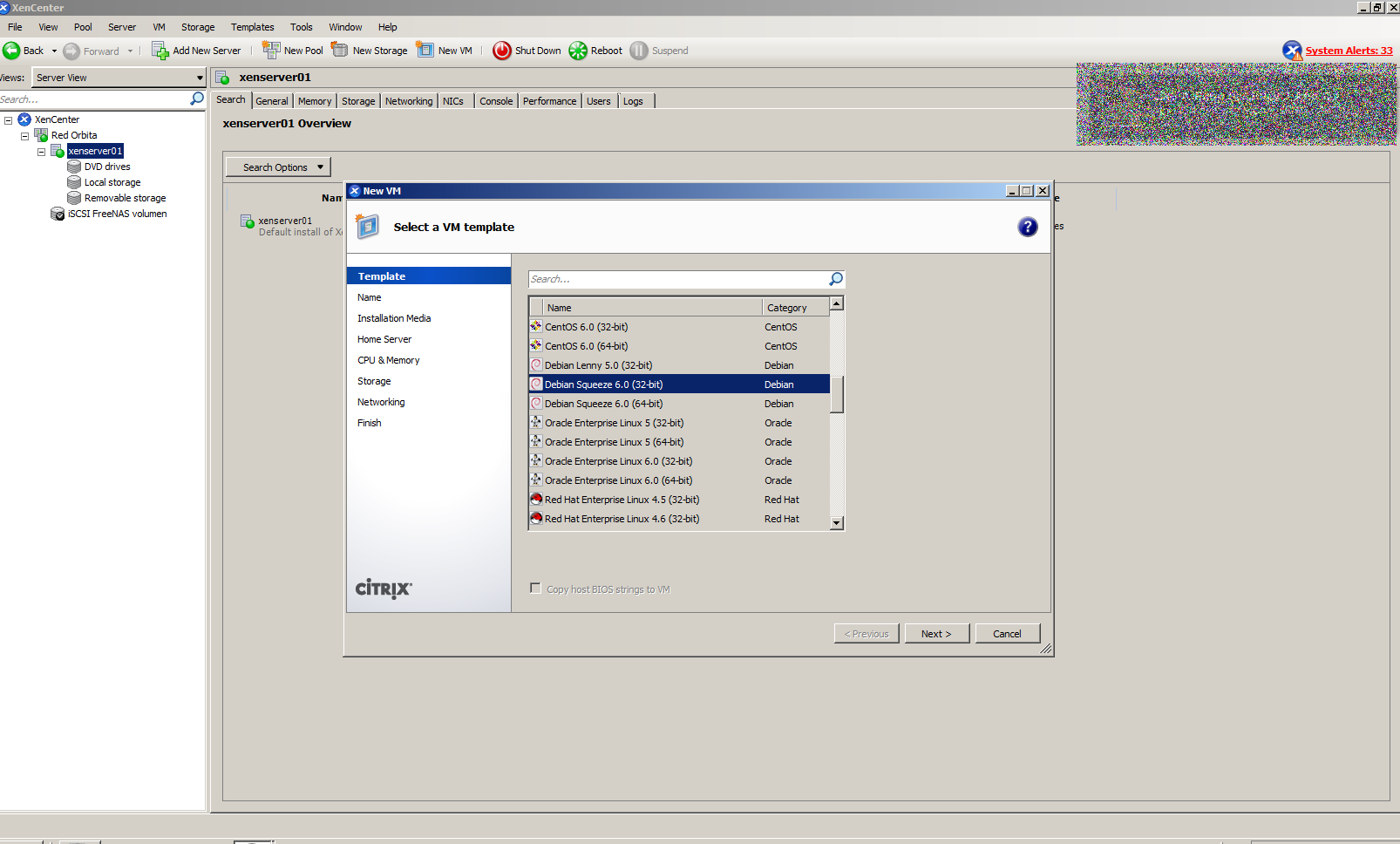
The wizard for configuring the virtual machine opens, we choose the pre-configured template for the operating system. in my case Debian.
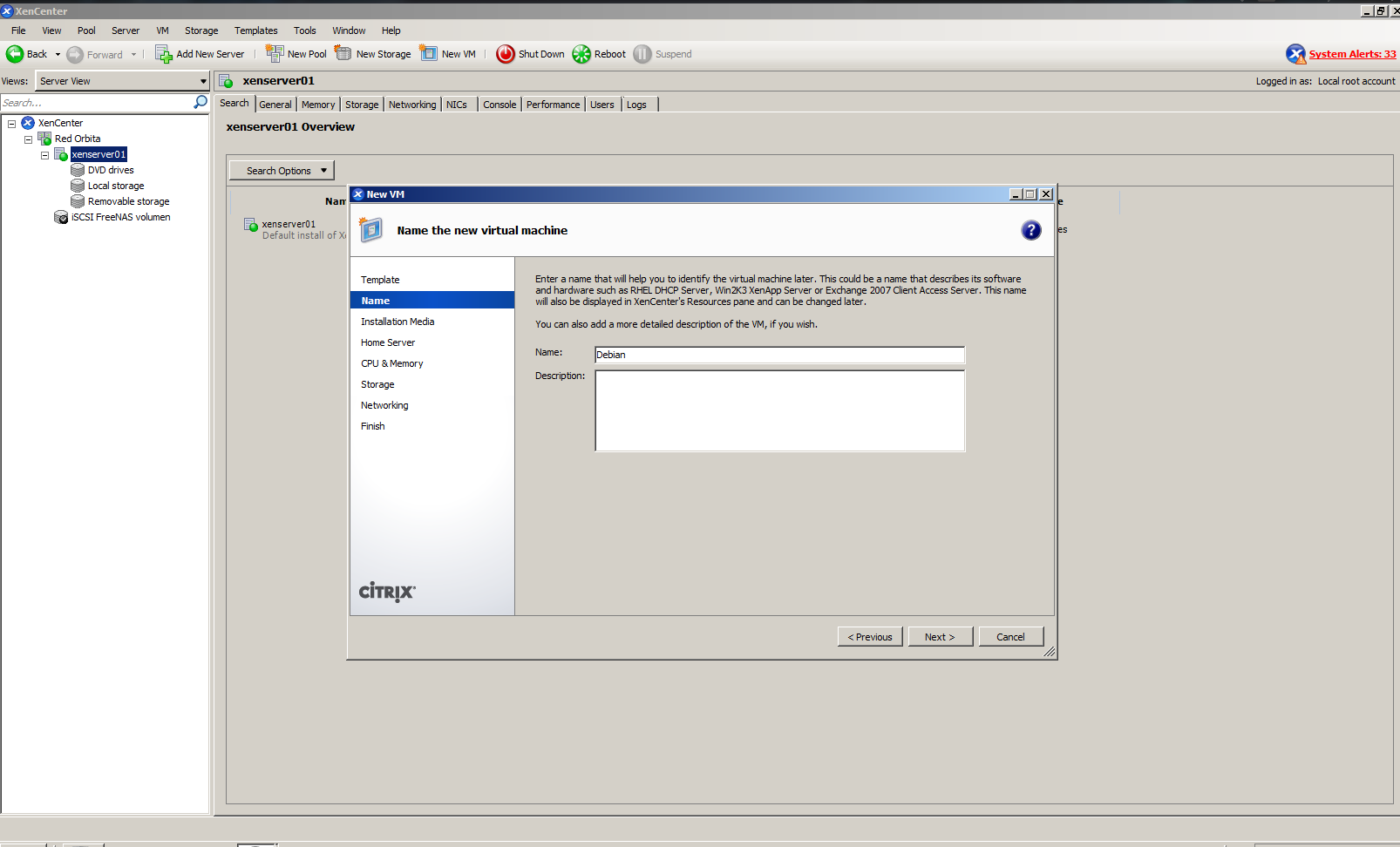
 Asignamos un nombre a la maquina.
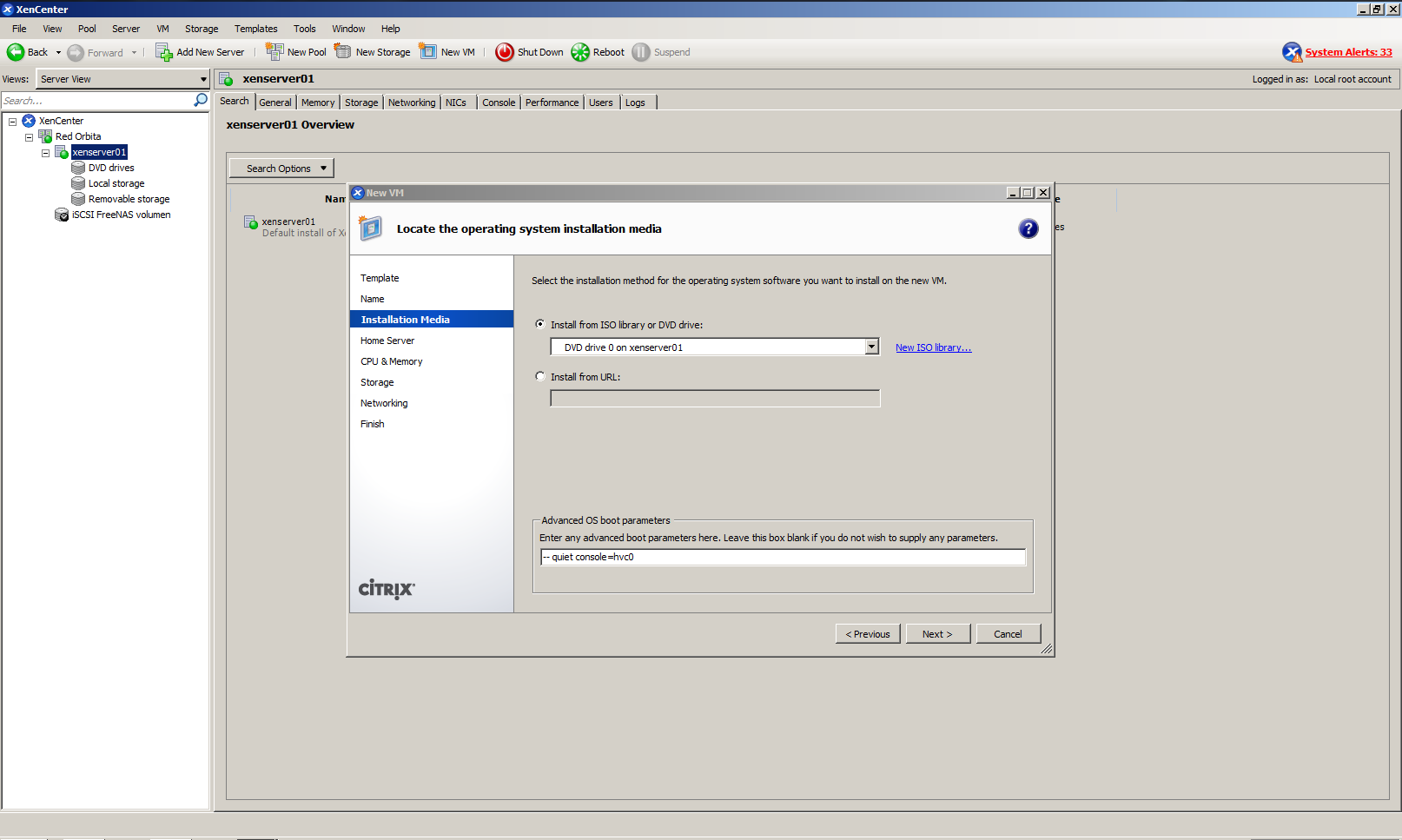
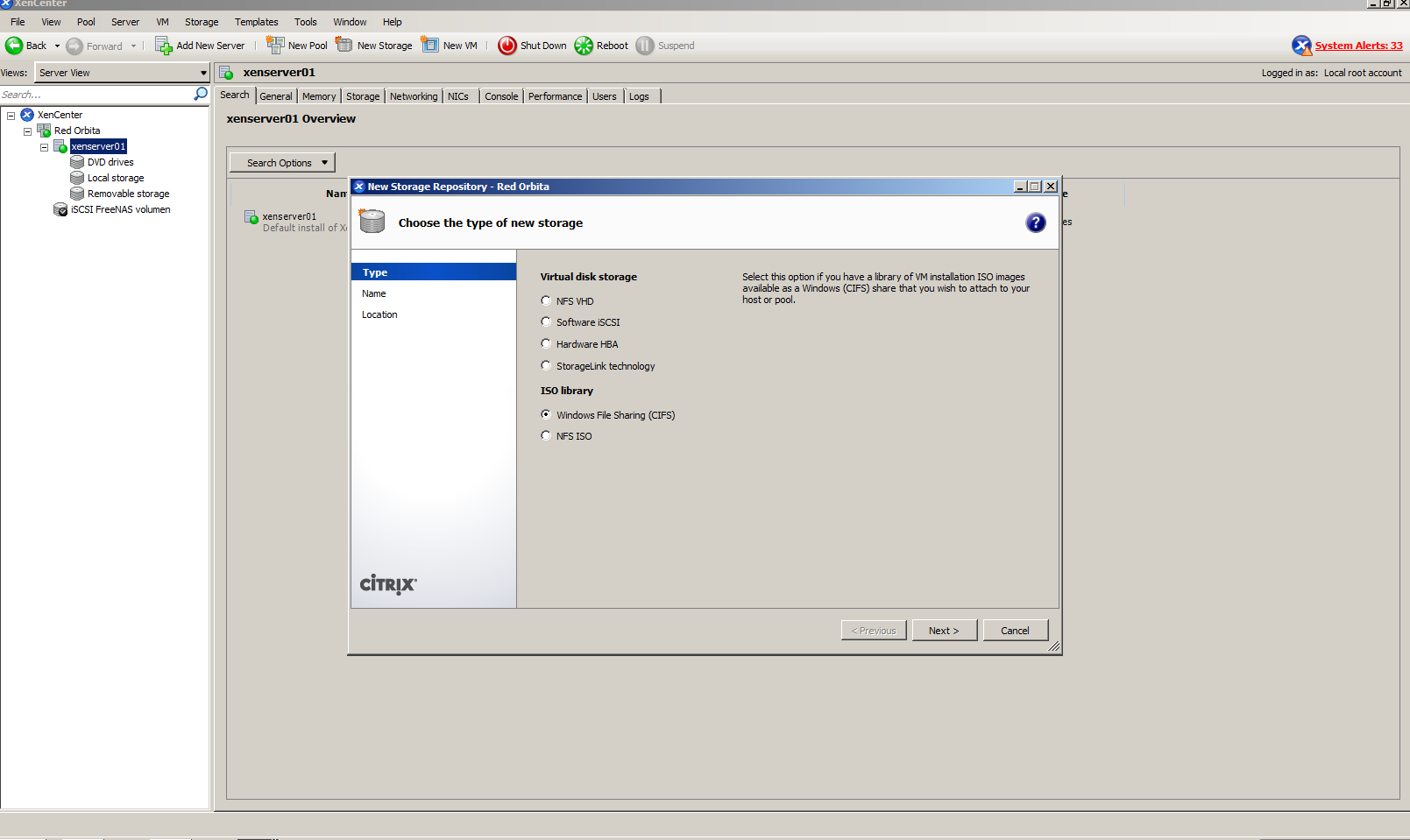
Here we have two ways to install it, through a URL or through a volume where we save our ISOS (CIFS, NFS...)
 Dependiendo de que tipo de protocolo utilicemos para la configuración de nuestro volumen seleccionamos NFS o CIFS. en mi caso CIFS
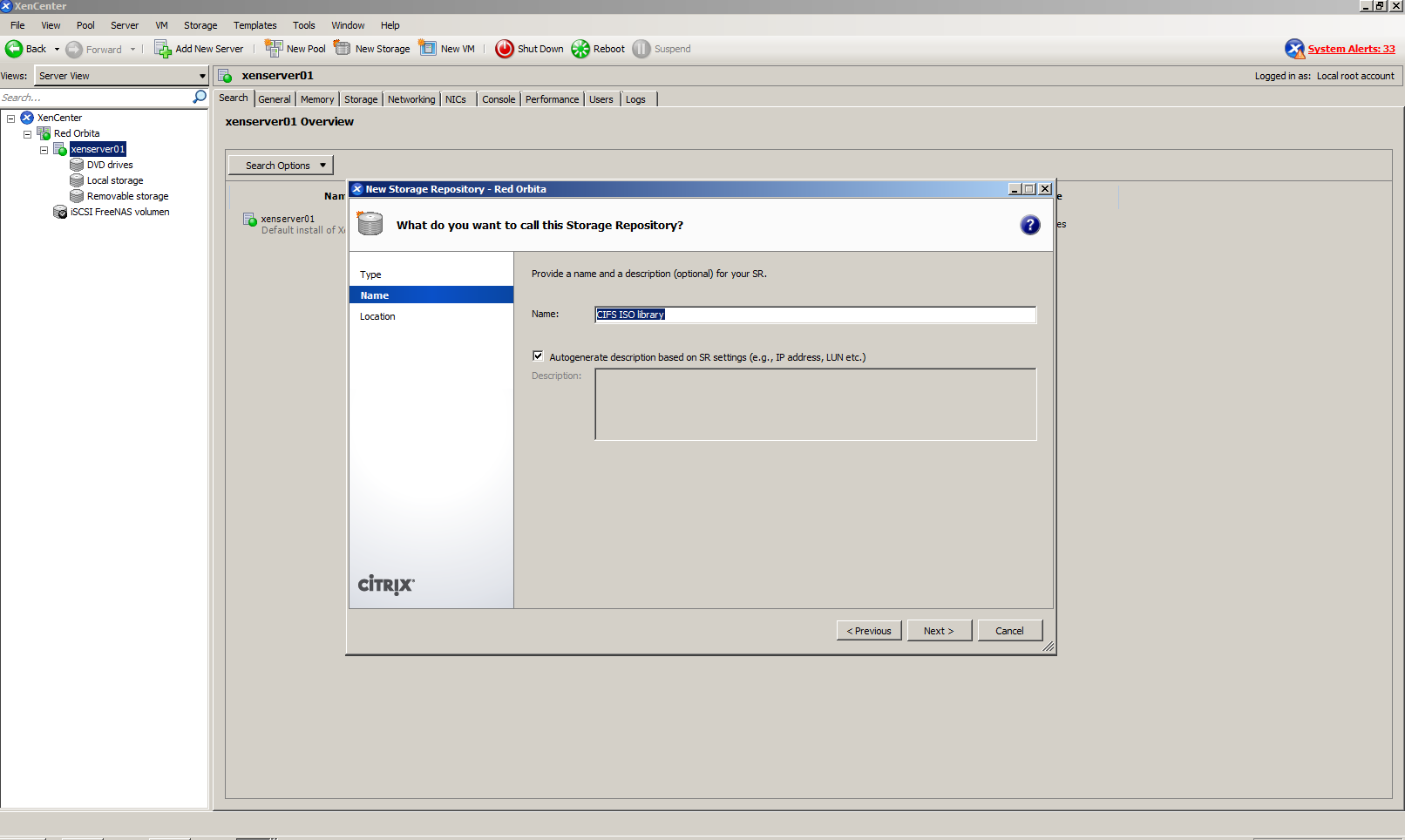
 Damos un nombre a nuestra librería
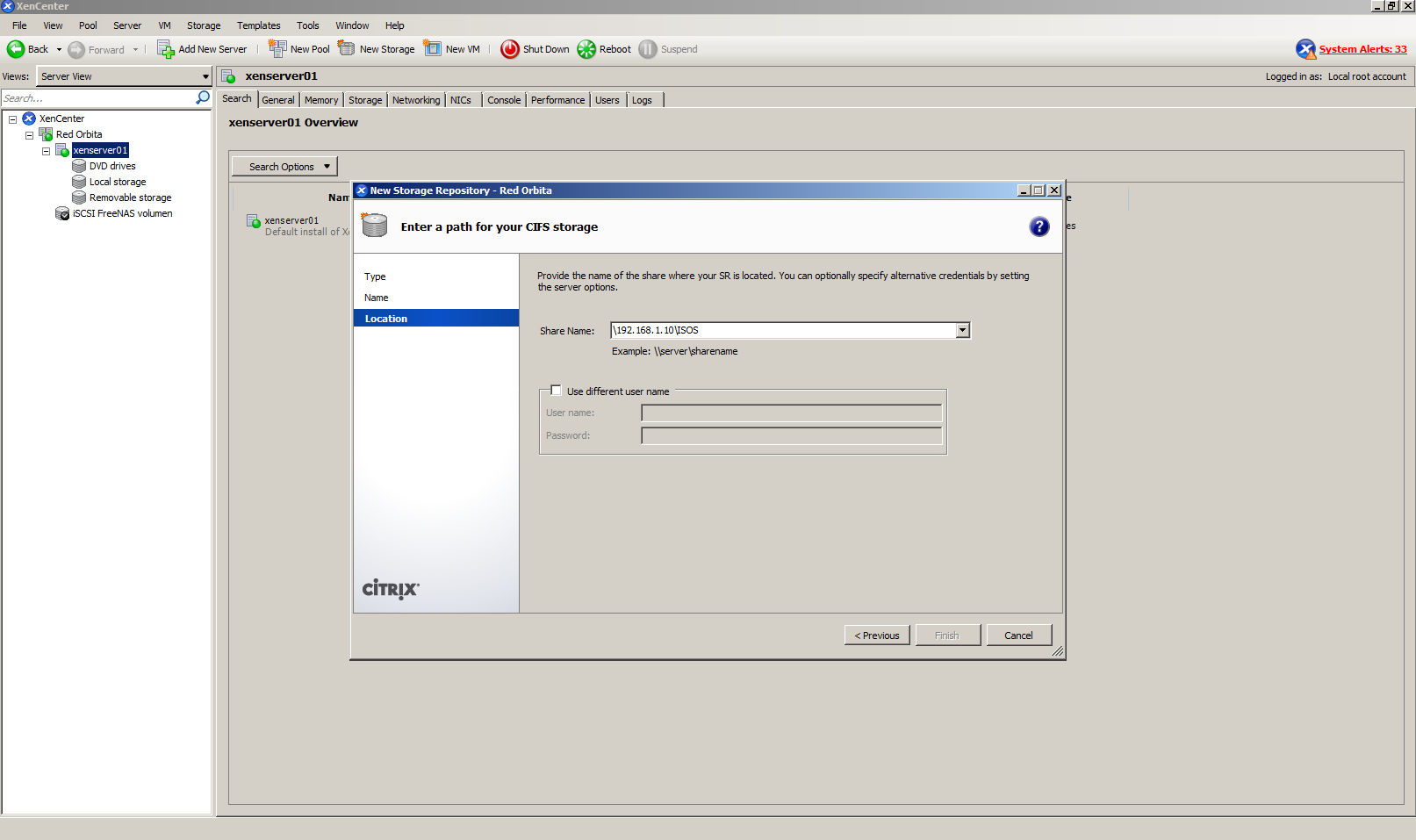
 We indicate the path where the ISOS images are hosted.
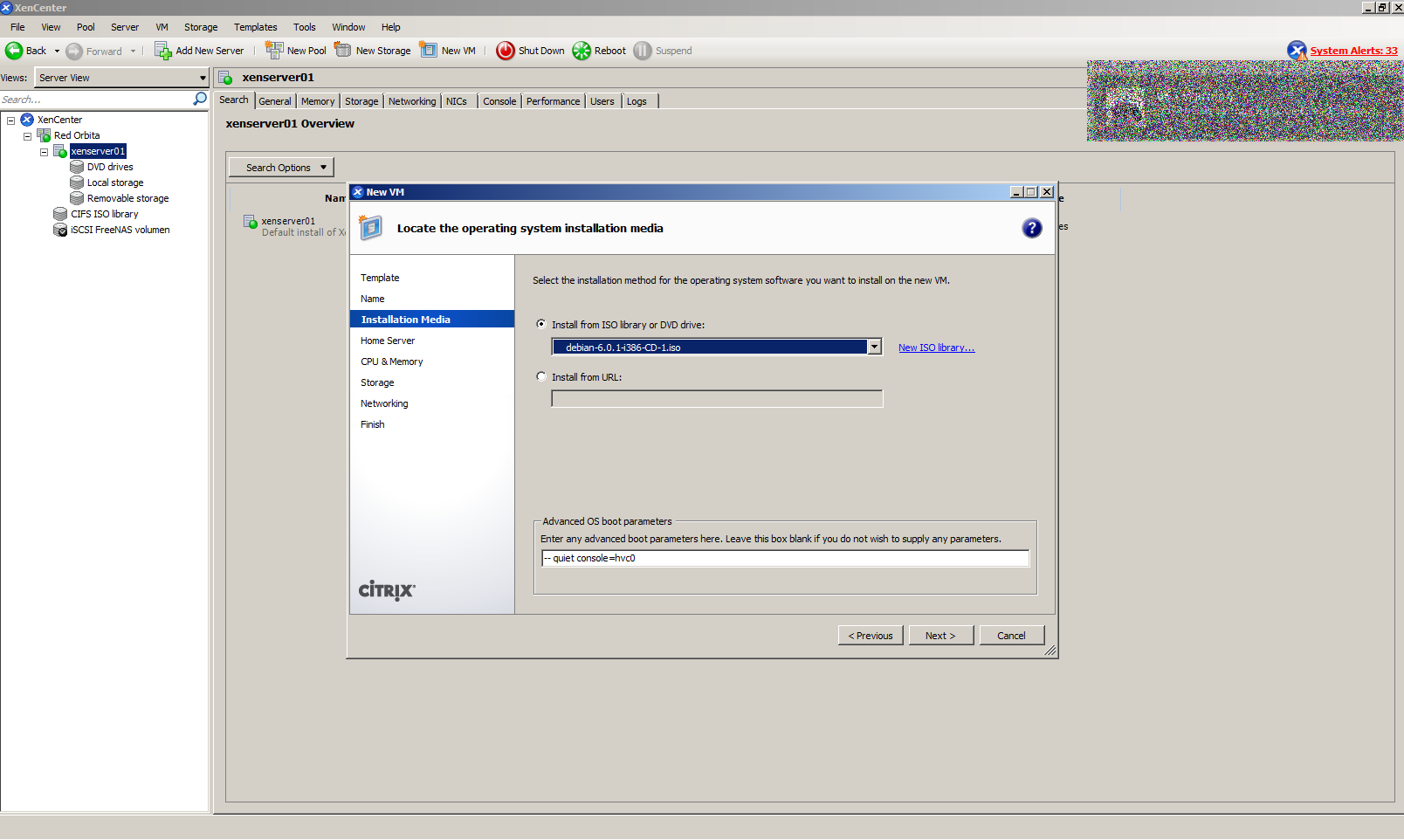
 We select the ISO to install.
We select the parent server from which our virtual will hang.
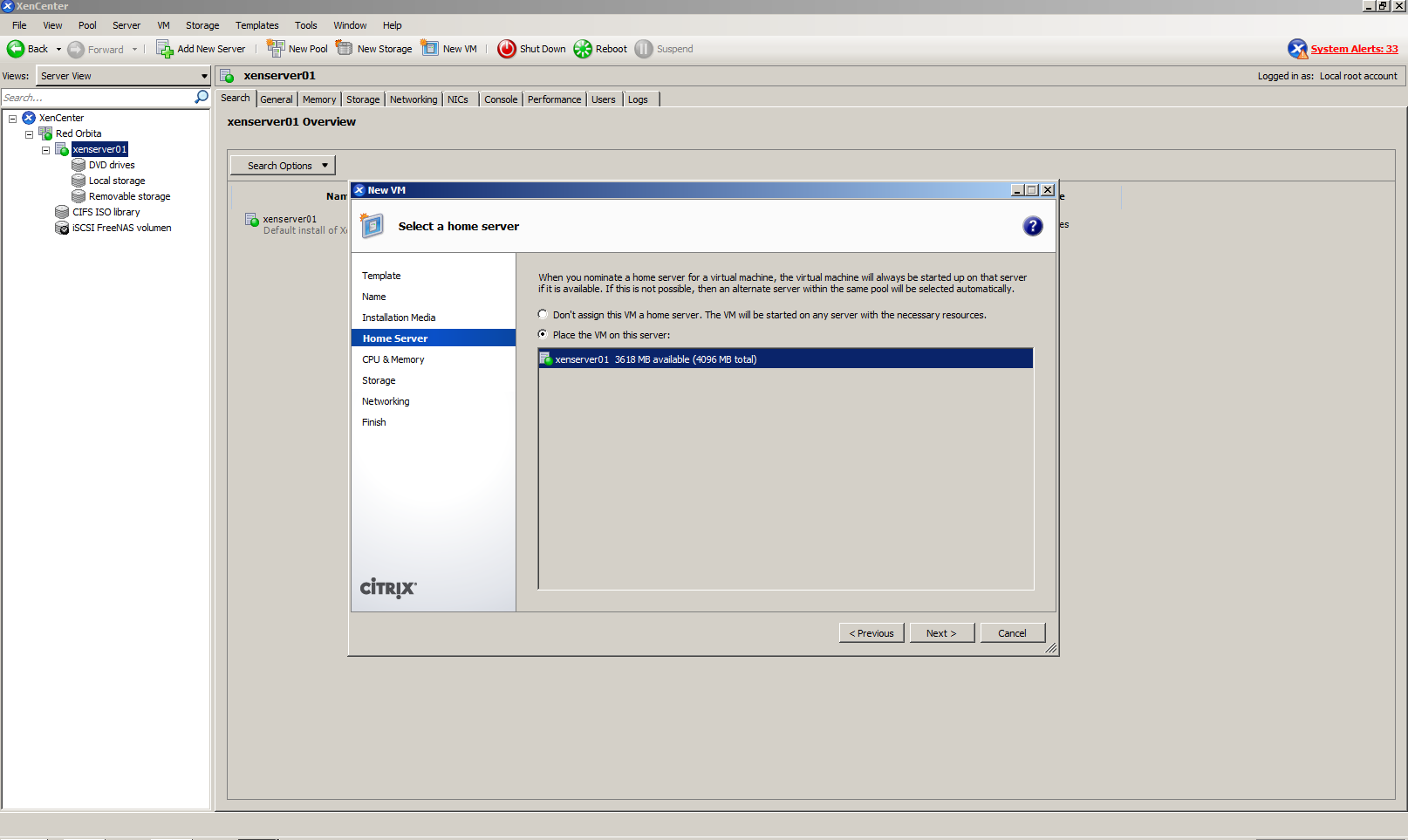
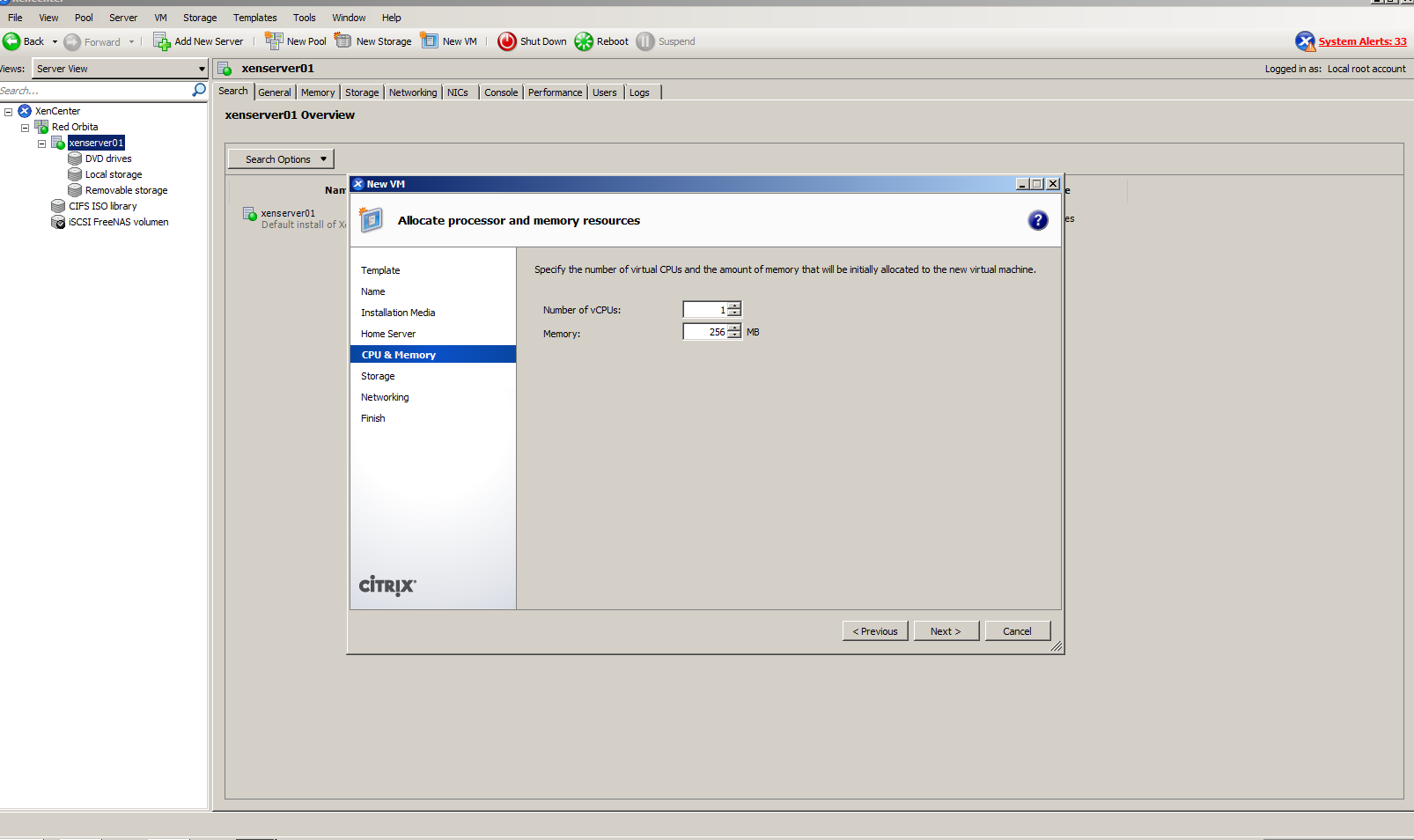
We configure the CPUI and memory.
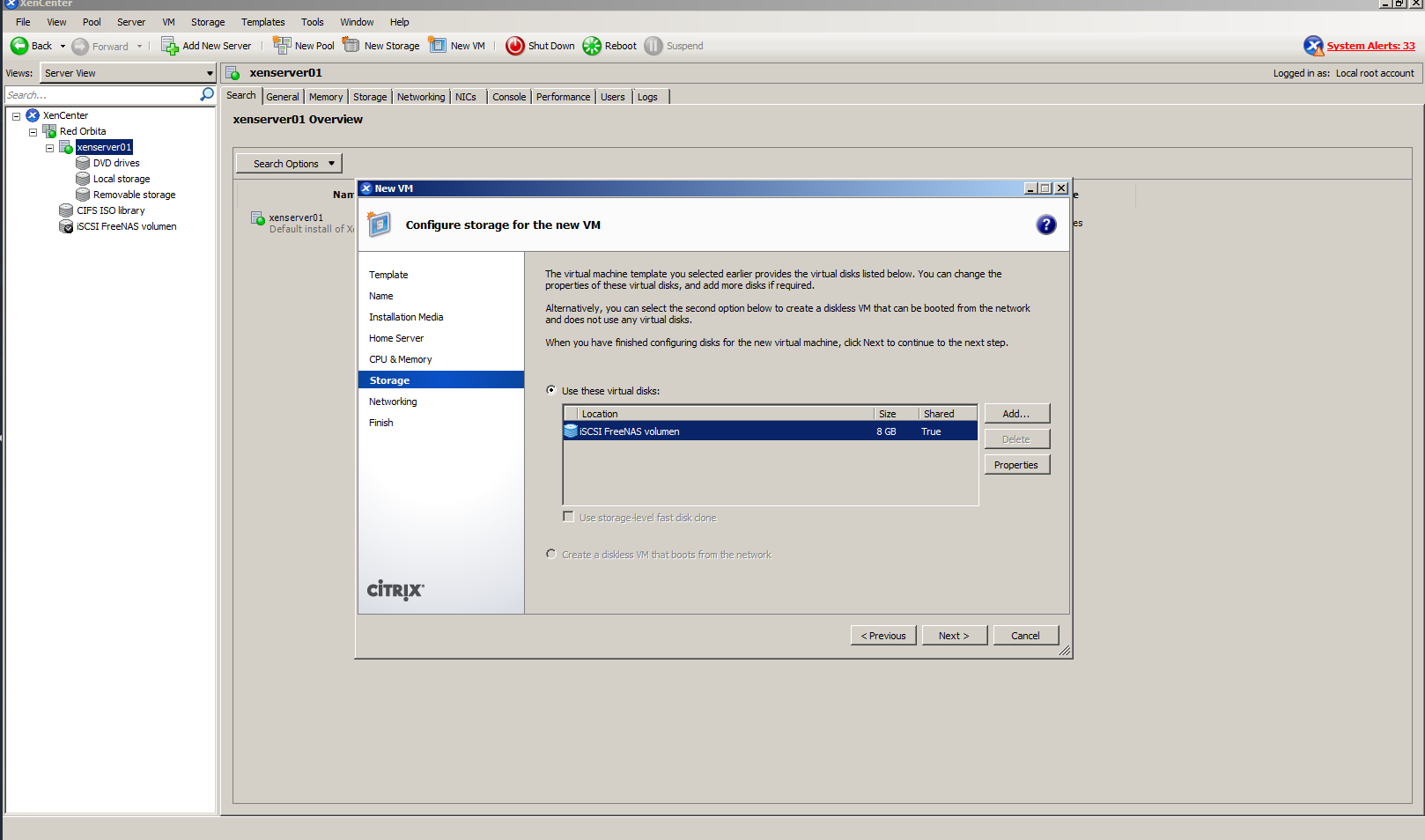
We add our volume that we have previously added and where the machine will be installed.
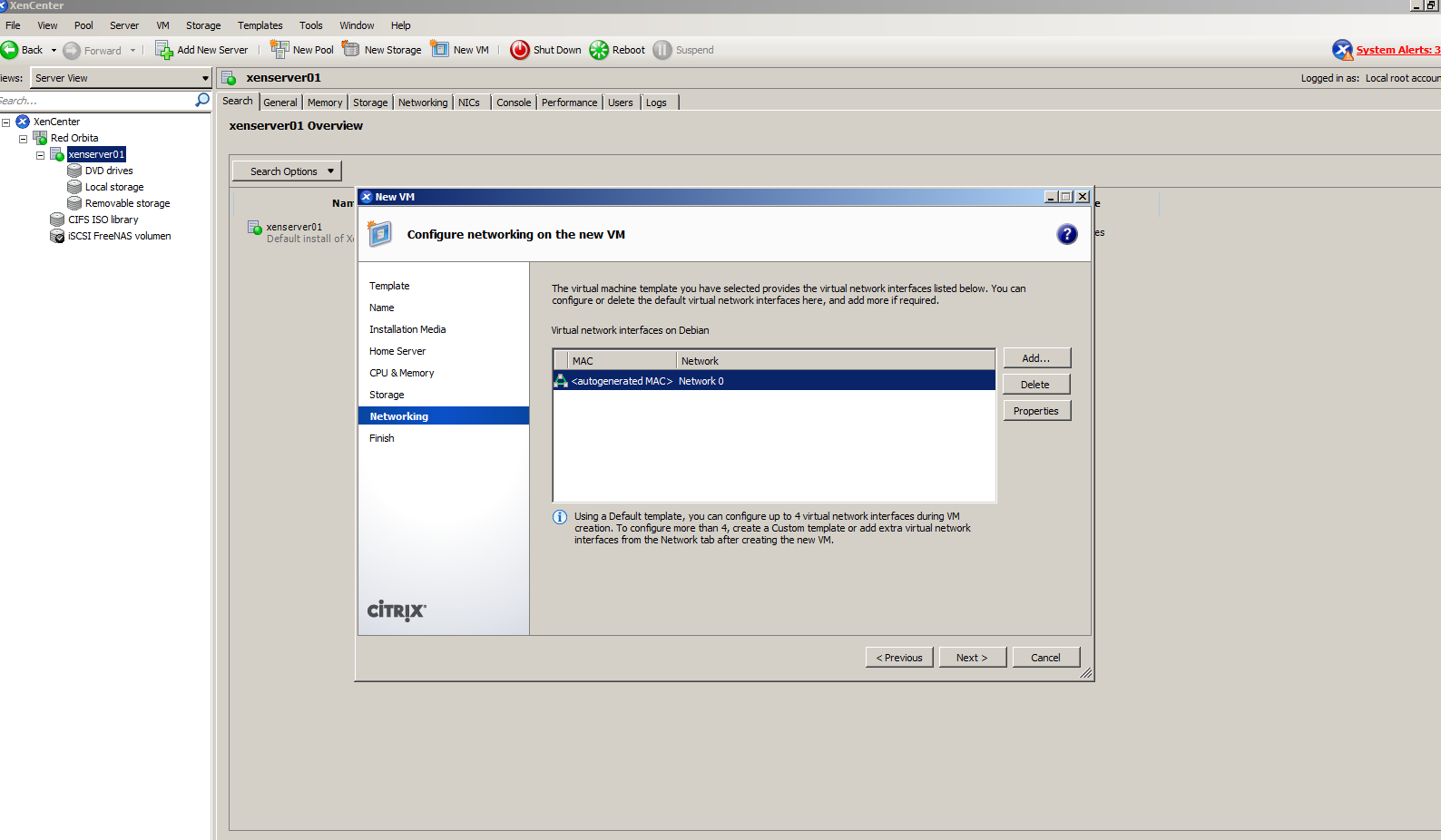
In this step we add the network interface or interfaces.
It shows us a brief summary of the configuration. We create the machine!!
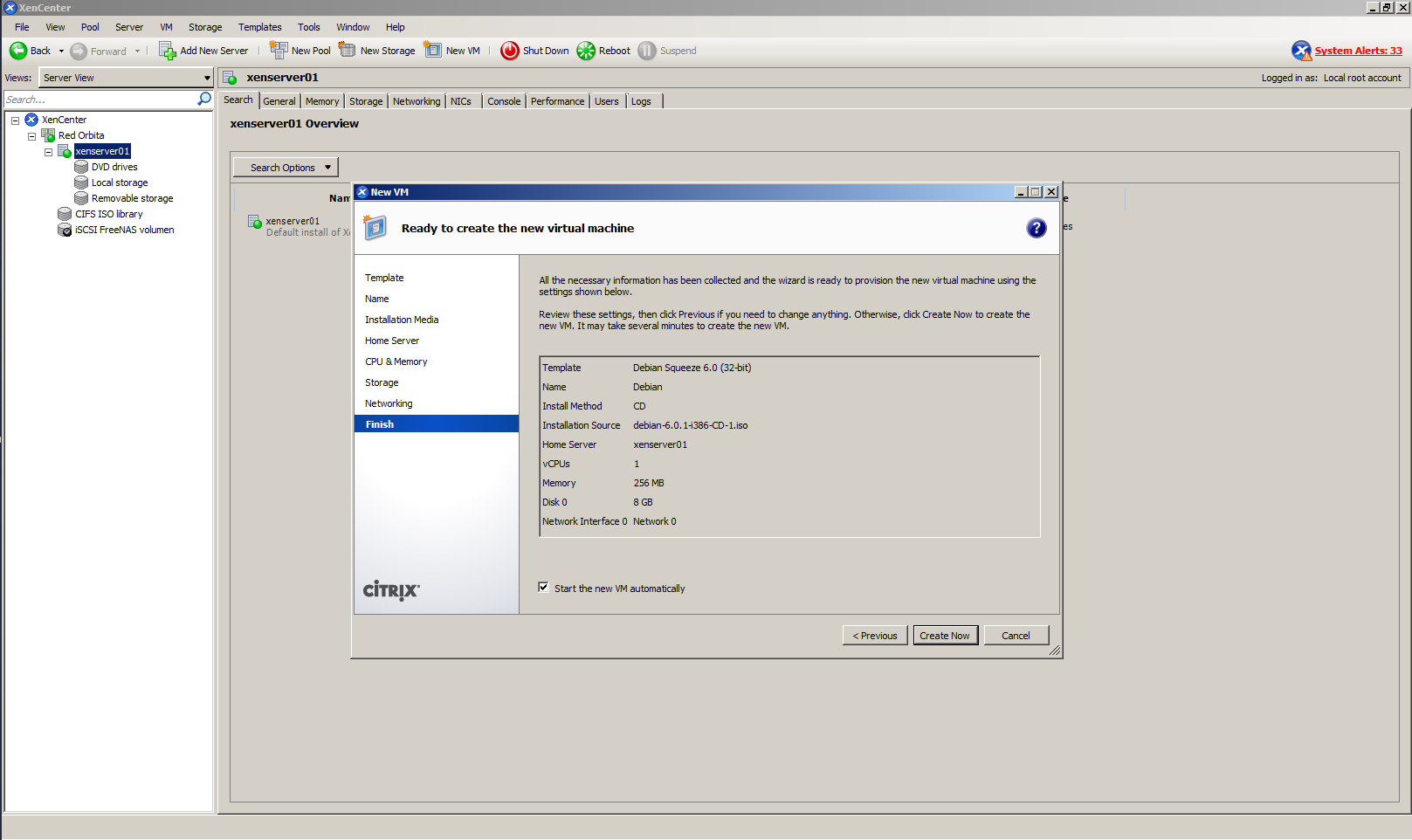
We wait for it to load…
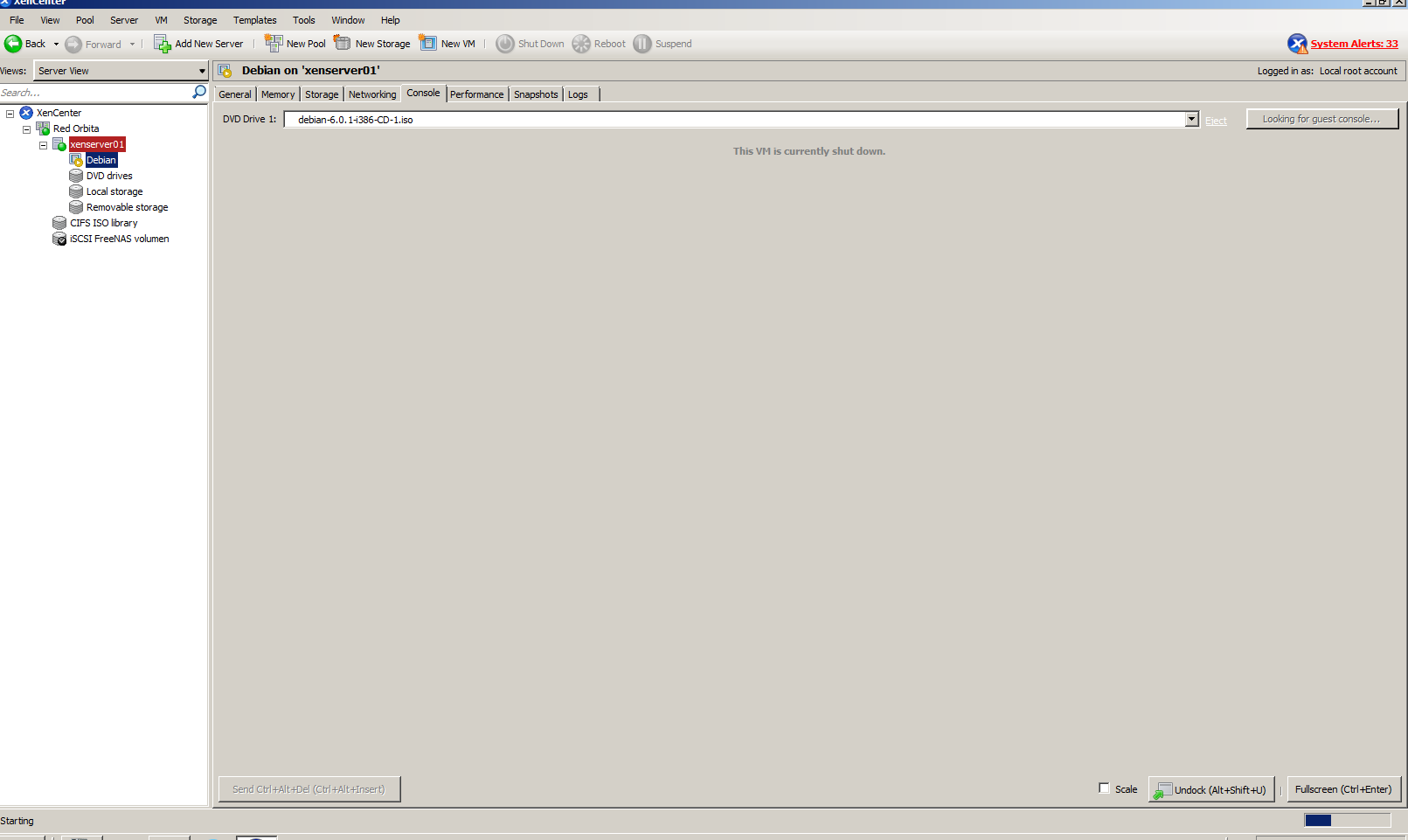
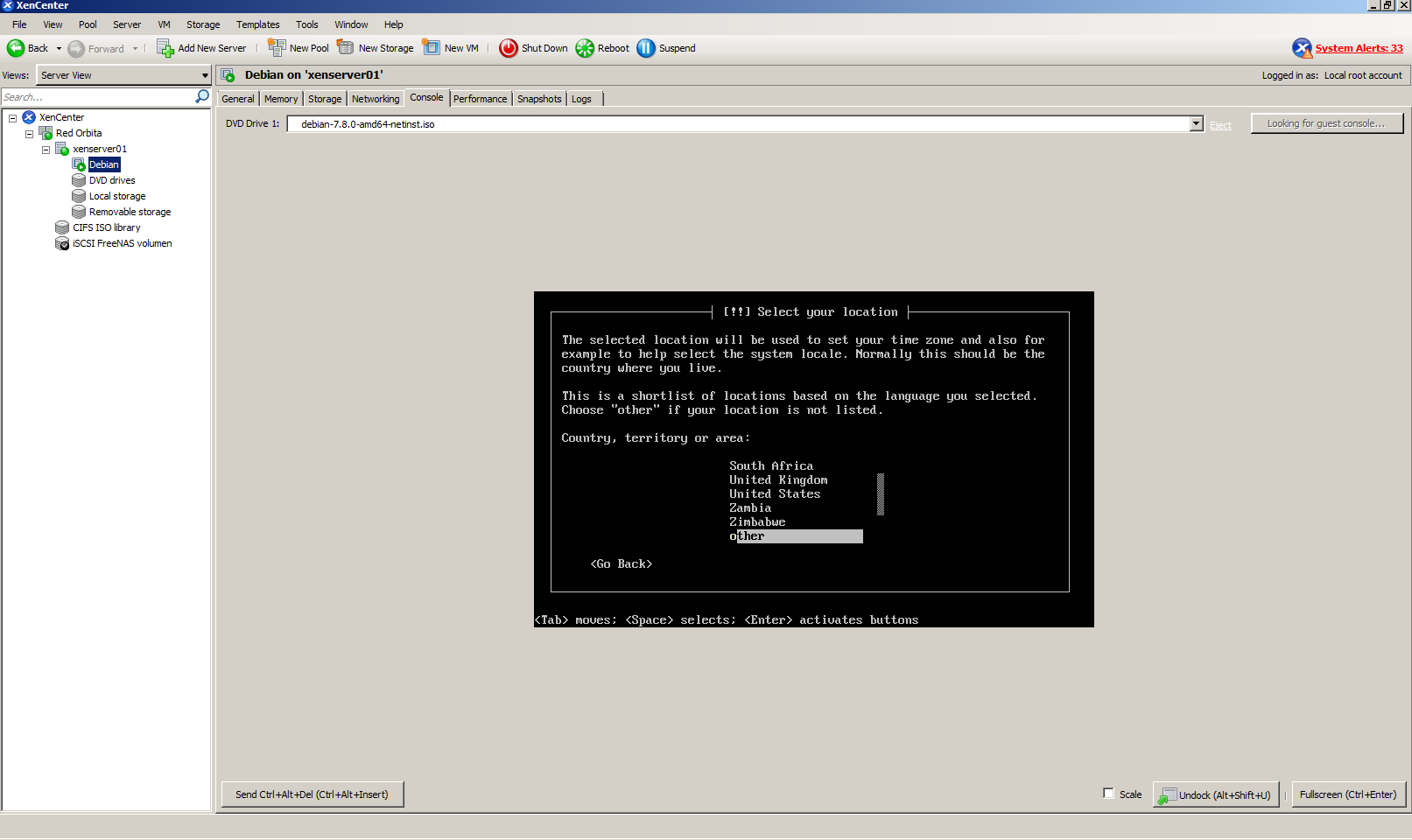
Once we get here we only have to install the OS
Greetings, rokitoh!!
:wq!
Comments