
What is an HA Cluster?
A high availability cluster is a set of two or more machines which are characterized by maintaining a series of shared services and constantly monitoring each other. Can
IP Addressing:
Cluster nodes:
redorbitaclus01
enp0s3:  inet 192.168.1.60  netmask 255.255.255.0
enp0s8: inet 192.168.2.200  netmask 255.255.255.0
redorbitaclus02
enp0s3:  inet 192.168.1.61  netmask 255.255.255.0
enp0s8: inet 192.168.2.201  netmask 255.255.255.0
Cluster administration
redorbitaclusma
enp0s3: inet 192.168.2.59 netmask 255.255.255.0
Hosts configuration
[root@redorbitaclus01 ~]# cat /etc/hosts

192.168.1.60 redorbitaclus01.CDP.redorbita.com redorbitaclus01

192.168.2.200 redorbitaclus01.CDP.redorbita.com redorbitaclus01

192.168.1.61 redorbitaclus02.CDP.redorbita.com redorbitaclus02

192.168.2.201 redorbitaclus02.CDP.redorbita.com redorbitaclus02

192.168.1.59 redorbitaclusma.CDP.redorbita.com redorbitaclusma
We copy the configuration from the hosts file to the redorbitaclus02 and redorbitaclusma node
[root@redorbitaclus01 ~]# scp /etc/hosts root@192.168.2.61:/etc/hosts
[root@redorbitaclus01 ~]# scp /etc/hosts root@192.168.1.59:/etc/hosts
We install in both nodes.
yum groupinstall «High Availability» «Resilient Storage» «iSCSI Storage Client» gfs2-utils

yum install ricci
We install in Cluster Management
yum groupinstall «High Availability Management»

yum install ricci
We disable iptables and selinux on all servers
service iptables stop

sed -i ‘s|SELINUX=enforcing|SELINUX=disabled|g’ /etc/selinux/config

chkconfig iptables off
We configure the shared disk (both nodes)
We establish node.startup in automatic mode on both nodes
[root@redorbitaclus01 ~]# vi /etc/iscsi/iscsid.conf
[…]

node.startup = automatic

[…]
using the command iscsiadm we use iSCSI discovery (both nodes)
[root@redorbitaclus01 ~]# iscsiadm -m discovery -t st -p 192.168.2.20:3260

192.168.2.20:3260,3 iqn.2011-03.org.example.istgt:quorum
192.168.2.20:3260,3 iqn.2011-03.org.example.istgt:clustomcat
We log in (both nodes)
[root@redorbitaclus01 ~]# iscsiadm -m node –targetname «iqn.2011-03.org.example.istgt:quorum» –portal «192.168.2.20:3260» –login

[root@redorbitaclus01 ~]# iscsiadm -m node –targetname «iqn.2011-03.org.example.istgt:clustomcat» –portal «192.168.2.20:3260» –login
We check that we have a new device added (both nodes)
[root@redorbitaclus01 ~]# demesg
scsi3 : iSCSI Initiator over TCP/IP

scsi 3:0:0:0: Direct-Access FreeBSD iSCSI Disk 0123 PQ: 0 ANSI: 5

sd 3:0:0:0: Attached scsi generic sg2 type 0

sd 3:0:0:0: [sdb] 55924032 512-byte logical blocks: (28.6 GB/26.6 GiB)

sd 3:0:0:0: [sdb] Write Protect is off

sd 3:0:0:0: [sdb] Mode Sense: 83 00 00 08

sd 3:0:0:0: [sdb] Write cache: enabled, read cache: enabled, doesn’t support DPO or FUA

sdb: sdb1

sd 3:0:0:0: [sdb] Attached SCSI disk
sd 3:0:0:0: [sdb] Attached SCSI disk

scsi4 : iSCSI Initiator over TCP/IP

scsi 4:0:0:0: Direct-Access FreeBSD iSCSI Disk 0123 PQ: 0 ANSI: 5

sd 4:0:0:0: Attached scsi generic sg3 type 0

sd 4:0:0:0: [sdc] 10485760 512-byte logical blocks: (5.36 GB/5.00 GiB)

sd 4:0:0:0: [sdc] Write Protect is off

sd 4:0:0:0: [sdc] Mode Sense: 83 00 00 08

sd 4:0:0:0: [sdc] Write cache: enabled, read cache: enabled, doesn’t support DPO or FUA

sdc: unknown partition table

sd 4:0:0:0: [sdc] Attached SCSI disk
Configuramos el disco quorum.
[root@redorbitaclus01 ~]# mkqdisk -c /dev/sdb1 -l quorum

mkqdisk v3.0.12.1
Writing new quorum disk label ‘quorum’ to /dev/sdb1.

WARNING: About to destroy all data on /dev/sdb1; proceed [N/y] ? y

Initializing status block for node 1…

Initializing status block for node 2…

Initializing status block for node 3…

Initializing status block for node 4…

Initializing status block for node 5…

Initializing status block for node 6…

Initializing status block for node 7…

Initializing status block for node 8…

Initializing status block for node 9…

Initializing status block for node 10…

Initializing status block for node 11…

Initializing status block for node 12…

Initializing status block for node 13…

Initializing status block for node 14…

Initializing status block for node 15…

Initializing status block for node 16…
Damos formato al disco compartido.
[root@redorbitaclus01 ~]# mkfs.gfs2 -p lock_dlm -t cluster1:GFS -j 2 /dev/sdc

This will destroy any data on /dev/sdc.

It appears to contain: data
Are you sure you want to proceed? [y/n] y
Device: /dev/sdc

Blocksize: 4096

Device Size 5,00 GB (1310720 blocks)

Filesystem Size: 5,00 GB (1310718 blocks)

Journals: 2

Resource Groups: 20

Locking Protocol: «lock_dlm»

Lock Table: «cluster1:GFS»

UUID: 9616f032-9fcf-e8c5-efd6-a14fd66dc42d
We create the folder where we are going to mount the disk (both nodes)
[root@redorbitaclus01 ~]# mkdir /GFS
We configure the following services to automatically start:
chkconfig iptables off

chkconfig ip6tables off

chkconfig ricci on

chkconfig cman on

chkconfig rgmanager on

chkconfig modclusterd on
We assign a new password for the ricci user (Both nodes)
[root@redorbitaclus01 ~]# passwd ricciIniciamos ricci en both nodes
[root@redorbitaclus01 ~]# /etc/init.d/ricci startWe start luci in Cluster Management
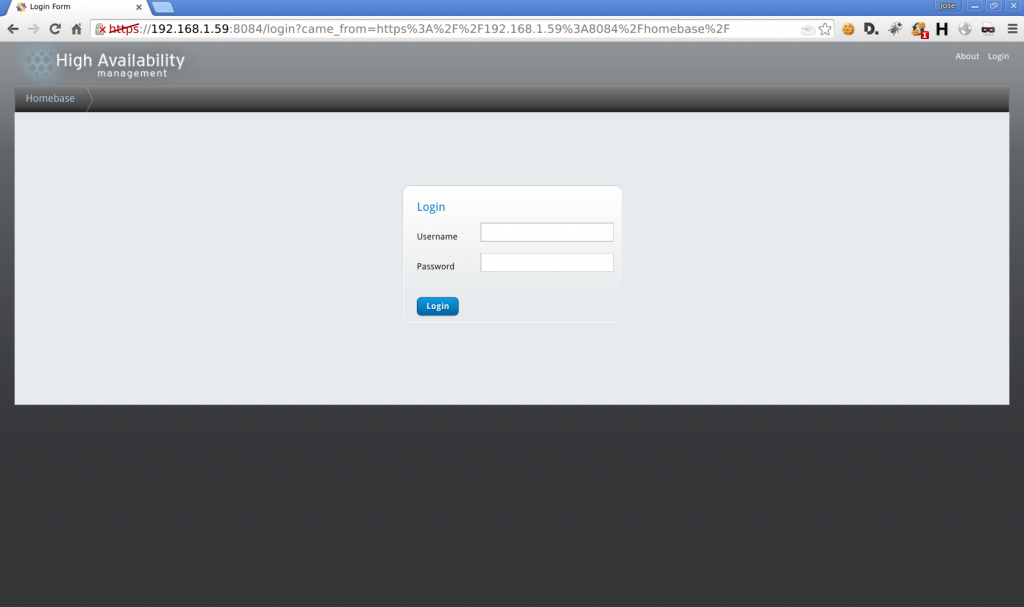
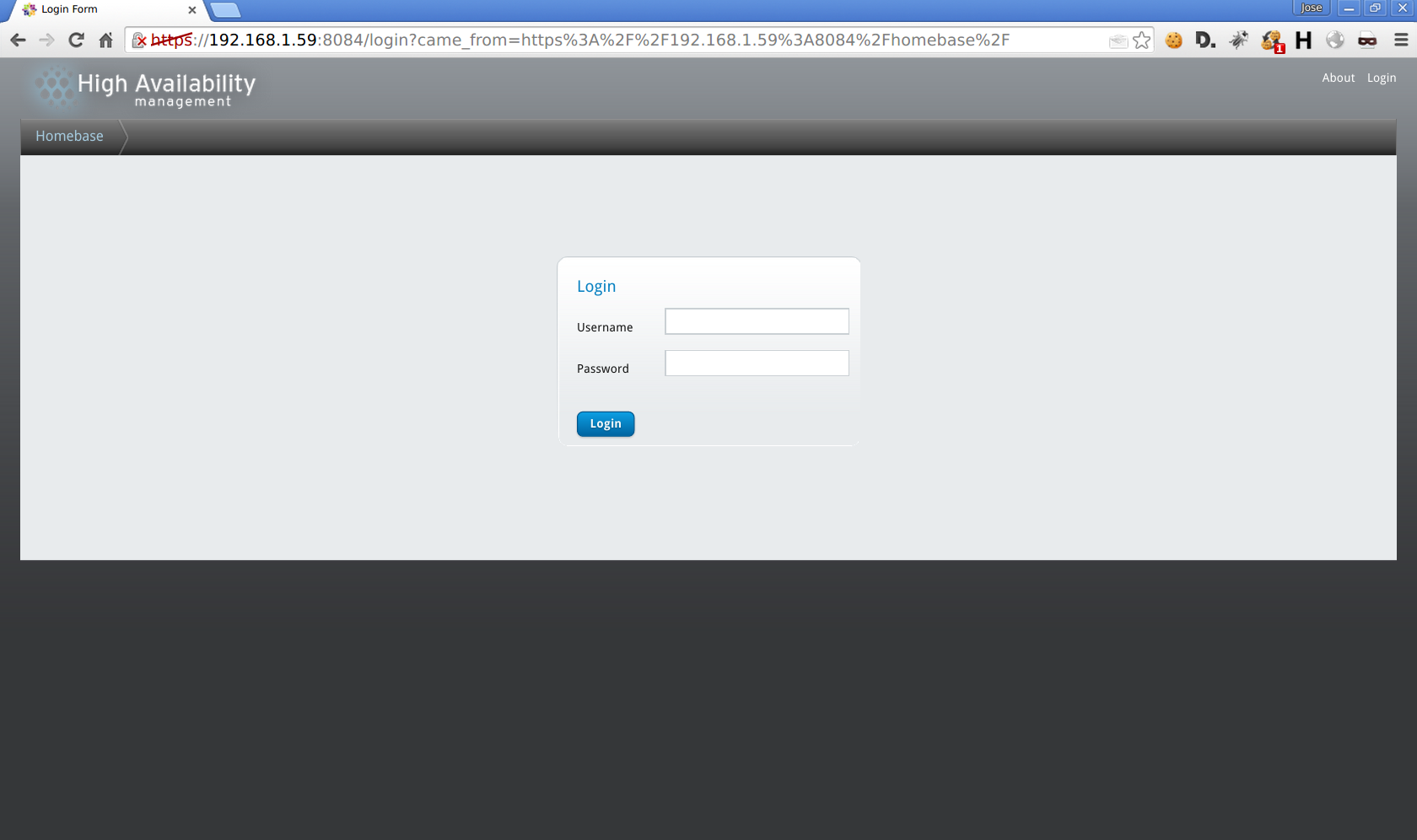
[root@redorbitaclus01 ~]# /etc/init.d/luci startWe access Luci through our browser.
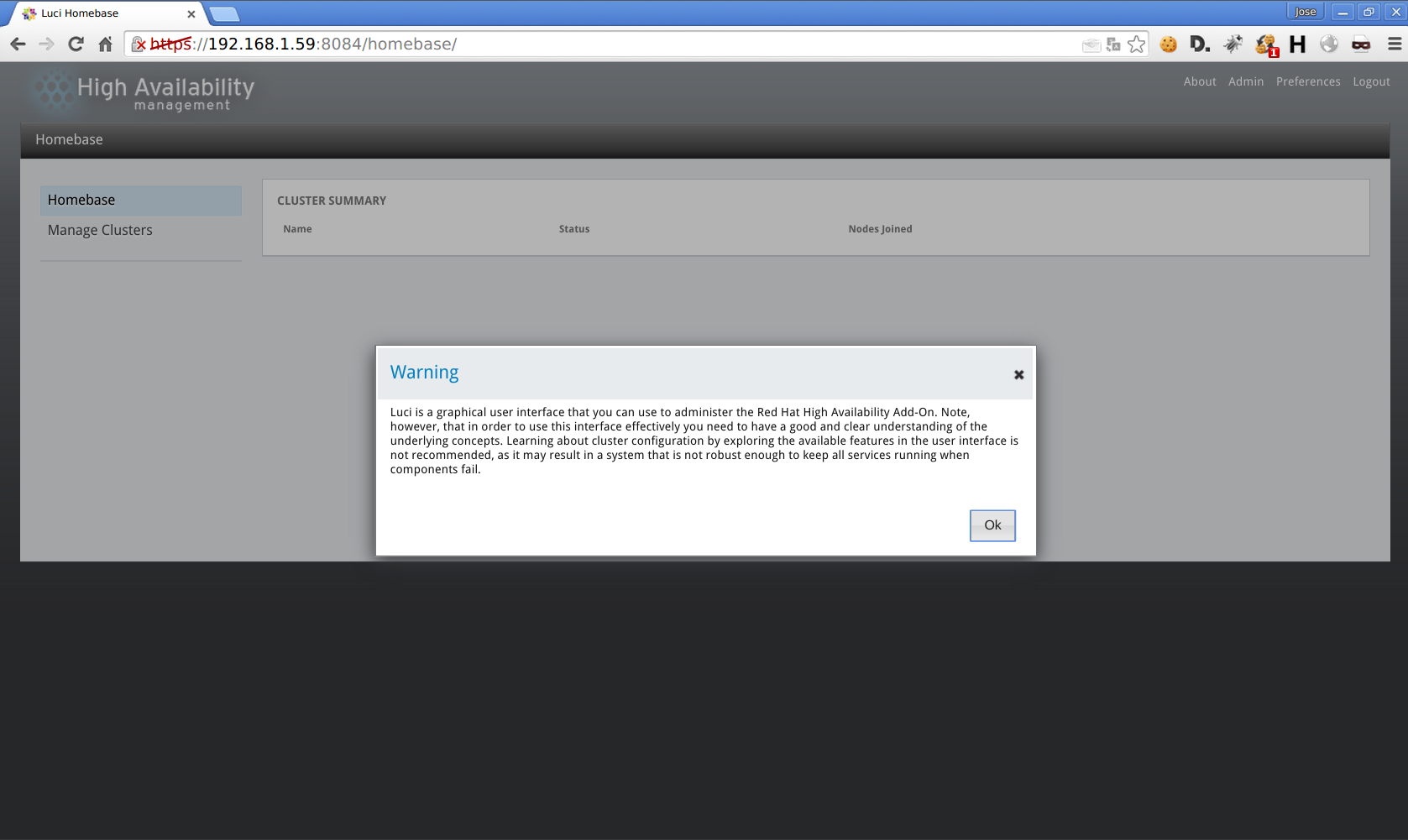
mamager Clusters > Create
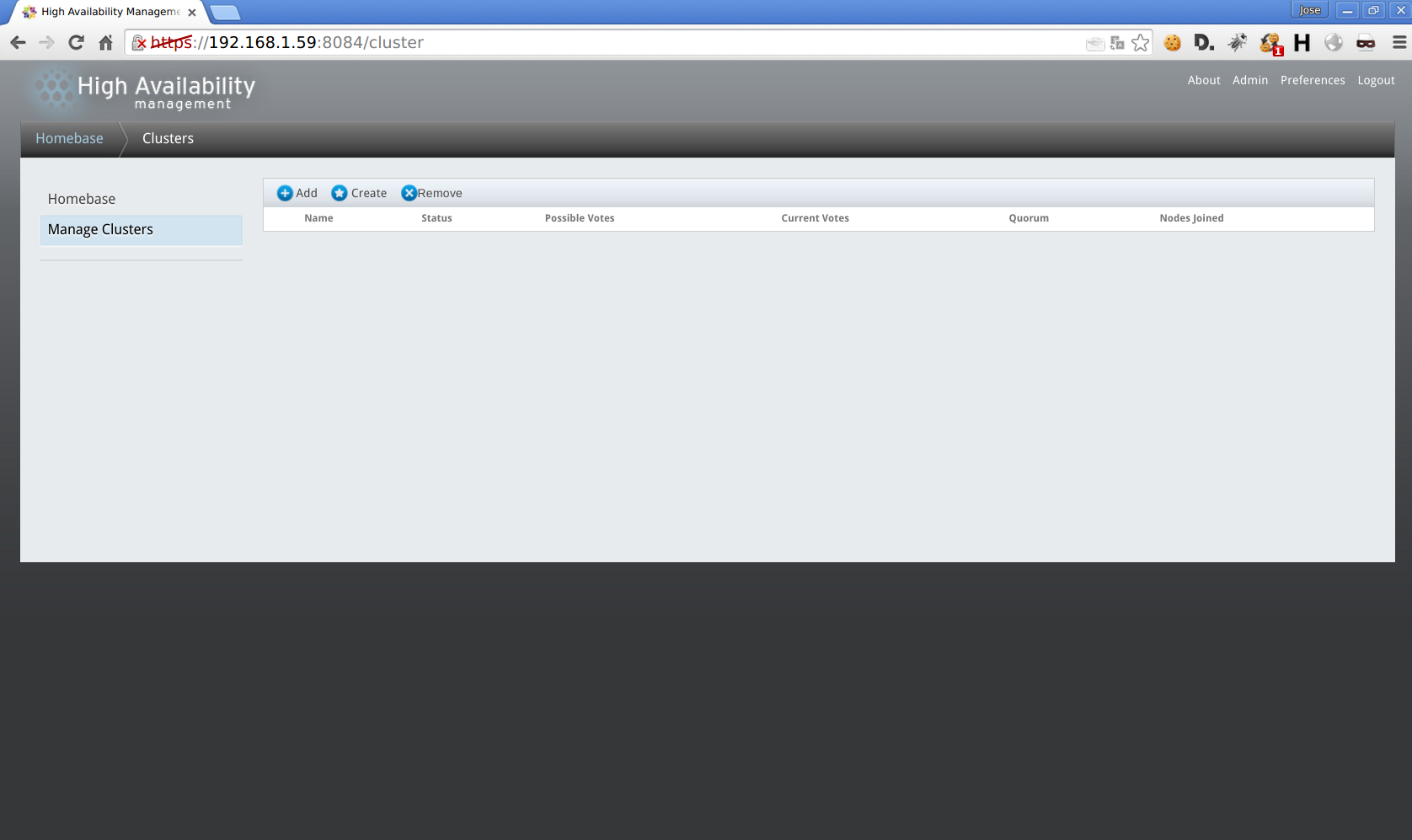
We assign a name to the cluster, name and password of the nodes
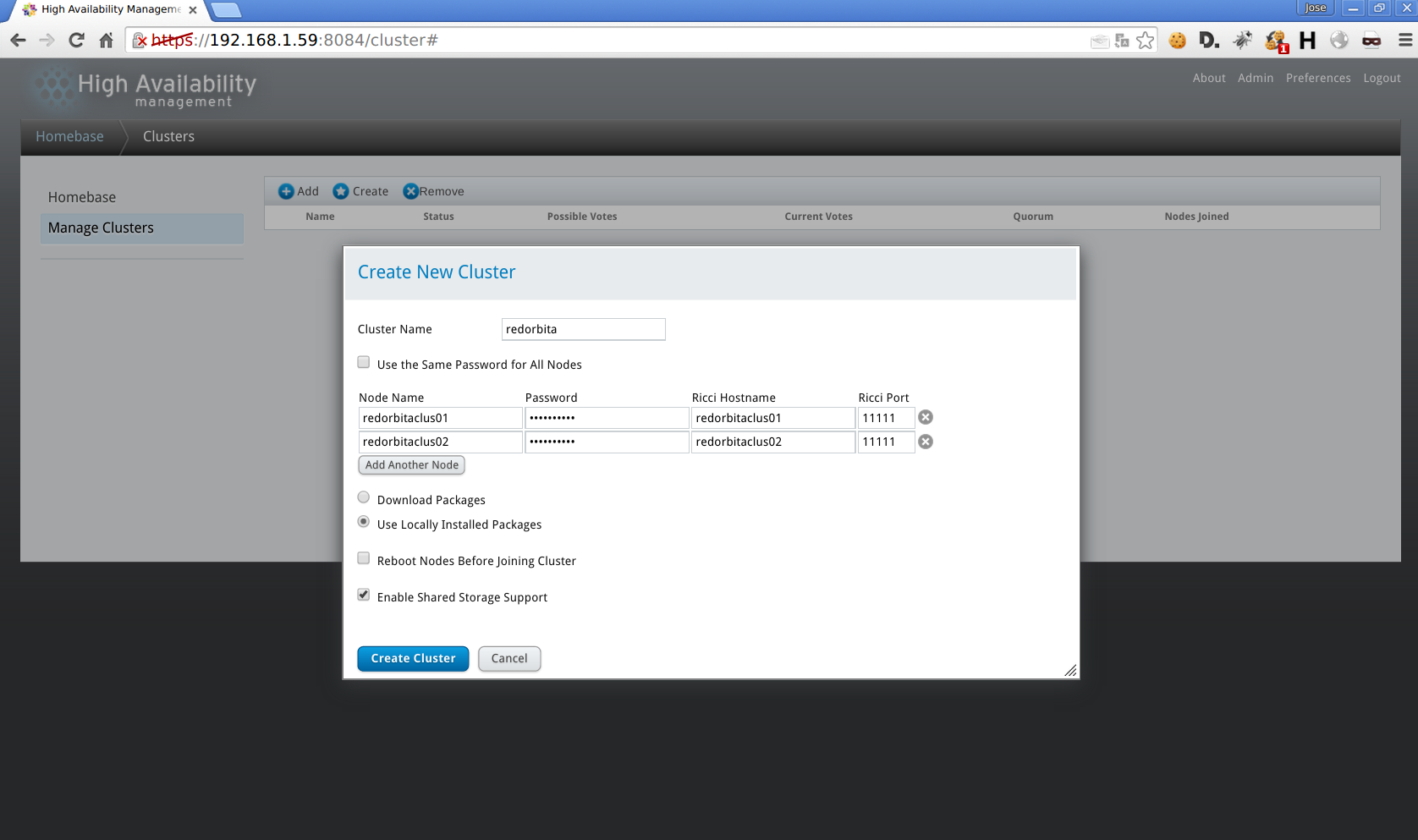
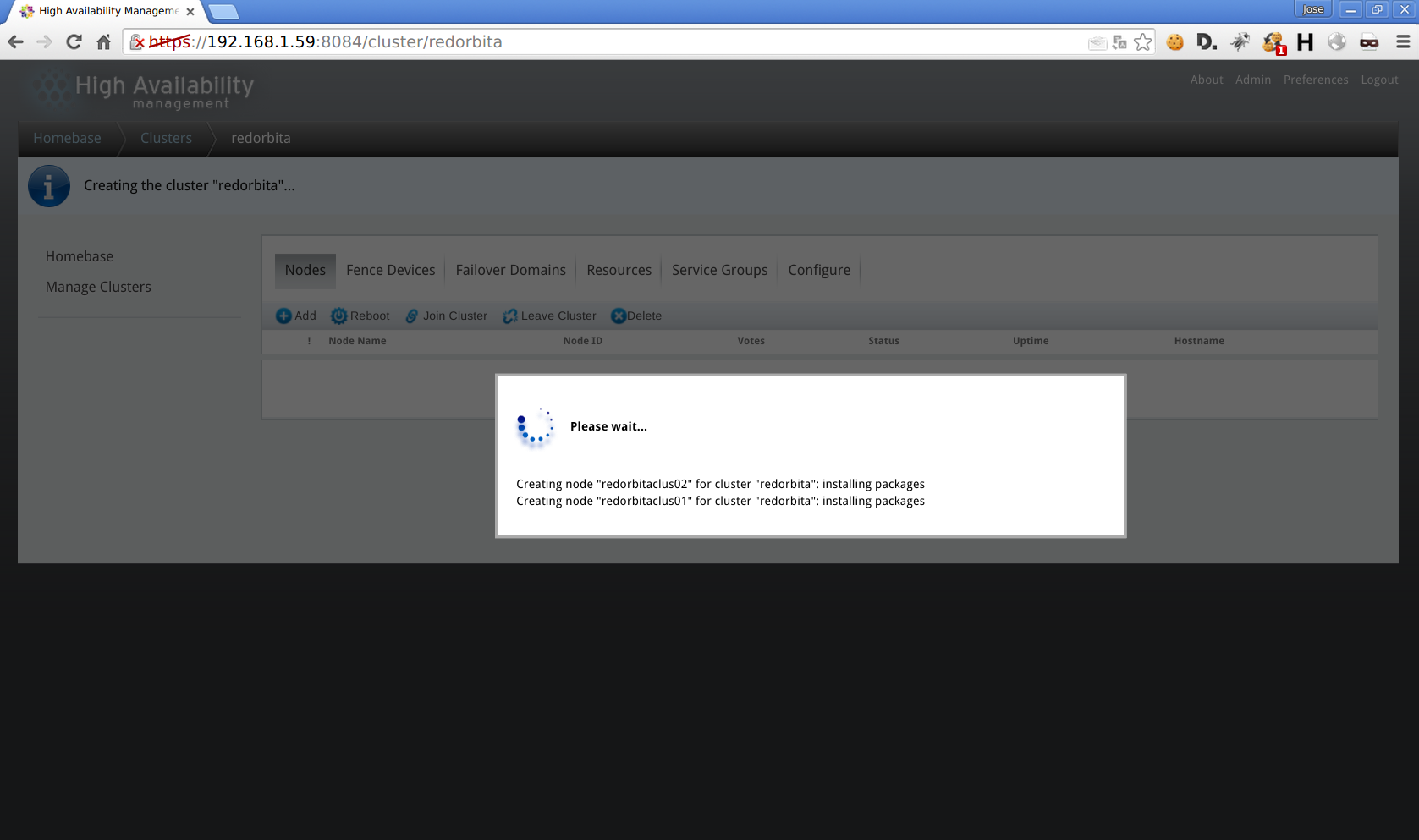
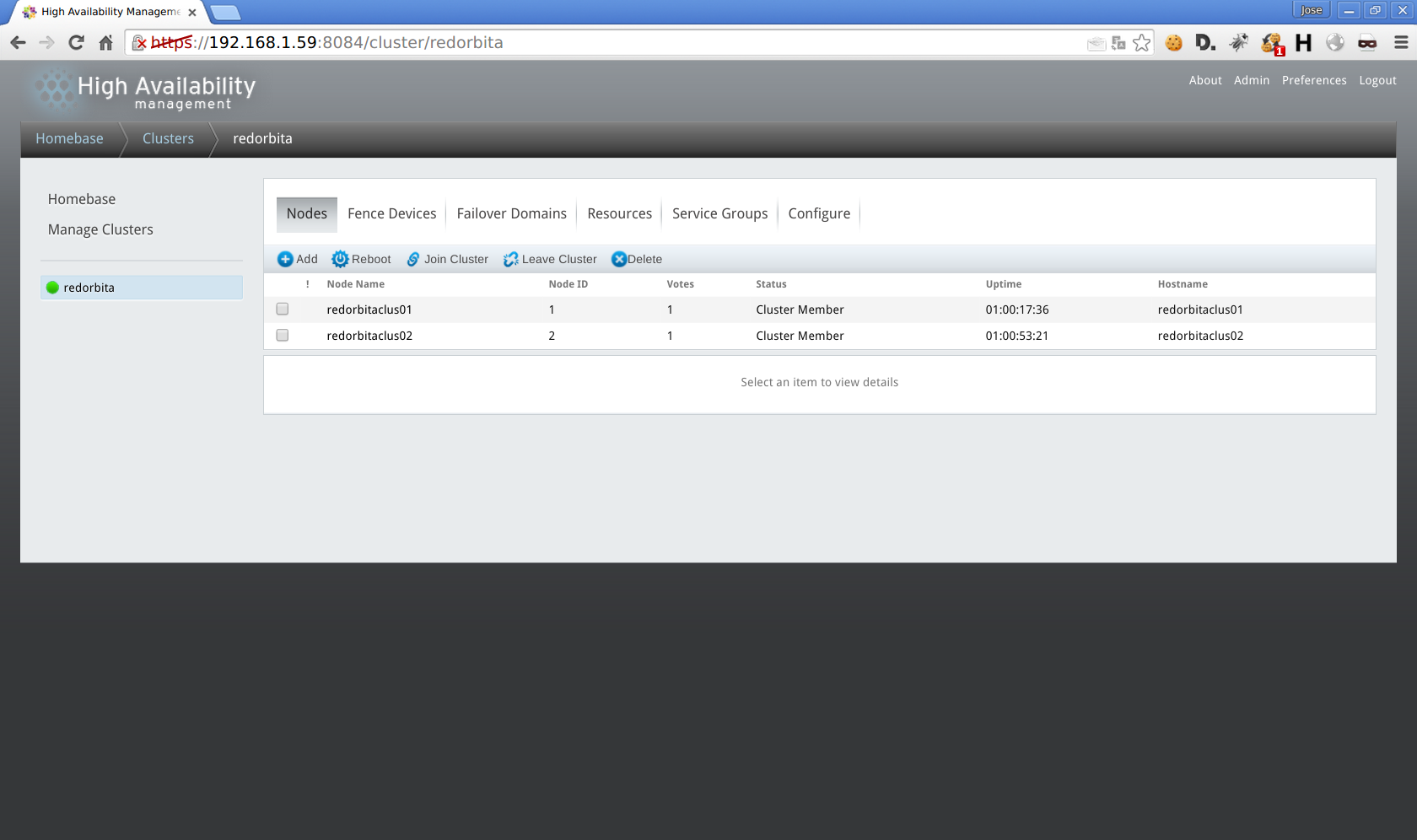
Under Configure > Qdisk
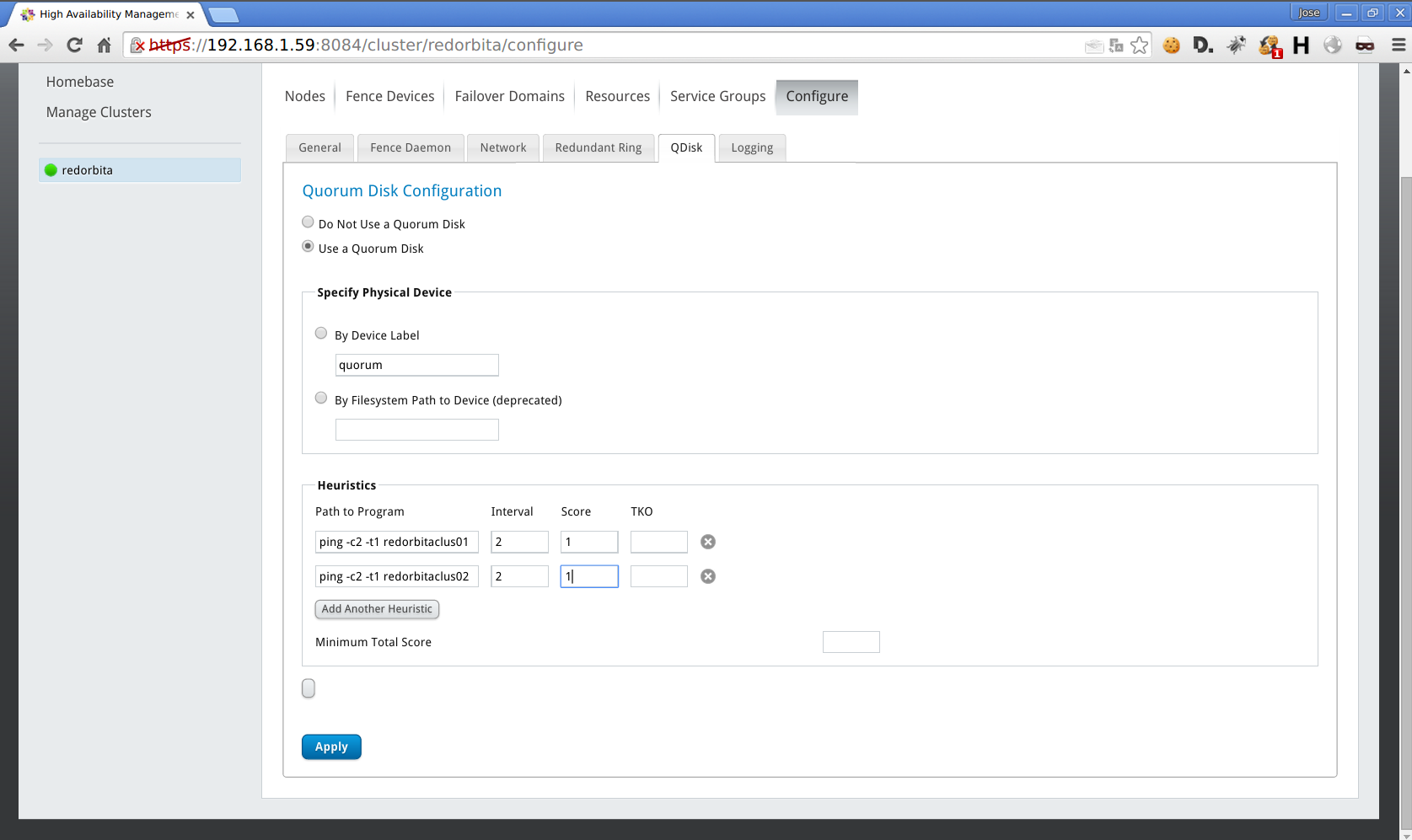
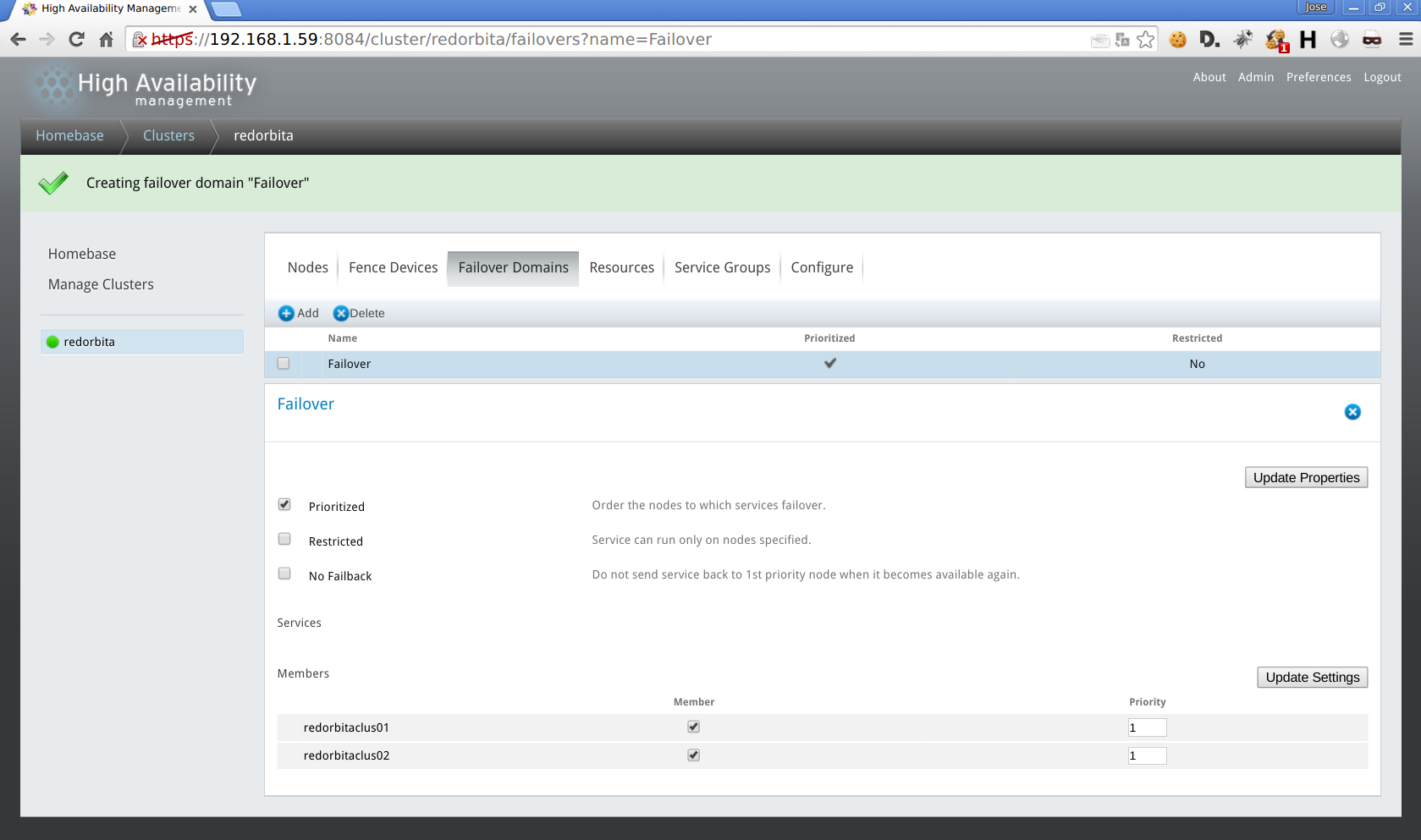
Failover Domain > add
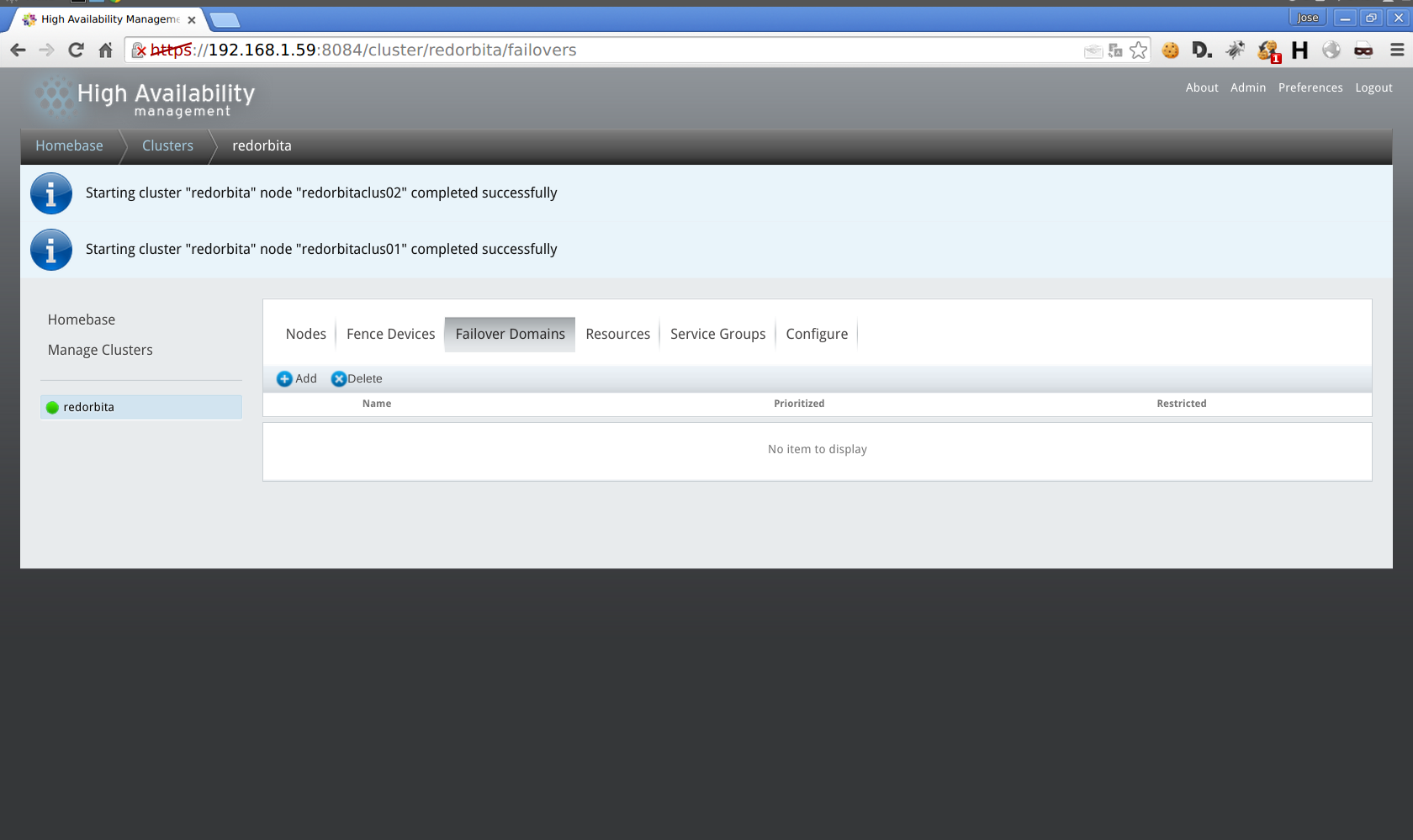
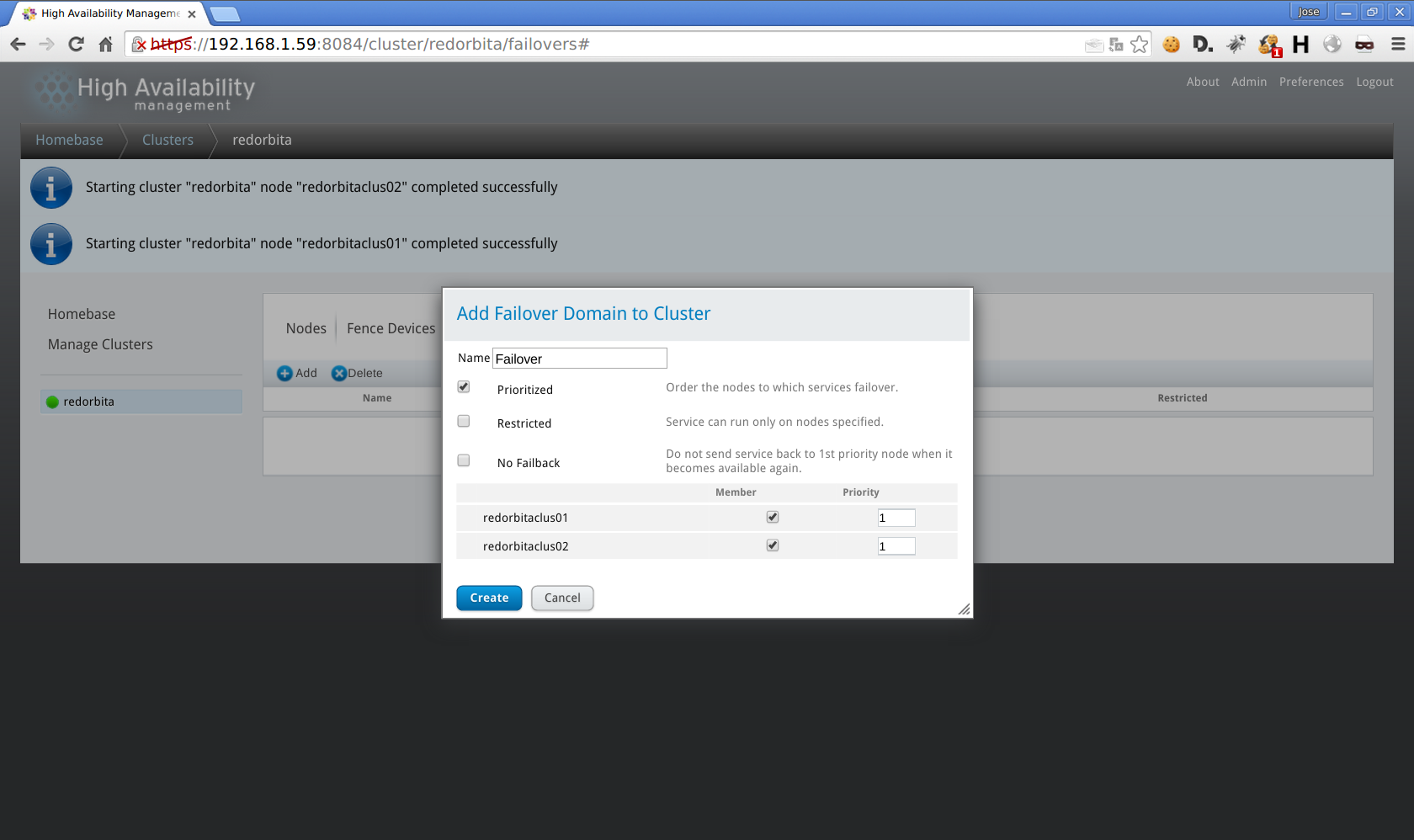
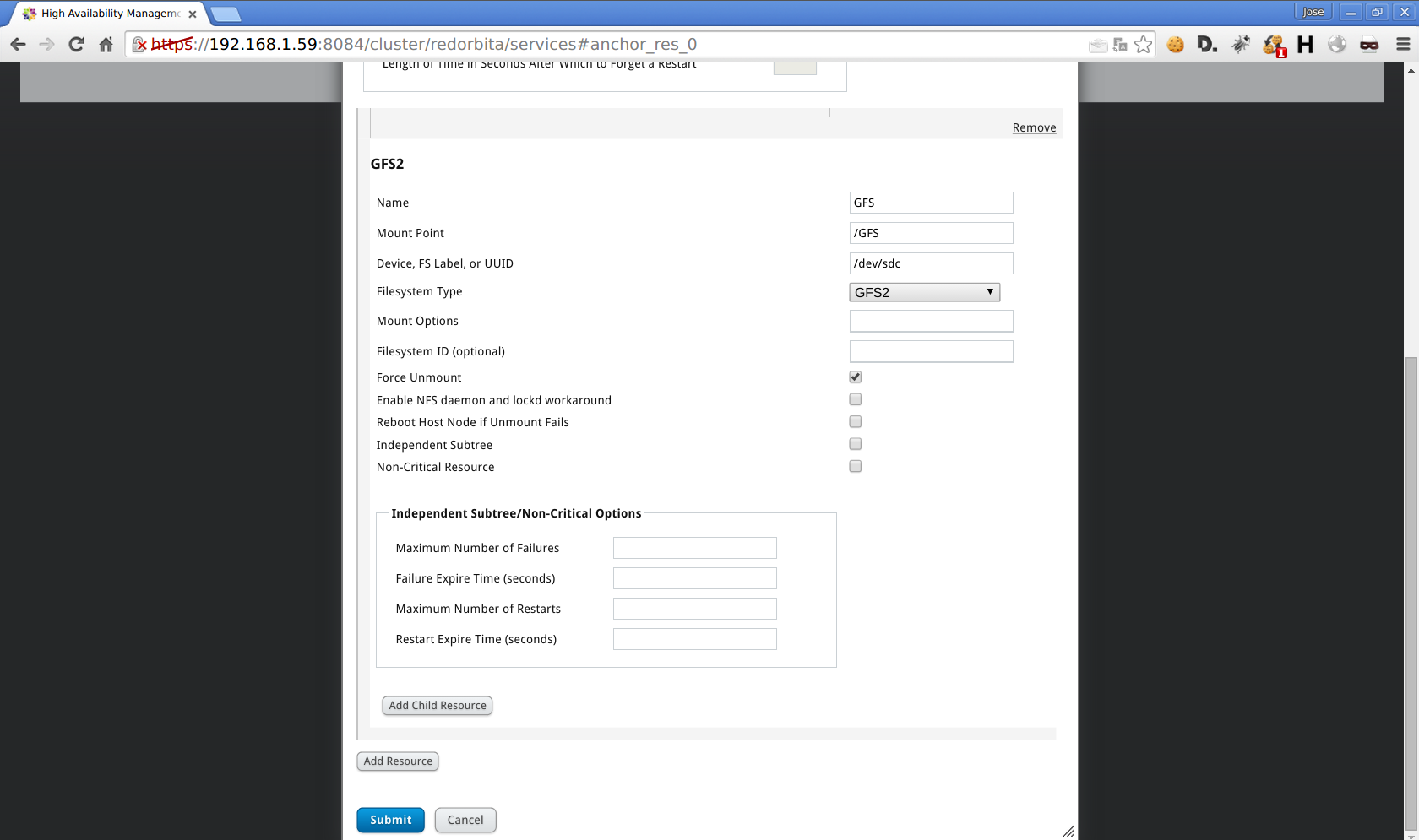
Resources > add > GFS2
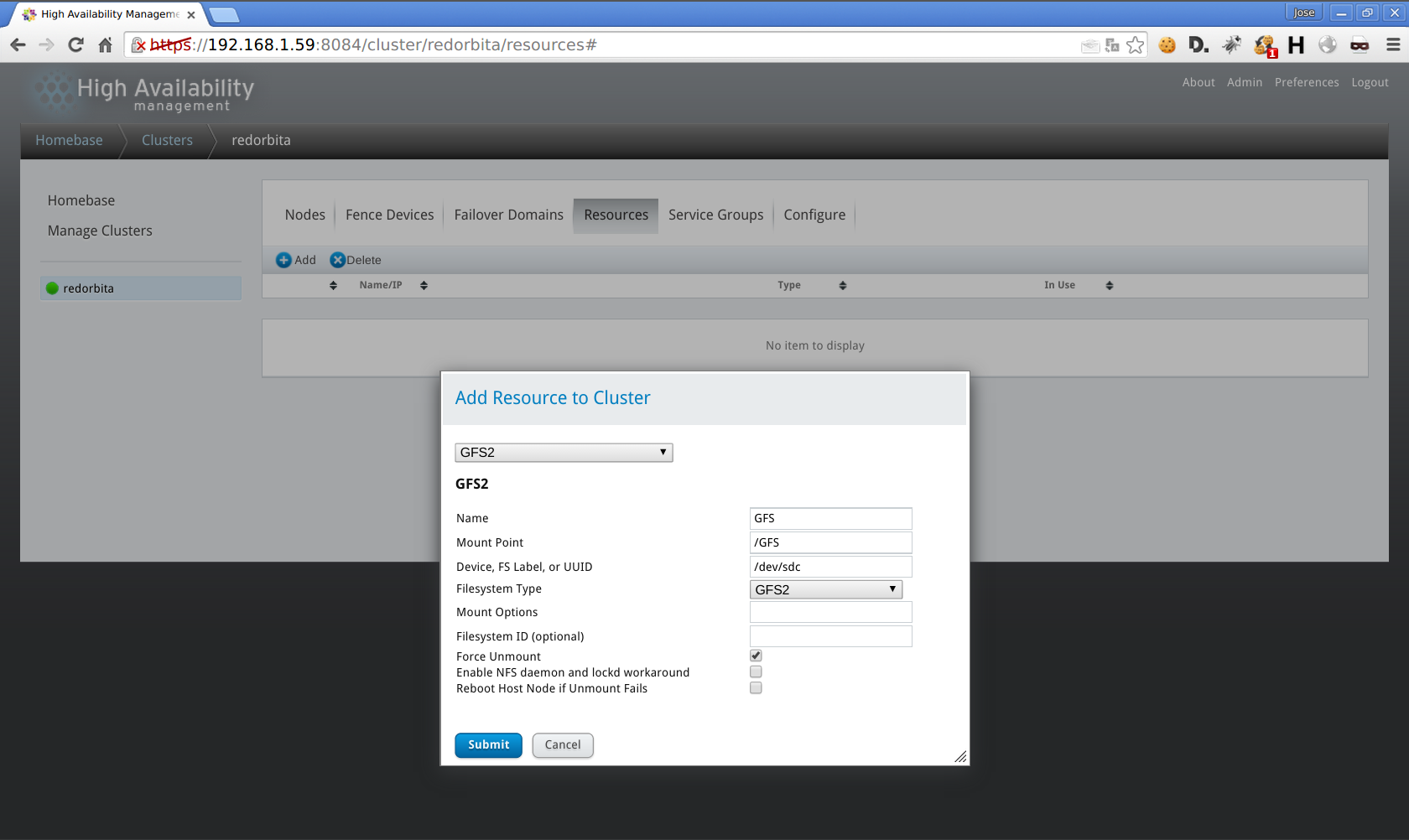
Service Group > Add
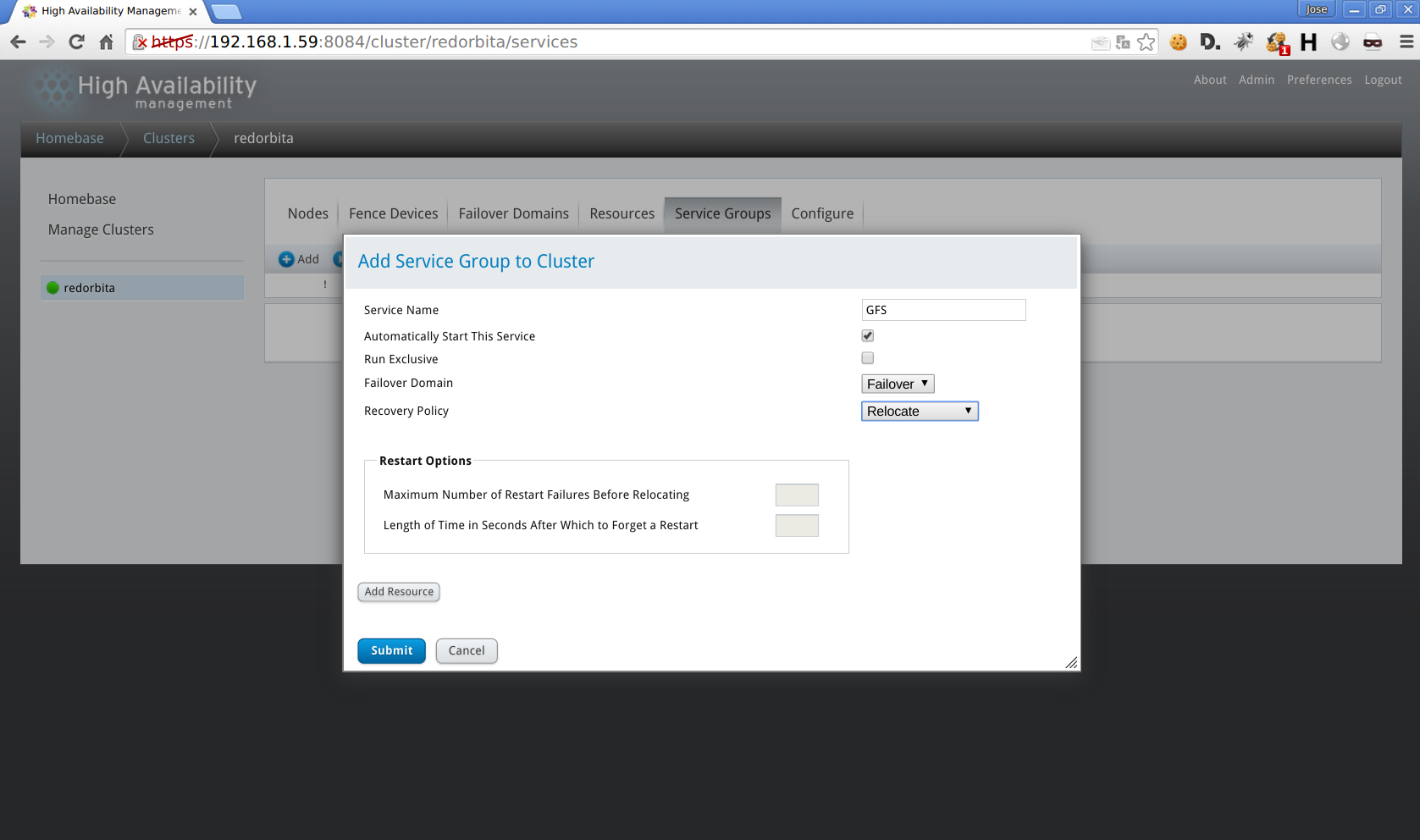
Add Recourse > Add GFS2
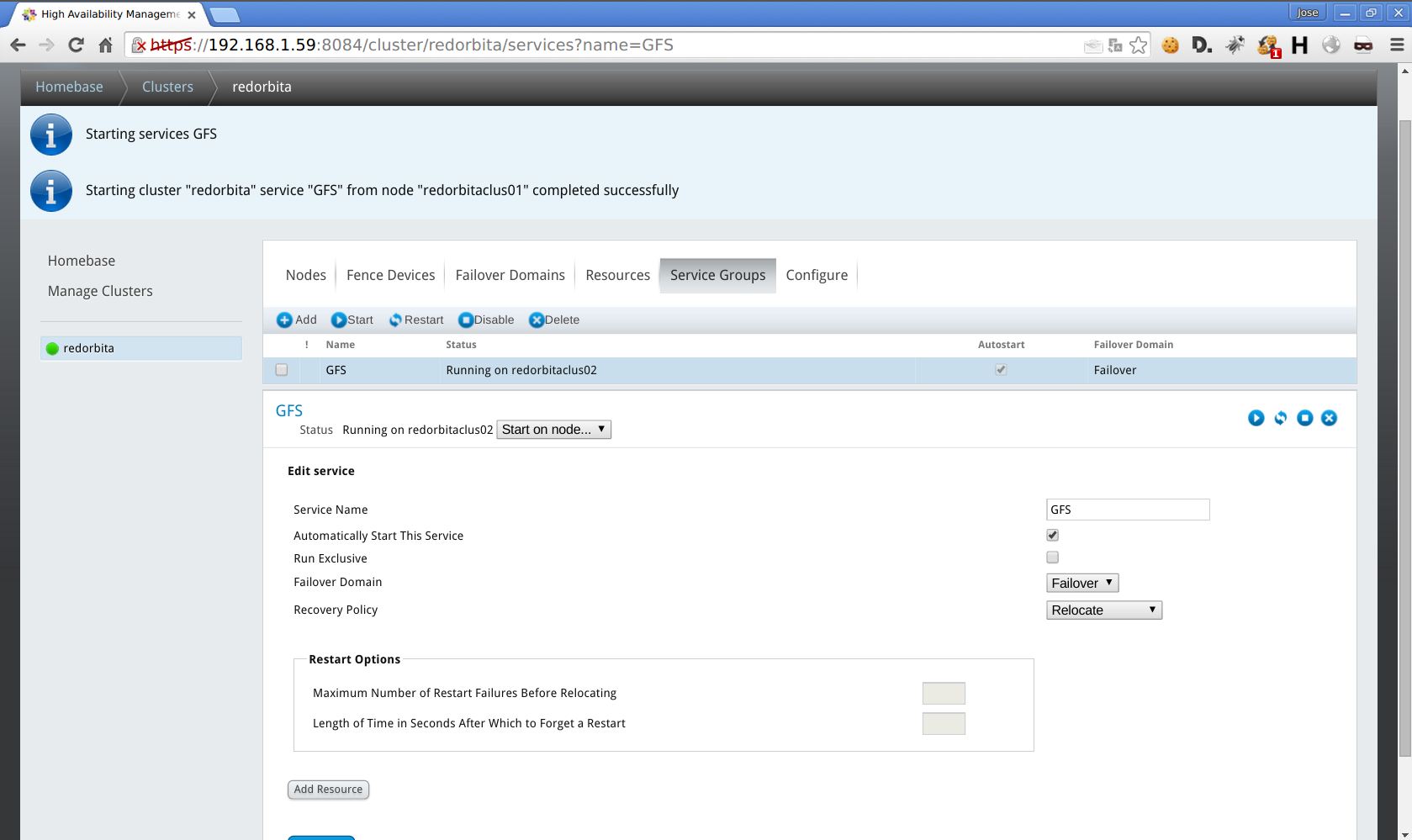
When mounting the disk it showed me the following error:
Mounting GFS2 filesystem (/GFS: fs is for a different cluster

error mounting lockproto lock_dlm
I managed to solve this error in the following way:
gfs2_tool sb /dev/sdc proto lock_nolock

You shouldn’t change any of these values if the filesystem is mounted.
Are you sure? [y/n] y
current lock protocol name = «lock_dlm»

new lock protocol name = «lock_nolock»

Done
We check the resources:
[root@redorbitaclus02 www]# clustat

Cluster Status for redorbita @ Thu Aug 6 17:38:45 2015

Member Status: Quorate
Member Name ID Status

—— —- —- ——

redorbitaclus01 1 Online, Local, rgmanager

redorbitaclus02 2 Online, rgmanager

/dev/block/8:49 0 Online, Quorum Disk
Service Name Owner (Last) State

——- —- —– —— —–

service:GFS redorbitaclus02 started
root@redorbitaclus02 log]# df -h

Filesystem Size Used Avail Use% Mounted on

/dev/mapper/vg_redorbitaclus01-lv_root 14G 2,0G 12G 16% /

tmpfs 499M 26M 474M 6% /dev/shm

/dev/sda1 485M 34M 426M 8% /boot

/dev/sdc 5,0G 259M 4,8G 6% /GFS
Regards, rokitoh
:wq!
Comments