
In this entry we are going to see how we can mount a disk from one virtual machine to another.
In this way we can move a large amount of data or migrate said data from one server to another within our cloud.
To do this, first we go to the server where the disk is now serving right button > Edit Setting > We select the disk and we click on remove > Within remove we must select the option Remove from virtual machine
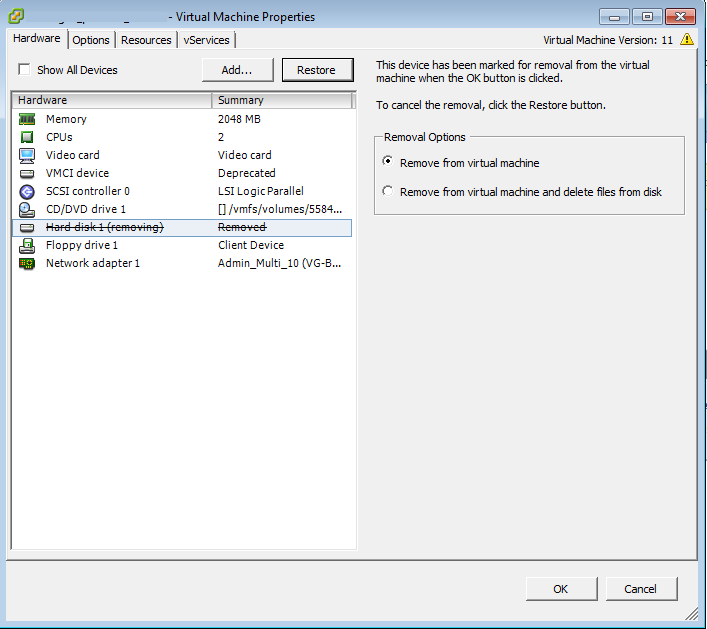
Once removed from the other server, we carry out the following operation on the server where we want to host the disk:
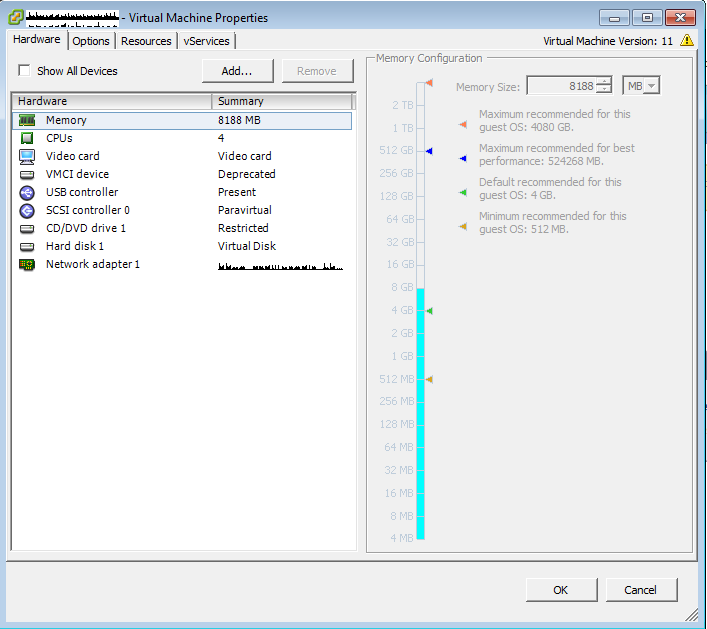
right button > Edit Setting > Add..
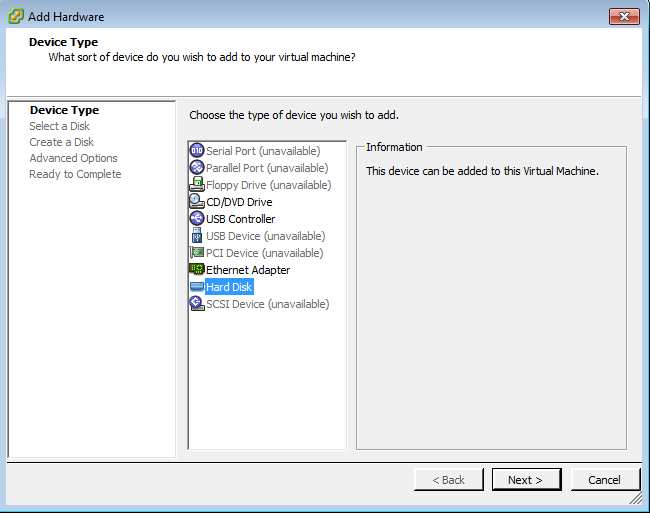
Hard Disk
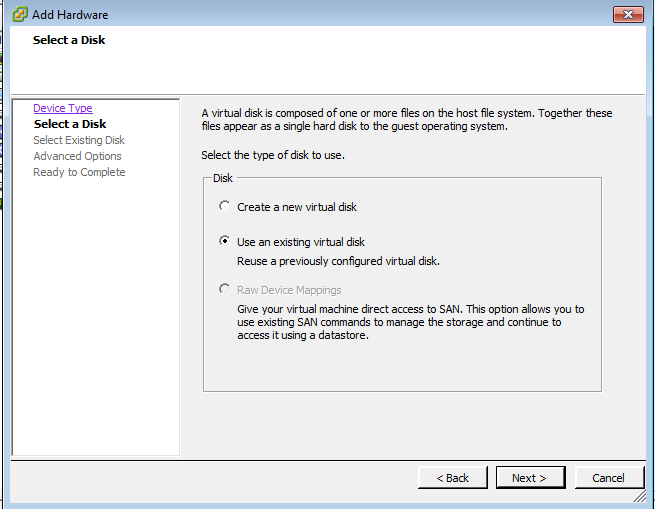
Use an existing virtual disk
through Browse We go to the path where the disk is hosted.
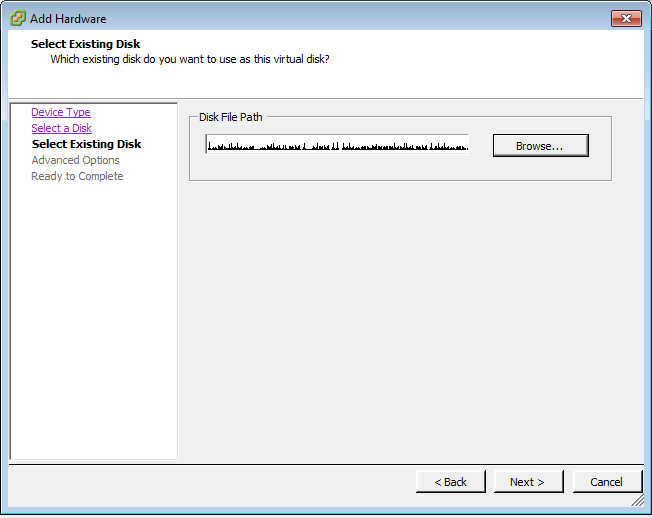
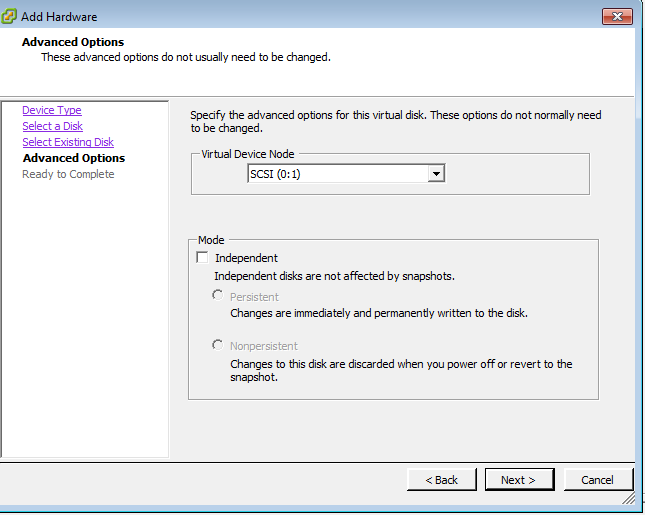
Let's leave all the options as default.
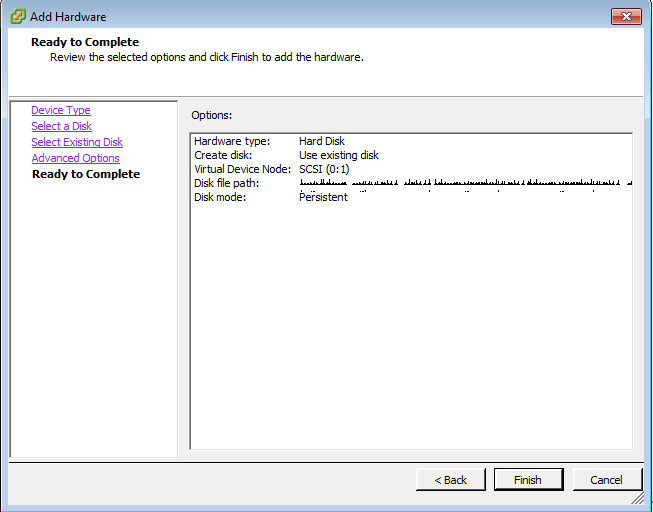
It shows us a small summary and we finish
If the disk does not automatically detect us, we should perform a rescue, to do this:
[rokitoh@redorbita ~]# echo – – – > /sys/class/scsi_host/host0/scanmediante el comando dmesg we can see the new added disk:
SCSI device sdc: 209715200 512-byte hdwr sectors (107374 MB)

sdc: Write Protect is off

sdc: Mode Sense: 31 00 00 00

sdc: cache data unavailable

sdc: assuming drive cache: write through

SCSI device sdd: 209715200 512-byte hdwr sectors (107374 MB)

sdd: Write Protect is off

sdd: Mode Sense: 31 00 00 00

sdd: cache data unavailable

sdd: assuming drive cache: write through

sdd: unknown partition table

sd 0:0:2:0: Attached scsi disk sdd

sd 0:0:2:0: Attached scsi generic sg2 type 0
Una vez añadido solo queda montarlo:
[rokitoh@redorbita ~]# mount /dev/sdd /datosall the best
Comments