
In the previous entry we saw how to expand a volume in Pure Storage, this time it is Netapp's turn.
Expand a volume
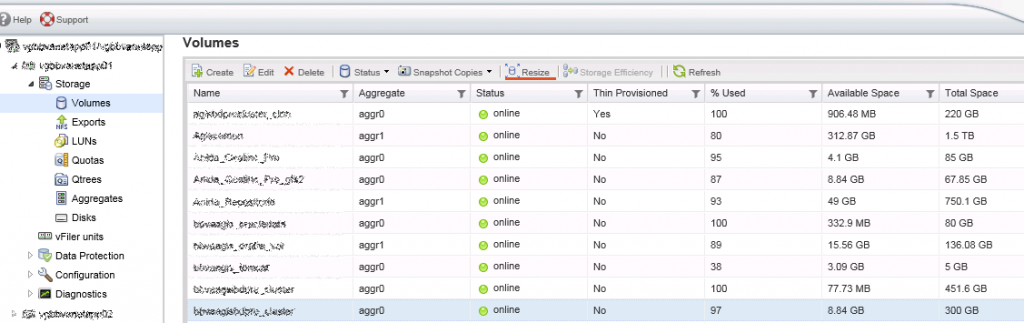
To expand a volume we go to: Storage > Volumes, we select the volume and we press on Resize.
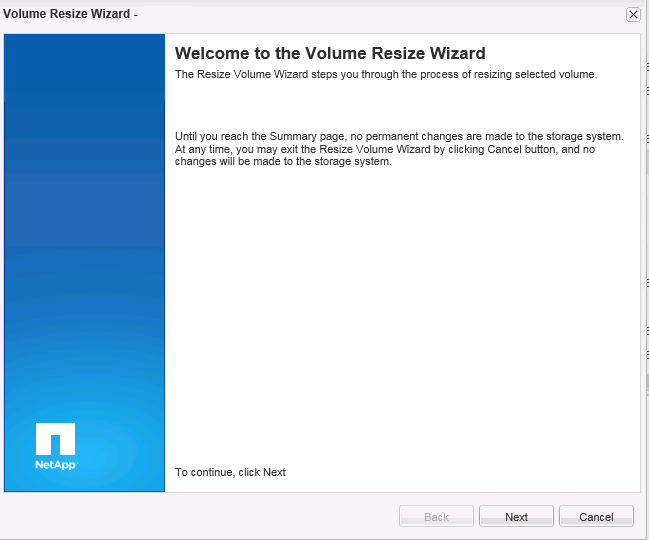
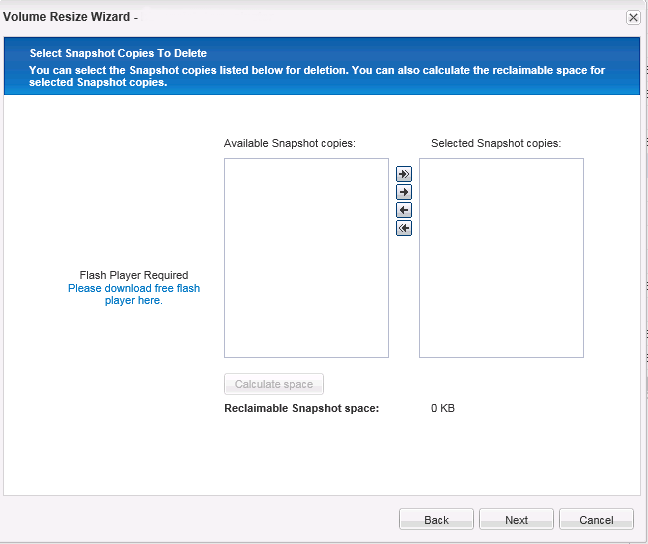
The configuration wizard opens, Next
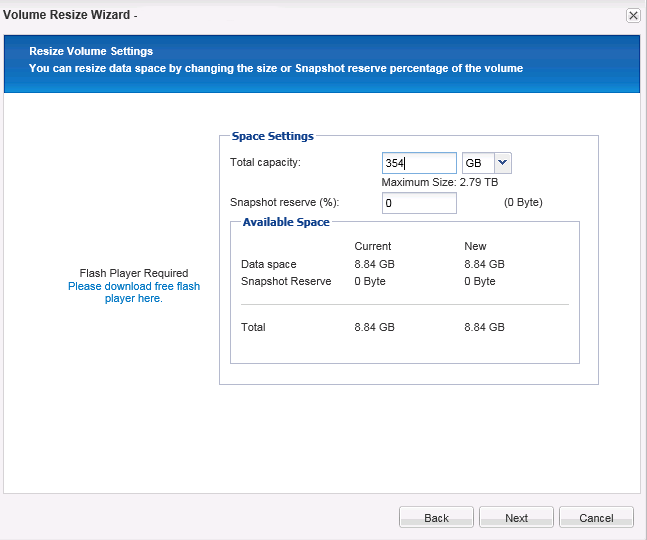
We assign the size
Next
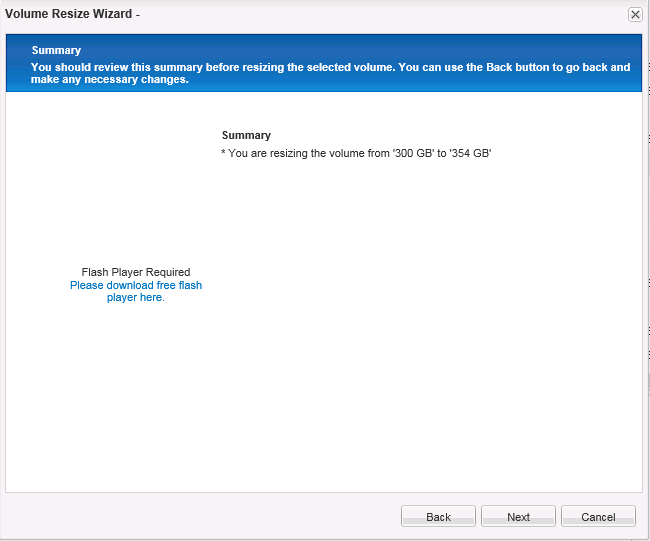
Shows a small summary.
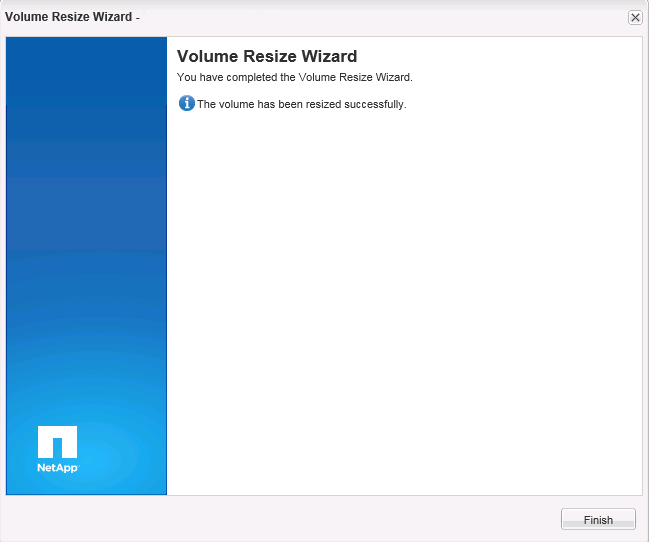
We finish the volume configuration.
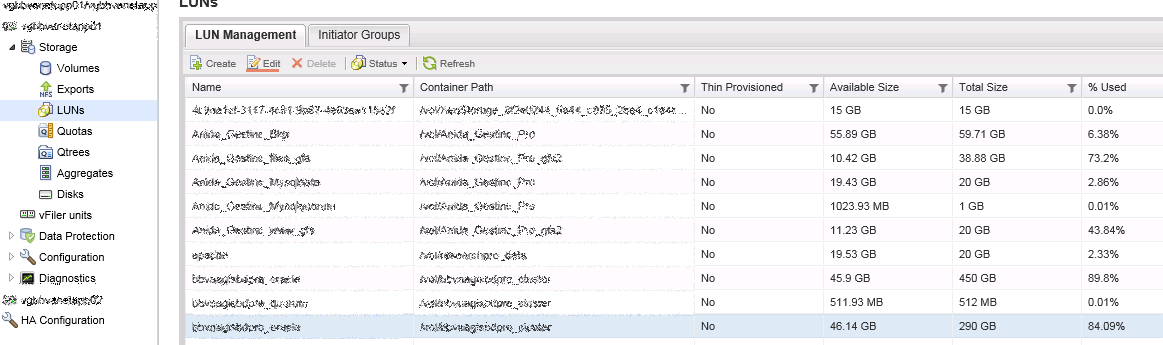
Once the volume has been expanded we have to go to LUNs > Select the LUN associated with the volume > Edit
We configure the size of the LUN and save
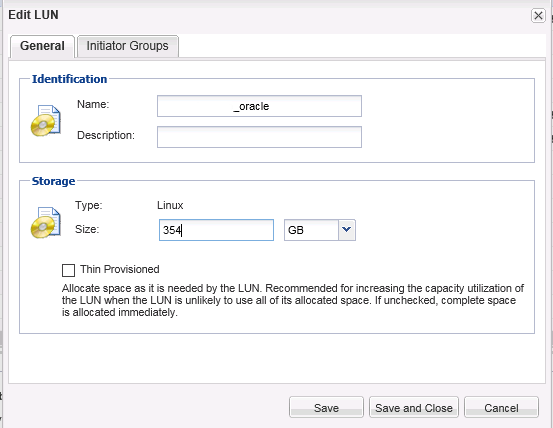
Once expanded we must go to the server which is providing service and force it to scan the volume again.
We check the size:
[rokitoh@redorbita device]#  multipath -ll
oracle (360a9800037534b79735d425646636239) dm-8 NETAPP,LUN

size=290G features=’0′ hwhandler=’0′ wp=rw

`-+- policy=’round-robin 0′ prio=1 status=active

|- 12:0:0:1 sds 65:32 active ready running

`- 11:0:0:1 sdv 65:80 active ready running
As we can see, the disk is using the dm-8
To ask the system to rescan the bus we must launch the following echo. (the path could vary since you can use another dm and sd, to see the path perform an ls to: /sys/class/block/[corresponding DM]/slaves)
echo «- – -«/sys/class/block/dm-8/slaves/sdv/device/rescan
echo «- – -«/sys/class/block/dm-8/slaves/sds/device/rescan
We restart the multipath.
[rokitoh@redorbita device]# multipath -rOnce the multipath has been restarted it should show us the correct size.
[rokitoh@redorbita device]#  multipath -ll
oracle (360a9800037534b79735d425646636239) dm-8 NETAPP,LUN

size=354G features=’0′ hwhandler=’0′ wp=rw

`-+- policy=’round-robin 0′ prio=1 status=active

|- 12:0:0:1 sds 65:32 active ready running

`- 11:0:0:1 sdv 65:80 active ready running
We check the physical volume using the pvscan command.
[rokitoh@redorbita device]# pvscan

PV /dev/mapper/oracle VG vg_oracle lvm2 [290.00 GiB / 14.00 GiB free]
We extend the physical volume
[rokitoh@redorbita device]# pvresize /dev/mapper/oracle

Physical volume “/dev/mapper/oracle” changed

1 physical volume(s) resized / 0 physical volume(s) not resized
Once extended, we check again using the pvscan command if the volume has been extended correctly.
[rokitoh@redorbita device]# pvscan
PV /dev/mapper/oracle VG vg_oracle lvm2 [354.00 GiB / 78.00 GiB free]
All the best.
:wq!
Comments