¿Que es Zevenet?
Zevenet es una solución para el balanceo de carga que proporciona una alta disponibilidad para servicios TCP, UDP, HTTP y HTTPS.
Instalación
Debemos instalar dos nodos (master y backup), en el sistema de instalación solo mostrare la instalaciónde un nodo dado que es como si instalasemos un Debian normal y corriente,
para comenzar accedemos al repositorio y nos descargamos la ultima versión de Zevenet Comunity
https://sourceforge.net/projects/zevenet/files/latest/download
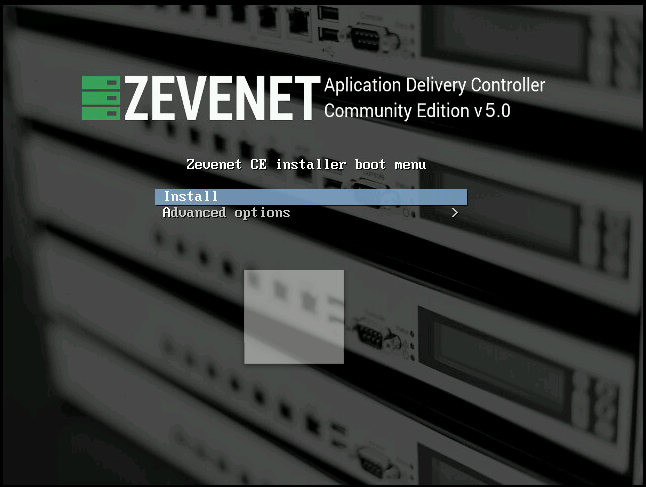
Iniciamos mediante el CD-ROM y presinamos a instalar.
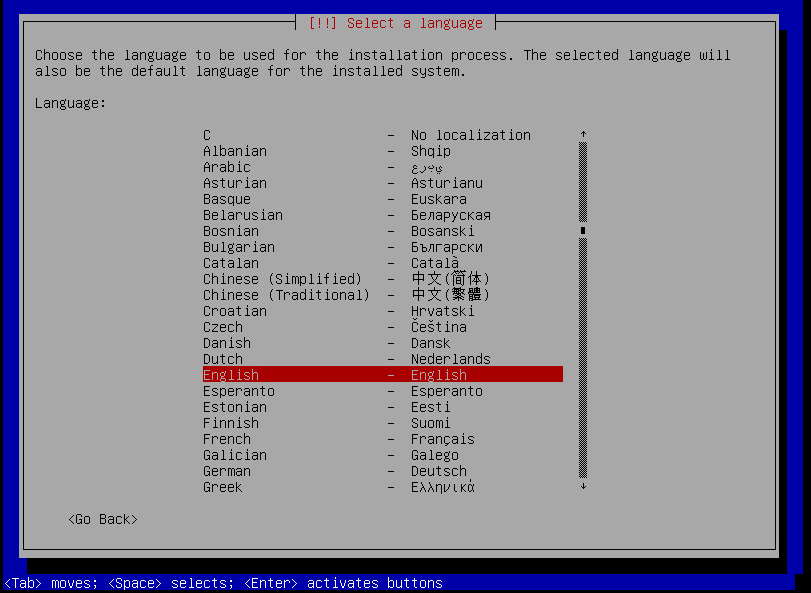
Seleccionamos idioma
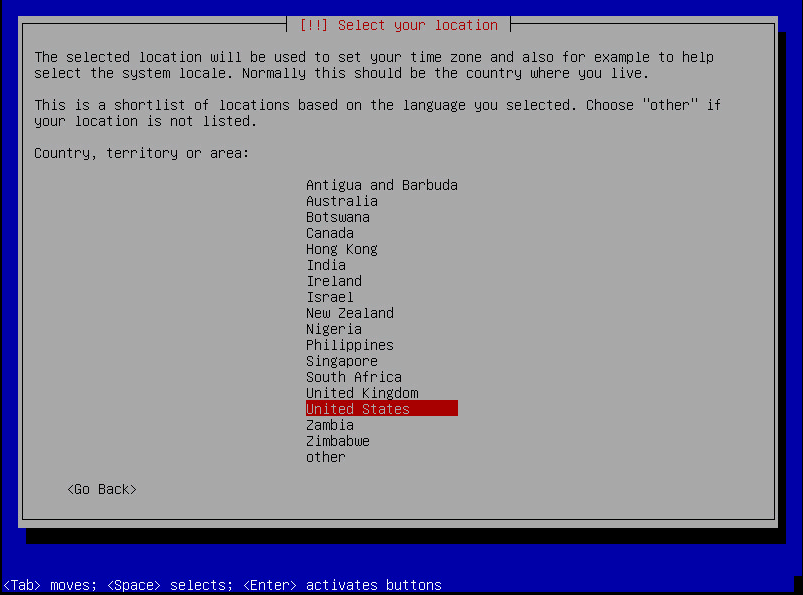
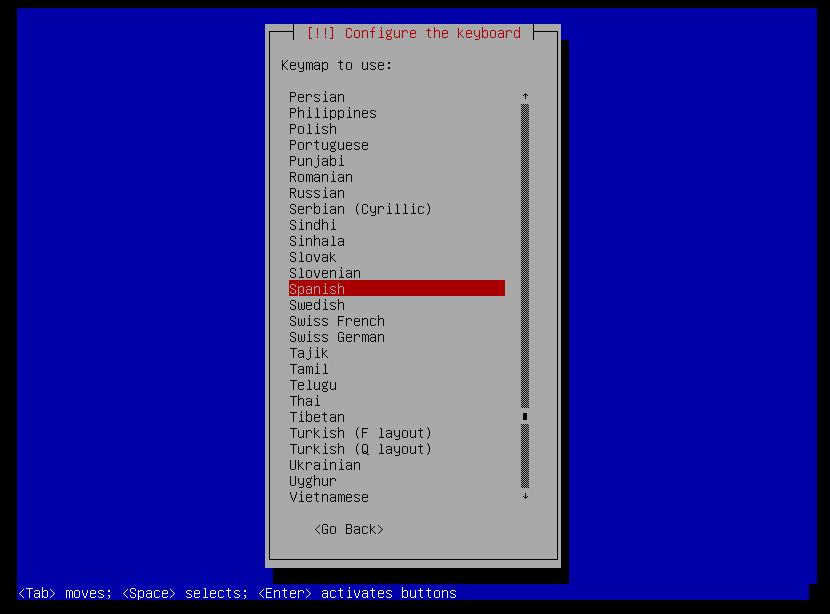
Confiugramos el idioma del teclado.
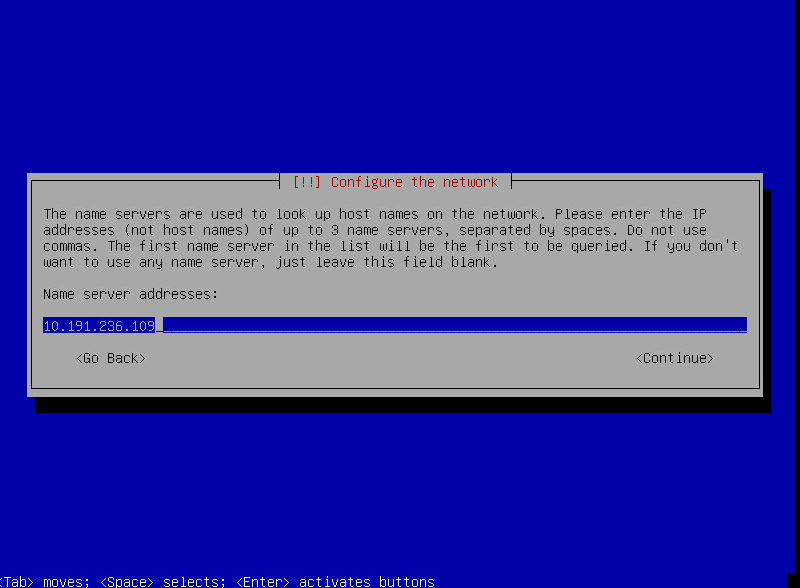
Configuramos el direccionamiento IP
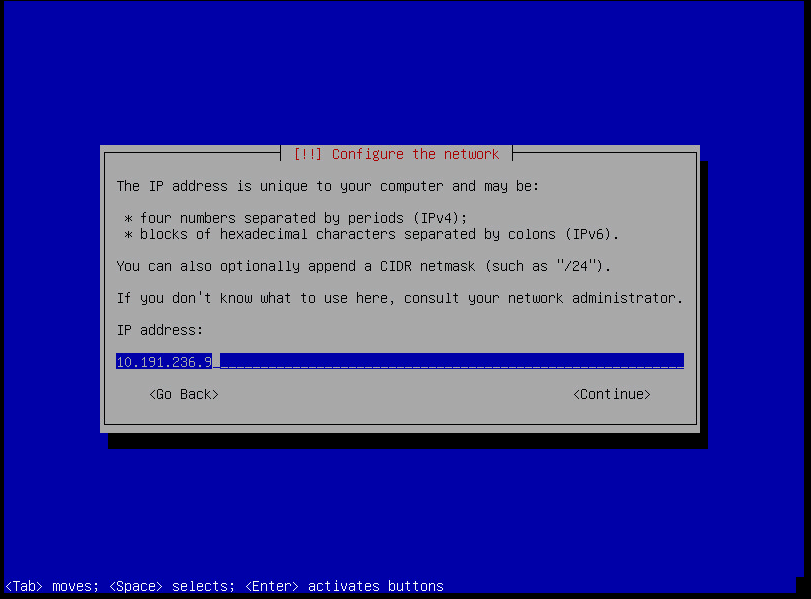
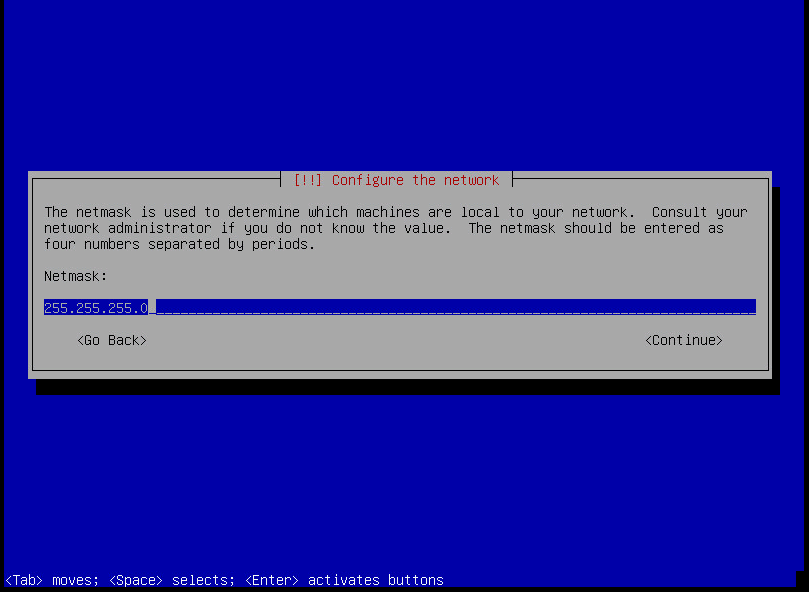
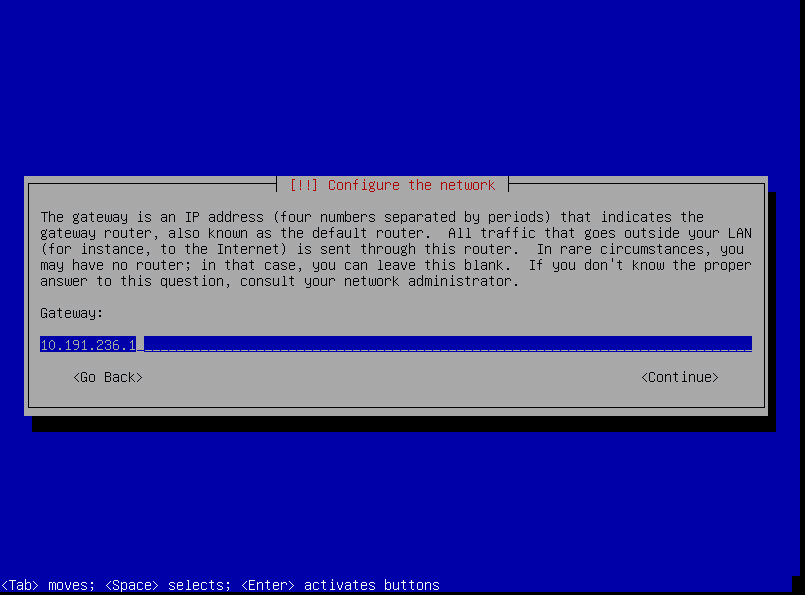
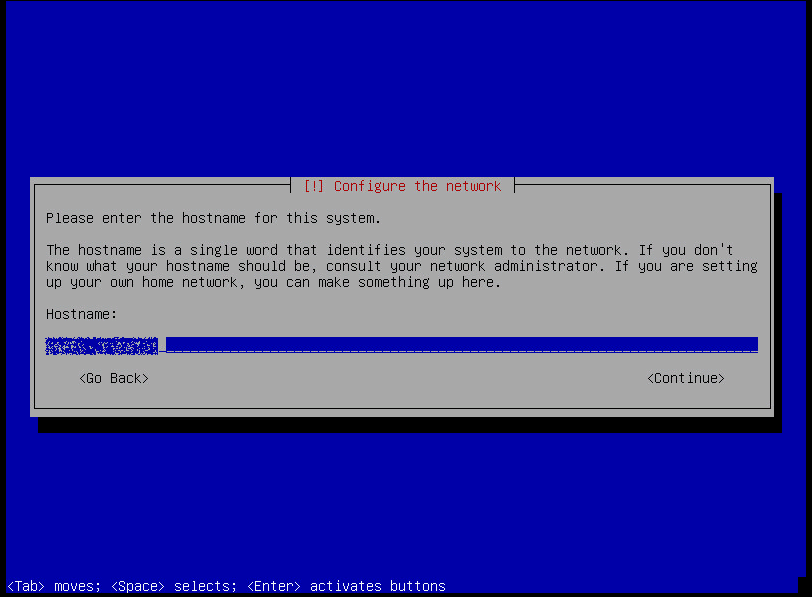
Otorgamos un nonbre al servidor.
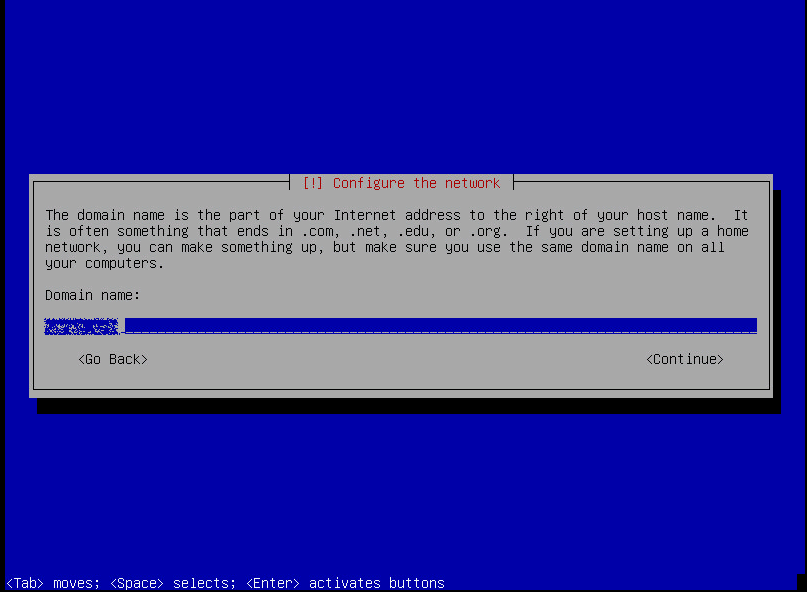
Dominio.
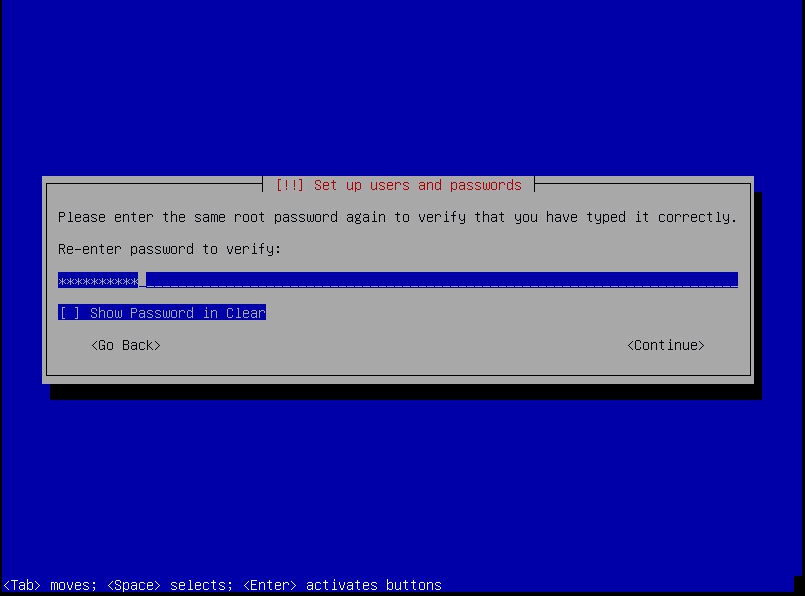
Contraseña de root
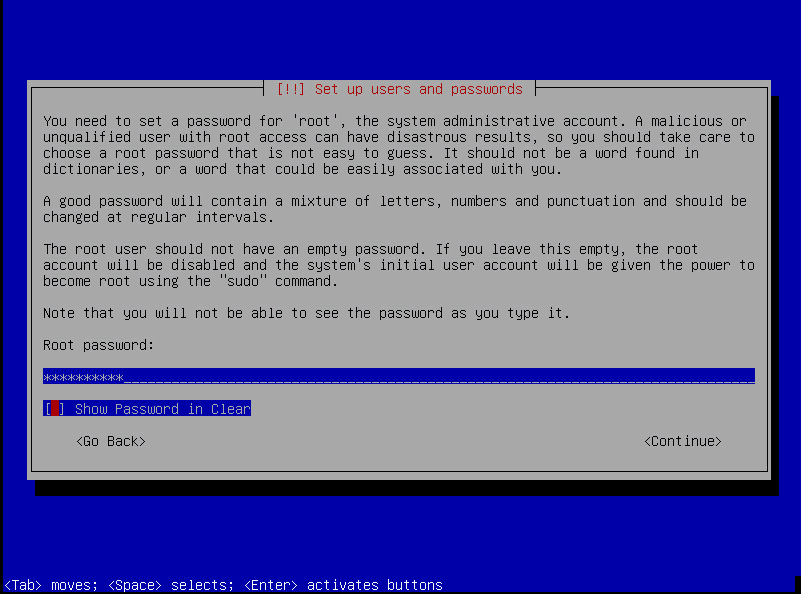
Zona horaria.
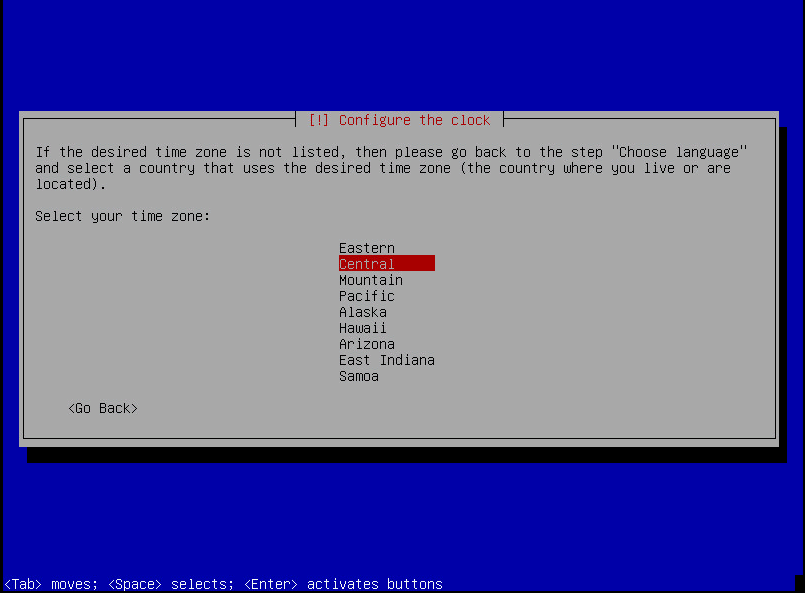
Para que el manual no se alargue voy a configurar que utilice todo el disco a la hora de realizar el particonado.
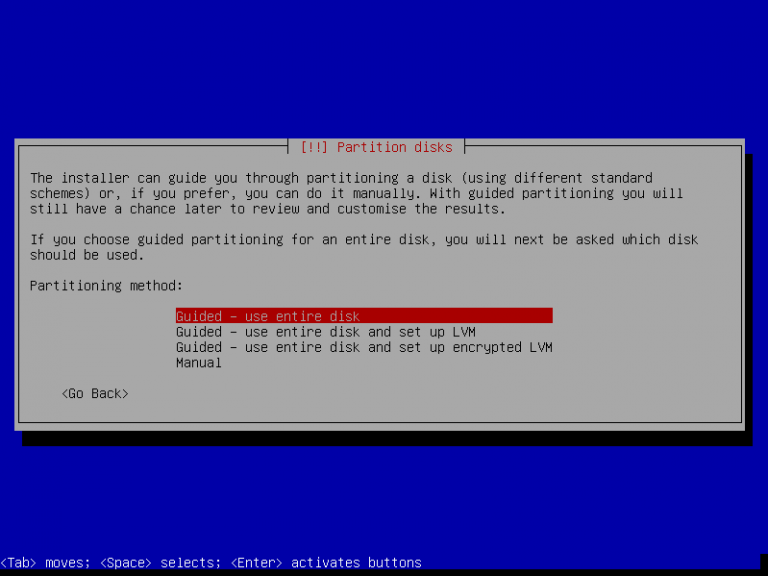
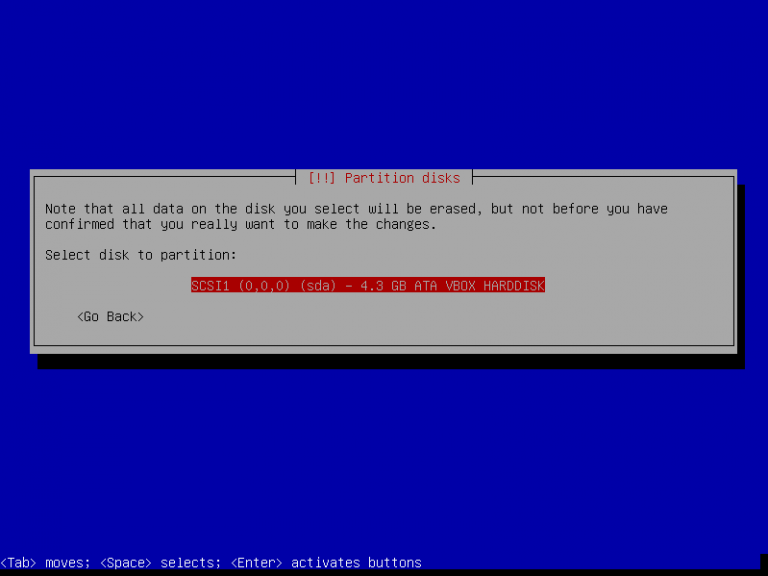
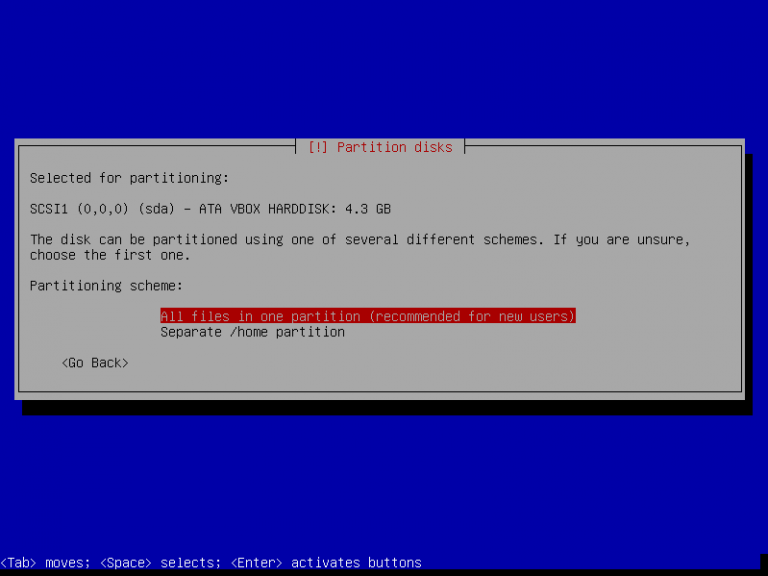
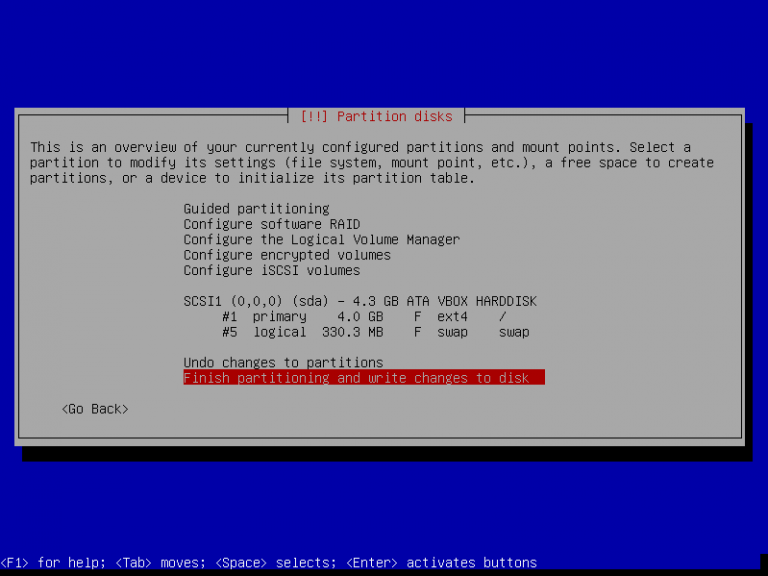
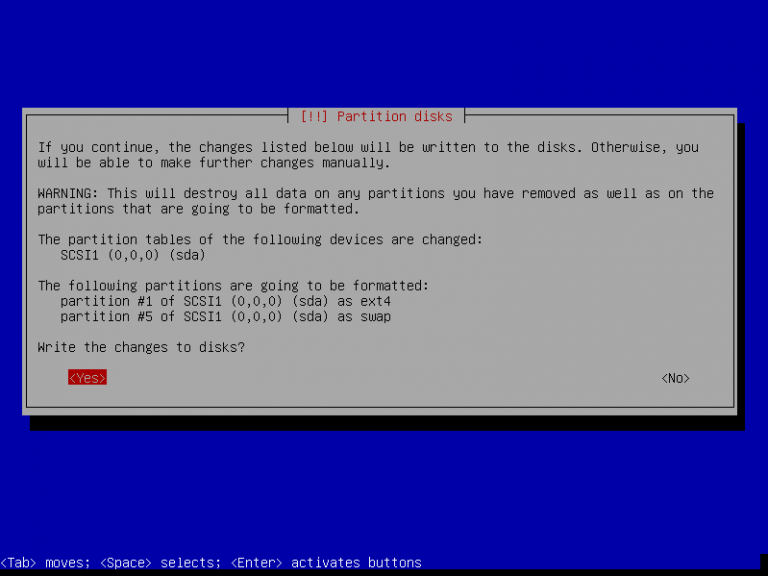
Empieza a realizar la instalación del sistema.
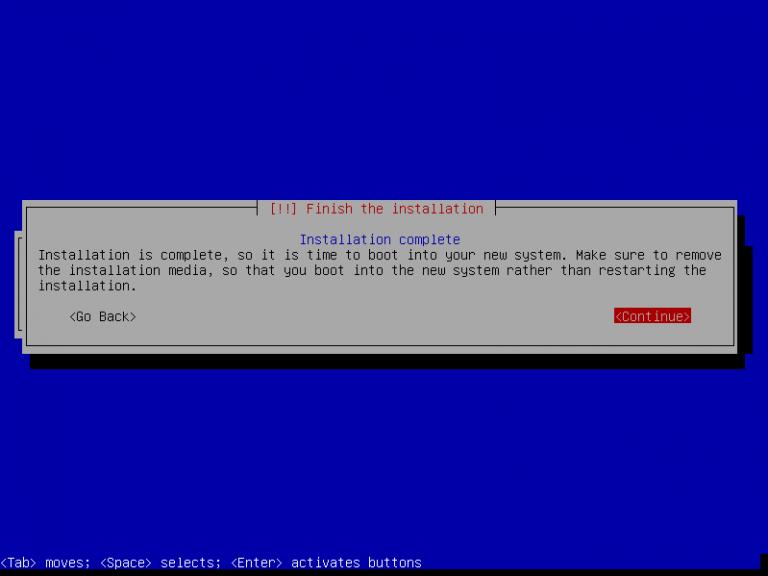
Accedemos mediante SSH y configuramos el repositorio (ambos nodos)
echo «deb http://repo.zevenet.com/ce/v5/ stretch main» >> /etc/apt/sources.list
wget -O – http://repo.zevenet.com/zevenet.com.gpg.key | apt-key add –
apt-get install zevenet
Instalamos el paquete del cluster (ambos nodos)
apt-get install zevenet-ce-clusterA continuación configuramos el VRRP
Nodo Master:
cat /usr/local/zevenet/app/ucarp/etc/zevenet-cluster.conf
############
###UCARP config section
#############
#Configuration section for zevenet-ce-cluster service UCARP SERVICE
######
#binary for ucarp
$ucarp=»/usr/local/zevenet/app/ucarp/sbin/ucarp»;
#deadratio value, for cloud 10 secs is recommended, for physical 2 secs commended.
$dead_ratio=»2″;
#interface used for the cluster where is configured local_ip and remote_ip
$interface=»eth0″;
#local IP to be monitored, i e 192.168.0.101
$local_ip=»10.191.236.9″;
#remote IP to be monitored, i e 192.168.0.102
$remote_ip=»10.191.236.10″;
#used password for vrrp protocol communication
$password=»secret»;
#unique value for vrrp cluster in the network
$cluster_id=»3122″;
#used virtual IP in the cluster, this ip will run always in the master node
$cluster_ip=»10.191.236.7″;
#script executed when node becomes MASTER
$up_script=»/usr/local/zevenet/app/ucarp/sbin/zevenet-ce-cluster-start»;
#script executed when node becomes BACKUP
$down_script=»/usr/local/zevenet/app/ucarp/sbin/zevenet-ce-cluster-stop»;
#script executed when node needs to send an advertisement
$adver_script=»/usr/local/zevenet/app/ucarp/sbin/zevenet-ce-cluster-advertisement»;
############
##ZENINOTIFY config section
############
#Configuration section for zeninotify service
####
#replication config dir
$configdir=»/usr/local/zevenet/config»;
#replication of rt_tables file
$rttables=»/etc/iproute2/rt_tables»;
#where to save logs
$zeninolog=»/var/log/zeninotify.log»;
#binary for rsync
$rsync=»/usr/bin/rsync»;
#params for rsync
$zenrsync=»-auzv –delete»;
#IMPORTANT!!!!! remote IP,ssh without password required use id_rsa.pub key
#used variable $remote_ip
########
##exclude files to be replicated, management interface should be included, ie eth0
###ie, file1 and file2 need to be excluded: «–exclude file1 –exclude file2″
########
$exclude=»–exclude if_eth0_conf»;
Nodo BACKUP
############
###UCARP config section
#############
#Configuration section for zevenet-ce-cluster service UCARP SERVICE
######
#binary for ucarp
$ucarp=»/usr/local/zevenet/app/ucarp/sbin/ucarp»;
#deadratio value, for cloud 10 secs is recommended, for physical 2 secs commended.
$dead_ratio=»2″;
#interface used for the cluster where is configured local_ip and remote_ip
$interface=»eth0″;
#local IP to be monitored, i e 192.168.0.101
$local_ip=»10.191.236.10″;
#remote IP to be monitored, i e 192.168.0.102
$remote_ip=»10.191.236.9″;
#used password for vrrp protocol communication
$password=»secret»;
#unique value for vrrp cluster in the network
$cluster_id=»3122″;
#used virtual IP in the cluster, this ip will run always in the master node
$cluster_ip=»10.191.236.7″;
#script executed when node becomes MASTER
$up_script=»/usr/local/zevenet/app/ucarp/sbin/zevenet-ce-cluster-start»;
#script executed when node becomes BACKUP
$down_script=»/usr/local/zevenet/app/ucarp/sbin/zevenet-ce-cluster-stop»;
#script executed when node needs to send an advertisement
$adver_script=»/usr/local/zevenet/app/ucarp/sbin/zevenet-ce-cluster-advertisement»;
############
##ZENINOTIFY config section
############
#Configuration section for zeninotify service
####
#replication config dir
$configdir=»/usr/local/zevenet/config»;
#replication of rt_tables file
$rttables=»/etc/iproute2/rt_tables»;
#where to save logs
$zeninolog=»/var/log/zeninotify.log»;
#binary for rsync
$rsync=»/usr/bin/rsync»;
#params for rsync
$zenrsync=»-auzv –delete»;
#IMPORTANT!!!!! remote IP,ssh without password required use id_rsa.pub key
#used variable $remote_ip
########
##exclude files to be replicated, management interface should be included, ie eth0
###ie, file1 and file2 need to be excluded: «–exclude file1 –exclude file2″
########
$exclude=»–exclude if_eth0_conf»;
Accedemos mediante nuestro navegador al nodo master por el puerto 444
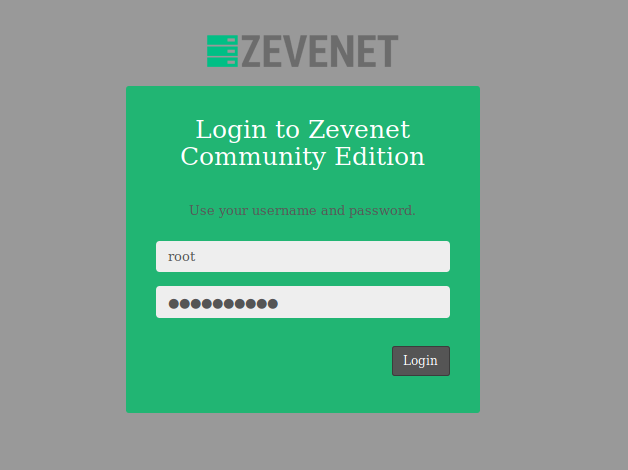
Nos vamos a Network > Virtual Interfaces > Create Virtual Iface y generamos un dirección virtual para la VIP del VRRP

Comprobamos que inicia correctamente la interfaz

Iniciamos en ambos nodos el servicio de cluster
/etc/init.d/zevenet-ce-cluster startSi accedemos a los dos servidores ahora por SSH tenemos que observar que el promt nos aparece lo siguiente:
Master:

[master] root@lb1>
Backup:

[backup] root@lb2>
:wq!

Comentarios